1. Introducció
This manual provides instructions for the installation, operation, and maintenance of your DIGITUS DN-70542 Wireless LAN USB 2.0 Adapter. This device allows your computer to connect to a wireless network using the 802.11n standard, offering data transfer rates of up to 300 Mbps.
The adapter is backward compatible with IEEE 802.11g and 802.11b standards and operates within the 2.4-2.4835GHz frequency range. It also features a Wireless Protected Setup (WPS) function for easy and secure network connection.

Figura 1.1: superior view of the DIGITUS DN-70542 Wireless LAN USB 2.0 Adapter.

Figura 1.2: Angle view of the DIGITUS DN-70542 adapter, highlighting its compact design.

Figura 1.3: Detallada view of the USB 2.0 connector of the DIGITUS DN-70542 adapter.
2. Contingut del paquet
Si us plau, verifiqueu que tots els elements siguin presents al paquet:
- 1 x DIGITUS DN-70542 Mini USB WiFi Adapter
- 1 x Product Support CD-ROM (containing drivers and utilities)
- 1 x Manual d'usuari (aquest document)
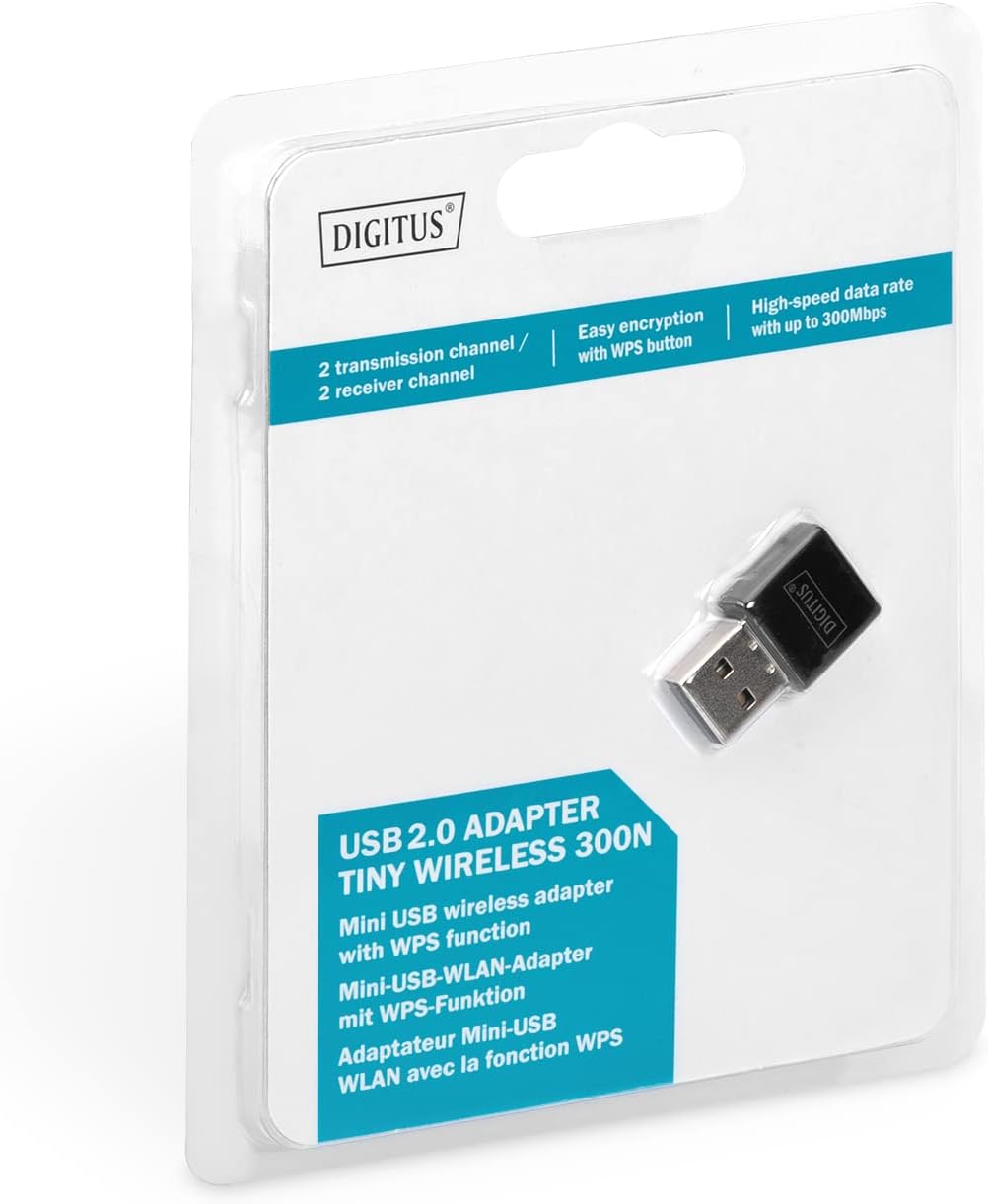
Figure 2.1: Retail packaging of the DIGITUS DN-70542 adapter, showing the adapter and its key features.
3. Guia de configuració
Follow these steps to install your Wireless LAN USB Adapter:
- Instal·leu els controladors: Before connecting the adapter, insert the included Product Support CD-ROM into your computer's optical drive. Follow the on-screen instructions to install the necessary drivers. If your computer does not have an optical drive, or if you encounter issues, please visit the official DIGITUS website to download the latest drivers for your operating system (Windows).
Note: Some operating systems, particularly older versions of Windows, may require driver installation prior to connecting the device. Refer to the Troubleshooting section if you encounter issues during this step.
- Connecteu l'adaptador: Locate an available USB 2.0 port on your computer. Carefully insert the DIGITUS DN-70542 Wireless LAN USB 2.0 Adapter into the USB port.
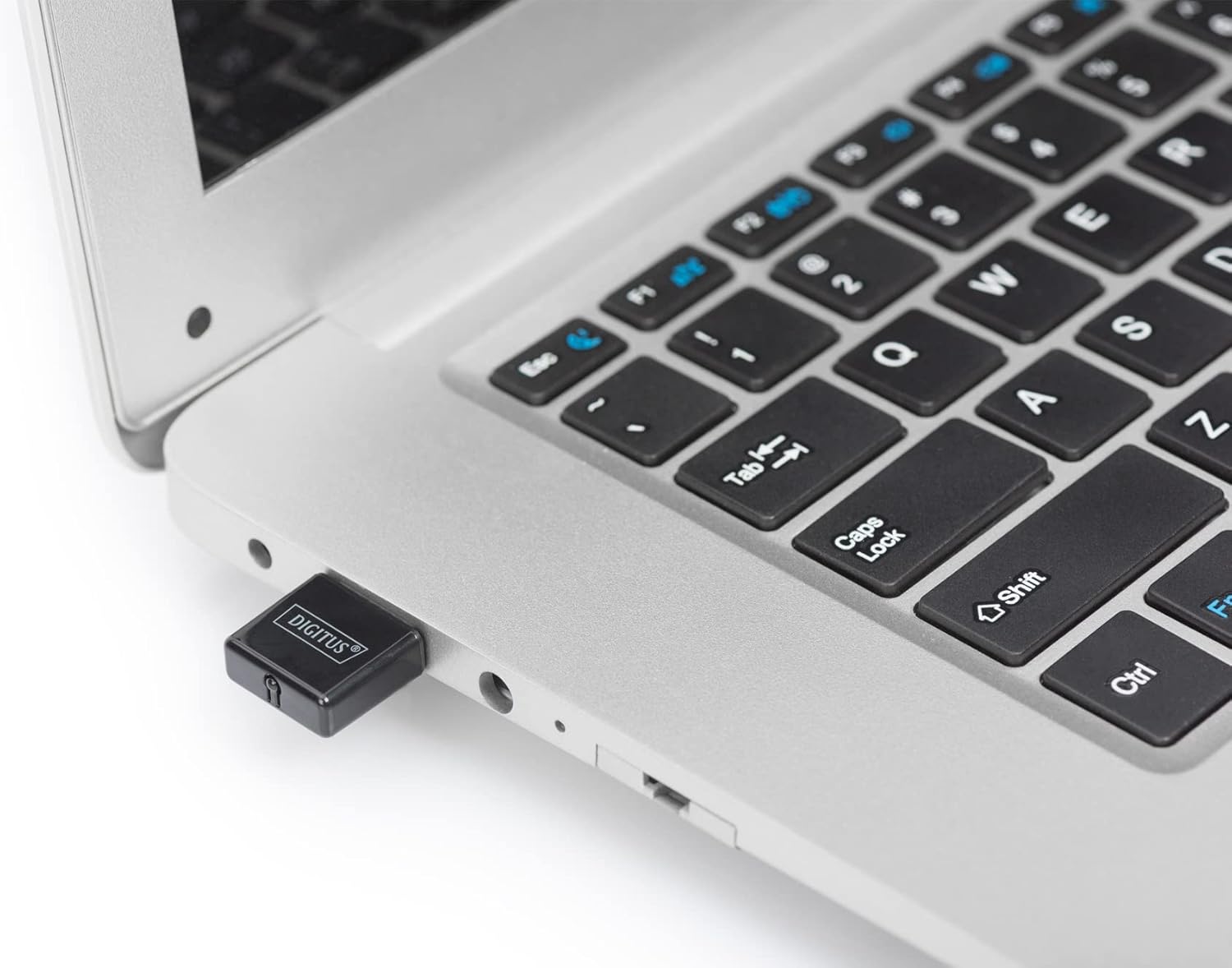
Figure 3.1: The DIGITUS DN-70542 adapter inserted into a laptop's USB port.

Figura 3.2: Un tancador view of the adapter connected to a laptop, showing its compact size.
- Verifica la instal·lació: After connecting, your operating system should detect the new hardware and complete the installation. You can verify the installation by checking your computer's Device Manager (for Windows) to ensure the wireless adapter is listed and functioning correctly.
4. Instruccions de funcionament
Once the adapter is successfully installed, you can connect to a wireless network.
- Connexió a una xarxa sense fil:
- Open your computer's wireless network settings.
- Cerca xarxes sense fil disponibles.
- Select your desired network (SSID) from the list.
- Introduïu la clau de seguretat de xarxa (contrasenya) si se us demana.
- Feu clic a "Connecta" per establir la connexió sense fil.
- Using WPS (Wi-Fi Protected Setup):
The adapter supports WPS for a simplified and secure connection to compatible routers.
- Premeu el botó WPS del vostre encaminador sense fil.
- Within two minutes, press the WPS button on the DIGITUS DN-70542 adapter. The WPS button is a small, recessed button on the side of the adapter.
- L'adaptador i l'encaminador establiran automàticament una connexió segura.

Figure 4.1: The WPS button located on the side of the adapter.
5. Manteniment
To ensure optimal performance and longevity of your DIGITUS DN-70542 adapter, follow these guidelines:
- Mantingueu l'adaptador net i sense pols. Feu servir un drap suau i sec per netejar-lo.
- Eviteu exposar l'adaptador a temperatures extremes, humitat o llum solar directa.
- No intenteu desmuntar ni reparar l'adaptador vosaltres mateixos. Això anul·larà la garantia.
- Guardeu l'adaptador en un lloc segur quan no l'utilitzeu per evitar danys físics.
6. Solució De Problemes
If you encounter issues with your DIGITUS DN-70542 Wireless LAN USB 2.0 Adapter, refer to the following common problems and solutions:
- Adapter Not Detected / Driver Installation Issues:
- Assegureu-vos que l'adaptador estigui completament inserit en un port USB funcional.
- Prova amb un port USB diferent.
- Reinstall the drivers from the provided CD-ROM.
- Download the latest drivers from the official DIGITUS weblloc.
- If using Windows 8.1 or newer and encountering issues like "Bluescreen" or "infected file" warnings during driver installation, temporarily disable antivirus software (like Windows Defender) during driver installation, then re-enable it immediately after. Ensure you are downloading drivers from a trusted source (DIGITUS official weblloc).
- Check Device Manager to see if the adapter is listed with any error symbols.
- Cannot Connect to Wireless Network:
- Verify that your wireless router is powered on and broadcasting a signal.
- Ensure you are entering the correct network security key (password).
- Acosteu-vos més al router sense fil per millorar la intensitat del senyal.
- Restart your computer and the wireless router.
- Check if other devices can connect to the same wireless network.
- Velocitat de connexió lenta:
- Ensure your router supports 802.11n for optimal speeds.
- Minimitzar les interferències d'altres dispositius electrònics (per exemple, microones, telèfons sense fil).
- Actualitza el firmware del teu encaminador.
- Check for other devices consuming bandwidth on your network.
7. Especificacions
| Característica | Descripció |
|---|---|
| Model | DN-70542 |
| Interfície del maquinari | USB 2.0 |
| Estàndards sense fil | IEEE 802.11n, IEEE 802.11g, IEEE 802.11b |
| Velocitat de transferència de dades | Fins a 300 Mbps |
| Interval de freqüència | 2.4 - 2.4835 GHz |
| Característiques de seguretat | WPS (Wireless Protected Setup) function |
| Suport del sistema operatiu | Windows |
| Dimensions del producte | 24 x 15 x 2 mm (approximate); 15 g |
| Fabricant | ASSMANN Electronic GmbH PES - BO DE |
8. Garantia i Suport
For warranty information and technical support, please refer to the documentation included with your product or visit the official DIGITUS website. Contact details for customer support can typically be found on the manufacturer's weblloc.
Si us plau, conserveu el comprovant de compra per a qualsevol reclamació de garantia.


