Introducció
This manual provides essential instructions for the setup, operation, and maintenance of your Sharper Image Digital 6-Piece Electronic Drum Set, Model Sha-1955. Please read this guide thoroughly before using the product to ensure proper function and longevity.
Producte acabatview
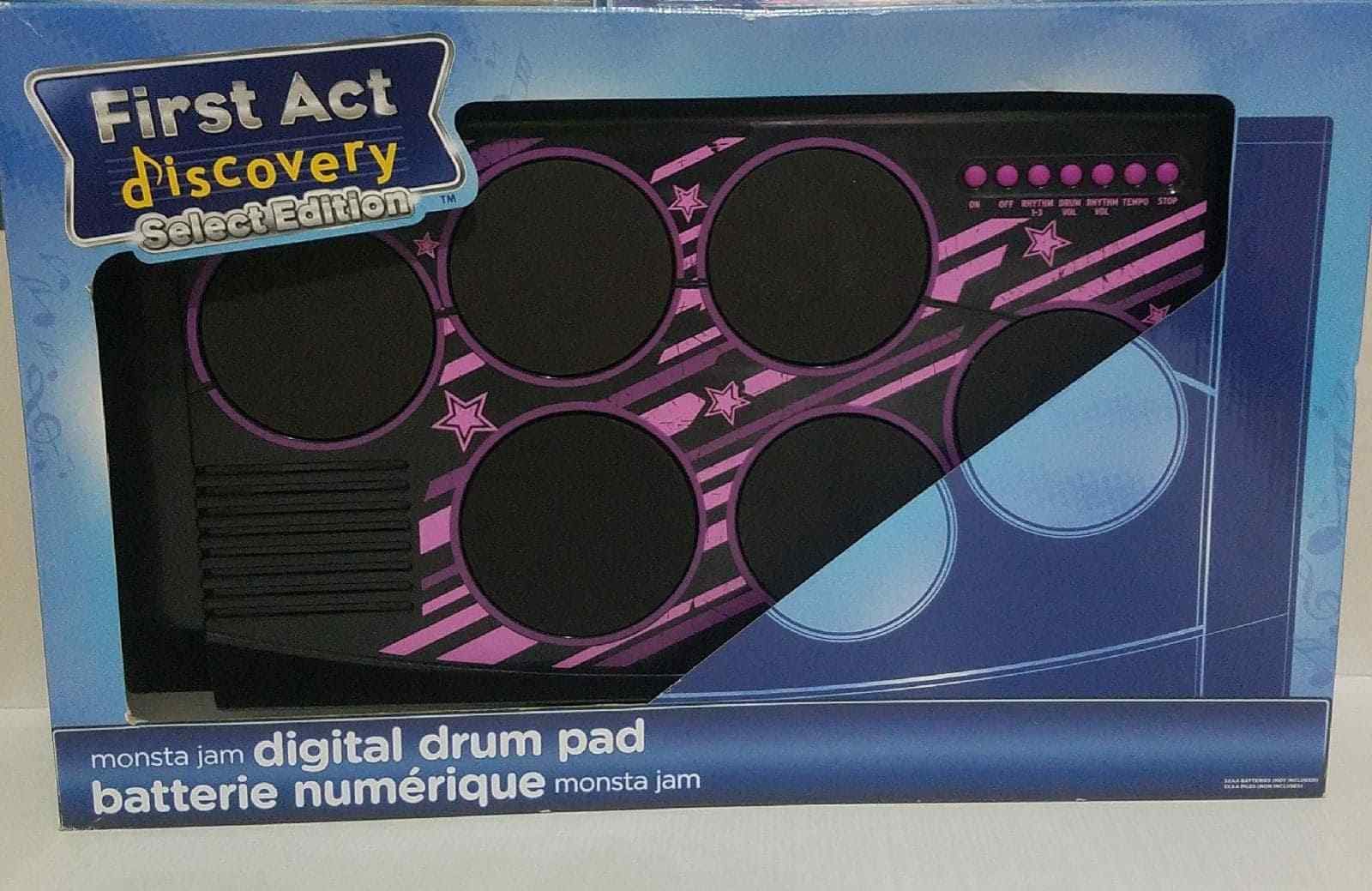
Figure 1: Sharper Image Digital 6-Piece Electronic Drum Set. This image displays the Sharper Image Digital 6-Piece Electronic Drum Set within its retail packaging. The drum set features six circular drum pads with blue accents, a control panel with buttons, and includes a pair of drumsticks. The packaging highlights features such as built-in rhythms, rhythm and volume controls, tempo control, and included drumsticks.
The Sharper Image Digital 6-Piece Electronic Drum Set is designed to provide an engaging musical experience. It includes multiple drum pads and a control panel for various functions.
Característiques
- Jam along to built-in rhythms.
- Rhythm and volume controls for customized sound.
- Tempo control to adjust the speed of rhythms.
- Includes a pair of drumsticks.
Configuració
- Unboxing: Carefully remove all components from the packaging. Ensure all parts, including the drum set and drumsticks, are present.
- Font d'alimentació: Insert the required batteries (not included) into the battery compartment, typically located on the underside of the unit. Ensure correct polarity. Alternatively, if an AC adapter port is present, connect a compatible adapter (sold separately) to a power outlet.
- Col·locació: Place the drum set on a stable, flat surface.
- Baquetes: Prepare the included drumsticks for use.
Instruccions de funcionament
- Encès/apagat: Locate the power switch (usually labeled "ON/OFF") on the control panel and slide it to the "ON" position to power on the device. Slide to "OFF" when not in use.
- Control de volum: Use the volume control buttons or knob (labeled "VOL" or with '+' and '-' symbols) to adjust the sound output level.
- Selecció de ritme: Press the "RHYTHM" button to cycle through the available built-in rhythms.
- Ajust de tempo: Use the "TEMPO" control buttons or knob to increase or decrease the speed of the selected rhythm.
- Playing the Drums: Strike the drum pads with the included drumsticks to produce drum sounds. Each pad may correspond to a different drum sound (e.g., snare, bass, cymbal).
- Stop Rhythm: Press the "STOP" button to halt any playing rhythm.
Manteniment
- Neteja: Wipe the surface of the drum set with a soft, dry cloth. Do not use abrasive cleaners or solvents.
- Emmagatzematge: Store the drum set in a cool, dry place away from direct sunlight and extreme temperatures. If storing for an extended period, remove batteries to prevent leakage.
- Manipulació: Eviteu deixar caure la unitat o sotmetre-la a impactes forts.
Resolució de problemes
- Sense so:
- Assegureu-vos que la unitat estigui encès.
- Check battery installation or AC adapter connection.
- Augmenta el nivell de volum.
- Pads Unresponsive:
- Assegureu-vos que la unitat estigui encès.
- Check for any debris on the drum pads.
- Rhythm Not Playing:
- Ensure a rhythm has been selected using the "RHYTHM" button.
- Check if the "STOP" button is engaged.
Especificacions
| Número de model: | Sha-1955 |
| Pes del producte: | 2.86 quilos |
| Dimensions del paquet: | 54.86 x 44.96 x 13.97 cm |
| Edat recomanada: | Edat a partir de 4 anys |
Informació de la garantia
This product is covered by a manufacturer's warranty. Please refer to the warranty card included with your purchase or visit the official Sharper Image weblloc web per obtenir informació detallada sobre els termes i condicions de la garantia. Conserveu el comprovant de compra per a reclamacions de garantia.
Atenció al client
For technical assistance, replacement parts, or any questions regarding your Sharper Image Digital 6-Piece Electronic Drum Set, please contact Sharper Image customer support. Refer to the product packaging or the official Sharper Image weblloc web per obtenir informació de contacte actualitzada.


