Introducció
This manual provides essential information for setting up, operating, and maintaining your PlayStation 3 (PS3) 500GB console, bundled with The Last of Us game. Please read this manual thoroughly before using your system to ensure proper functionality and safety. Keep this manual for future reference.
Informació de seguretat
- Do not disassemble or modify the console. This can lead to electric shock or malfunction.
- Avoid exposing the console to extreme temperatures, humidity, or direct sunlight.
- Ensure adequate ventilation around the console to prevent overheating.
- Feu servir només el cable d'alimentació que s'inclou amb la consola.
- Keep the console and accessories out of reach of small children.
Contingut del paquet
Verifiqueu que tots els elements siguin presents al vostre paquet:
- PlayStation 3 500GB Console (Model: 3000239)
- Comandament sense fil (DUALSHOCK 3)
- The Last of Us Game Disc
- Cable d'alimentació CA
- USB Cable (for controller charging)
- Cable AV (compost)
- Documentació impresa

Image: Packaging for the PlayStation 3 The Last of Us Bundle. Note: The console included is a 500GB model, as specified in the product description.
Configuració
- Positioning the Console: Place the PS3 console on a stable, level surface with adequate space around it for ventilation. Avoid placing it in enclosed spaces or on soft surfaces that may block air vents.
- Connexió a un televisor:
- For optimal picture quality, connect an HDMI cable (sold separately) from the HDMI OUT port on the PS3 to an HDMI input on your TV.
- Alternatively, use the supplied AV cable to connect the PS3 to your TV's composite video and audio inputs.
- Potència de connexió: Connect the supplied AC power cord to the AC IN port on the back of the PS3, then plug the other end into a wall outlet.
- Connexió del controlador: Use the supplied USB cable to connect the DUALSHOCK 3 wireless controller to one of the USB ports on the front of the PS3. This will pair the controller and charge its internal battery.
- Configuració inicial del sistema: Turn on your TV and select the correct input. Press the power button on the PS3 console. Follow the on-screen instructions to complete the initial setup, including language, time zone, and internet connection settings.
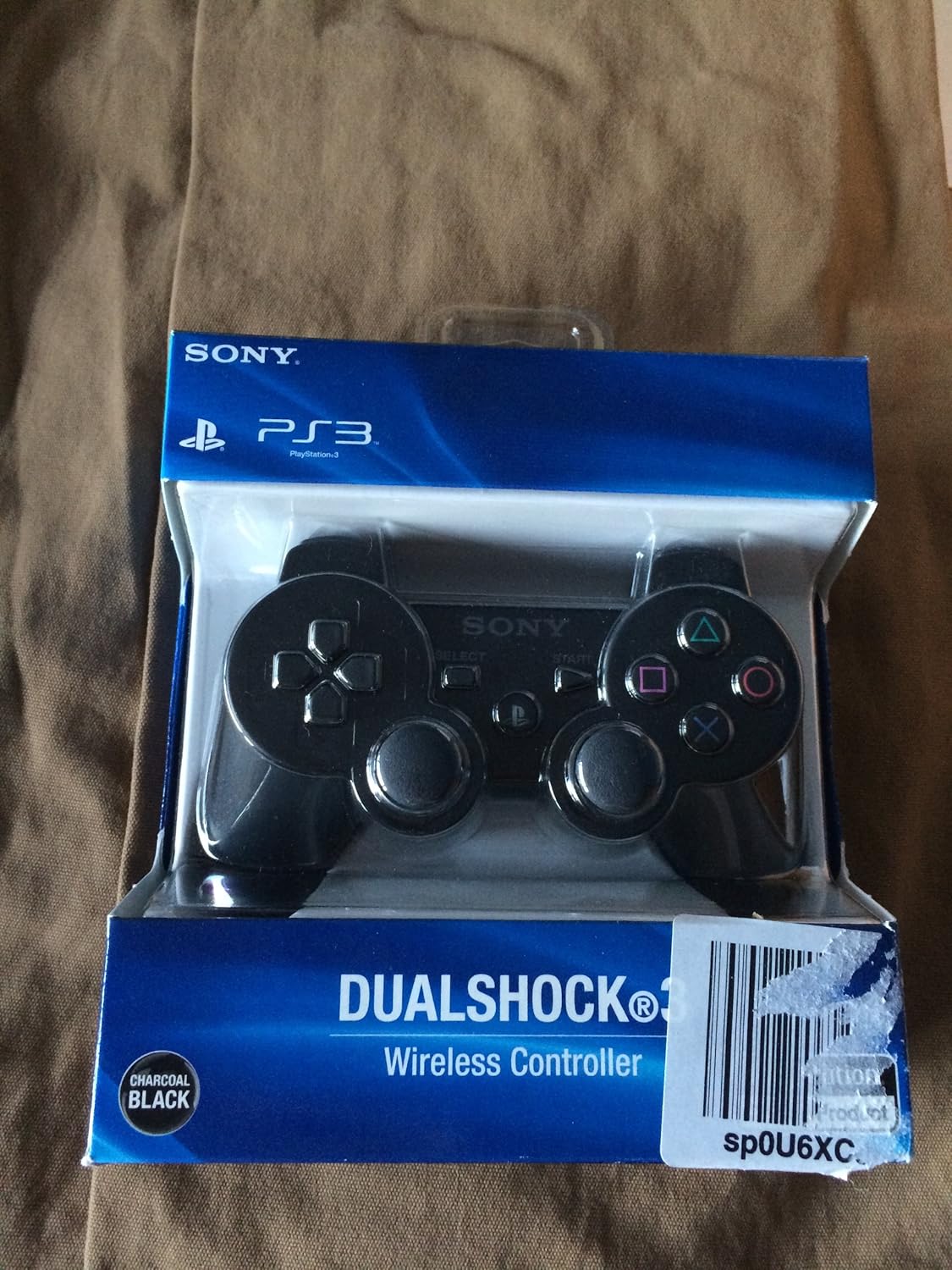
Image: A PlayStation 3 DUALSHOCK 3 Wireless Controller in its retail packaging. This controller is included with the console bundle.
En funcionament
- Activació/desactivació:
- To turn on: Press the power button on the console or the PS button on the connected controller.
- To turn off: Hold the power button on the console for a few seconds until it beeps, or hold the PS button on the controller and select 'Turn Off System' from the menu.
- Navigating the XMB (XrossMediaBar): The PS3 uses the XMB interface. Use the directional buttons or left analog stick on your controller to navigate horizontally through categories (e.g., Users, Settings, Photo, Music, Video, Game, Network, PlayStation Network) and vertically through options within each category.
- Jugant a jocs:
- Jocs basats en disc: Insert the game disc (e.g., The Last of Us) into the disc slot. Select the game icon under the 'Game' category on the XMB and press the X button to start.
- Jocs digitals: Downloaded games will appear under the 'Game' category. Select the game icon and press the X button to start.
- Using the Blu-ray Player: Insert a Blu-ray movie disc into the disc slot. Select the disc icon under the 'Video' category on the XMB and press the X button to begin playback. The PS3 also supports DVD playback.
- PlayStation Network (PSN): Create a free PlayStation Network account to access online gaming, stream movies and music, and purchase content from the PlayStation Store. An internet connection is required.

Image: A selection of PlayStation 3 game cases, including 'The Last of Us', 'Skate', 'Madden NFL 09', and 'Grand Theft Auto V'.
Manteniment
- Neteja: Use a soft, dry cloth to clean the exterior of the console. Do not use liquid cleaners or solvents. Regularly dust the air vents to ensure proper airflow.
- Gestió del disc dur: The 500GB hard drive provides ample storage for games, movies, music, and photos. Periodically check your storage usage in the System Settings and delete unnecessary data to free up space.
- Actualitzacions de programari: Connect your PS3 to the internet to download and install system software updates. These updates improve performance, add features, and enhance security.
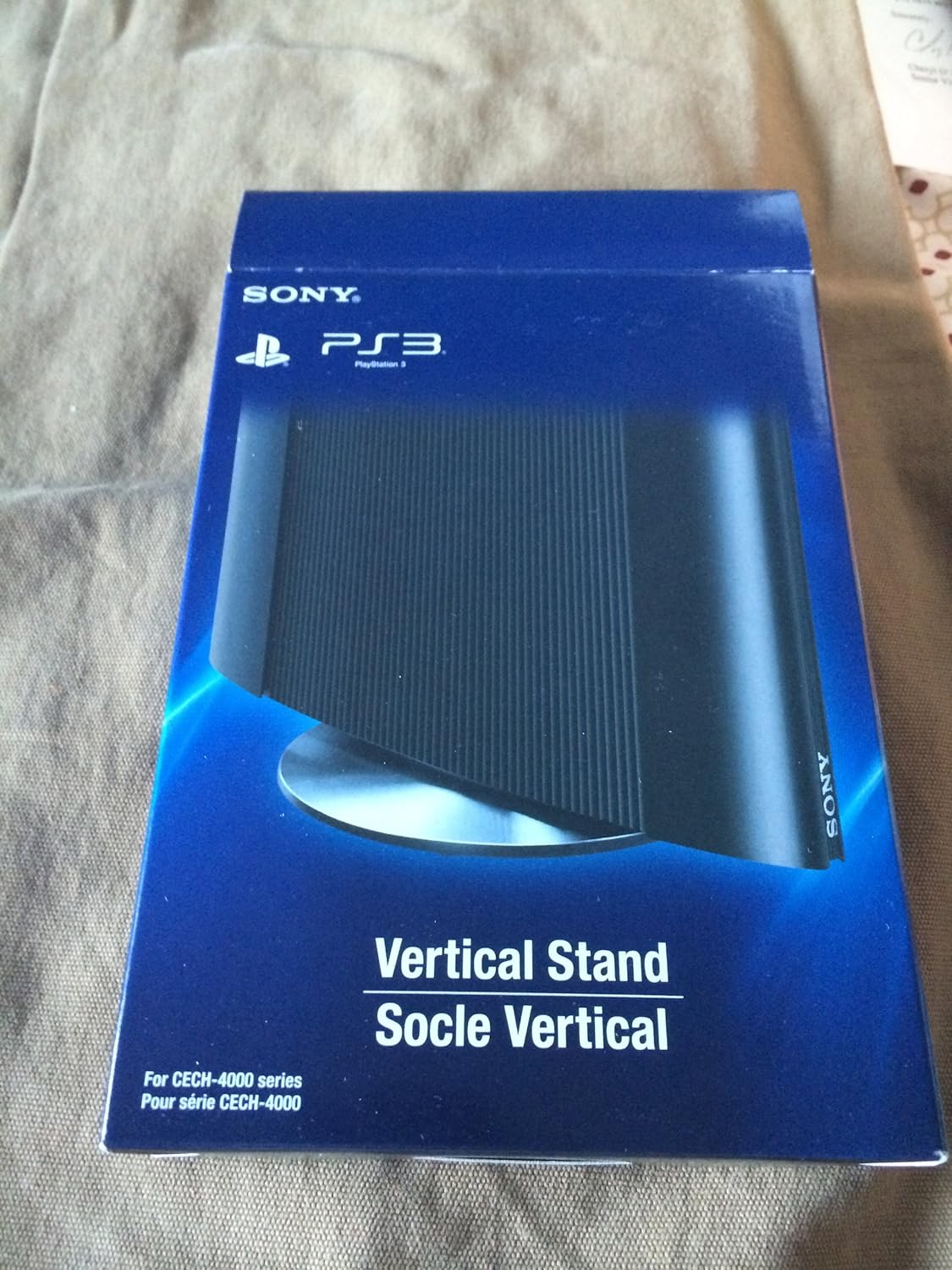
Image: Packaging for a PlayStation 3 Vertical Stand (CECH-4000 series). This accessory is sold separately and allows the console to be positioned vertically.
Resolució de problemes
| Problema | Solució |
|---|---|
| Sense poder | Ensure the power cord is securely connected to both the console and a working electrical outlet. Try a different outlet. |
| No Video/Audio Output | Verify that the HDMI or AV cables are securely connected to both the console and the TV. Ensure your TV is set to the correct input source. Try resetting video output by holding the power button until it beeps twice. |
| El controlador no respon | Connect the controller to the console with the USB cable to re-pair it. Ensure the controller is charged. Reset the controller by pressing the small button on the back with a thin object. |
| El joc es congela o es bloqueja | Ensure the game disc is clean and free of scratches. Try installing the latest system software update. If the issue persists, try deleting and reinstalling the game data (not save data). |
For further assistance, refer to the official PlayStation support weblloc o contacteu amb el servei d'atenció al client.
Especificacions
- Número de model: 3000239
- Emmagatzematge: Disc dur de 500 GB
- Dimensions: Aproximadament 4.44 x 13.44 x 13.38 polzades
- Pes: Aproximadament 7 lliures
- Unitat òptica: Blu-ray Disc / DVD-ROM
- Connectivitat: HDMI, AV Multi Out, Digital Out (Optical), USB 2.0, Ethernet, Wi-Fi
- Data de llançament: 12 de març de 2014
- Fabricant: Sony Computer Entertainment
Garantia i Suport
Your PlayStation 3 console is covered by a limited manufacturer's warranty. Please refer to the warranty documentation included in your package for specific terms and conditions. For technical support, product information, or service inquiries, visit the official PlayStation support weblloc web o poseu-vos en contacte amb el seu departament d'atenció al client. Conserveu el comprovant de compra per a reclamacions de garantia.
Assistència en línia: www.playstation.com/support


