Introducció
This manual provides essential information for the proper installation, operation, and maintenance of the Aiphone JV-1FD Expansion Monitor. The JV-1FD is designed to expand your Aiphone JV Series intercom system, offering a 7-inch screen with electrostatic touch buttons for convenient communication and door release functionality. Please read this manual thoroughly before using the product to ensure safe and efficient operation.
Producte acabatview
The Aiphone JV-1FD is an expansion monitor for the JV Series Hands-Free Video Intercom system. It features a 7-inch LCD screen, electrostatic touch buttons, and supports both hands-free and push-to-talk communication. Its slim design and simple two-wire connection to the door station make it an ideal addition to your security setup.

Figura 1: Frontal view of the Aiphone JV-1FD Expansion Monitor, showing the 7-inch screen and side control buttons.
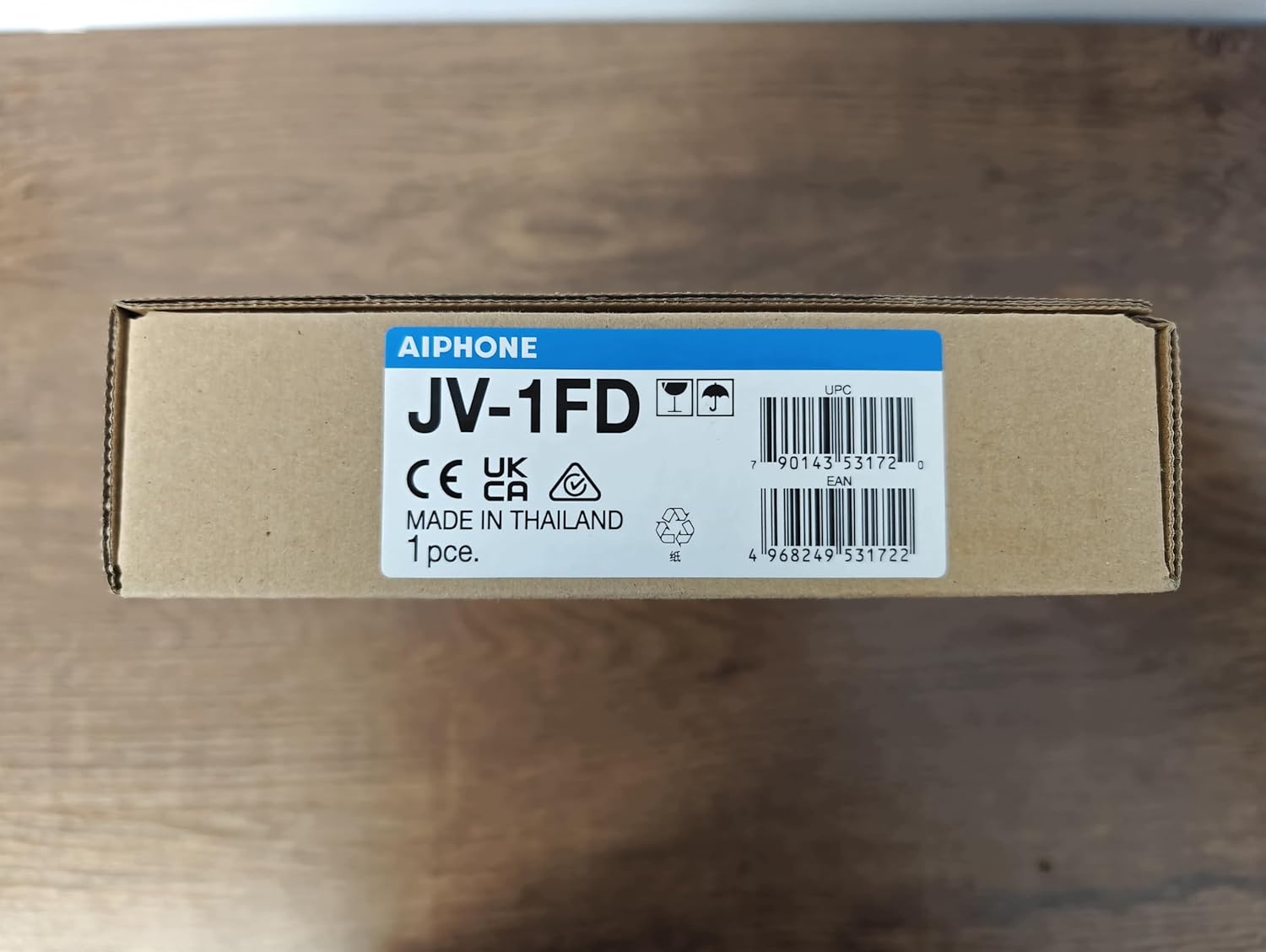
Figure 2: The Aiphone JV-1FD monitor, still sealed in its protective plastic, inside its retail packaging.

Figura 3: Pro lateralfile of the Aiphone JV-1FD Expansion Monitor, highlighting its slim design.

Figura 4: Esquena view of the Aiphone JV-1FD Expansion Monitor, showing mounting points and connection ports.

Figura 5: Frontal view of the Aiphone JV-1FD product box, displaying the model number, brand, and certification marks.

Figure 6: The Aiphone JV-1FD monitor unboxed, showing the unit alongside its installation manual.
Configuració i instal·lació
The Aiphone JV-1FD expansion monitor is designed for straightforward installation. It connects to the door station using a simple two-wire connection and to other internal stations via a 6-conductor cable. For detailed wiring diagrams and mounting instructions, please refer to the dedicated installation manual included with your product.
Passos clau d'instal·lació:
- Preparació: Ensure all power is disconnected before beginning installation. Gather necessary tools and identify the optimal mounting location.
- Cablejat: Connect the 2-conductor wire from the door station to the designated terminals on the JV-1FD. If connecting to other internal monitors, use the 6-conductor cable as specified in the full manual.
- Muntatge: Securely mount the JV-1FD unit to the wall using appropriate hardware. Ensure it is level and firmly attached.
- Connexió d'alimentació: Once all wiring is complete and secure, connect the power supply to the system.
- Prova: Power on the system and perform a full test of all functions, including video, audio, and door release.
Instruccions de funcionament
The Aiphone JV-1FD monitor provides intuitive control over your intercom system through its electrostatic touch buttons and 7-inch display.
Operacions bàsiques:
- Respondre una trucada: When a visitor presses the call button at the door station, the monitor will ring and display the visitor's image. Touch the answer button on the screen to establish communication.
- Modes de comunicació: The system supports both VOX (Voice Activated Exchange) for hands-free communication and PTT (Push-To-Talk) for controlled two-way audio. Select the desired mode via the on-screen options.
- Obertura de la porta: To unlock the door, press the door release button on the monitor during a call or when monitoring the door station.
- Seguiment: You can initiate a view of the door station at any time by pressing the monitor button, allowing you to see and hear what is happening outside.
- Ajust de la configuració: Use the on-screen menu to adjust settings such as volume, brightness, and communication preferences.
Manteniment
Regular maintenance ensures the longevity and optimal performance of your Aiphone JV-1FD Expansion Monitor.
Neteja:
- Pantalla: Netegeu suaument la pantalla amb un drap suau i sense borrissol. Per a taques difícils, netegeu lleugeramentampNetegeu el drap amb aigua o un netejador de pantalles. Eviteu materials abrasius o productes químics agressius.
- Unitat Casing: Clean the monitor's casing with a soft, dry cloth. Do not use liquid cleaners directly on the unit.
Atenció general:
- Eviteu exposar la unitat a la llum solar directa, a temperatures extremes o a una humitat elevada.
- No intenteu obrir ni reparar la unitat vosaltres mateixos. Per a qualsevol reparació, consulteu personal de servei qualificat.
- Assegureu-vos una ventilació adequada al voltant de la unitat per evitar el sobreescalfament.
Resolució de problemes
If you encounter issues with your Aiphone JV-1FD Expansion Monitor, try the following basic troubleshooting steps:
- Sense alimentació/Sense pantalla: Check if the power supply is properly connected and if the outlet is functional. Ensure all wiring connections are secure.
- Sense àudio/vídeo: Verify that the door station and all internal monitors are correctly wired and powered. Check volume settings on the monitor.
- L'obertura de la porta no funciona: Confirm that the door strike or lock is properly connected to the system and receiving power. Test the door release function from the master station if applicable.
- Interference/Poor Quality: Ensure that wiring is not running parallel to high-voltage lines or other sources of electrical interference.
If problems persist after attempting these steps, please contact Aiphone customer support or a qualified technician.
Especificacions tècniques
| Característica | Detall |
|---|---|
| Número de model | JV-1FD |
| Dimensions del producte | 10.1 x 6.2 x 2.1 polzades |
| Pes | 1.6 lliures |
| Mida de la pantalla | LCD de 7 polzades |
| Comunicació | VOX or PTT |
| Tipus de connexió | 2-wire to door, 6-wire between internal stations |
| Fabricant | Corporació Aiphone |
| Data de primera disponibilitat | 25 de març de 2014 |
Garantia i Suport
Aiphone products are manufactured to high standards and are backed by a limited warranty. For specific warranty terms and conditions, please refer to the warranty card included with your product or visit the official Aiphone weblloc.
For technical support, troubleshooting assistance, or service inquiries, please contact Aiphone customer service. Contact information can typically be found on the Aiphone weblloc o a l'embalatge del producte.
Avís legal: This product is for sale only outside the USA.


