Introducció
This manual provides detailed instructions for the KeylessOption 3-button key fob remote, model KPT1660, designed as a replacement for compatible Toyota and Pontiac vehicles. It includes information on product components, vehicle compatibility, programming procedures, and general usage.
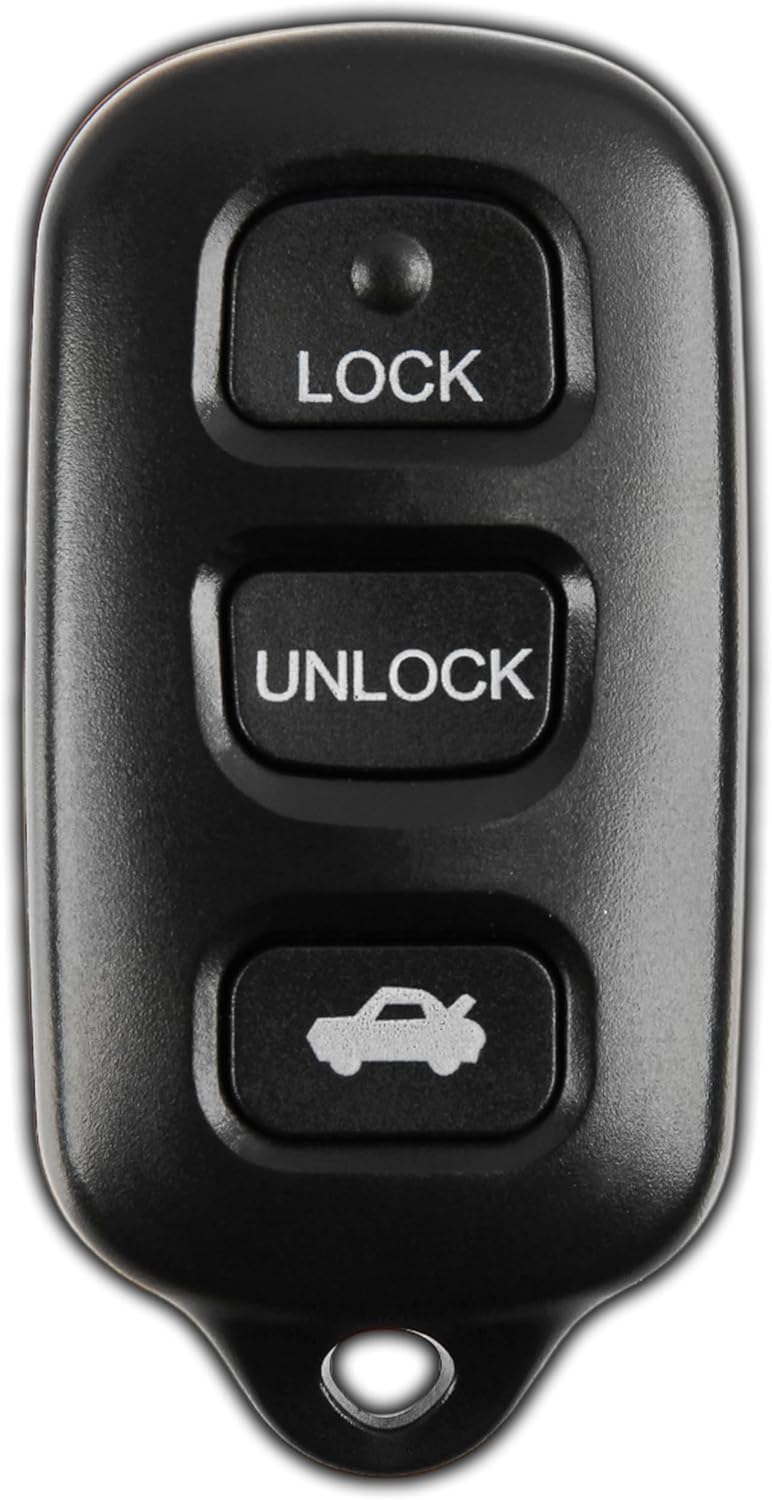
Imatge: Frontal view of the KeylessOption 3-button key fob remote, showing Lock, Unlock, and Trunk/Panic buttons.
Què s'inclou

Image: The package contents, including the key fob remote, a ring loop, and a pre-installed CR2032 battery.
- KeylessOption 3-button remote (Model KPT1660)
- Bateria CR2032 preinstal·lada
- Programming instructions guide
Compatibilitat
This key fob is compatible with specific Toyota and Pontiac vehicle models and years. Please verify your vehicle's original keyless entry system and FCC ID to ensure compatibility.

Image: The front and back of the key fob, highlighting the FCC ID GQ43VT14T and Part Number 89742-AA030 for compatibility verification.
Vehicles compatibles:
- Toyota Camry: 1999-2006
- Toyota Solara: 1998-2003
- Toyota Matrix: 2003-2008
- Toyota Sienna: 1998-2003
- Pontiac Vibe: 2003-2008
Nota important: This item will not work if your original remote has a red light indicator. Ensure your vehicle is equipped with factory original keyless entry.
Identificador FCC: GQ43VT14T
Número de peça: 89742-AA030
Configuració i Programació
The KeylessOption key fob is designed for self-programming. Follow these step-by-step instructions carefully. All steps must be performed within the specified timeframes.
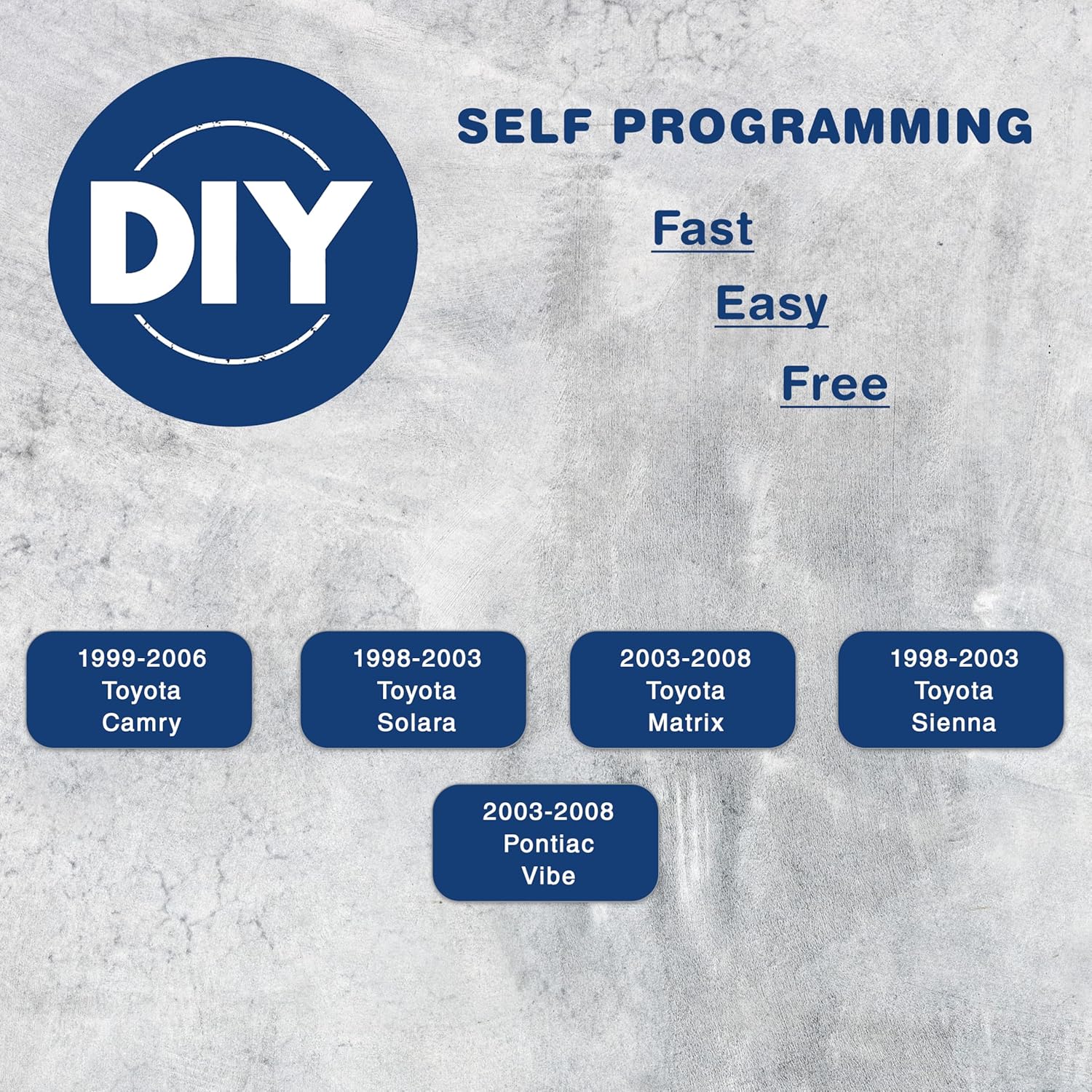
Image: Graphic indicating "DIY Self Programming" for the key fob, emphasizing it is fast, easy, and free.
Procediment de programació:
- Preparació:
- Ensure the key is out of the ignition.
- The driver's door must be open, all other doors closed and locked.
- The driver's door must be unlocked.
- Initial Key Cycle (within 5 seconds):
- Insert the key into the ignition (DO NOT Turn). Pull the key out.
- Insert the key into the ignition (DO NOT Turn). Pull the key out.
- Door Cycle 1 (within 40 seconds):
- Close then open the driver's door.
- Close then open the driver's door.
- Insert the key into the ignition (DO NOT Turn). Pull the key out.
- Door Cycle 2 and Ignition (within 40 seconds):
- Close then open the driver's door.
- Close then open the driver's door.
- Insert the key into the ignition and leave it in the ignition.
- Close the driver's door.
- Turn the ignition to ON (DO NOT Start) then back to OFF.
- Traieu la clau del contacte.
- Programming Mode Confirmation:
- Within 3 seconds, the power door locks should lock then unlock automatically. This indicates successful entry into programming mode. If locks do not cycle, return to step 1.
- Remote Programming (within 40 seconds):
- Premeu el botó BLOC i DESBLOQUEAR buttons on the remote simultaneously for 1.5 seconds.
- Immediately after releasing el BLOC i DESBLOQUEAR botons, premeu BLOC button by itself and hold for 2 seconds.
- Within 3 seconds, the door locks should lock and then unlock once, indicating successful programming. If the door locks cycle twice, repeat the previous two sub-steps (pressing LOCK and UNLOCK simultaneously, then LOCK alone) as the remote was not accepted.
- Repeat the previous two sub-steps for each additional new remote you wish to program.
- Sortir del mode de programació:
- Open the driver's door to exit programming mode.
Operating the Key Fob
The KeylessOption key fob features three distinct buttons for controlling your vehicle's keyless entry functions.

Image: Diagram showing the front of the key fob with labels pointing to the Lock, Unlock, and Trunk/Panic buttons.
- Botó BLOC: Premeu una vegada per bloquejar totes les portes del vehicle.
- Botó DESBLOQUEAR: Press once to unlock all vehicle doors.
- TRUNK / PANIC Button: This button typically activates the trunk release. Holding this button down for a few seconds will activate the vehicle's panic alarm.

Imatge: Enrere view of the key fob, showing the red panic button.
Manteniment
Substitució de la bateria:
The key fob uses one CR2032 lithium coin cell battery. When the remote's range decreases or it stops responding, it may be time to replace the battery.
- Obriu amb cura el comandament a distància casinfent servir un tornavís petit de punta plana o una eina de palanca.
- Locate the CR2032 battery inside the casing.
- Remove the old battery, noting its orientation (positive side up).
- Inseriu una nova bateria CR2032 amb el costat positiu (+) cap amunt.
- Snap the key fob casintorneu a unir-se de manera segura.
Atenció general:
- Eviteu exposar el clauer a temperatures extremes, a la llum solar directa durant períodes prolongats o a la humitat.
- No deixeu caure el clauer ni el sotmeteu a impactes forts.
- Clean the exterior with a soft, dry cloth if necessary.
Resolució de problemes
| Problema | Causa possible | Solució |
|---|---|---|
| El comandament a distància no funciona després de la programació. | Programming steps not followed correctly; battery low or dead; vehicle not compatible. | Review and repeat the "Setup and Programming" steps carefully. Ensure all timings are met. Replace the CR2032 battery. Verify vehicle compatibility (check FCC ID and red light warning). |
| Remote works intermittently or has reduced range. | Low battery; interference from other electronic devices. | Replace the CR2032 battery. Try operating the remote away from strong electronic interference sources. |
| Trunk button opens hatch instead of trunk (Pontiac Vibe specific). | Known behavior for some Pontiac Vibe models where the remote signal for trunk release may activate the hatch. | This is a vehicle-specific behavior and not a defect of the remote. If problematic, consider manual trunk/hatch operation or consult a vehicle specialist. |
Especificacions
- Número de model: KPT1660
- Identificador FCC: GQ43VT14T
- Dimensions del producte: 2 x 0.75 x 4 polzades
- Pes de l'article: 0.317 unces
- Tipus de bateria: 1 x CR2032 (preinstal·lat)
- Color: Negre
Garantia i Suport
KeylessOption products are designed for reliability and performance. For any issues or questions regarding your key fob, please contact KeylessOption customer support.
While specific warranty details are not provided in this manual, KeylessOption is committed to customer satisfaction. For support, please visit the official KeylessOption store on Amazon or contact their customer service directly through your purchase platform.
You can find more information and contact details by searching for "KeylessOption" on Amazon or by visiting their brand store: