Introducció
Thank you for choosing the Westclox Alarm Clock. This compact and portable digital alarm clock features a clear 0.9-inch red LED display, a convenient snooze function, and simple push-button operation. Designed for tabletop use, it operates on a single AA battery, making it ideal for various indoor settings.

Image: The Westclox Alarm Clock displayed on a light blue bedside table next to a bed, illustrating its compact size and suitability for bedroom use.
Configuració
- Instal·lació de la bateria: The Westclox Alarm Clock requires one (1) AA battery (not included) for operation. Locate the battery compartment on the back or bottom of the clock. Open the compartment cover, insert the AA battery, ensuring correct polarity (+ and - terminals match the markings), then close the cover securely.
- Engegada inicial: Once the battery is installed, the red LED display should illuminate, typically showing a default time like 12:00.
- Configuració de l'hora:
- Locate the "TIME SET" button, usually on the back or side of the clock.
- Press and hold the "TIME SET" button. While holding, use the "HOUR" and "MINUTE" buttons to adjust the time.
- Release the "TIME SET" button once the desired time is set. The clock operates in a 12-hour format, indicated by a "PM" light for afternoon hours.
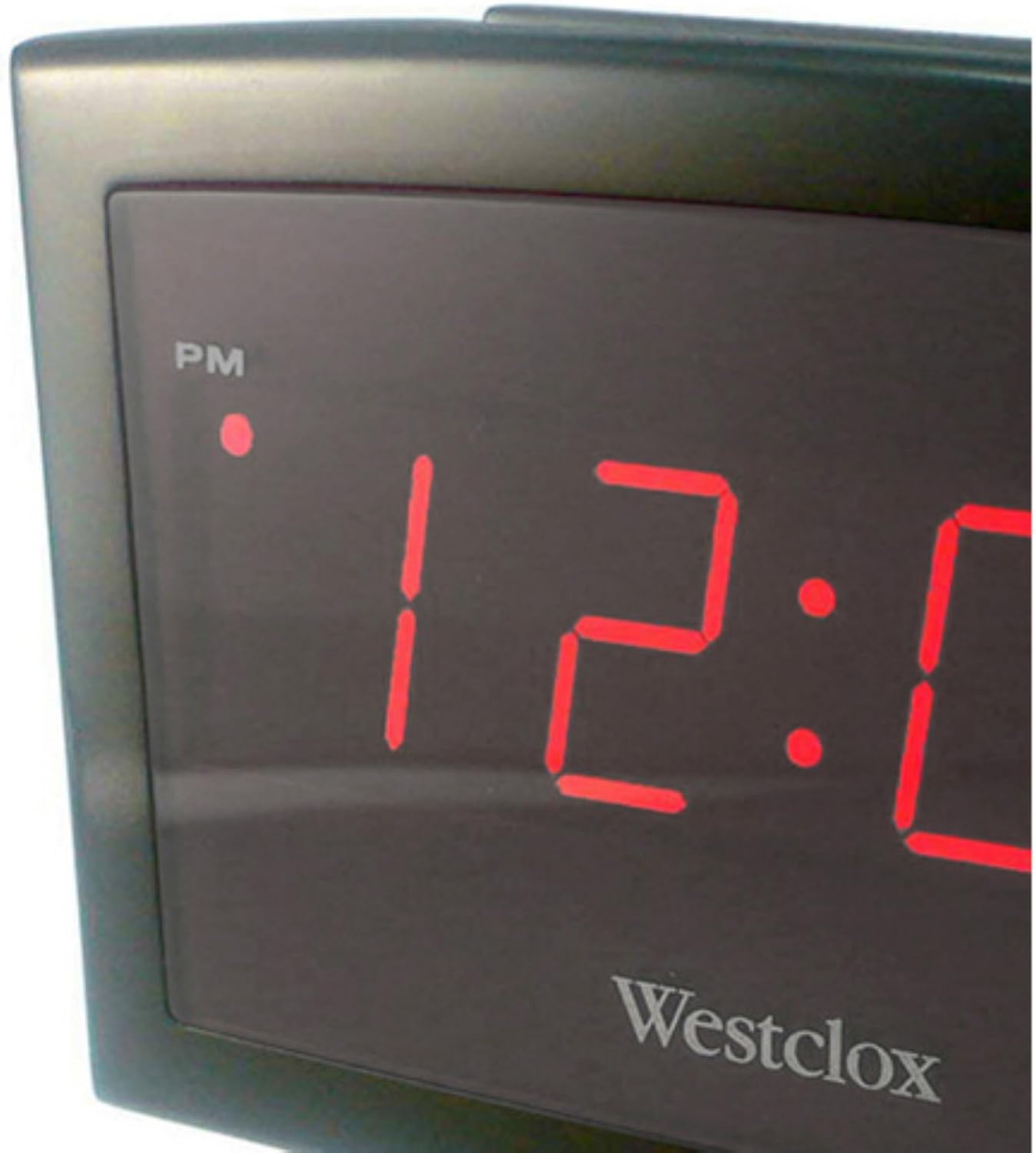
Imatge: Un primer pla view of the Westclox Alarm Clock's red LED display, showing the time "12:00" and the "PM" indicator light, highlighting the clear digital readout.
Instruccions de funcionament
- Configuració de l'alarma:
- Locate the "ALARM SET" button.
- Press and hold the "ALARM SET" button. While holding, use the "HOUR" and "MINUTE" buttons to set your desired alarm time.
- Release the "ALARM SET" button. An alarm indicator light (if present) will illuminate to confirm the alarm is active.
- Activació/desactivació de l'alarma: Use the "ALARM ON/OFF" switch or button, typically located on the side or back, to turn the alarm function on or off.
- Ús de la funció Snooze: When the alarm sounds, press the "SNOOZE" button (often a large button on top). The alarm will temporarily stop and sound again after approximately 9 minutes.
- Aturar l'alarma: To turn off the alarm completely after it sounds (without using snooze), press any other button on the clock, or toggle the "ALARM ON/OFF" switch to the OFF position.
Manteniment
- Neteja: To clean the clock, gently wipe the surface with a soft, dry cloth. Do not use abrasive cleaners, solvents, or chemical sprays, as these can damage the finish or internal components.
- Substitució de la bateria: When the display dims or the clock functions become erratic, it is time to replace the AA battery. Follow the battery installation steps outlined in the "Setup" section. Always dispose of used batteries responsibly.
- Emmagatzematge: If storing the clock for an extended period, remove the battery to prevent leakage and potential damage to the device.
Resolució de problemes
| Problema | Causa possible | Solució |
|---|---|---|
| La pantalla del rellotge està en blanc o fosca. | La bateria està morta o mal instal·lada. | Replace the AA battery, ensuring correct polarity. |
| L'alarma no sona. | L'alarma no està configurada o està desactivada. | Ensure the alarm time is set correctly and the "ALARM ON/OFF" switch is in the ON position. |
| L'hora és incorrecta. | Time was not set properly or battery was removed. | Reset the time following the "Setting the Time" instructions. |
Especificacions
- Marca: Westclox
- Model: B00NAKJIIM
- Tipus de visualització: Digital, 0.9-inch Red LED
- Font d'alimentació: 1 x piles AA (no incloses)
- Característiques especials: Alarm, 9-minute Snooze
- Material del marc: Plàstic
- Tipus de muntatge: Taula
- Dimensions del producte: Aproximadament 8 x 6 x 4 polzades
- Pes de l'article: Aproximadament 1 lliura (16 unces)
- UPC: 844220002129
Garantia i Suport
This product is manufactured by NYL HOLDINGS LLC. For any questions regarding product operation, troubleshooting, or warranty information, please contact the retailer where the product was purchased or refer to the manufacturer's official weblloc per obtenir detalls de suport.
Si us plau, conserveu el rebut de compra com a comprovant de compra per a qualsevol reclamació de garantia.


