1. Introducció
This manual provides detailed instructions for the August EP636 Wireless Bluetooth Headphones. Please read this manual carefully before using the product to ensure proper operation and to maximize your listening experience.
2. Producte acabatview
The August EP636 is a lightweight, on-ear Bluetooth headset designed for wireless audio streaming and hands-free calling. Key features include:
- Bluetooth v4.1 for quick and easy connection.
- Micròfon integrat per trucades mans lliures.
- Internal Li-Ion battery providing up to 12.5 hours of listening time.
- Integrated music, volume, and call control buttons.
- NFC (Near Field Communication) for tap-to-connect pairing with compatible devices.
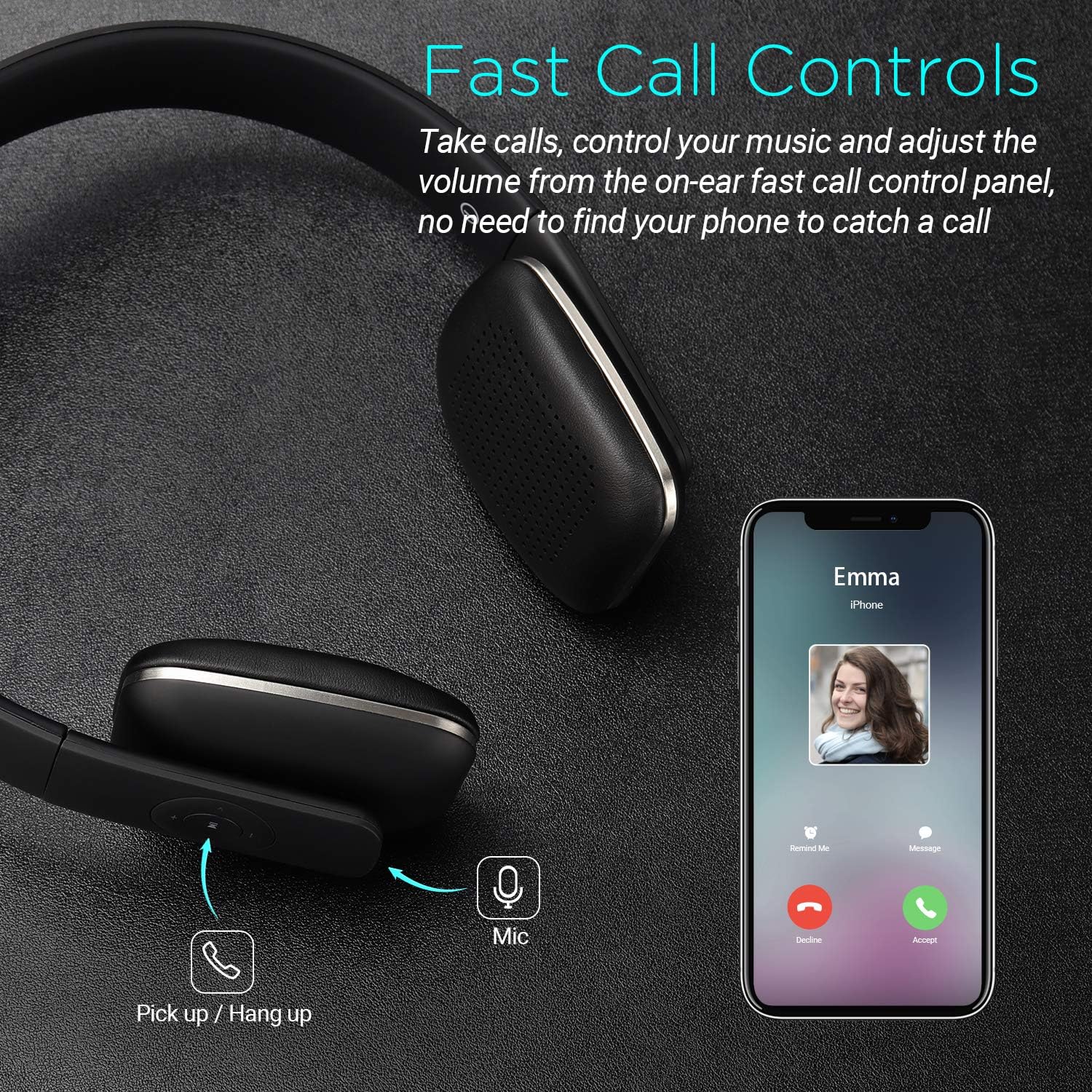
Figure 1: August EP636 Bluetooth Headphones (Black)
3. Configuració
3.1. Càrrega dels auriculars
Abans del primer ús, carregueu completament els auriculars. Una càrrega completa triga aproximadament 2.5 hores.
- Connect the supplied Micro USB cable to the charging port on the headphones.
- Connecteu l'altre extrem del cable USB a un port USB amb alimentació (per exemple, un ordinador o un adaptador de paret USB).
- The LED indicator will illuminate during charging and turn off once fully charged.
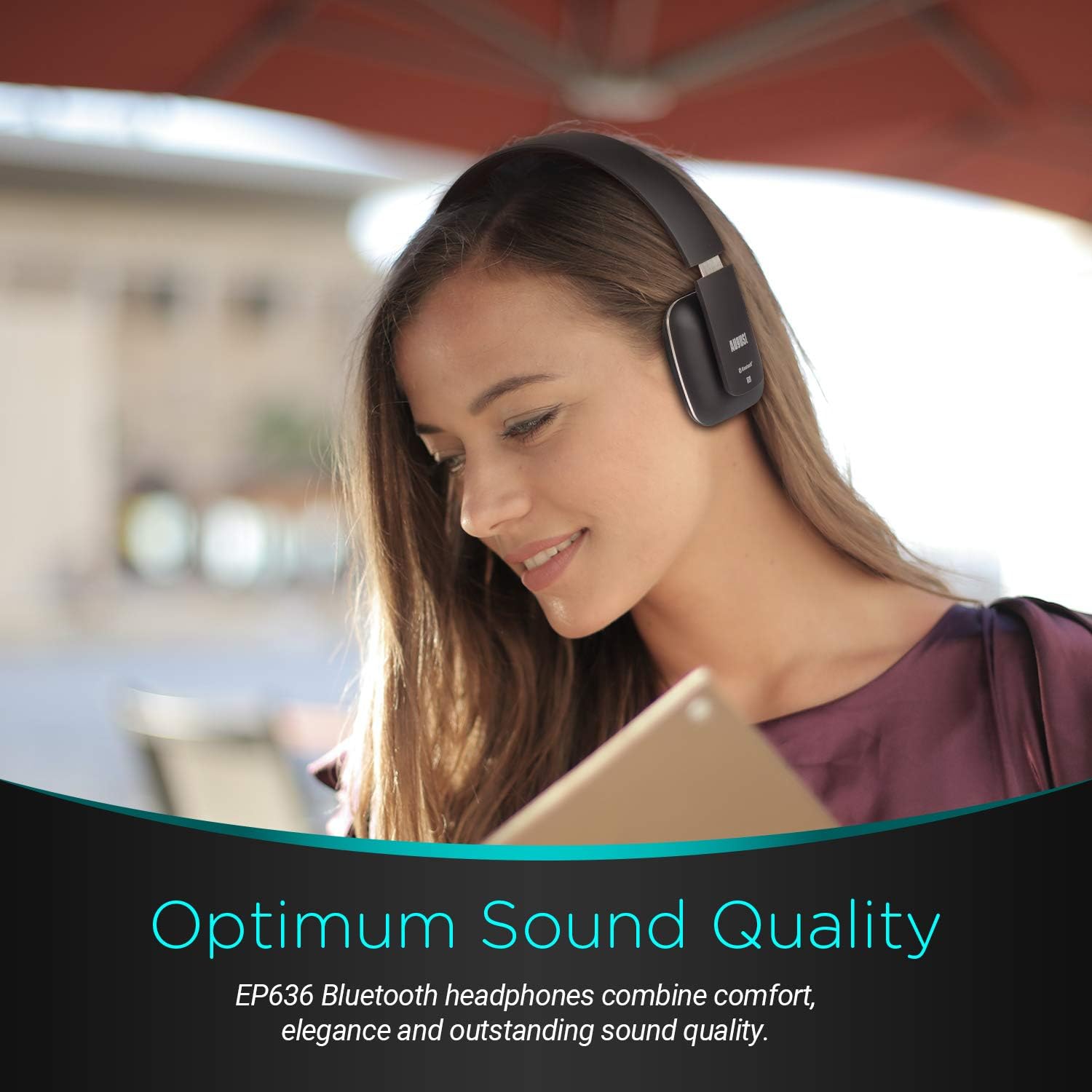
Figure 2: Battery Life and Charging Time
3.2. Emparellament per Bluetooth
Per connectar els auriculars a un dispositiu amb Bluetooth:
- Assegureu-vos que els auriculars estiguin apagats.
- Press and hold the multi-function button (usually the play/pause button) until the LED indicator flashes blue and red alternately. This indicates pairing mode.
- Al dispositiu, activa el Bluetooth i cerca els dispositius disponibles.
- Select "August EP636" from the list of found devices.
- Un cop emparellat, l'indicador LED parpellejarà lentament en blau.
3.3. Pairing via NFC (Near Field Communication)
For devices with NFC capability, pairing is even simpler:
- Ensure NFC is enabled on your device and the headphones are turned on.
- Tap your NFC-enabled device against the NFC logo on the left earcup of the headphones.
- Confirma la sol·licitud d'emparellament al teu dispositiu.
- The headphones will connect automatically.

Figure 3: NFC Wireless Connection
4. Funcionament dels auriculars
4.1. Reproducció de música
- Reproduir/pausa: Premeu el botó multifunció una vegada.
- Pista següent: Press and hold the "Volume Up" button.
- Pista anterior: Press and hold the "Volume Down" button.
- Pujar el volum: Premeu breument el botó "Pujar volum".
- Baixar el volum: Premeu breument el botó "Baixar volum".
4.2. Gestió de trucades
- Respon a la trucada: Premeu el botó multifunció una vegada quan rebeu una trucada.
- Finalitzar la trucada: Premeu el botó multifunció una vegada durant una trucada.
- Rebutja la trucada: Premeu i manteniu premut el botó multifunció durant 2 segons quan rebeu una trucada.
- Torna a marcar l'últim número: Premeu dues vegades el botó multifunció quan no esteu fent una trucada.

Figure 4: Fast Call Controls
5. Manteniment
To ensure the longevity and optimal performance of your August EP636 headphones:
- Netegeu els auriculars i la diadema amb un drap suau i sec.
- Eviteu utilitzar netejadors abrasius o dissolvents.
- Guardeu els auriculars en un lloc fresc i sec, allunyat de la llum solar directa i de temperatures extremes.
- No exposeu els auriculars a l'aigua ni a una humitat excessiva.
6. Solució De Problemes
6.1. Cannot Pair Headphones
- Assegureu-vos que els auriculars estiguin en mode d'emparellament (el LED parpelleja en blau i vermell).
- Make sure Bluetooth is enabled on your device and it is within 10 meters of the headphones.
- Turn off and restart both the headphones and your device.
- If previously paired, try deleting "August EP636" from your device's Bluetooth list and re-pairing.
6.2. Sense so o volum baix
- Comproveu els nivells de volum tant dels auriculars com del dispositiu connectat.
- Assegureu-vos que els auriculars estiguin correctament emparellats i connectats.
- Prova de reproduir àudio des d'una altra aplicació o dispositiu.
6.3. Poca qualitat del so
- Apropa't al dispositiu connectat per reduir les interferències.
- Assegureu-vos que no hi hagi obstacles entre els auriculars i el dispositiu.
- Check for other active Bluetooth devices in the vicinity that might cause interference.
7. Especificacions
| Característica | Detall |
|---|---|
| Nom del model | EP636B |
| Tecnologia de connectivitat | Sense fil (Bluetooth v4.1) |
| Interval Bluetooth | 10 metres |
| Durada de la bateria | Fins a 12 hores |
| Temps de càrrega | 2.5 hores |
| Conector d'auriculars | Micro USB |
| Micròfon | Inclòs |
| Col·locació de l'orella | A l'orella |
| Pes de l'article | 130 grams (4.6 unces) |
| Dimensions del producte | 6.54 x 6.38 x 1.97 polzades |
| Material | ABS+Metal+PU+Sponge+Li-ion battery |
| Components inclosos | Cable |
8. Vídeos oficials de productes
August EP636 Bluetooth Headphones - Wireless On-Ear Headphone Overview
Aquest vídeo ofereix una visió detalladaview of the August EP636 Bluetooth Headphones, highlighting their design, features, and ease of use. It demonstrates the lightweight nature and comfortable fit, as well as the simple Bluetooth connection process and sound quality.
9. Garantia i Suport
August products are designed for reliability and performance. For warranty information and technical support, please refer to the official August weblloc web o poseu-vos en contacte amb el servei d'atenció al client. Conserveu el comprovant de compra per a qualsevol reclamació de garantia.
Per obtenir més ajuda, visiteu el August Store.


