1. Introducció
This manual provides detailed instructions for the proper use and maintenance of your Baseus H08 Immersive Virtual 3D Gaming Headset. Please read this manual thoroughly before using the product to ensure optimal performance and safety. Keep this manual for future reference.
2. Informació de seguretat
- Protecció auditiva: Avoid using the headset at high volume levels for extended periods to prevent hearing damage.
- Condicions ambientals: No exposeu els auriculars a temperatures extremes, humitat ni llum solar directa.
- Neteja: Use a soft, dry cloth for cleaning. Avoid liquid cleaners or abrasive materials.
- Desmuntatge: No intenteu desmuntar ni modificar els auriculars. Això pot anul·lar la garantia i causar danys.
- Nens: Keep the headset and its accessories out of reach of small children to prevent choking hazards.
3. Contingut del paquet
Verifiqueu que tots els elements siguin presents al paquet:
- Baseus H08 Immersive Virtual 3D Gaming Headset
- Cable d'àudio de 3.5 mm
- Maleta de transport
- Manual d'usuari (aquest document)
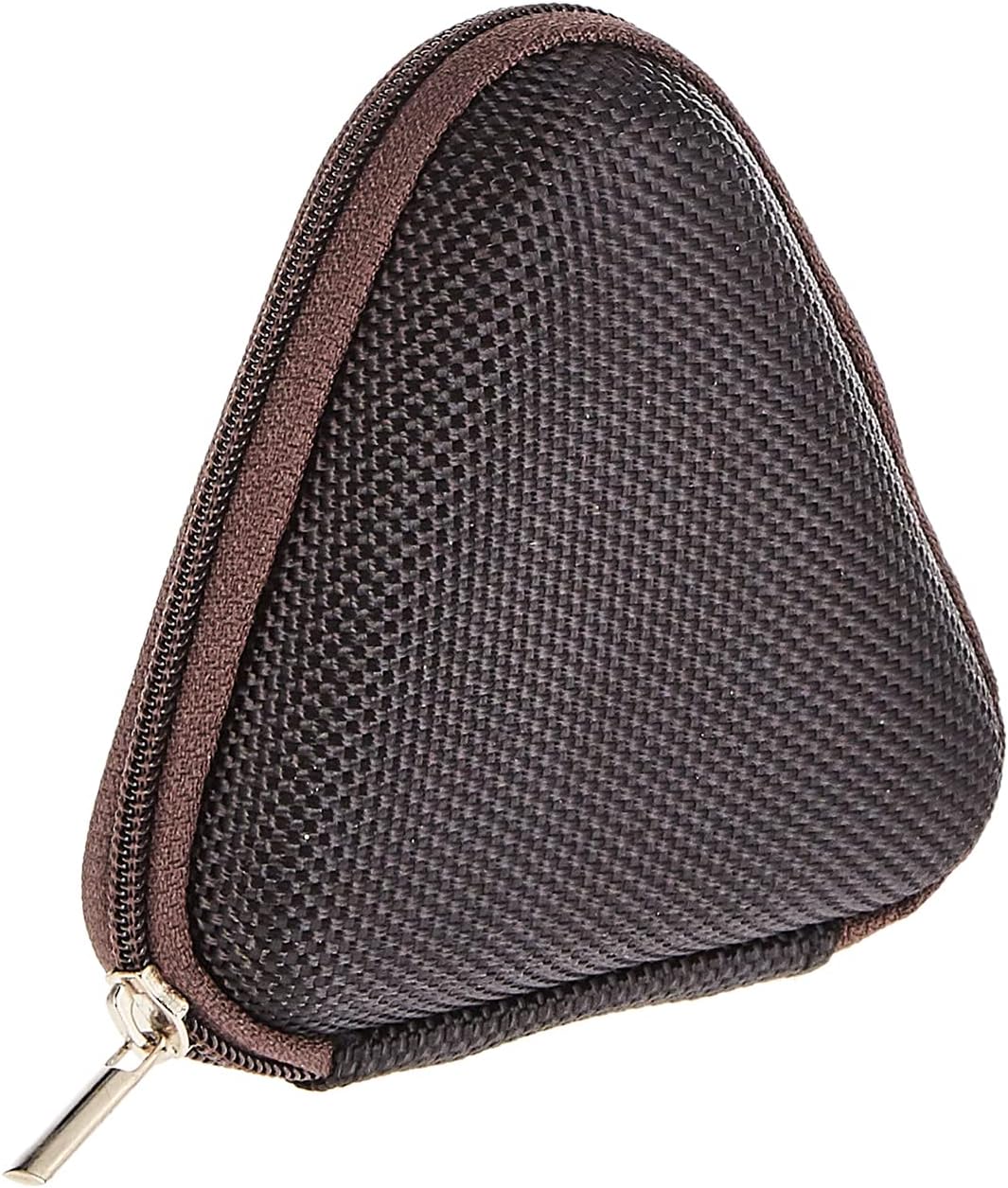
Image: The included triangular carrying case, designed for protecting and transporting the headset.
4. Producte acabatview
The Baseus H08 headset is designed for an immersive gaming audio experience. It features a comfortable over-ear design and integrated controls.

Image: The Baseus H08 Immersive Virtual 3D Gaming Headset, showcasinel seu disseny i components.
Components:
- Orelles: Padded earcups for comfort and sound isolation.
- Diadema: Adjustable headband for a secure fit.
- Micròfon: Integrated microphone for communication.
- Cable d'àudio: Detachable 3.5mm audio cable for connection to devices.
- Control de volum: In-line or earcup-mounted volume adjustment.
5. Configuració
- Desembalar: Carefully remove the headset and all accessories from the packaging.
- Connecteu el cable d'àudio: Insert the 3.5mm audio jack into the corresponding port on your gaming device (PC, console controller, smartphone, etc.). Ensure the connection is secure.
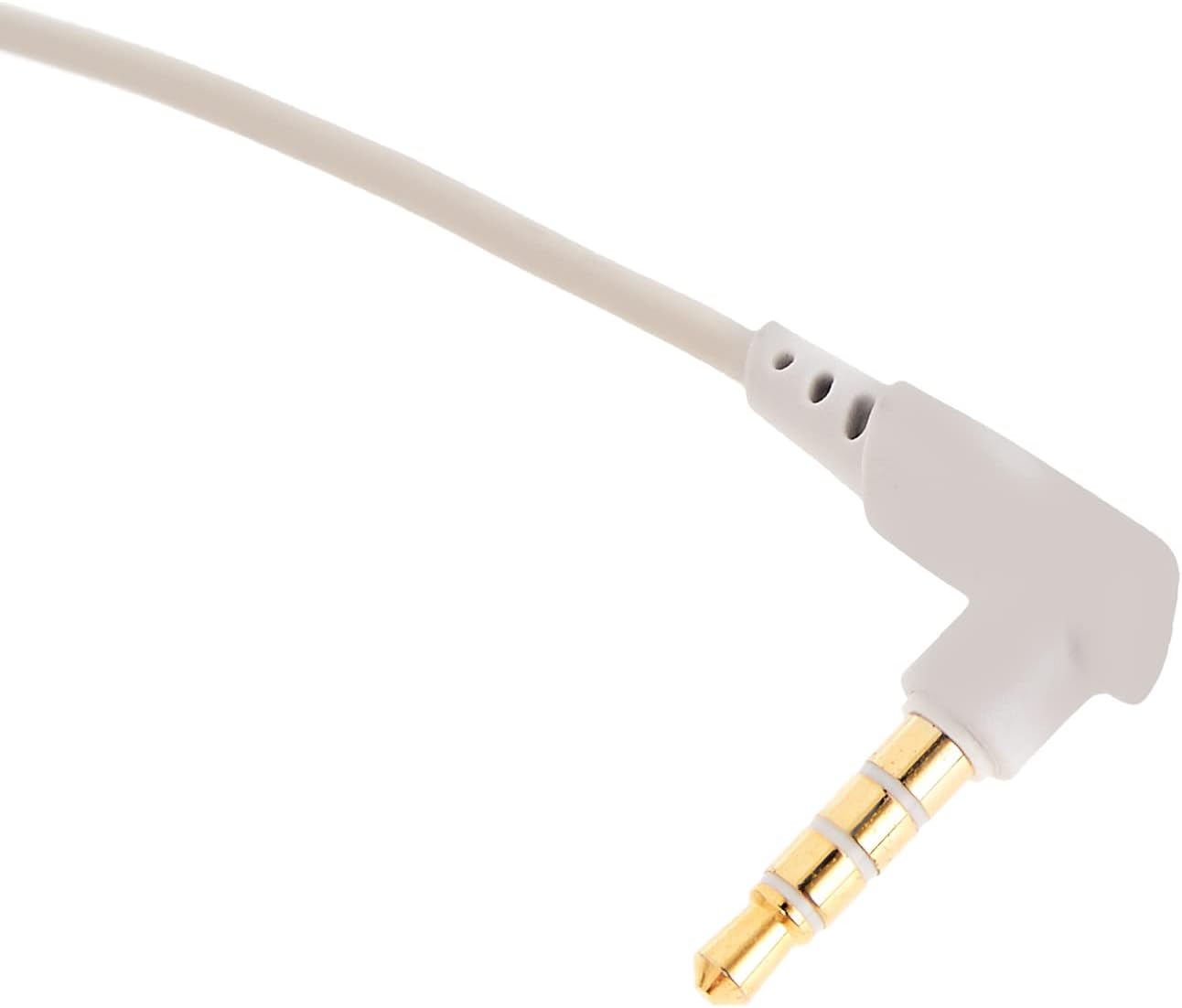
Imatge: Un primer pla view of the 3.5mm audio jack, used for connecting the headset to compatible devices.
- Ajustar els auriculars: Place the headset on your head and adjust the headband for a comfortable and secure fit. Position the earcups over your ears.
- Posicionament del micròfon: If the microphone is adjustable, position it appropriately for clear voice capture, typically near the corner of your mouth.
6. Instruccions de funcionament
- Control de volum: Use the integrated volume control (if present on the cable or earcup) to adjust the audio output level. Rotate or slide the control to increase or decrease volume.
- Silència del micròfon: If your headset features a microphone mute switch, use it to toggle the microphone on or off as needed during gameplay or calls.
- Virtual 3D Sound: The headset provides an immersive virtual 3D sound experience. This feature is typically active upon connection and enhances spatial audio cues in compatible games. No specific activation is usually required unless indicated by your device's audio settings.
7. Manteniment
- Neteja: Wipe the headset with a soft, dry, lint-free cloth. Do not use harsh chemicals, cleaning solvents, or strong detergents.
- Emmagatzematge: When not in use, store the headset in its carrying case to protect it from dust, scratches, and physical damage. Keep it in a cool, dry place.
- Cura del cable: Avoid sharp bends or excessive pulling on the audio cable to prevent internal damage.
8. Solució De Problemes
Problemes comuns i solucions:
- Sense so:
- Ensure the 3.5mm audio cable is fully plugged into both the headset and your device.
- Comproveu el control de volum dels auriculars i del dispositiu per assegurar-vos que no estigui silenciat ni que el so estigui massa baix.
- Verifiqueu que el dispositiu de sortida d'àudio correcte estigui seleccionat a la configuració de so del dispositiu.
- Qualitat de so baixa:
- Comproveu si hi ha connexions soltes.
- Prova els auriculars amb un altre dispositiu per descartar un problema específic del dispositiu.
- Assegureu-vos que la font d'àudio sigui de bona qualitat.
- El micròfon no funciona:
- Assegureu-vos que el micròfon no estigui silenciat (si escau).
- Comproveu la configuració de so del dispositiu per assegurar-vos que el micròfon dels auriculars estigui seleccionat com a dispositiu d'entrada.
- Prova el micròfon amb una altra aplicació o dispositiu.
- Molèstia durant l'ús:
- Adjust the headband and earcup positions for a better fit.
- Take breaks during long gaming sessions.
9. Especificacions
| Característica | Detall |
|---|---|
| Marca | Baseus |
| Nom del model | NGH08-2G |
| Número de model de l'article | B012LZLE1U |
| Dimensions del producte | 5 x 3 x 10 cm |
| Pes de l'article | 200 grams |
| Color | Blanc + Gris |
| Tipus de control | Control de volum |
| Nombre d'articles | 1 |
| Usos específics del producte | No disponible |
| Factor de forma dels auriculars | No disponible |
| Conector d'auriculars | No disponible |
| Tecnologia de connectivitat | No disponible |
| Tecnologia de comunicació sense fils | No disponible |
| Components inclosos | No disponible |
| Interval d'edat (descripció) | No disponible |
| Material | No disponible |
10. Garantia i Suport
For warranty information and technical support, please refer to the warranty card included with your product or visit the official Baseus weblloc web. També podeu contactar amb el distribuïdor on heu comprat el producte per obtenir ajuda.
Baseus Oficial Weblloc: www.baseus.com


