1. Introducció
The SINGCALL Wireless Calling System is designed to enhance service efficiency in various environments such as cafes, coffee shops, restaurants, and offices. This system allows customers or staff to easily call for service using a call button, which then transmits a signal to a central display receiver, indicating the calling location.
This manual provides comprehensive instructions for the setup, operation, maintenance, and troubleshooting of your SINGCALL Wireless Calling System.

Image: The complete SINGCALL Wireless Calling System, featuring the main display receiver and ten individual call buttons.

Image: A workflow chart illustrating how the call system operates, from a customer pressing a call button to staff receiving the notification on the display.

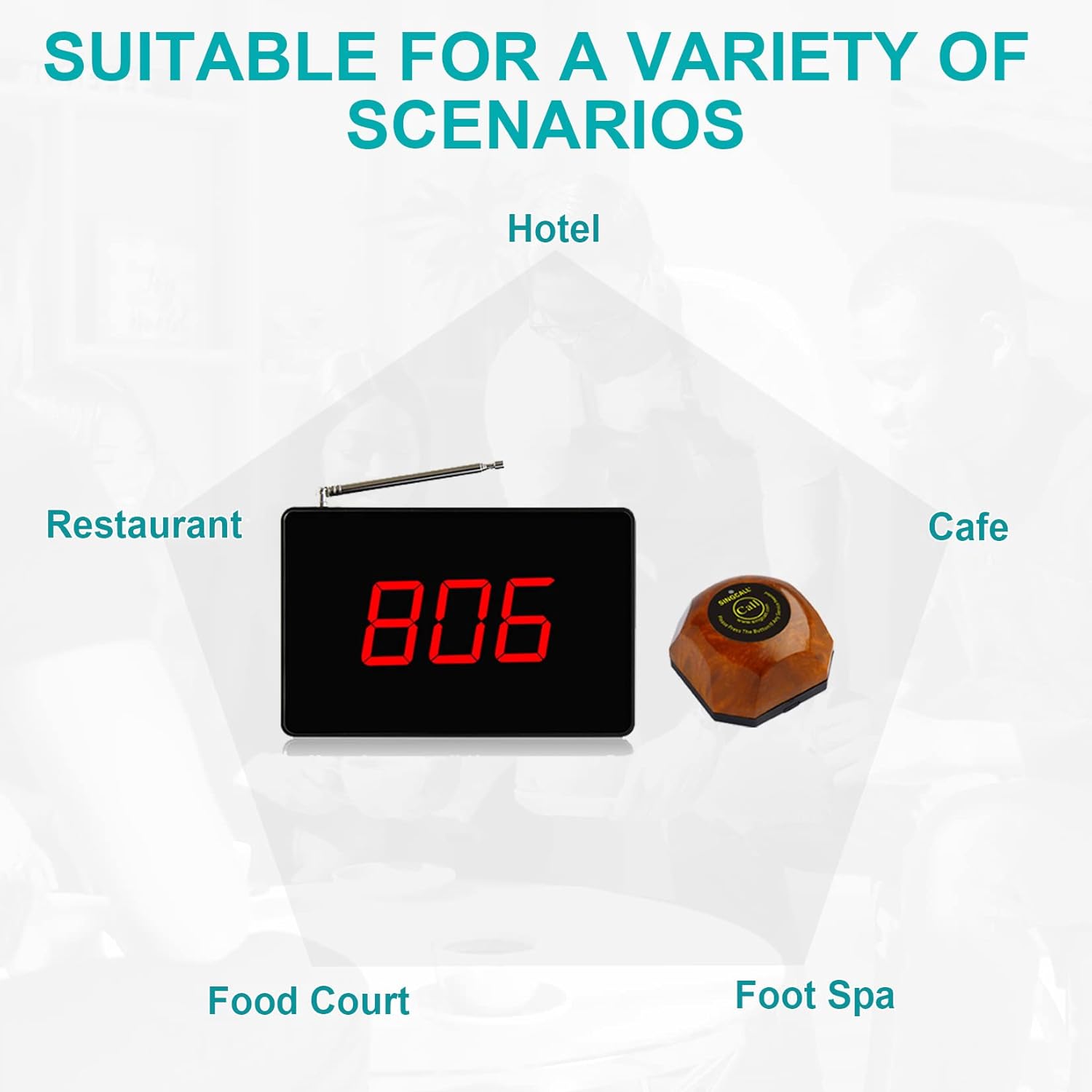
Image: Visual representation of diverse environments where the SINGCALL system can be effectively utilized, including hotels, restaurants, cafes, food courts, and foot spas.
2. Característiques del producte
SC-R15 Display Receiver Features:
- Registered numbers cannot be re-registered, preventing duplicate entries.
- Displays one group of three-digit numbers at a time.
- Stores up to 10 numbers for scrolling display.
- Prompt modes include Dingdong sound, Alarming sound, and voice report.
- Supports up to 999 call buttons.
- English letter beginning display options: A, B, C, D, E, F, H, P, L, J.
- Features a small display with a large screen for clear visibility.
Imatge: Detallada view of the SC-R15 display receiver, highlighting its antenna, display screen, and various function buttons for operation.
APE560 Call Button Features:
- Equipped with a waterproof base.
- Stable login mode for reliable connection.
- Resistant to temperature and humidity changes.
- The call number can be changed optionally, allowing for strong re-use ability.
Image: A close-up shot demonstrating the waterproof capability of the SINGCALL call button, with water droplets visible on its surface.

Image: Illustrates the system's scalability, showing that up to 999 call buttons can be integrated with a single display receiver.
Distància de treball:
- Indoor range: Up to 130-200 feet (40-60 meters).
- Outdoor range: Up to 1600-2600 feet (500-800 meters).
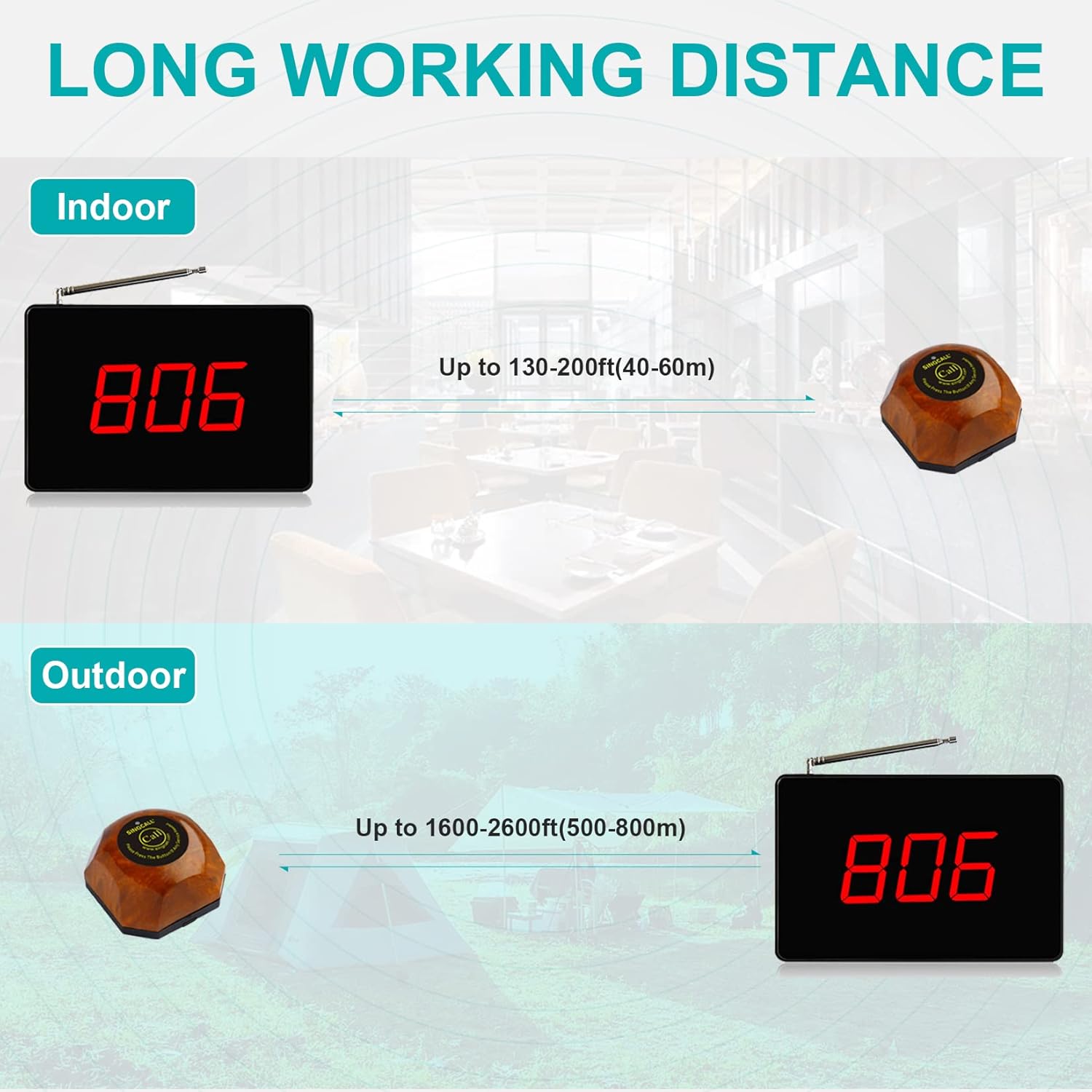
Image: A diagram visually representing the effective indoor and outdoor working distances of the SINGCALL Wireless Calling System.
3. Configuració
3.1 Desembalatge i inspecció inicial
Upon receiving your SINGCALL Wireless Calling System, carefully unpack all components and inspect them for any signs of damage. Ensure all listed items are present:
- SC-R15 Display Receiver
- APE560 Call Buttons (quantity as per your package)
- Adaptador d'alimentació per al receptor
- Manual d'usuari (aquest document)
3.2 Alimentació del receptor
- Connect the power adapter to the SC-R15 Display Receiver.
- Connecteu l'adaptador d'alimentació a una presa de corrent estàndard.
- The display should light up, indicating it is powered on.
3.3 Pairing Call Buttons (if not pre-paired)
Your system may come pre-paired. If you need to add new buttons or re-pair existing ones, refer to the detailed pairing instructions provided in the separate user guide PDF (link available on the product page) or contact customer support. The system prevents re-registration of already registered numbers.
3.4 Call Button Battery Replacement
The APE560 call buttons are designed for easy battery replacement. Follow these steps:
- Pas 1: Push the button to the right to separate the base from the button unit.
- Pas 2: Use a small screwdriver to remove the screws securing the battery compartment.
- Pas 3: Change the old batteries with new 23A 12V batteries, ensuring correct polarity.

Image: Illustration of the first step in replacing the call button battery, showing how to slide the button unit off its base.

Image: Depicts the second step, where a tool is used to unscrew the battery cover from the call button's base.

Image: Shows the internal components of the call button, including the battery compartment, for easy battery replacement.
4. Instruccions de funcionament
4.1 Placing a Call
To place a call for service, simply press the 'Call' button on the APE560 pager. The button will send a wireless signal to the SC-R15 display receiver.
4.2 Recepció d'una trucada
When a call button is pressed, the SC-R15 display receiver will:
- Display the three-digit number corresponding to the calling button.
- Activate the selected prompt mode (Dingdong, Alarming sound, or voice report).
- If multiple calls are received, the display will scroll through the stored numbers (up to 10).
4.3 Clearing Calls
Instructions for clearing calls from the display will be available in the detailed user guide PDF. Typically, this involves pressing a specific button on the receiver or a pre-programmed clearing button.
4.4 Vídeo de demostració
Watch this official video from SINGCALL demonstrating the functionality of the SC-R15 receiver with various call buttons.
Video: A demonstration of the SINGCALL SC-R15 display receiver interacting with different models of call buttons, showcasing its call reception and display capabilities.
5. Manteniment
To ensure the longevity and optimal performance of your SINGCALL Wireless Calling System, follow these maintenance guidelines:
- Neteja: Use a soft, dry cloth to clean the display receiver and call buttons. Avoid abrasive cleaners or solvents that could damage the surfaces.
- Durada de la bateria: Replace call button batteries (23A 12V) as needed. The frequency of replacement depends on usage.
- Col·locació: Ensure the display receiver is placed in a central location, free from obstructions that could interfere with the wireless signal. Avoid placing it near large metal objects or other electronic devices that may cause interference.
- Emmagatzematge: If storing the system for an extended period, remove batteries from the call buttons and store all components in a cool, dry place.
6. Solució De Problemes
If you encounter issues with your SINGCALL Wireless Calling System, refer to the following common problems and solutions:
| Problema | Causa possible | Solució |
|---|---|---|
| Receiver not displaying calls. | No power to receiver; Call button battery low/dead; Button out of range; Interference. | Check power connection; Replace button battery; Move button closer to receiver; Relocate receiver away from interference sources. |
| El botó de trucada no respon. | Battery low/dead; Button not paired; Button damaged. | Replace battery; Re-pair the button (refer to full manual); Contact support if damaged. |
| Display shows incorrect number. | Button mis-paired or duplicate registration. | Clear all registrations and re-pair buttons one by one (refer to full manual). |
| Voice/sound prompts not working. | Volume too low; Prompt mode disabled. | Adjust volume using receiver controls; Check receiver settings to enable prompt mode. |
For more detailed troubleshooting steps or issues not listed here, please refer to the comprehensive user guide PDF or contact SINGCALL customer support.
7. Especificacions
Key specifications for the SINGCALL Wireless Calling System (Model SC-R15 and APE560):

Image: Dimensions of the SC-R15 receiver and APE560 pager for reference.
| Atribut | Detall |
|---|---|
| Marca | SINGCALL |
| Número de model | SC-R15 |
| Fabricant | EASTWAY INTERNATIONAL (HK) LIMITED |
| Pes de l'article | 2.2 lliures |
| Dimensions del producte | 14.57 x 8.27 x 2.76 polzades |
| Tipus de material | ABS |
| Call Button Capacity | Fins a 999 |
| Mostra els dígits | 3 dígits |
| Modes de prompt | Dingdong, Alarming sound, Voice report |
| Gamma interior | 130-200 peus (40-60 m) |
| Gama exterior | 1600-2600 peus (500-800 m) |
8. Garantia i Suport
For information regarding product warranty, please refer to the warranty card included with your purchase or visit the official SINGCALL weblloc. Els termes i condicions de la garantia poden variar.
If you require technical assistance, have questions about your product, or need to report an issue, please contact SINGCALL customer support through the retailer where you purchased the product or via the contact information provided on the official SINGCALL weblloc.
You can also refer to the official user manual PDF for more detailed instructions and support information, which can often be found on the product's Amazon listing page under 'Product guides and documents'.


