1. Introducció
The Thrustmaster TFRP T. Flight Rudder Pedals are designed to provide precise rudder control for an enhanced flight simulation experience across multiple platforms. Featuring S.M.A.R.T (Sliding Motion Advanced Rail Tracks) technology and differential braking, these pedals offer a realistic and responsive control solution for flight enthusiasts.

Imatge 1: Frontal view of the Thrustmaster TFRP T. Flight Rudder Pedals.
2. Què hi ha a la caixa
Verifiqueu que tots els components siguin presents al paquet:
- Rudder with RJ12 cable
- Universal RJ12/USB adapter box
- 2 removable heel rests
- Manual d'usuari i informació de garantia
3. Configuració
3.1 Connexió dels pedals
- Place the TFRP Rudder Pedals on a stable, flat surface.
- Connect the RJ12 cable from the rudder pedals to the universal RJ12/USB adapter box.
- Connect the USB end of the adapter box to an available USB port on your PC, PlayStation, or Xbox console.
- Assegureu-vos que totes les connexions siguin segures.

Imatge 2: posterior view of the pedals, illustrating connection points.
3.2 Attaching/Removing Heel Rests
The TFRP Rudder Pedals come with removable heel rests. These can be attached or removed using the supplied Allen key to suit your preferred flying style and comfort. For users who prefer to rest their heels on the floor, the heel rests can be easily detached.

Imatge 3: Ex.ample of feet positioned on the pedals with heel rests.
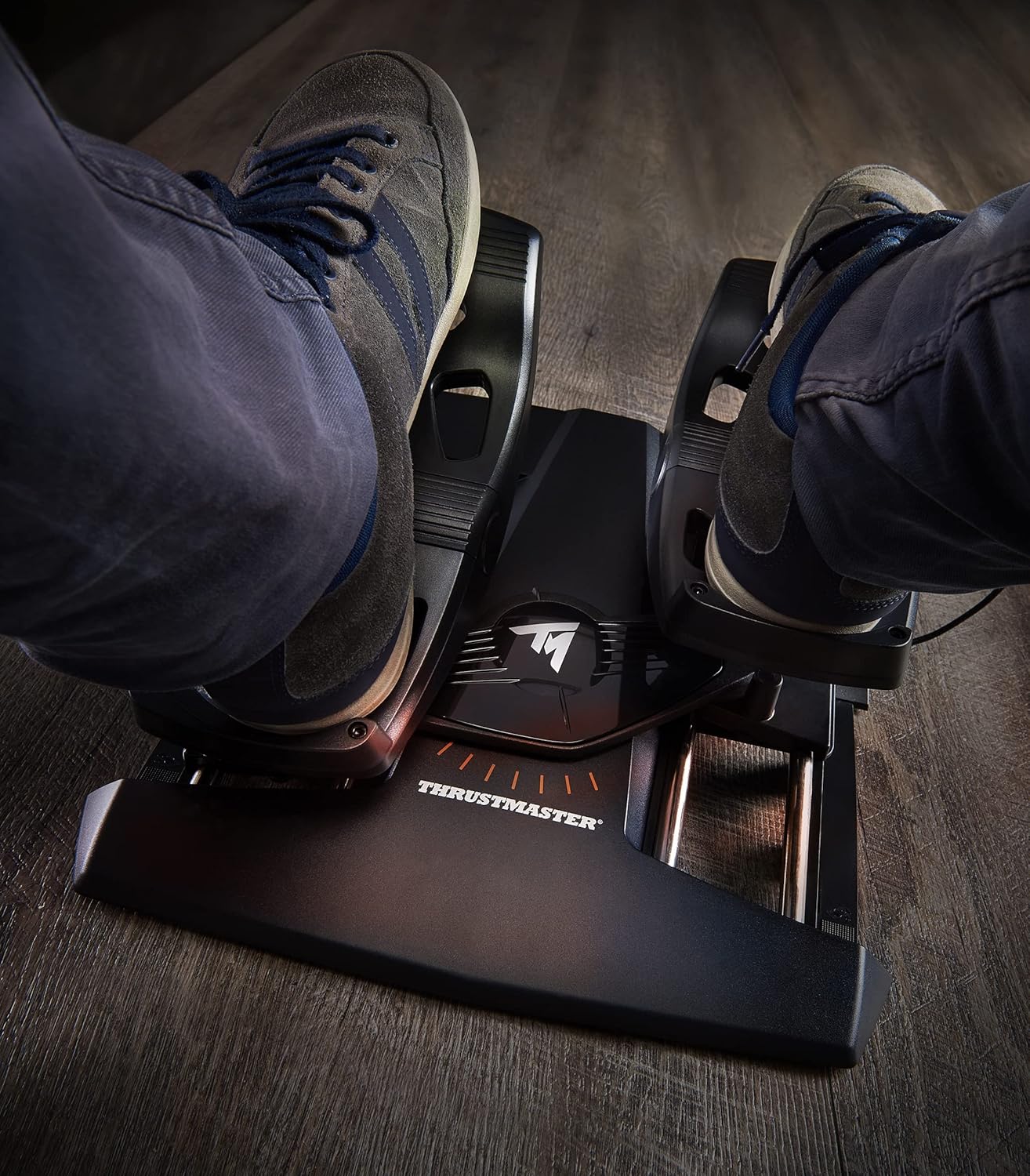
Image 4: Demonstrating the range of motion with feet on the pedals.
Video 1: A short demonstration of the TFRP Rudder Pedals in use, showing foot placement and movement.
4. Operating the TFRP Rudder Pedals
4.1 Core Technologies
The TFRP Rudder Pedals incorporate advanced technologies for precise control:
- S.M.A.R.T (Sliding Motion Advanced Rail Tracks) Technology: This system ensures smooth and precise rudder axis movement, eliminating friction for a fluid control experience.
- Frenada diferencial: The pedals feature independent left and right toe brakes, allowing for precise differential braking, crucial for ground maneuvering and advanced flight techniques.
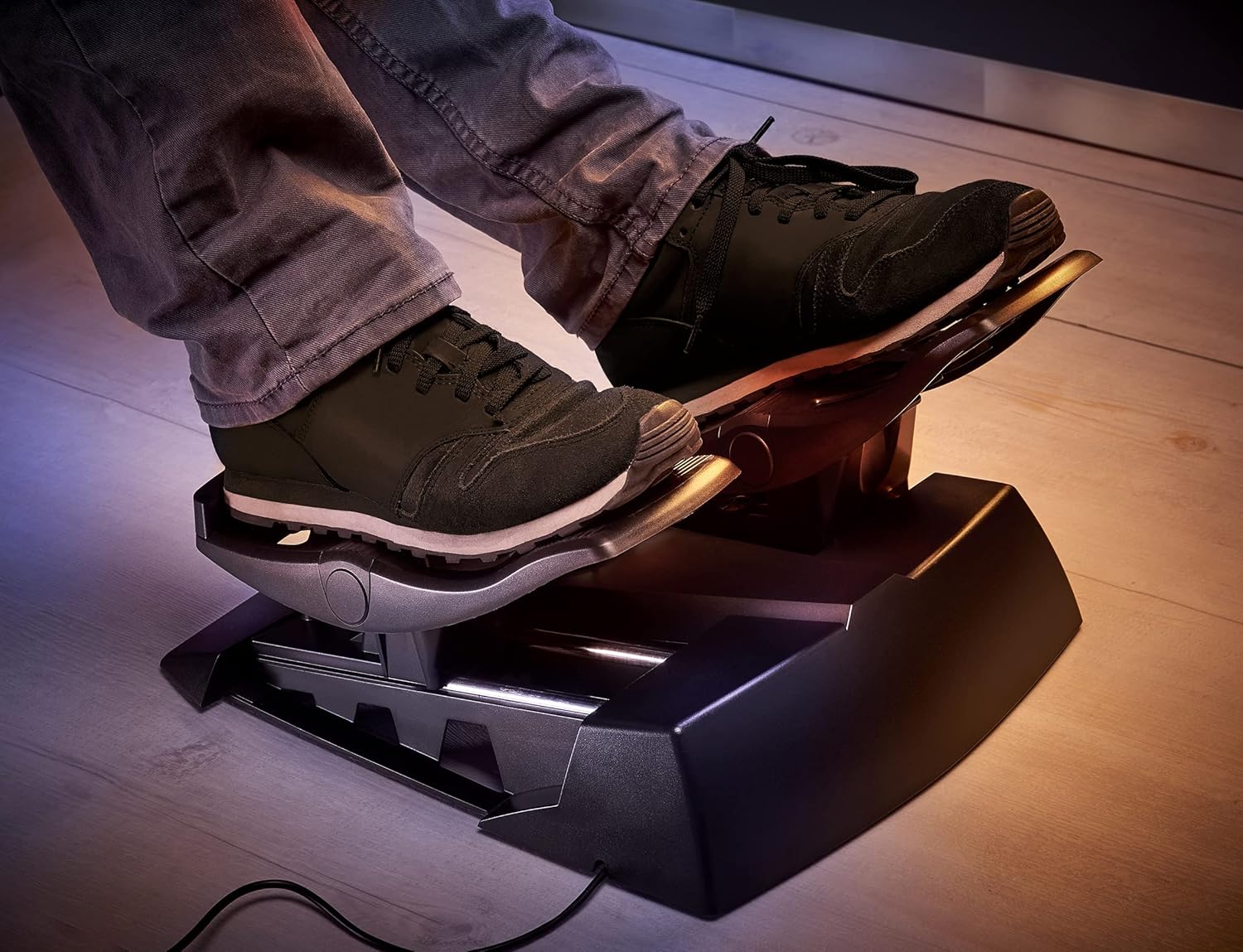
Imatge 5: Detallada view of the pedal mechanism, showcasing the S.M.A.R.T technology.
4.2 Compatibilitat
The TFRP Rudder Pedals are compatible with:
- PC (Windows 7, 8, 10)
- PlayStation 4
- PlayStation 5
- Xbox One
- Xbox Sèrie S
- Xbox Sèrie X
For optimal performance on PC, ensure you have the latest drivers installed from the Thrustmaster weblloc.
4.3 Advanced Programming with T.A.R.G.E.T Software
For PC users, the Thrustmaster Advanced pRogramming Graphical EdiTor (T.A.R.G.E.T) software allows for advanced customization of your TFRP Rudder Pedals. This software enables you to:
- Test and configure your setup.
- Program custom profiles for different games or aircraft.
- Combine the TFRP pedals with other Thrustmaster devices to create a unified virtual cockpit.

Image 6: T.A.R.G.E.T software logo.
Vídeo 2: Un overview of the Thrustmaster flight simulation ecosystem, including the TFRP pedals and T.A.R.G.E.T software.
Video 3: A detailed look at the TFRP T. Flight Rudder Pedals, highlighting features like S.M.A.R.T technology and differential braking.
5. Manteniment
To ensure the longevity and optimal performance of your TFRP Rudder Pedals, follow these maintenance guidelines:
- Neteja: Use a soft, dry cloth to wipe down the pedals and base regularly. Avoid abrasive cleaners or solvents that could damage the finish.
- Emmagatzematge: When not in use, store the pedals in a clean, dry environment away from direct sunlight and extreme temperatures.
- Cura del cable: Avoid sharply bending or twisting the cables. Ensure they are not pinched or under tension to prevent damage.
6. Solució De Problemes
If you encounter issues with your TFRP Rudder Pedals, consider the following steps:
- No Recognition by PC/Console:
- Ensure the USB cable is securely connected to both the adapter box and the PC/console.
- Prova amb un port USB diferent.
- On PC, check Device Manager to see if the device is listed. Reinstall drivers if necessary.
- Reinicieu el vostre PC o consola.
- Incorrect Axis Response:
- Calibrate the pedals through your operating system's game controller settings (PC) or within the game's control options.
- Ensure the latest drivers and firmware are installed.
- If using T.A.R.G.E.T software, check your profile settings for any custom configurations that might be affecting performance.
- Physical Issues (e.g., sticking pedals):
- Inspect the S.M.A.R.T rails for any obstructions or debris. Clean as per maintenance instructions.
- Ensure the pedals are placed on a level surface.
For further assistance, refer to the official Thrustmaster support weblloc.
7. Especificacions
| Característica | Detall |
|---|---|
| Marca | Thrustmaster |
| Nom del model | TFRP Rudder |
| Número de model | 2960764 |
| Dimensions | 34.9 x 31.4 x 20.6 cm |
| Pes | 2.55 quilos |
| Material | Alumini |
| Tecnologia de connectivitat | USB |
| Dispositius compatibles | PC, PlayStation 4, PlayStation 5, Xbox One, Xbox Series S, Xbox Series X |
| Compatibilitat de sistemes operatius | Windows 10, Windows 7, Windows 8 |
| Components inclosos | Rudder with RJ12 cable, Universal RJ12/USB adapter box, 2 removable heel rests, User manual and warranty information |
8. Garantia i Suport
For detailed warranty information, please refer to the warranty card included in your product packaging or visit the official Thrustmaster website. Technical support and driver downloads are also available on the official Thrustmaster support page.
Oficial Weblloc: www.thrustmaster.com


