1. Introducció
This manual provides detailed instructions for the safe and efficient operation of your UNIC UC50 Mini Projector. Please read this manual thoroughly before using the device and retain it for future reference.
The UNIC UC50 is a compact DLP projector designed for various multimedia applications, offering portability and ease of use.
2. Contingut del paquet
Verifiqueu que tots els articles que s'enumeren a continuació s'inclouen al vostre paquet. Si falta algun article o està malmès, poseu-vos en contacte amb el vostre distribuïdor.
- 1x UNIC UC50 Projector
- 1x Manual d'usuari (aquest document)
- 1x adaptador de corrent
- 1x Cable
- 1x comandament a distància

Figura 2.1: UNIC UC50 Mini Projector and included accessories. The image displays the compact projector unit along with its power adapter, remote control, and connecting cables, all neatly arranged.
3. Producte acabatview
Familiarize yourself with the various components and ports of your UNIC UC50 Mini Projector.
3.1 Davant View

Figura 3.1.1: Davant view of the UNIC UC50 Mini Projector with the lens cover open. This view highlights the projection lens and the sliding lens cover mechanism.

Figura 3.1.2: Davant view of the UNIC UC50 Mini Projector with the lens cover closed. The sliding cover protects the lens when the projector is not in use.
3.2 lateral Views (Input/Output Ports)

Figura 3.2.1: lateral view of the UNIC UC50 Mini Projector, displaying the USB port and SD card slot for media input.

Figura 3.2.2: Costa oposada view of the UNIC UC50 Mini Projector, featuring the HDMI input, AV input, and 3.5mm earphone output jack.
3.3 Darrera View

Figura 3.3.1: posterior view of the UNIC UC50 Mini Projector. This side includes the focus adjustment wheel and the DC 5V 2A power input port.
3.4 Amunt View
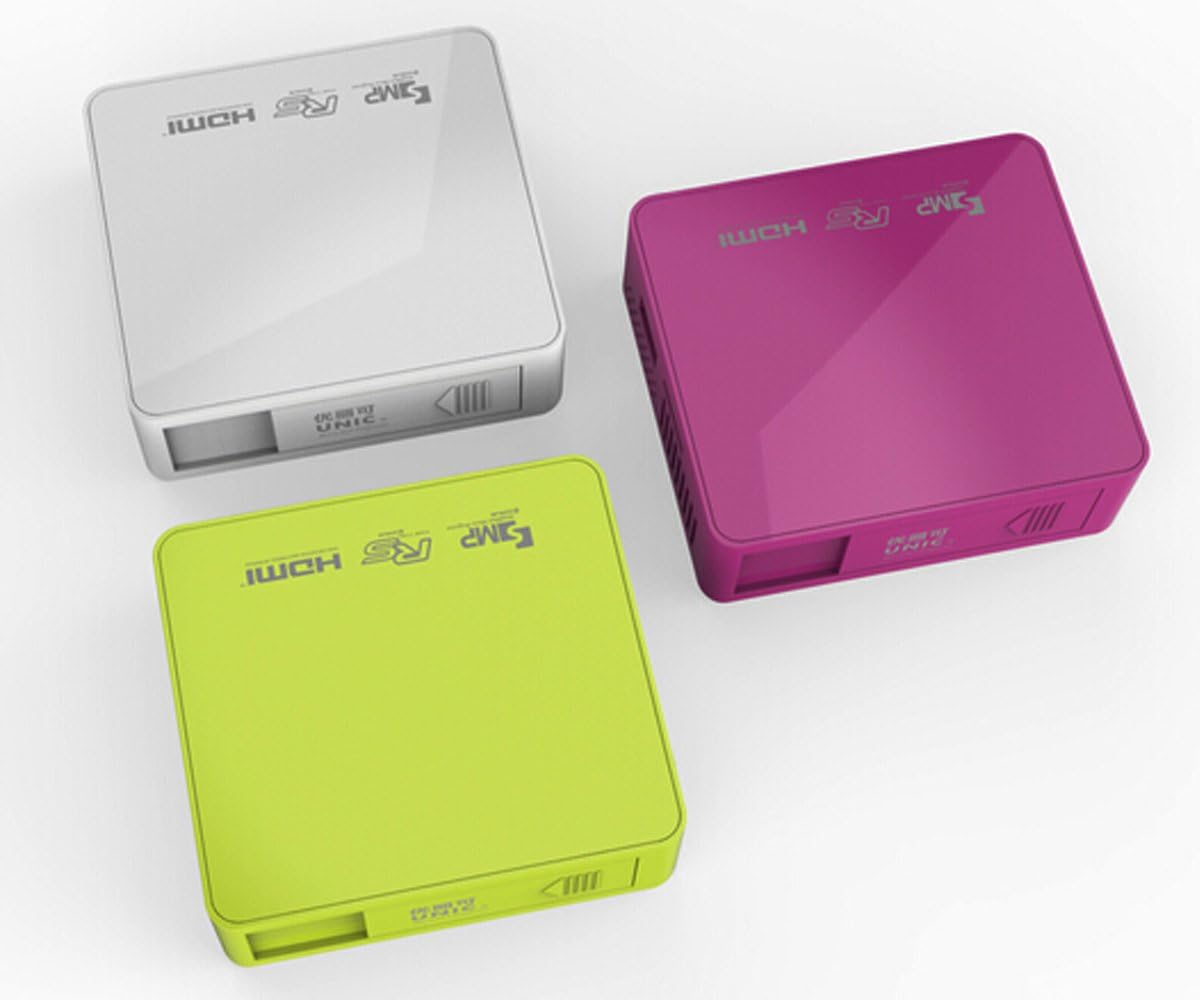
Figura 3.4.1: A dalt view of the UNIC UC50 Mini Projector, showing the minimalist design and branding.
4. Configuració
4.1 Connexió d'alimentació
- Connect the provided power adaptor to the DC 5V 2A input port on the rear of the projector.
- Plug the power adaptor into a standard electrical outlet (AC 100-240V, 50/60Hz).
- The projector will power on automatically or can be turned on using the remote control.
4.2 Col·locació i projecció
- Col·loqueu el projector sobre una superfície estable i plana.
- Ensure the projection surface (screen or wall) is clean and smooth.
- Adjust the projection distance between 35.5 cm and 430 cm to achieve the desired image size (14-150 inches).
- Per a un òptim viewing, operate the projector in a dimly lit room.
5. Instruccions de funcionament
5.1 Ajust del focus
Rotate the focus adjustment wheel located on the rear of the projector until the projected image appears clear and sharp.
5.2 Selecció de la font d'entrada
The UNIC UC50 supports multiple input sources:
- USB: Inseriu una unitat flaix USB al port USB.
- SD: Inseriu una targeta SD a la ranura per a targetes SD.
- DE: Connect an AV cable to the AV input port.
- HDMI: Connect an HDMI cable to the HDMI input port.
Use the remote control to navigate the on-screen menu and select the desired input source.
5.3 Reproducció multimèdia
When a USB drive or SD card is inserted, the projector's UNIC Multimedia OS will allow you to browse and play supported file formats:
- Formats de vídeo: MP4, AVI, MOV, VOB, DAT, MPEG, MPG, RM, RMVB (Video encoding: MPEG1/MPEG2/MPEG4/DivX/Xvid)
- Formats d'àudio: MP3, WMA, WAV, AAC, OGG, ASF
- Formats d'imatge: JPG, BMP, PNG
- Document Format: TXT
Navegueu per la files using the remote control and select the desired content for playback.
5.4 Sortida d'àudio
The projector has built-in speakers (1.0W *2). For private listening or connecting external audio systems, use the 3.5mm earphone output jack.
6. Manteniment
6.1 Neteja de la lent
Feu servir un drap suau i sense borrissol dissenyat específicament per a lents òptiques per netejar suaument la lent del projector. Eviteu utilitzar productes de neteja abrasius o força excessiva, ja que això pot ratllar la lent.
6.2 Neteja del cos del projector
Wipe the exterior of the projector with a soft, dry cloth. Do not use liquid cleaners or solvents.
6.3 Emmagatzematge
When not in use, store the projector in a cool, dry place, away from direct sunlight and extreme temperatures. Ensure the lens cover is closed to protect the lens from dust.
7. Solució De Problemes
| Problema | Causa possible | Solució |
|---|---|---|
| No es projecta cap imatge |
|
|
| La imatge és borrosa |
|
|
| Sense so |
|
|
| El comandament a distància no funciona |
|
|
8. Especificacions
| Característica | Detall |
|---|---|
| Sistema d’Imatges | DLP |
| Lamp Tipus | LED |
| Resolució nativa | 854 x 480 píxels |
| Resolució suportada | Up to 1920 x 1080 pixels (1080P) |
| Relació d'aspecte | 4:3 / 16:9 |
| Sistema operatiu | UNIC Multimedia OS |
| Brillantor | 800 lúmens |
| Relació de contrast | 800:1 |
| Lent | F=125 |
| Focus | Manual |
| Lamp Horari de treball | 20,000 hores |
| Mida de la imatge | 14-150 polzades |
| Distància de projecció | 35.5 cm - 430 cm |
| Mode de projecció | Projecció frontal |
| Mode d'operació | Manual / Comandament a distància |
| Ports de sortida | Auriculars de 3.5 mm |
| Ports d'entrada | USB, SD, AV, HDMI, IR |
| Entrada de potència | CA 100-240V, 50/60Hz |
| Potència de sortida | DC 5V 2A |
| Consum d'energia | 10W |
| Altaveu | 1.0W x 2 |
| Pes | 130 g |
| Dimensions (L x A x A) | 78 x 71 x 24.5 mm |
| OS Language | English, Polski, Russian, Deutsch, Spanish, Czech, etc. (23 Languages) |
| Característiques especials | Preparat per a 3D |
9. Garantia i Suport
The UNIC UC50 Mini Projector comes with a standard manufacturer's warranty. Please refer to the warranty card included in your package for specific terms and conditions, including warranty period and coverage details.
For technical support, troubleshooting assistance beyond this manual, or warranty claims, please contact your original point of purchase or visit the official UNIC support weblloc (si està disponible).
Note: Specific warranty details and support contact information may vary by region and retailer.


