1. Introducció
The Cobra ACXT645 walkie talkies are designed for reliable two-way communication in various environments. This manual provides essential information for the proper use and maintenance of your device.
The ACXT645 features a splashproof (IPX4) rating, 22 channels with 121 privacy codes, NOAA Weather Alerts, Voice-Activated Transmission (VOX), VibrAlert feedback, and a built-in LED flashlight. These features enhance usability and safety during outdoor activities or in situations requiring dependable communication.
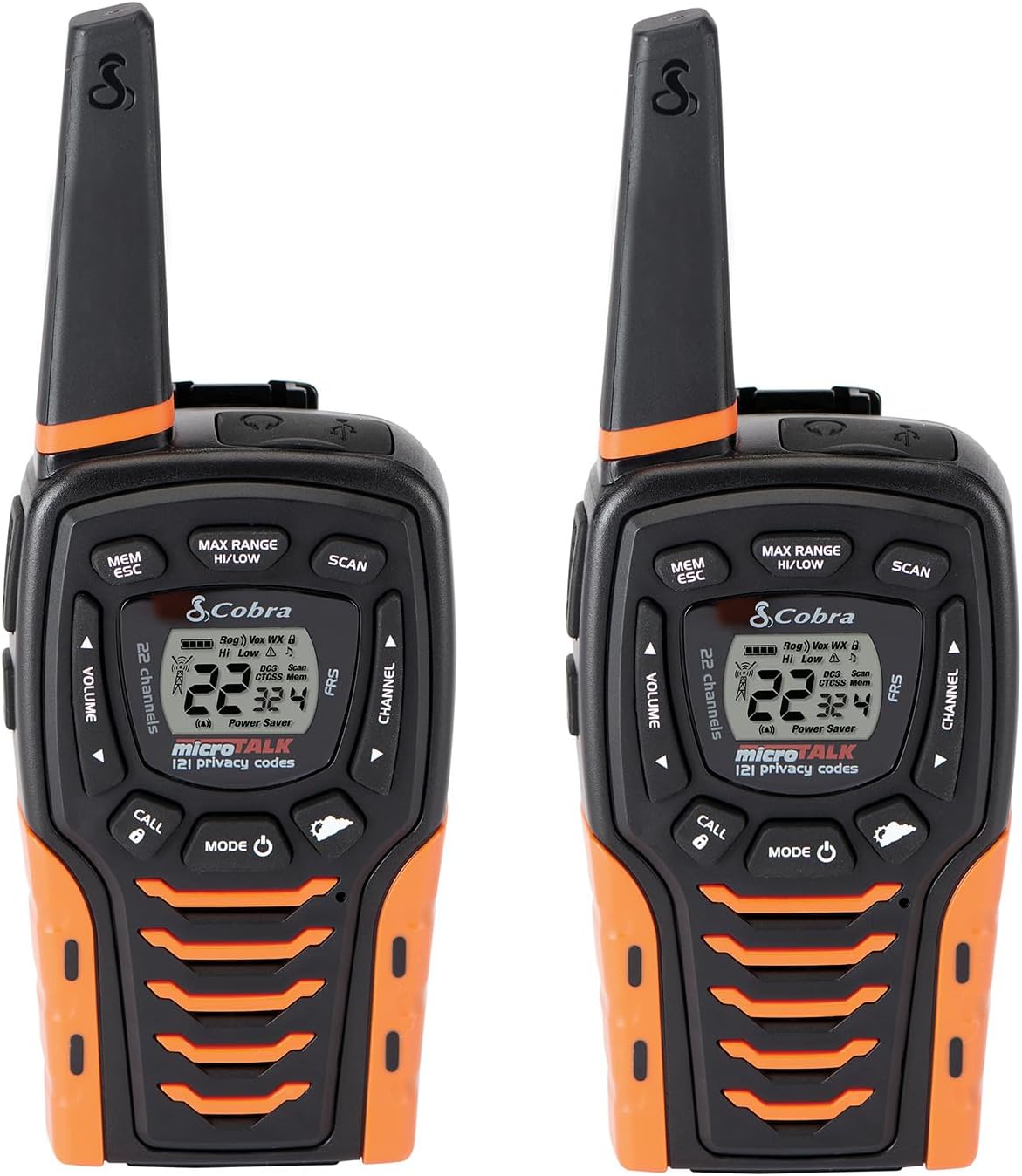
Image: Two Cobra ACXT645 walkie talkies, showcasing their design and display.
2. Contingut del paquet
Assegureu-vos que tots els elements estiguin presents al vostre paquet:
- 2 x Cobra ACXT645 Walkie Talkies
- 2 x clips de cinturó
- 2 x Rechargeable AA NiMH Batteries
- 1 x cable micro-USB
- 1 x Dual Dock Charger

Image: Contents of the Cobra ACXT645 package, including radios, charger, batteries, and belt clips.
3. Configuració
3.1. Instal·lació de bateries
- Remove the belt clip by releasing the belt clip latch and sliding the clip up.
- Estireu cap amunt el pestell de la porta de la bateria per treure la tapa del compartiment de la bateria.
- Insert the supplied three AA rechargeable NiMH batteries, observing polarity.
- Substituïu la tapa del compartiment de la bateria i el clip del cinturó.
3.2. Càrrega de les ràdios
The radios can be charged using the included dual dock charger or directly via the Micro-USB cable.
- Using the Dual Dock Charger: Place the walkie talkies into the charging slots on the dock. Ensure they are seated correctly. The charging indicator lights will illuminate.
- Using the Micro-USB Cable: Plug the Micro-USB cable into the USB charge jack located on the radio and connect the other end to a compatible USB power source.
It is recommended to charge the batteries fully before first use. The radio can be used while being charged.
3.3. Fixació del clip del cinturó
Slide the belt clip onto the designated slot on the back of the radio until it clicks into place. This allows for convenient carrying on your belt, purse, or backpack.
4. Instruccions de funcionament
4.1. Encendre/apagar
Manteniu premut el botó MODE/POTÈNCIA button until the display illuminates to turn the radio on. To turn off, press and hold the same button until the display turns off.
4.2. Selecció de canals
Utilitza el CANAL Amunt or CANAL ABAIX buttons to select one of the 22 available channels. The selected channel number will be displayed on the LCD screen.
4.3. Codis de privadesa (CTCSS/DCS)
The ACXT645 supports 121 privacy codes (38 CTCSS and 83 DCS codes) to help reduce interference from other users. To set a privacy code:
- Premeu el botó MODE/POTÈNCIA button until the CTCSS or DCS icon flashes.
- Utilitza el CANAL Amunt or CANAL ABAIX botons per seleccionar el codi de privadesa desitjat.
- Premeu el botó MODE/POTÈNCIA botó per confirmar i sortir.
Both radios must be set to the same channel and privacy code to communicate successfully.
4.4. Transmissió i recepció
- Per transmetre: Manteniu premut el botó PARLAR button. Speak clearly into the microphone. Release the PARLAR button to finish transmitting.
- Per rebre: The radio is always in receive mode when the PARLAR no es prem el botó.
4.5. Ajust de volum
Utilitza el PUJAR VOLUMEN or BAIXAR VOLUM buttons to adjust the listening volume. A double beep sound indicates the minimum and maximum volume levels.
4.6. Canals meteorològics de la NOAA
The ACXT645 provides 24/7 access to NOAA weather channels. To activate:
- Premeu el botó MODE/POTÈNCIA button until the Weather icon appears.
- Utilitza el CANAL Amunt or CANAL ABAIX botons per seleccionar un canal meteorològic.
- Premeu el botó MODE/POTÈNCIA botó per confirmar i sortir.
4.7. Voice-Activated Transmission (VOX)
VOX allows for hands-free operation. When activated, the radio will automatically transmit when you speak. To enable/disable VOX:
- Premeu el botó MODE/POTÈNCIA button until the VOX icon flashes.
- Utilitza el CANAL Amunt or CANAL ABAIX buttons to select ON or OFF.
- Premeu el botó MODE/POTÈNCIA botó per confirmar i sortir.
4.8. VibrAlert®
This feature provides vibrating feedback for incoming transmissions, useful in noisy environments or when discretion is required. To enable/disable VibrAlert:
- Premeu el botó MODE/POTÈNCIA button until the VibrAlert icon flashes.
- Utilitza el CANAL Amunt or CANAL ABAIX buttons to select ON or OFF.
- Premeu el botó MODE/POTÈNCIA botó per confirmar i sortir.
4.9. LED Flashlight / SOS Function
The radio includes a built-in LED flashlight located at the bottom. To activate the flashlight, press the Llum LED button. To activate the SOS function, press and hold the Llum LED botó durant uns segons.
4.10. Funció d'escaneig
The scan function allows you to automatically scan through all 22 channels and 121 privacy codes to find active transmissions. To activate, press the ESCANEAR button. Press again to stop scanning.
4.11. Bloqueig del teclat
Per evitar canvis accidentals a la configuració, podeu bloquejar el teclat numèric. Mantingueu premuda la tecla TRUCA/BLOQUEJA button for two seconds. The lock icon will appear on the display. Repeat the process to unlock.
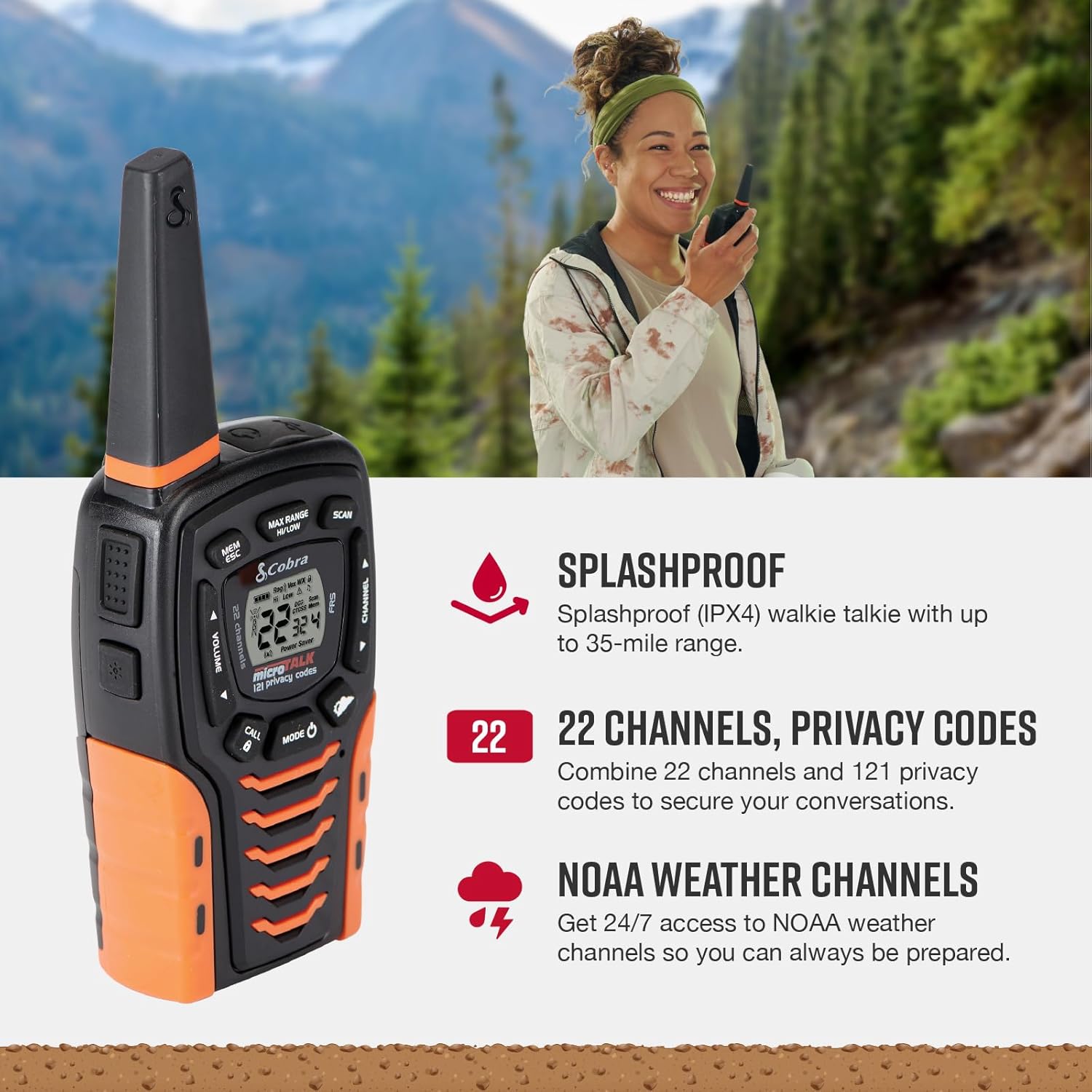
Image: Key features of the Cobra ACXT645, including splashproof design, channels, and NOAA weather alerts.
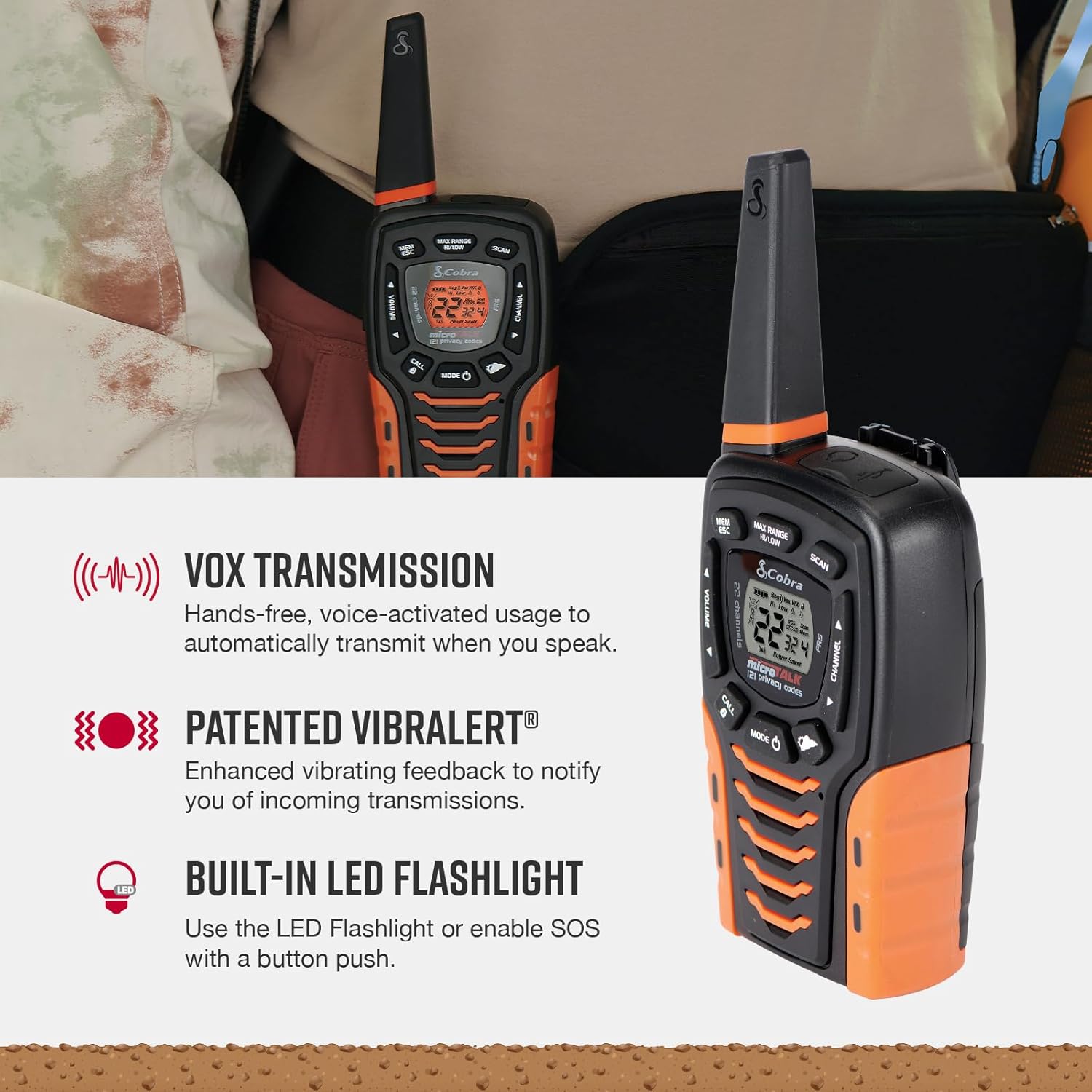
Image: Additional features like VOX, VibrAlert, and the LED flashlight on the Cobra ACXT645.
Vídeo: Un breu producte acabatview of the Cobra ACXT645 walkie talkies, demonstrating their features and design.
5. Informació de la gamma
The maximum range of up to 35 miles is achieved under optimal conditions, such as open water or rural areas with clear line of sight. Actual usable range can vary significantly due to several factors:
- Terreny: Dense foliage, hills, and urban structures can significantly reduce range.
- Temps: Adverse weather conditions can impact signal quality and range.
- Interferència electromagnètica: Altres dispositius electrònics o senyals de ràdio poden causar interferències.
For communication over shorter distances or in areas with obstructions, the radio automatically switches to lower power to conserve battery life while still providing reliable communication.
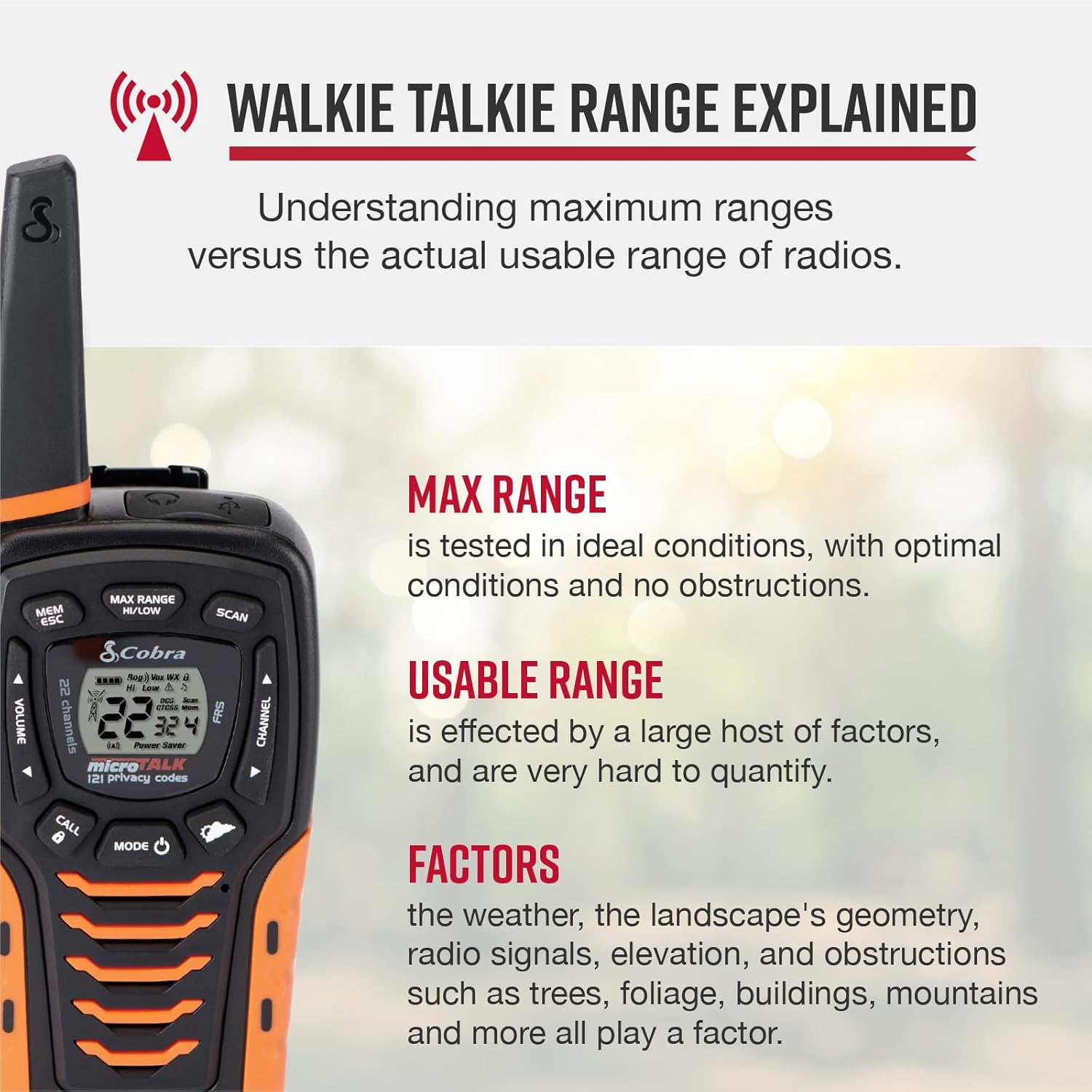
Image: Explanation of walkie talkie range, detailing factors that affect usable range.
6. Manteniment
6.1. Neteja
Netegeu l'exterior de la ràdio amb un drap suau iamp cloth. Do not use abrasive cleaners or solvents, as these can damage the unit.
6.2. Cura de la bateria
To maximize battery life, fully charge the batteries before each use. If storing the radios for an extended period, remove the batteries to prevent leakage.
6.3. Emmagatzematge
Store the radios in a cool, dry place away from direct sunlight and extreme temperatures.
7. Solució De Problemes
- Sense energia: Assegureu-vos que les bateries estiguin instal·lades i carregades correctament.
- No es pot transmetre/rebre: Verify both radios are on the same channel and privacy code. Check if the keypad lock is active.
- Poor Range/Interference: Adjust the Max Range Hi/Lo setting. Move to an area with fewer obstructions. Check for sources of electromagnetic interference.
- Static/Unclear Audio: Adjust volume. Ensure both radios are within effective range and have clear line of sight if possible.
8. Especificacions
| Característica | Especificació |
|---|---|
| Número de model | ACXT645 |
| Dimensions | 6.73 x 2.57 x 1.74 polzades |
| Pes de l'article | 5.1 unces |
| Nombre de canals | 22 |
| Codis de privadesa | 121 (38 CTCSS, 83 DCS) |
| Interval de freqüència | 400-512 MHz |
| Interval de conversa màxim | 35 milles (condicions òptimes) |
| Nivell de resistència a l'aigua | Resistent a esquitxades (IPX4) |
| Bateries | 3 AAA NiMH rechargeable (included) |
| Característiques especials | NOAA Weather Alerts, VOX, VibrAlert, LED Flashlight, SOS Function |
9. Garantia i Suport
Cobra Electronics offers reliable communication solutions with over 50 years of proven quality. For any questions about operating or installing your new Cobra product, or to inquire about warranty service, please refer to the contact information provided in your product documentation or visit the official Cobra weblloc.
This product is USA engineered and supported, exemplifying superior technology and craftsmanship.


