1. Introducció
The TP-Link AD7200 Wireless Wi-Fi Tri-Band Gigabit Router, model Talon AD7200, is designed to provide advanced wireless connectivity for your home or office network. This router utilizes 802.11ad technology to deliver ultra-fast, multi-band Wi-Fi speeds across 2.4GHz, 5GHz, and 60GHz bands. Key features include 4-Stream technology, MU-MIMO for efficient multi-device performance, beamforming for targeted signals, and a powerful 1.4GHz dual-core CPU for uninterrupted high-speed connections.
This manual provides essential information for the proper installation, configuration, and use of your Talon AD7200 router.
2. Què hi ha a la caixa
Si us plau, verifiqueu que tots els elements siguin presents al vostre paquet:
- Talon AD7200 Multi-Band Wi-Fi Router
- Unitat d'alimentació
- Cable Ethernet
- Guia d'instal·lació ràpida
3. Configuració
3.1 Connexió física
- Apagar: Desconnecteu l'alimentació del mòdem i del router (si en voleu substituir un d'existent).
- Connecta el mòdem: Connect one end of the provided Ethernet cable to your modem's LAN port and the other end to the blue 'Internet' port on the back of the Talon AD7200 router.
- Engegar el mòdem: Power on your modem and wait for it to fully initialize (usually indicated by stable status lights).
- Encendre el router: Connect the power adapter to the router's power input and plug it into a power outlet. Press the Power On/Off button if necessary. Wait for the router's indicator lights to stabilize.

Figura 1: posterior view of the Talon AD7200 router with power and Ethernet connections. The blue port is for the internet connection from your modem, and the yellow ports are for wired LAN devices.
3.2 Configuració inicial
Podeu configurar el vostre encaminador mitjançant un web navegador o l'aplicació TP-Link Tether.
- Connecteu-vos al router: Connect your computer or mobile device to the router's default Wi-Fi network (SSID and password are typically found on a label on the bottom of the router). Alternatively, connect a computer to one of the yellow LAN ports using an Ethernet cable.
- Interfície de gestió d'accés: Obre a web navegador i introduïu l'adreça d'accés predeterminada (per exemple,
http://tplinkwifi.netorhttp://192.168.0.1). Follow the on-screen instructions to create a login password and set up your Wi-Fi network name (SSID) and password. - Posicionament de l'antena: For optimal signal strength and coverage, position the router's antennas vertically. Adjust them as needed to improve signal in specific areas.
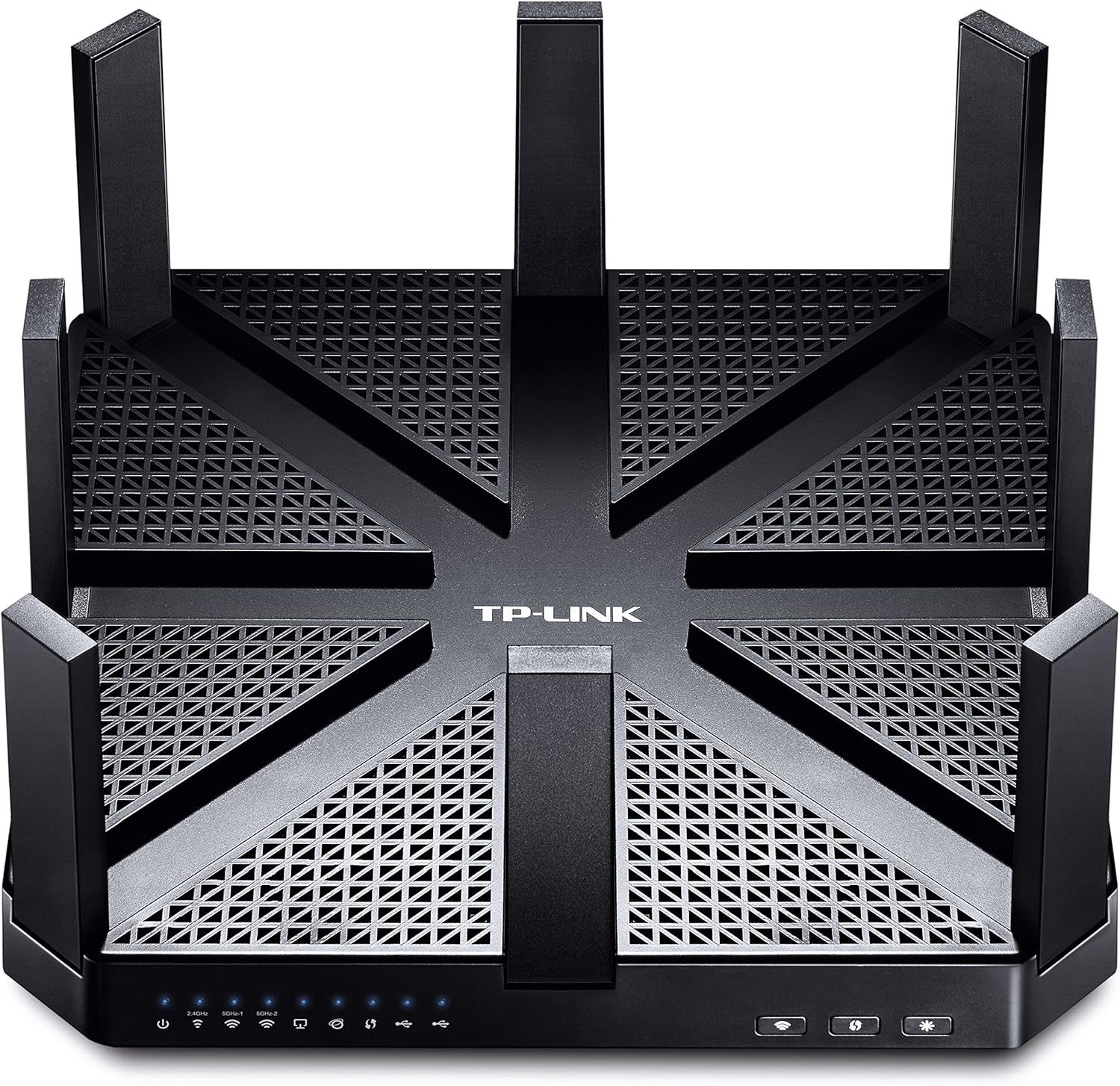
Figura 2: superior view of the Talon AD7200 router with its eight antennas extended for maximum coverage.
4. Funcionament del router
4.1 Bandes sense fil
The Talon AD7200 is a Tri-Band router, offering three distinct Wi-Fi bands:
- 2.4GHz (800Mbps): Provides wider coverage and better penetration through walls, suitable for general internet use and older devices.
- 5GHz (1733Mbps): Offers higher speeds and less interference, ideal for streaming 4K video, online gaming, and bandwidth-intensive applications in closer proximity to the router.
- 60GHz (4600Mbps): Delivers ultra-fast, in-room wireless connections using 802.11ad technology. This band is best for very high-speed data transfers over short distances within the same room, as its signal does not penetrate walls effectively.
4.2 Funcions avançades
- Tecnologia MU-MIMO: Enables the router to communicate with multiple devices simultaneously, improving overall network efficiency and reducing buffering.
- Formació de feixos: Focuses Wi-Fi signals directly towards connected devices, enhancing signal strength and reliability, especially for devices further away.
- Xarxa de convidats: Crea una xarxa Wi-Fi separada per als convidats, mantenint la teva xarxa principal segura i privada.
- Controls parentals: Manage and monitor internet access for children's devices, including setting time limits and content filters.
- Suport VPN: The router supports VPN functionality for secure remote access and privacy.
Vídeo 1: Un oficial acabatview of the TP-Link AD7200 Multi-band Wi-Fi Router, highlighting its features and benefits.
5. Manteniment
5.1 actualitzacions de microprogramari
Regularly check for and install firmware updates to ensure optimal performance, security, and access to new features. Updates can typically be found on the TP-Link support website or through the router's management interface.
5.2 Col·locació òptima
Place the router in a central location in your home, away from obstructions and interference sources (e.g., microwaves, cordless phones). Elevating the router can also improve signal distribution.
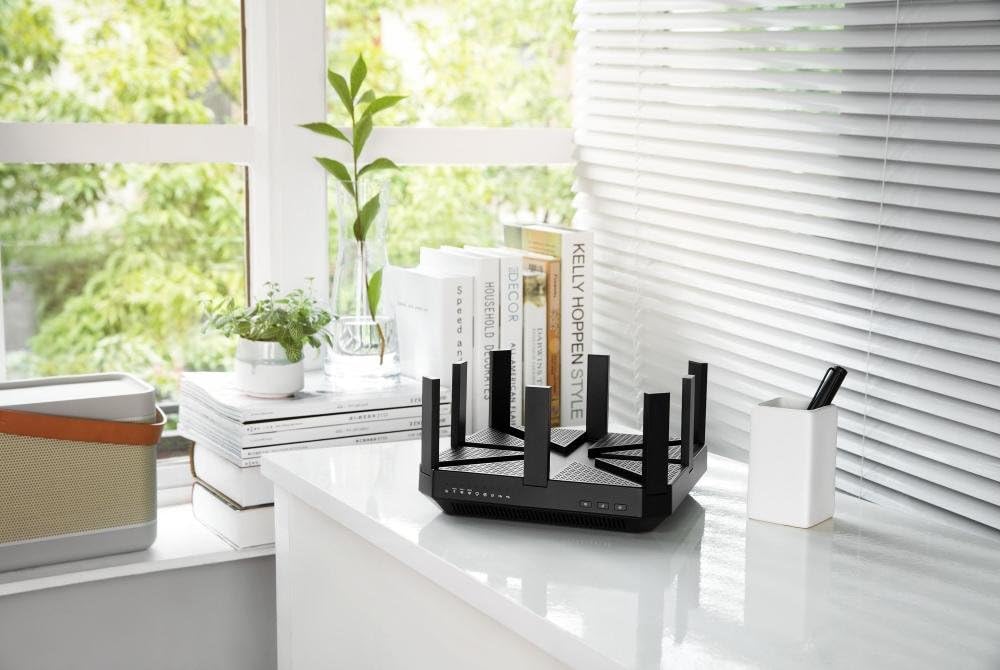
Figure 3: The Talon AD7200 router positioned on a desk, illustrating a typical home setup. Proper placement is crucial for optimal Wi-Fi coverage.
5.3 Regular Reboot
Rebooting your router periodically (e.g., once a month) can help clear its memory and resolve minor network issues, improving overall stability and performance.
6. Solució De Problemes
6.1 Sense connexió a Internet
- Check all cable connections between the modem and router.
- Reinicieu el mòdem i l'encaminador.
- Verifiqueu l'estat de la connexió del vostre proveïdor de serveis d'Internet (ISP).
6.2 Velocitat Wi-Fi lenta
- Ensure your devices are connected to the appropriate Wi-Fi band (5GHz or 60GHz for higher speeds).
- Reduïu les interferències allunyant el router d'altres dispositius electrònics.
- Update your device's wireless drivers and the router's firmware.
- Consider the number of devices connected and their bandwidth usage.
6.3 Restabliment de fàbrica
If you encounter persistent issues, you may need to perform a factory reset. Locate the 'Reset' button on the back of the router (often a small pinhole button). With the router powered on, press and hold the reset button for about 10 seconds until the lights flash. This will restore the router to its default factory settings, requiring you to reconfigure it.
7. Especificacions
| Característica | Detall |
|---|---|
| Marca | TP-Link |
| Nom del model | Talon AD7200 |
| Tipus sense fil | 802.11ad |
| Classe de banda de freqüència | Tribanda (2.4 GHz, 5 GHz, 60 GHz) |
| Velocitats Wi-Fi | Up to 7200Mbps (2.4GHz: 800Mbps, 5GHz: 1733Mbps, 60GHz: 4600Mbps) |
| Tecnologia de connectivitat | WiFi, Wired |
| Ports Ethernet | 4 x Gigabit LAN, 1 x Gigabit WAN |
| Ports USB | 2 x ports USB 3.0 |
| Característica especial | WPS |
| Processador | 1.4GHz Dual-Core CPU |
| Dimensions (LxWxH) | 9 x 9 x 1.7 polzades |
| Pes | 4 lliures |
| Suport del sistema operatiu | Microsoft Windows 98SE, NT, 2000, XP, Vista, Windows 7, Windows 8/8.1/10, MAC OS, NetWare, UNIX, Linux |
8. Garantia i Suport
Per obtenir informació sobre la garantia, assistència tècnica i recursos addicionals, visiteu el lloc web oficial de TP-Link. weblloc web. Hi trobareu preguntes freqüents, guies de resolució de problemes i informació de contacte per al servei d'atenció al client.
Suport de TP-Link Weblloc: www.tp-link.com/us/support/


