1. Producte acabatview
The TP-Link N300 WiFi Wireless Router TL-WR845N is designed to provide a reliable and high-speed wireless network for your home or small office. It offers 300Mbps wireless speed, making it suitable for interruption-sensitive applications such as HD video streaming and online gaming. Equipped with three 5dBi high-gain antennas, it ensures broad wireless coverage and enhanced signal stability.
This router supports multiple operating modes including Router Mode, Access Point Mode, Range Extender Mode, and WISP Mode, offering flexibility for various networking needs. Advanced features like Parental Control and Guest Network provide enhanced security and network management capabilities. The device is also IPv6 compatible, ensuring future-proof internet connectivity.

Figure 1: TP-Link N300 WiFi Wireless Router TL-WR845N with three antennas.
2. Configuració i instal·lació
2.1 Unboxing the Router
En obrir el paquet, trobareu els elements següents:
- TP-Link TL-WR845N Wireless N Router
- Unitat d'alimentació
- Cable Ethernet
- Guia d'instal·lació ràpida
Video 1: Unboxing and initial look at the TP-Link TL-WR845N router and its components.
2.2 Connexió física
- Connecteu les antenes: Ensure the three external antennas are securely attached to the router.
- Connecteu-vos a l'alimentació: Connecteu l'adaptador de corrent al port d'alimentació del router i després a una presa de corrent.
- Connectar-se a Internet: Connecteu el cable Ethernet del mòdem al port WAN blau del router.
- Connectar dispositius (opcional): For wired connections, use Ethernet cables to connect your computers or other devices to the yellow LAN ports (1-4) on the router.

Figure 2: Rear panel of the router with power, WPS/Reset, WAN, and LAN ports.
2.3 Configuració ràpida
The TP-Link TL-WR845N can be set up quickly using its intuitive web interface or the TP-Link Tether app. The Tether app provides an easy way to access and manage your router from your mobile device.
Video 2: A quick guide to setting up the TP-Link N300 WiFi Router.
3. Modes de funcionament
The TL-WR845N supports four main operating modes to suit different networking requirements:
- Mode d'encaminador: Connects to the internet via a modem and creates a private wireless network for all your devices.
- Mode de punt d'accés: Transforms your existing wired network into a wireless one, allowing wireless devices to connect.
- Mode d'extensió de rang: Boosts the existing wireless coverage in your home, eliminating Wi-Fi dead zones.
- Mode WISP: Connects to an ISP network wirelessly in areas without wired service, acting as a client router.

Figure 3: Access Point Mode setup, converting a wired network to wireless.

Figure 4: Range Extender Mode setup, extending existing Wi-Fi coverage.

Figure 5: WISP Mode setup, connecting wirelessly to an ISP.
4. Característiques clau
- 300Mbps Wireless Speed: Provides fast and stable Wi-Fi for your network-needed devices, ideal for streaming and downloading.
- Three 5dBi High Gain Antennas: Greatly increase wireless robustness and stability, ensuring better coverage for small to medium-sized homes.
- Compatible amb IPv6: Supports the latest Internet Protocol version, ensuring your network is future-proof.
- Botó WPS: Easy wireless security encryption at a push of the WPS button, simplifying secure connections.
- Control parental: Allows parents or administrators to deploy restricted access for children or staff. URL blocking can be used to limit web accés.
- Xarxa de convidats: Provides secure access for guests to share your Wi-Fi network without compromising your private network.
- Control d'amplada de banda: IP-based bandwidth control allows administrators to determine how much bandwidth is allotted to each connected device.
- Aplicació TP-Link Tether: Enables quick installation and easy management of the router using any mobile device.
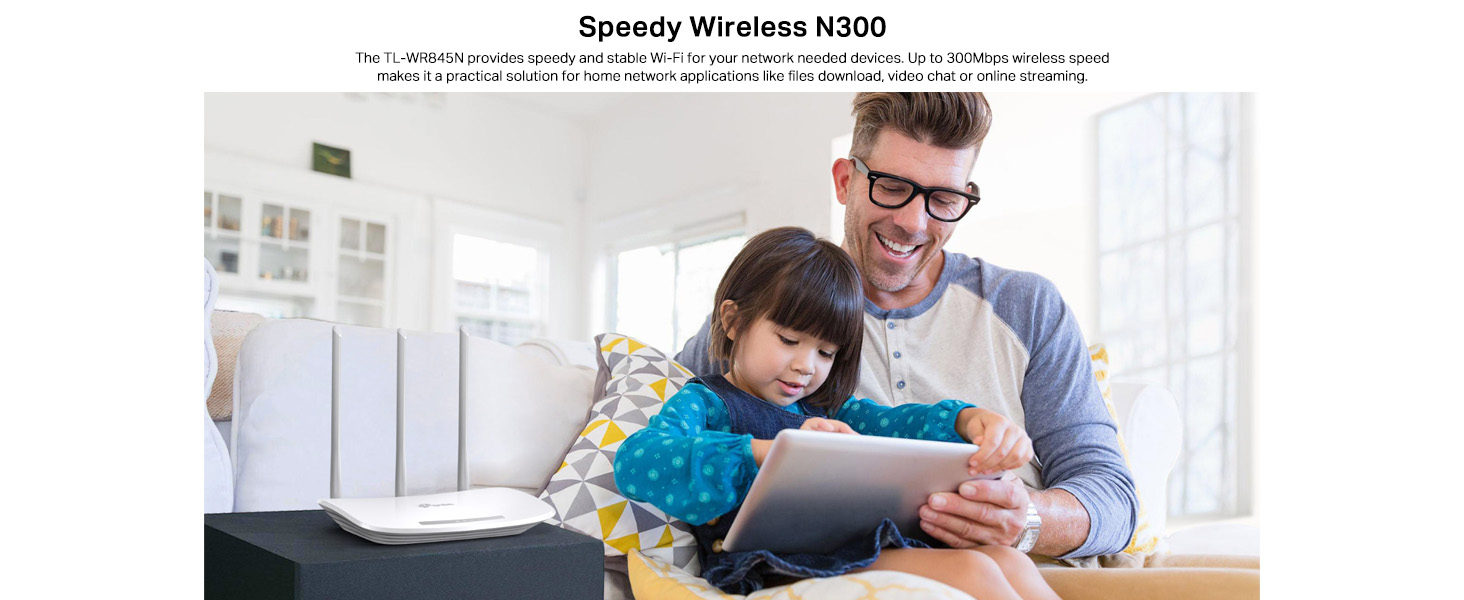
Figure 6: Three high-gain antennas enhance Wi-Fi coverage.
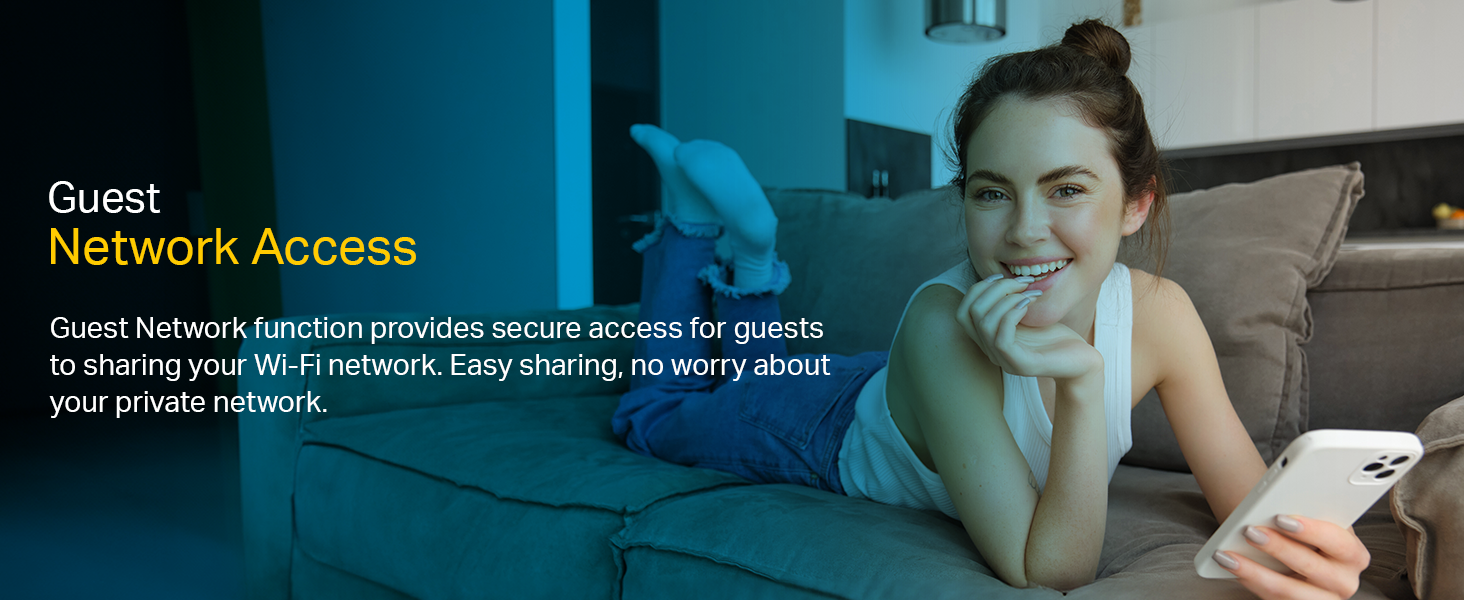
Figure 7: Parental Control features help manage internet access for children.

Figure 8: Guest Network Access provides secure internet sharing.

Figure 9: Manage your router easily with the TP-Link Tether App.
5. Especificacions tècniques
| Característica | Especificació |
|---|---|
| Marca | TP-Link |
| Nom del model | TL-WR845N |
| Tipus sense fil | 802.11n |
| Velocitat sense fil | 300 Mbps |
| Classe de banda de freqüència | Banda única |
| Antenes | Three 5dBi high gain Antennas |
| Ports Ethernet | 1 WAN, 4 LAN |
| IPv6 Compatible | Sí |
| Modes de treball | Router Mode, Access Point Mode, Range Extender Mode, WISP Mode |
| Característiques especials | Parental Control, Guest Network, Wireless Security Encryption, Bandwidth Control |
| Dimensions (LxWxH) | 14.4 x 23 x 3.5 cm |
| Pes de l'article | 630 g |
| Components inclosos | Wireless N Router TL-WR845N, Power Supply Unit, Ethernet Cable, Quick Installation Guide |
6. Solució De Problemes
6.1 Sense accés a Internet
- Check all cable connections: Ensure the Ethernet cable from your modem is securely plugged into the router's blue WAN port.
- Verify modem status: Confirm your modem is working correctly and has an active internet connection.
- Restart devices: Power off your modem and router, wait for 30 seconds, then power on the modem first, followed by the router.
- Check router settings: Access the router's web management page (usually via
http://tplinkwifi.netorhttp://192.168.0.1) and verify your WAN settings are correctly configured according to your ISP.
6.2 Senyal Wi-Fi feble o inestable
- Col·locació del router: Position the router in a central location, away from obstructions and interference sources (e.g., cordless phones, microwaves).
- Orientació de l'antena: Adjust the three external antennas for optimal signal reception.
- Interferència: Avoid placing the router near large metal objects or other electronic devices that may cause interference.
- Selecció de canals: A la configuració sense fil del router, prova de canviar el canal Wi-Fi a un de menys congestionat.
6.3 No es pot accedir a la pàgina de gestió del router
- Adreça IP: Ensure your device is connected to the router (wired or wirelessly) and try accessing
http://tplinkwifi.neto l'adreça IP predeterminada (per exemple,192.168.0.1or192.168.1.1). - Memòria cau del navegador: Esborra el teu web la memòria cau i les galetes del navegador o proveu un altre navegador.
- Tallafocs/Antivirus: Desactiveu temporalment qualsevol tallafocs o programari antivirus de l'ordinador que pugui estar bloquejant l'accés.
7. Garantia i Suport
The TP-Link N300 WiFi Wireless Router TL-WR845N comes with a 3-year company warranty.
For technical support, product information, and warranty claims, please contact TP-Link India Private Limited:
- Adreça de contacte: Green Industrial Park, Dongri Pada, Poman, Kaman-Bhiwandi Road, Vasai East, Palghar, Maharashtra – 401208
- Número gratuït: 1800 2094 168
- Correu electrònic: support.in@tp-link.com
Si us plau, conserveu el rebut de compra per motius de garantia.


