1. Introduction to Siser EasyWeed Heat Transfer Vinyl
Siser EasyWeed is a versatile heat transfer vinyl designed for personalizing various fabrics. This manual provides detailed instructions for optimal use, ensuring durable and high-quality results on your apparel and craft projects.
EasyWeed is compatible with a wide range of cutting machines, including Siser, Cricut, and Silhouette models. It is suitable for application on cotton, polyester, cotton/polyester blends, and leather.

Image 1.1: A roll of Siser EasyWeed Heat Transfer Vinyl in black, ready for use.

Image 1.2: Key features of Siser EasyWeed HTV, including its compatibility with various fabrics and environmental certifications.
Informació de seguretat
Siser EasyWeed is CPSIA Certified, meaning it is safe for children's clothing. It is free from lead and phthalates, ensuring a non-toxic and safe product for all applications.
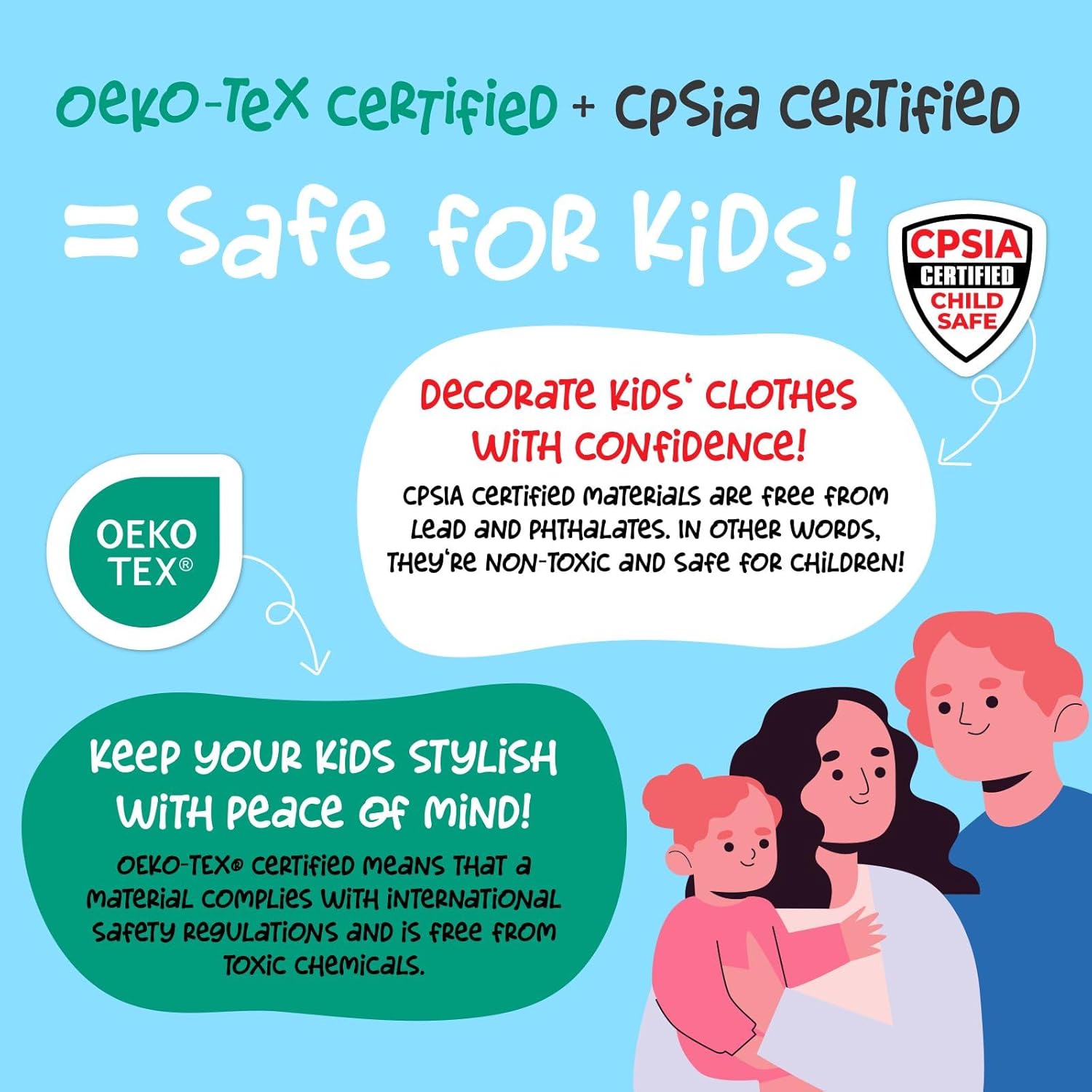
Image 1.3: Siser EasyWeed HTV is OEKO-TEX and CPSIA certified, confirming its safety for use on children's garments.
2. Configuració i preparació
2.1 Design Preparation
- Create or select your design using graphic software.
- Mirror your design horizontally before sending it to the cutter. This is crucial because the vinyl is cut from the back, and the design will be flipped when applied.
- Ensure your design fits within the 11.8-inch width of the vinyl roll.
2.2 Cutting Machine Settings
Load the Siser EasyWeed vinyl into your cutting machine with the glossy carrier side down. The matte adhesive side should face up for cutting.
Adjust your cutting machine's blade depth and pressure settings according to the manufacturer's recommendations for heat transfer vinyl. A test cut is highly recommended to ensure proper settings before cutting your final design.
3. Instruccions de funcionament
3.1 Cutting the Design
Once your design is mirrored and your machine settings are calibrated, proceed with cutting your design. The cut should go through the vinyl layer but not through the clear carrier sheet.
3.2 Weeding the Excess Vinyl
After cutting, remove the excess vinyl from around your design. This process is called weeding. Use a weeding tool to carefully peel away the unwanted vinyl, leaving only your design on the clear carrier sheet.

Image 3.1: A weeding tool is used to carefully remove unwanted vinyl, revealing the design on the carrier sheet.

Image 3.2: The clear carrier sheet holds the cut design after weeding, ready for heat application.
3.3 Heat Application
Place your garment or item on a heat-resistant surface. Pre-press the garment for 2-3 seconds to remove moisture and wrinkles.
Position your weeded design onto the garment with the clear carrier sheet facing up.
Heat Press Settings:
- Temperatura: 305 °C (150 °F)
- Hora: 15 segons
- Pressió: Mitjana
Home Iron Settings:
- Set iron to "Cotton" or "High" setting.
- Use firm, even pressure.
- Press each section of the design for 10-15 seconds, ensuring all areas receive adequate heat.
After pressing, Siser EasyWeed is a hot peel vinyl. This means you can remove the clear carrier sheet immediately after application without waiting for it to cool down.
3.4 Layering (Optional)
Siser EasyWeed can be layered. For multi-color designs, apply each layer for 1-second tack, then apply the final layer for the full 15 seconds. Ensure the carrier sheet is removed after each layer.

Imatge 3.3: Un example of a finished design applied to a t-shirt using Siser EasyWeed HTV.
4. Manteniment i cura
To ensure the longevity of your Siser EasyWeed application, follow these care instructions:
- Wait 24 hours before the first wash.
- Rentar la peça del revés.
- Rentar a màquina amb aigua freda i detergent suau.
- No blanquejar.
- Tumble dry low or hang dry.
- No netejar en sec.
- If ironing is necessary, iron inside out, avoiding direct contact with the vinyl design.
5. Solució De Problemes
5.1 Vinyl Not Sticking
- Calor/pressió insuficients: Ensure your heat press or iron is at the correct temperature (305°F / 150°C) and applying medium to firm pressure.
- Hora incorrecta: Press for the recommended 15 seconds.
- Humitat: Pre-press your garment for 2-3 seconds to remove any moisture before applying the vinyl.
- Tipus de teixit: Verify the fabric is compatible with HTV.
5.2 Carrier Sheet Difficult to Remove
- Not a Hot Peel: While EasyWeed is a hot peel, if you waited too long, try re-pressing for a few seconds to reactivate the adhesive, then peel immediately.
- Incomplete Cut: The blade may not have cut deep enough. Adjust blade settings and perform a test cut.
5.3 Vinyl Peeling After Washing
- Aplicació incorrecta: Re-evaluate heat, pressure, and time settings.
- Improper Care: Ensure care instructions (Section 4) are followed, especially washing inside out and avoiding harsh detergents or high heat drying.
6. Especificacions
| Marca | Siser |
| Número de model | SR12EASY002-5YARD |
| Dimensions del producte | 3 x 180 x 11.88 inches (Roll) |
| Pes de l'article | 8.2 unces |
| Material | Vinil de transferència de calor |
| Color | Negre |
| Certificacions | CPSIA Certified, OEKO-TEX Certified |
7. Garantia i Suport
Specific warranty information for Siser EasyWeed Heat Transfer Vinyl is not provided within this manual. For detailed warranty terms, product support, or further assistance, please visit the official Siser weblloc web o contacteu directament amb el seu servei d'atenció al client.
Podeu trobar recursos addicionals i informació de contacte a Siser Store on Amazon o el responsable del fabricant weblloc.


