Introducció
Welcome to the user manual for your Gionee W909 Dual-SIM Flip Android Smartphone. This manual provides essential information on setting up, operating, and maintaining your device. Please read it carefully to ensure optimal performance and longevity of your smartphone.
The Gionee W909 is a unique flip-style Android smartphone featuring dual-SIM capability, a 1.3GHz Octa-Core MediaTek MT6753 processor, 32GB of internal storage, and 3GB of RAM, designed for efficient mobile communication and entertainment.

Image: The Gionee W909 Dual-SIM Flip Android Smartphone shown alongside its retail packaging. The phone is in its open, flip configuration, displaying its screen and keypad.
Configuració
1. Inserció de targetes SIM i bateria
- Power off the device completely before attempting to open the back cover.
- Carefully remove the back cover of the phone. You may need to use a small notch or groove to pry it open.
- Locate the SIM card slots. This device supports two SIM cards. Insert your Nano-SIM cards into the designated slots, ensuring the gold contacts face downwards and the notched corner aligns correctly.
- If applicable, insert a microSD card into the memory card slot for expanded storage.
- Insert the battery into its compartment, aligning the gold contacts on the battery with those in the phone.
- Torneu a col·locar la coberta posterior, prement fermament fins que encaixi al seu lloc.

Imatge: La part posterior view of the Gionee W909 smartphone with its back cover removed, revealing the dual SIM card slots, a memory card slot, and the battery compartment. A 2500mAh battery is shown alongside the phone.

Imatge: Una explosió view of the Gionee W909, showing the phone's rear with the battery and back cover detached. This illustrates the components involved in battery and SIM card installation.
2. Assistent d'encesa inicial i configuració
Press and hold the Power button until the Gionee logo appears. Follow the on-screen instructions to complete the initial setup, which includes selecting your language, connecting to Wi-Fi, setting up your Google account, and configuring security options.
Funcionament del telèfon intel·ligent
Navegació bàsica
- Flip Open/Close: Open the phone to reveal the main screen and keypad. Close it to protect the screen and end calls.
- Pantalla tàctil: Navigate menus, open apps, and type using the internal touchscreen display.
- Teclat: Feu servir el teclat físic per marcar números, escriure missatges i navegar amb les tecles direccionals.
- Botons de navegació: The phone features physical navigation buttons (e.g., Home, Back, Recent Apps) for quick access to common functions.
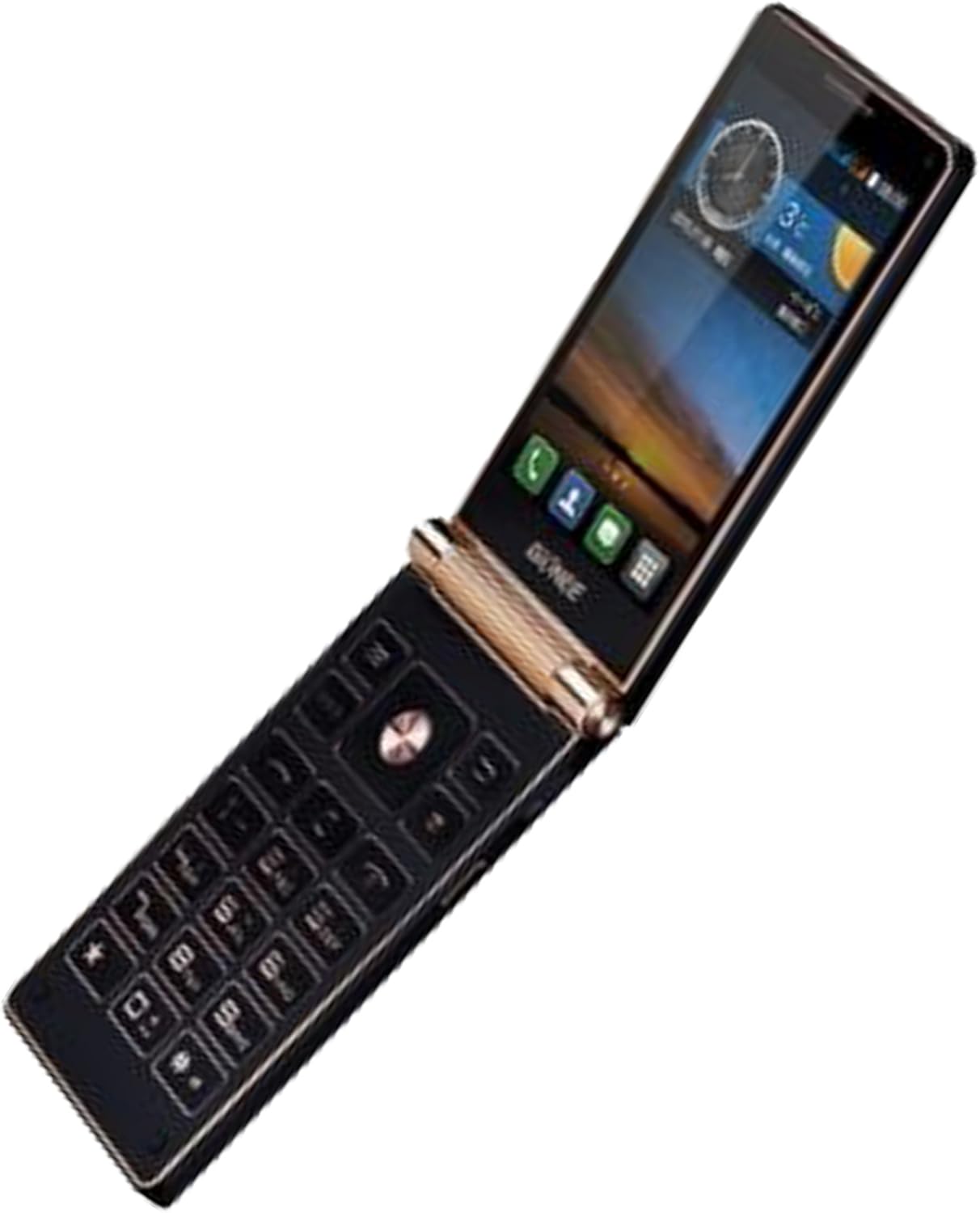
Image: The Gionee W909 Dual-SIM Flip Android Smartphone shown in its open position, displaying both the internal screen and the physical keypad. This view highlights the phone's unique flip design.

Image: The Gionee W909 smartphone captured mid-flip, illustrating the mechanism of its opening. The screen is partially visible, and the keypad is beginning to be revealed.
Realització de trucades
Open the phone and access the Phone app. Dial the number using the physical keypad or the on-screen dialer. Press the green call button to initiate the call. To end a call, close the phone or press the red end call button.
Enviament de missatges
Open the Messages app. Tap the "New Message" icon. Enter the recipient's number or select from your contacts. Type your message using the keypad or the on-screen keyboard. Tap "Send".
Ús de la càmera
Open the Camera app. Frame your shot using the screen. Tap the shutter button to take a photo. You can switch between front and rear cameras, and adjust settings like flash and mode.

Image: The Gionee W909 Dual-SIM Flip Android Smartphone in its closed position, showing the front display. This view is typical when the phone is not in active use or when using the external screen for notifications.
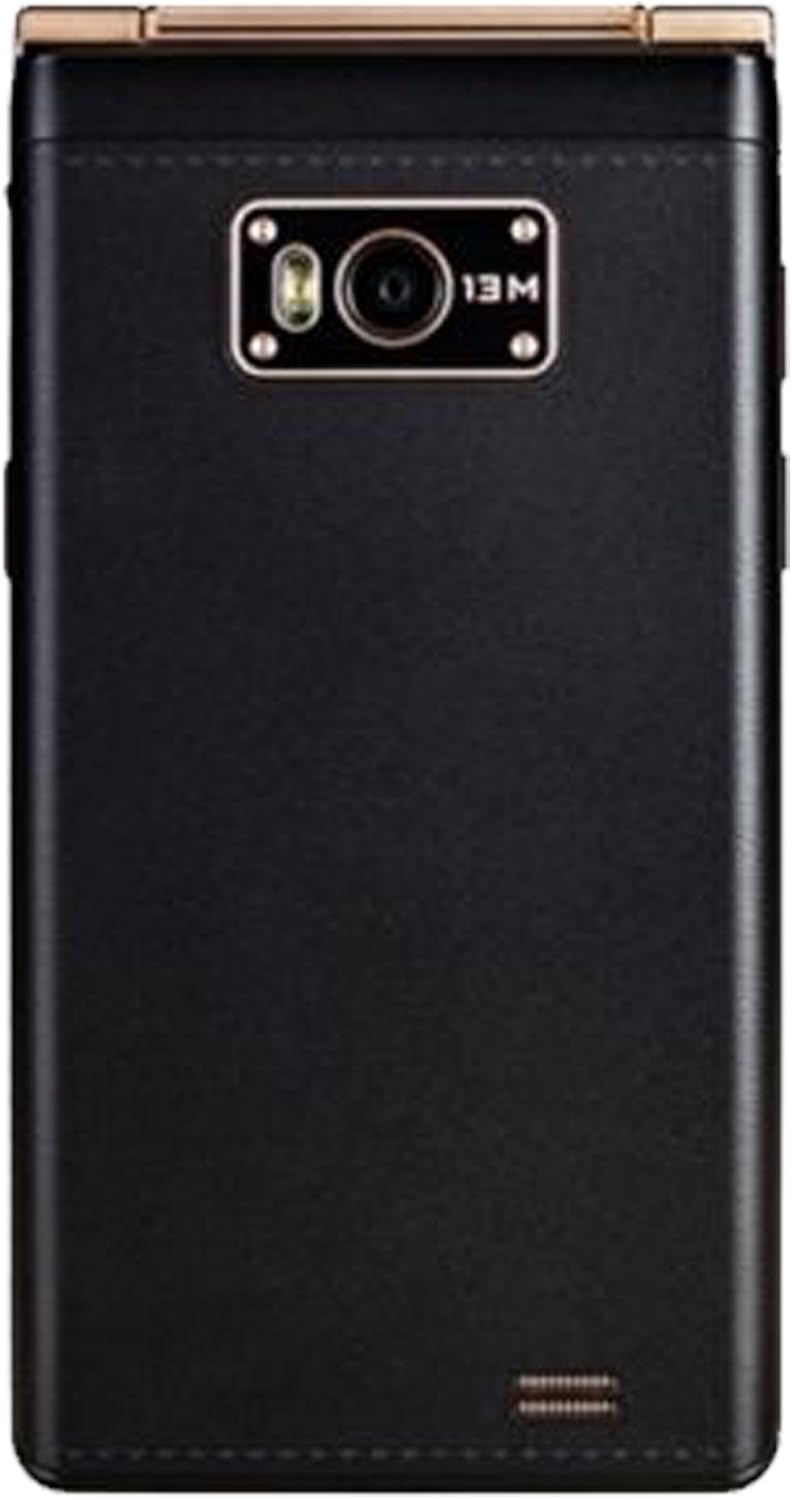
Imatge: La part posterior view of the Gionee W909 Dual-SIM Flip Android Smartphone in its closed state, highlighting the 13-megapixel main camera lens and flash module.
Manteniment
- Neteja: Feu servir un drap suau i sense borrissol per netejar la pantalla i la carcassa del telèfon. Eviteu materials abrasius o productes químics agressius.
- Cura de la bateria: To prolong battery life, avoid extreme temperatures. Do not let the battery completely drain frequently. Use the original charger provided with the device.
- Actualitzacions de programari: Comproveu i instal·leu regularment si hi ha actualitzacions de programari per assegurar-vos que el vostre dispositiu tingui les funcions i els pegats de seguretat més recents.
- Gestió d'emmagatzematge: Netegeu periòdicament els innecessaris filei aplicacions per alliberar espai d'emmagatzematge i mantenir un rendiment òptim.
Resolució de problemes
| Problema | Possible solució |
|---|---|
| El telèfon no s'encén. | Ensure the battery is properly inserted and charged. Connect the charger and wait a few minutes before attempting to power on again. |
| No es poden fer ni rebre trucades. | Check if SIM cards are correctly inserted. Verify network signal strength. Ensure Airplane Mode is off. Contact your network provider if the issue persists. |
| Apps are running slowly or crashing. | Close background apps. Clear app cache. Restart the phone. Ensure sufficient free storage space. |
| La bateria s'esgota ràpidament. | Reduce screen brightness. Turn off Wi-Fi, Bluetooth, and GPS when not in use. Close power-intensive apps. Check battery usage in settings to identify problematic apps. |
Especificacions
| Característica | Detall |
|---|---|
| Marca | Gionee |
| Nom del model | W909 (Item model number: Gionee W900s Dual-SIM) |
| Sistema operatiu | Google Android |
| Model de CPU | MediaTek MT6753 (Octa-Core 1.3GHz) |
| RAM | 3 GB |
| Emmagatzematge intern | 32 GB |
| Mida de la pantalla | 5 polzades |
| Freqüència d'actualització | 120 Hz |
| Pes de l'article | 360 g |
| Operador sense fil | Desbloquejat |
| Primera data disponible | 15 de setembre de 2016 |
Garantia i Suport
Please note that this Gionee W909 smartphone is an International Version and is sold without a manufacturer's warranty. For any technical issues or support inquiries, it is recommended to contact the retailer from whom the device was purchased or refer to Gionee's official support channels if available for international models.
For general information and updates, you may visit the official Gionee website (if applicable for your region).


