1. Introducció
This manual provides comprehensive instructions for the proper use, setup, and maintenance of your Transcend 64GB microSDHC Memory Card with SD Adapter. Please read this manual thoroughly before using the product to ensure optimal performance and longevity.
2. Producte acabatview
The Transcend 64GB microSDHC Memory Card is designed to expand the storage capacity of compatible devices such as tablets, smartphones, digital cameras, and camcorders. It comes with an SD adapter for broader compatibility with devices that accept standard SD cards.
2.1 Contingut del paquet
- 1 x Transcend 64GB microSDHC Memory Card
- 1 x SD Adapter
2.2 Característiques clau
- Capacitat d'emmagatzematge de 64 GB
- microSDHC format
- Includes SD adapter for versatile use
- Ideal for expanding storage in compatible electronic devices

Figure 2.2.1: Transcend 64GB microSDHC Memory Card and SD Adapter. The image shows the small microSD card next to the larger SD adapter, both black with white branding.
3. Configuració
3.1 Inserting the microSD Card into a Device
- Locate the microSD card slot on your device (e.g., tablet, smartphone). Refer to your device's user manual for the exact location.
- Orient the microSD card correctly, ensuring the gold contacts face the correct direction as indicated by your device.
- Gently push the microSD card into the slot until it clicks into place. Do not force the card.
- Your device should recognize the new storage. You may need to format the card if it's new or if prompted by the device.

Figure 3.1.1: Illustration of inserting a microSD card into a laptop using the SD adapter. The image shows a hand inserting the adapter with the microSD card into a laptop's SD card slot, with graphics indicating high-speed data transfer.
3.2 Ús de l'adaptador SD
- Insert the microSD card into the designated slot on the SD adapter. Ensure it is fully seated.
- Locate the SD card slot on your device (e.g., digital camera, laptop).
- Insert the SD adapter with the microSD card into the device's SD card slot.
- To prevent accidental data loss, ensure the "LOCK" switch on the side of the SD adapter is in the unlocked (upward) position before writing data.

Figura 3.2.1: Un primer pla view of the SD adapter with a microSD card inserted. The adapter has a "LOCK" switch on the side.
4. Instruccions de funcionament
4.1 Emmagatzematge de dades
Once the memory card is recognized by your device, you can use it to store various types of data, including photos, videos, documents, and applications. The process for saving data will vary depending on your device's operating system and applications.
- Per a càmeres: Set your camera's storage destination to the memory card. Photos and videos will automatically save to the card.
- Per a ordinadors: Arrossegueu i deixeu anar files to the memory card drive, or use "Save As" options in applications to select the card as the save location.
- Per a dispositius mòbils: Configure your device's settings to save photos, videos, and app data to the external storage (memory card).

Figure 4.1.1: A collection of microSD cards of various capacities (2GB to 128GB) shown in front of a scenic landscape with a camera, illustrating their use for capturing and storing memories.
4.2 Accés a les dades
To access data stored on the memory card, navigate to the card's directory through your device's file manager or gallery application. Files can be opened, copied, moved, or deleted as needed.
4.3 Extracció de la targeta de memòria
Always safely eject the memory card from your device before physically removing it to prevent data corruption. This process varies by device:
- Per a ordinadors: Right-click on the drive icon for the memory card and select "Eject" or "Safely Remove Hardware."
- Per a dispositius mòbils: Go to Storage settings and select "Unmount" or "Eject" for the external storage.
- Once safely ejected, gently press the card to release it from the slot, then pull it out.
5. Manteniment
5.1 Neteja
Keep the memory card and adapter clean. If necessary, gently wipe the gold contacts with a clean, dry, lint-free cloth. Avoid using liquids or abrasive materials.
5.2 Emmagatzematge
When not in use, store the memory card in its protective case or a secure, dry place away from extreme temperatures, direct sunlight, and strong magnetic fields. This helps maintain the card's stability, reliability, and durability.

Figure 5.2.1: An image highlighting the "Highest Quality" attributes of the memory card: Stability, Reliability, and Durability. It shows the microSD card and SD adapter.
5.3 Format
Periodically formatting the memory card can help maintain its performance and resolve minor data corruption issues. Warning: Formatting will erase all data on the card. Còpia de seguretat important files abans de formatar.
- Use your device's built-in formatting utility or a computer's disk management tool.
- It is recommended to format the card using the device it will primarily be used with.
6. Solució De Problemes
| Problema | Causa possible | Solució |
|---|---|---|
| Targeta no reconeguda pel dispositiu. | Incorrect insertion, incompatible device, card lock switch engaged (for SD adapter), card corruption. |
|
| Velocitats de transferència de dades lentes. | Card class/speed rating, device limitations, fragmented data. |
|
| Cannot write data to card. | Card is write-protected (SD adapter), card is full, card corruption. |
|
7. Especificacions
| Atribut | Detall |
|---|---|
| Marca | Transcendir |
| Número de model | BF446781 |
| Tipus de memòria flash | Micro SDHC |
| Capacitat d'emmagatzematge de memòria | 64 GB |
| Dimensions del producte | 2 x 2 x 2 polzades |
| Pes de l'article | 0.8 unces (0.05 lliures) |
| ASIN | B01LYSVAFU |
| UPC | 724327613520 |
| Data de primera disponibilitat | 1 de desembre de 2009 |
| Fabricant | Transcendir |
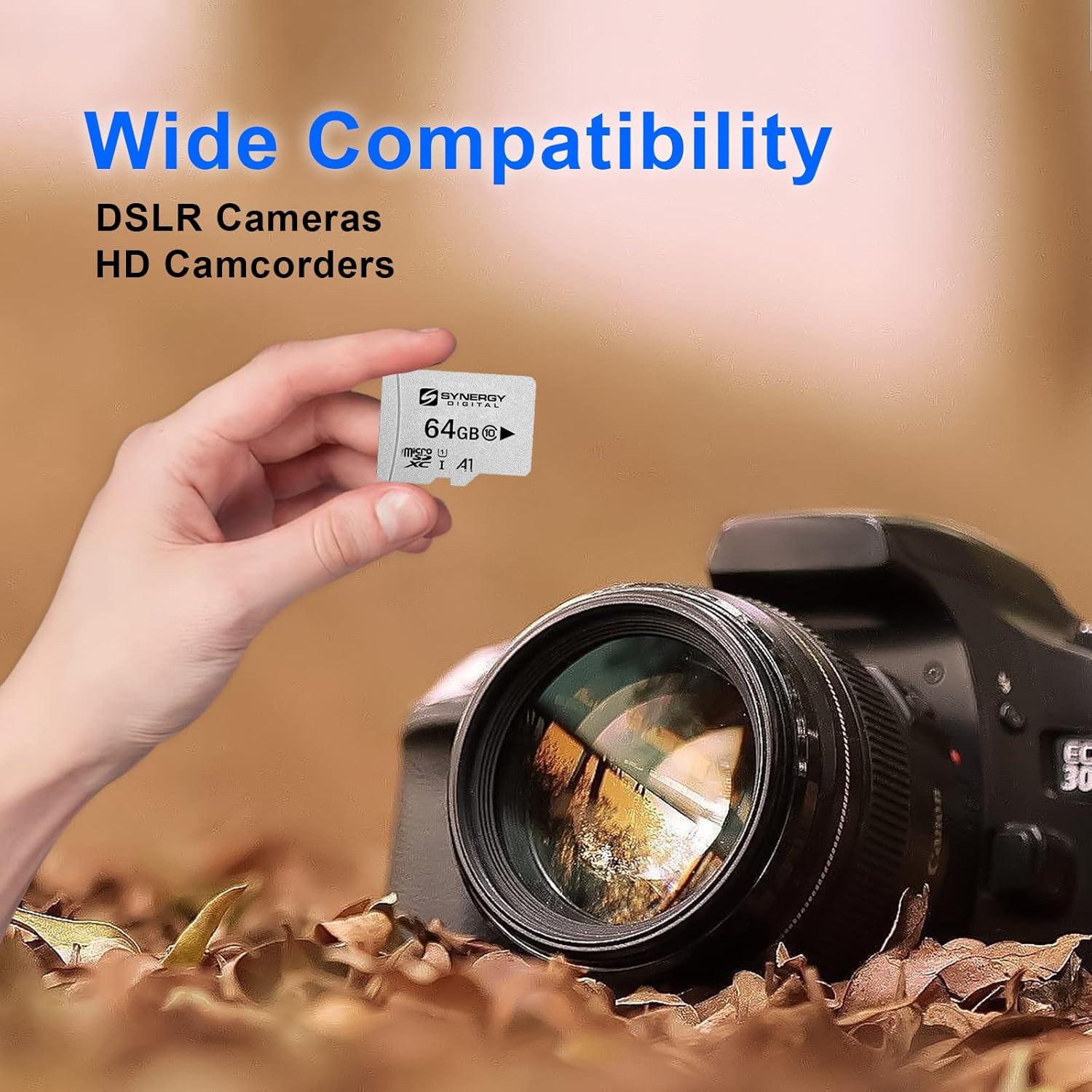
Figure 7.1.1: An image illustrating the wide compatibility of the microSD card with various devices such as DSLR cameras and HD camcorders.
8. Garantia i Suport
Per obtenir informació sobre la garantia i assistència tècnica, consulteu la pàgina oficial de Transcend. weblloc web o contacteu directament amb el servei d'atenció al client. Conserveu el rebut de compra com a comprovant de compra per a reclamacions de garantia.
Transcend Oficial Weblloc: www.transcend-info.com
Fabricant: Transcendir


