Introducció
This manual provides essential instructions for the safe and efficient use of your Sharper Image SBT5007WH Switcher Bluetooth Wireless Smart Speaker Bulb. Please read this manual thoroughly before installation and operation, and retain it for future reference.
The Sharper Image Switcher is an LED light bulb that integrates a speaker, offering app-controlled lighting and audio playback. It features adjustable light color and intensity, a timer function, and Bluetooth connectivity for audio streaming.
Informació de seguretat
- Assegureu-vos que l'alimentació estigui apagada abans d'instal·lar o treure la bombeta.
- No utilitzeu la bombeta en aparells tancats que restringeixin el flux d'aire, ja que això pot escurçar la vida útil de la bombeta.
- Aquesta bombeta està dissenyada només per a ús interior.
- No desmunteu ni modifiqueu la bombeta.
- Mantenir allunyat de l'aigua i la humitat excessiva.
- Avoid direct eye exposure to the light source when operating at high intensity.
Configuració i instal·lació
1. Instal·lació de bombetes
- Assegureu-vos que l'alimentació de la làmpada estigui apagada a l'interruptor.
- Carefully screw the Sharper Image Switcher bulb into a standard light socket.
- Engegueu el llum. La bombeta s'hauria d'encendre.

Image: The Sharper Image Switcher bulb is designed to fit standard light fixtures.
2. Descàrrega i emparellament de l'aplicació
- Download the "Switcher" app from your smartphone's app store (iOS or Android).
- Activeu el Bluetooth al vostre telèfon intel·ligent o dispositiu.
- Open the Switcher app. The app will guide you through connecting to the bulb.
- Select "SBT5007WH" or a similar device name from the list of available Bluetooth devices within the app to pair.

Image: The Switcher app is used to control the bulb's functions and stream music.
Instruccions de funcionament
Control de la llum
- Ajust de color: Use the Switcher app to select from a range of colors to customize your lighting.
- Control de brillantor: Adjust the light intensity (dimming) directly from the app.
- Funció de temporitzador: Set schedules for the light to turn on or off automatically via the app.

Image: The bulb offers various color options to suit different moods or occasions.
Reproducció d'àudio
- Once paired, open your preferred music application on your smartphone.
- Select the Sharper Image Switcher bulb as the audio output device.
- Adjust volume and playback directly from your music app or smartphone controls.
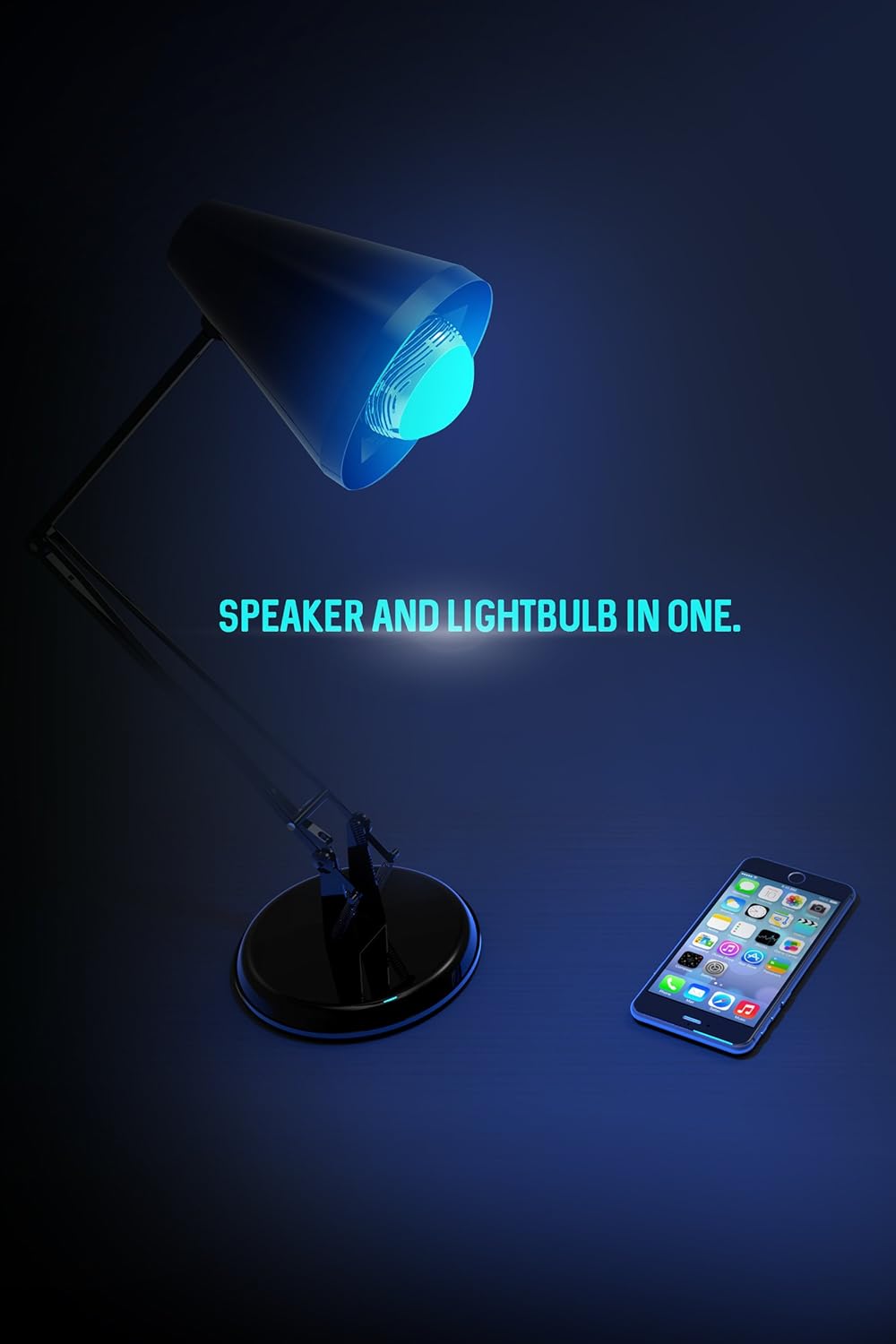
Image: The bulb functions as both a light source and a speaker, controlled via a smartphone.
Manteniment
- Ensure the bulb is cool and the power is off before cleaning.
- Netegeu la bombeta amb un drap suau i sec. No utilitzeu netejadors líquids ni materials abrasius.
- Do not attempt to open or service the bulb yourself.
Resolució de problemes
| Problema | Possible causa/solució |
|---|---|
| La bombeta no s'encén. |
|
| Cannot connect to the bulb via Bluetooth. |
|
| No hi ha so o hi ha mala qualitat de so. |
|
| La llum parpelleja o canvia de color inesperadament. |
|
| Loud beeping sound when turning on. |
|
Especificacions
- Número de model: SBT5007WH
- Dimensions del producte: 3 x 3 x 3 polzades
- Pes de l'article: 8 unces
- Connectivitat: Bluetooth sense fil
- Tipus de llum: LED, Color-changing
- Control: Smartphone App (Switcher by Sharper Image)
- Fabricant: Southern Telecom
- Primera data disponible: 19 de setembre de 2016
Informació de la garantia
This product is covered by a limited warranty. Please refer to the packaging or contact the manufacturer for specific warranty terms and conditions. Retain your proof of purchase for warranty claims.
Atenció al client
For technical assistance, troubleshooting beyond this manual, or warranty inquiries, please contact Southern Telecom, the manufacturer of this product.
La informació de contacte normalment es pot trobar a l'embalatge del producte o a la fitxa oficial del fabricant. weblloc.


