1. Introducció
This manual provides instructions for the proper setup, operation, maintenance, and troubleshooting of your Onn ONA11HO089 Soft-Touch USB Keyboard. Please read this manual thoroughly before using the product to ensure optimal performance and longevity.
The Onn ONA11HO089 is a full-sized, black USB keyboard designed for comfortable and efficient typing across various compatible devices.
2. Configuració
Setting up your Onn ONA11HO089 keyboard is a simple plug-and-play process. No additional drivers are typically required for most operating systems.
- Descomprimir el teclat: Traieu amb cura el teclat del seu embalatge.
- Localitza un port USB: Identify an available USB-A port on your computer, laptop, gaming console, or tablet.
- Connecteu el cable USB: Insert the USB connector of the keyboard cable into the chosen USB port.
- Reconeixement del sistema: Your operating system should automatically detect and install the necessary drivers for the keyboard. This process may take a few moments.
- Test the Keyboard: Open a text editor or any application that accepts text input and type to confirm the keyboard is functioning correctly.
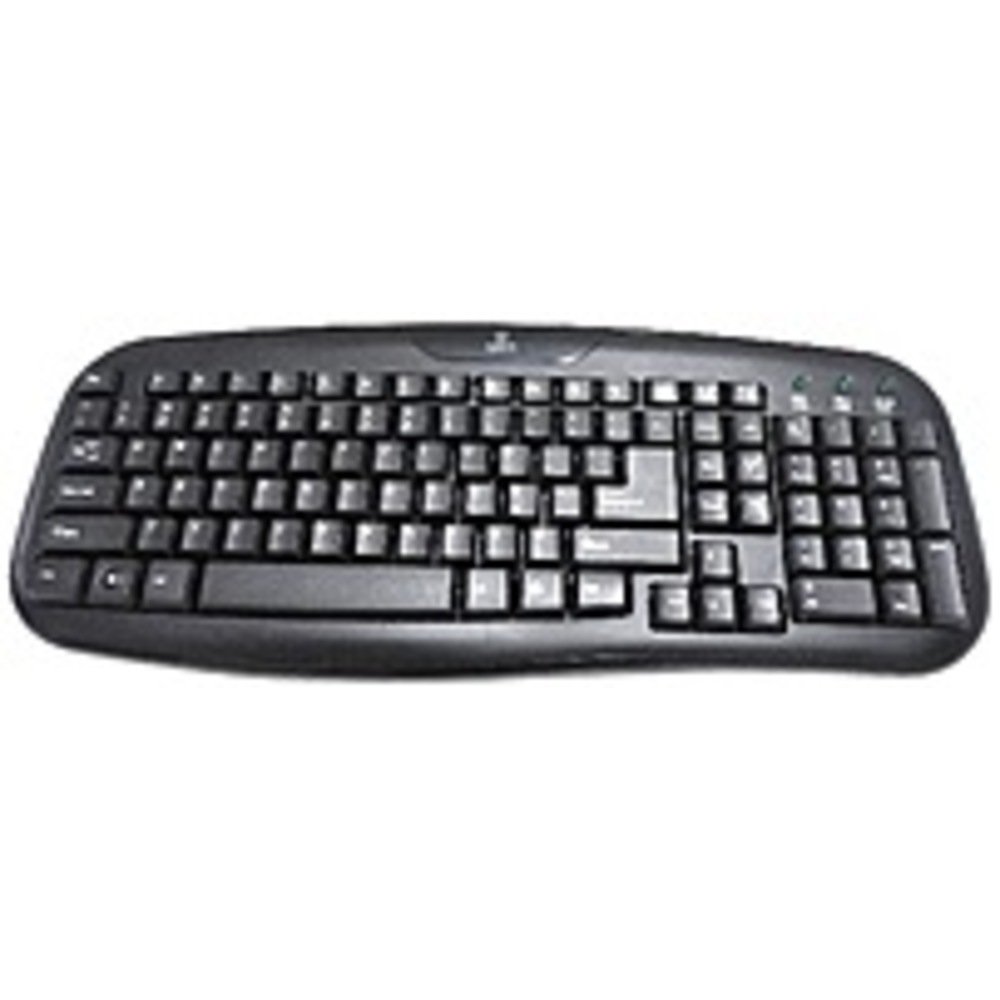
Figure 2.1: The Onn ONA11HO089 USB Keyboard. Connect the USB cable to an available port on your device.
3. Funcionament del teclat
The Onn ONA11HO089 keyboard offers a standard layout for intuitive typing. Its soft-touch keys are designed for comfortable and responsive input.
- Mecanografia bàsica: Use the alphanumeric keys for standard text input. The keyboard features a full QWERTY layout, including a numeric keypad for data entry.
- Tecles de funció: The F1-F12 keys provide various functions, often used in combination with the Fn key on laptops, though this keyboard is a standalone unit and these keys typically perform their standard functions directly.
- Claus especials: Utilize keys like Ctrl, Alt, Canvi, i el Windows/Command key for shortcuts and system commands.
- Soft-Touch Experience: The tactile switches provide a comfortable typing experience, reducing fatigue during extended use.
- Compatibilitat: This keyboard is compatible with various devices including PCs, laptops, gaming consoles, and tablets that support USB keyboard input.
Figure 3.1: The key layout of the Onn ONA11HO089 keyboard, showing the standard QWERTY arrangement and numeric keypad.
4. Manteniment
Proper maintenance can extend the life of your keyboard and ensure consistent performance.
- Neteja:
- Desconnecta el teclat del dispositiu abans de netejar-lo.
- Utilitzeu un drap suau i sense pelusa lleugerament dampesbandida amb aigua o una solució de neteja suau per netejar la superfície de les tecles i casing.
- Per a la pols i les restes entre les tecles, feu servir aire comprimit.
- Eviteu utilitzar productes químics agressius, netejadors abrasius o humitat excessiva, ja que poden danyar el teclat.
- Keycap Wear: Over time and with heavy use, the lettering on the keycaps may show signs of wear. This is a common characteristic of printed keycaps. Gentle use and regular cleaning can help minimize this, but it is not indicative of a functional defect.
- Emmagatzematge: Quan no l'utilitzeu, guardeu el teclat en un lloc net i sec, allunyat de temperatures extremes i de la llum solar directa.
5. Solució De Problemes
If you encounter issues with your Onn ONA11HO089 keyboard, refer to the following common troubleshooting steps:
| Problema | Causa possible | Solució |
|---|---|---|
| El teclat no respon. |
|
|
| Certes tecles no funcionen. |
|
|
| Keyboard input is delayed or erratic. |
|
|
6. Especificacions
Below are the technical specifications for the Onn ONA11HO089 Soft-Touch USB Keyboard:
- Model: ONA11HO089
- Marca: Onn
- Tecnologia de connectivitat: USB
- Descripció del teclat: Ergonòmic
- Tipus d'interruptor: Tàctil
- Color: Negre
- Font d'alimentació: Alimentat per USB
- Dispositius compatibles: Gaming Console, Laptop, PC, Tablet
- Dimensions del producte: 18 x 1.25 x 7 polzades (aproximadament 45.7 x 3.2 x 17.8 cm)
- Pes de l'article: 1.38 lliures (aproximadament 0.63 kg)
- Data de primera disponibilitat: 5 de gener de 2017
7. Garantia i Suport
For warranty information regarding your Onn ONA11HO089 Soft-Touch USB Keyboard, please refer to the documentation included with your purchase or visit the official Onn weblloc web. Els termes i condicions de la garantia poden variar segons la regió i el distribuïdor.
If you require technical support or have questions not covered in this manual, please contact Onn customer service through their official weblloc web o la informació de contacte proporcionada amb el vostre producte.


