1. Introducció
The HyperX Cloud Pro Gaming Headset is engineered for serious console and PC gamers, offering superior comfort and audio performance. Featuring a durable aluminum frame, memory foam ear cushions, and 53mm drivers, this headset delivers crystal clear highs, mids, and lows. The convenient in-line audio control provides easy access to volume adjustments and microphone muting, ensuring an immersive gaming experience.
2. Contingut del paquet
- HyperX Cloud Pro Gaming Headset
- Micròfon desmuntable amb cancel·lació de soroll
- In-line Audio Control Box
- PC Extension Cable (2M) with Stereo and Mic Plugs
- Bossa de transport

Image: All components included with the HyperX Cloud Pro Gaming Headset.
3. Producte acabatview
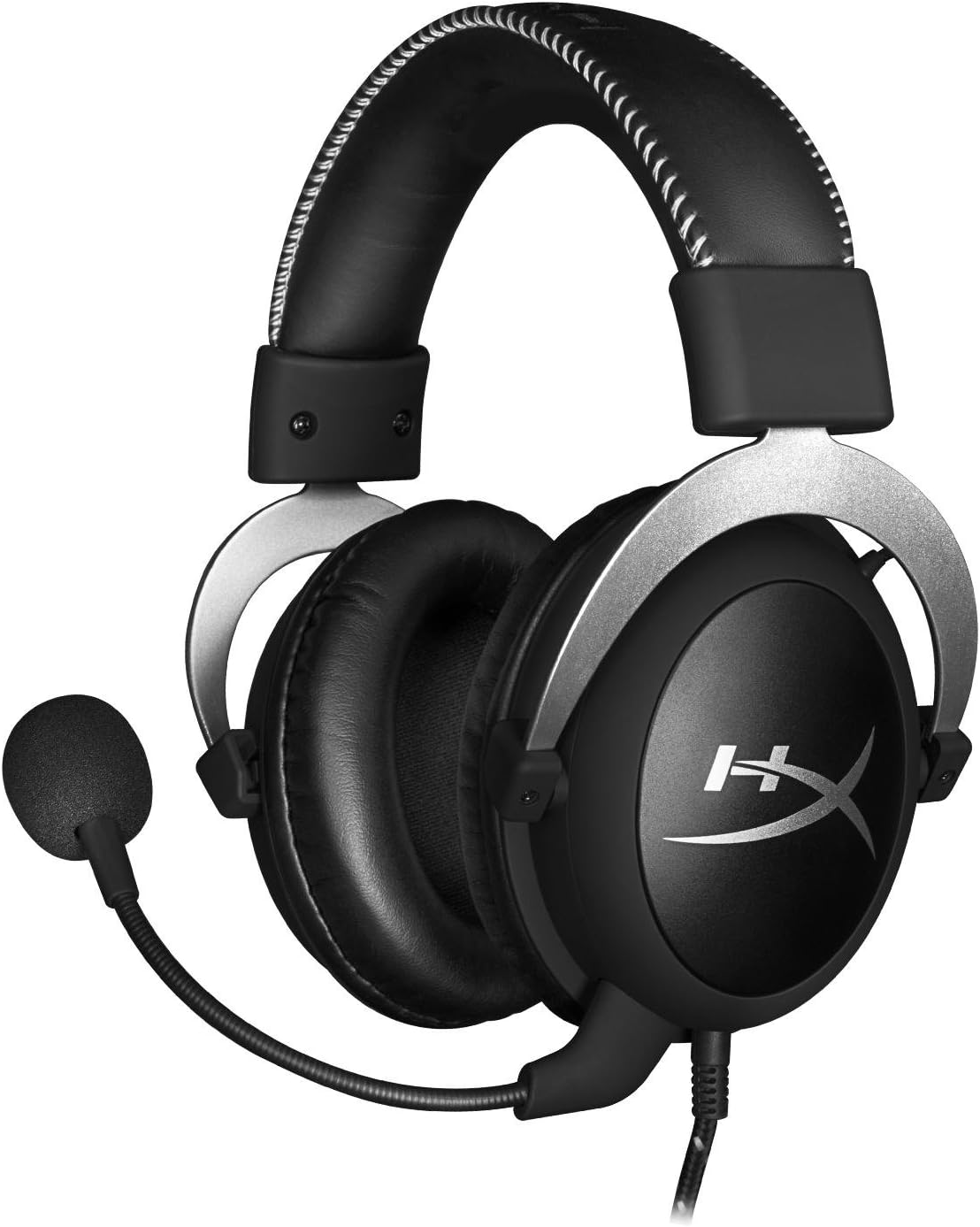
Davant view of the headset with microphone.
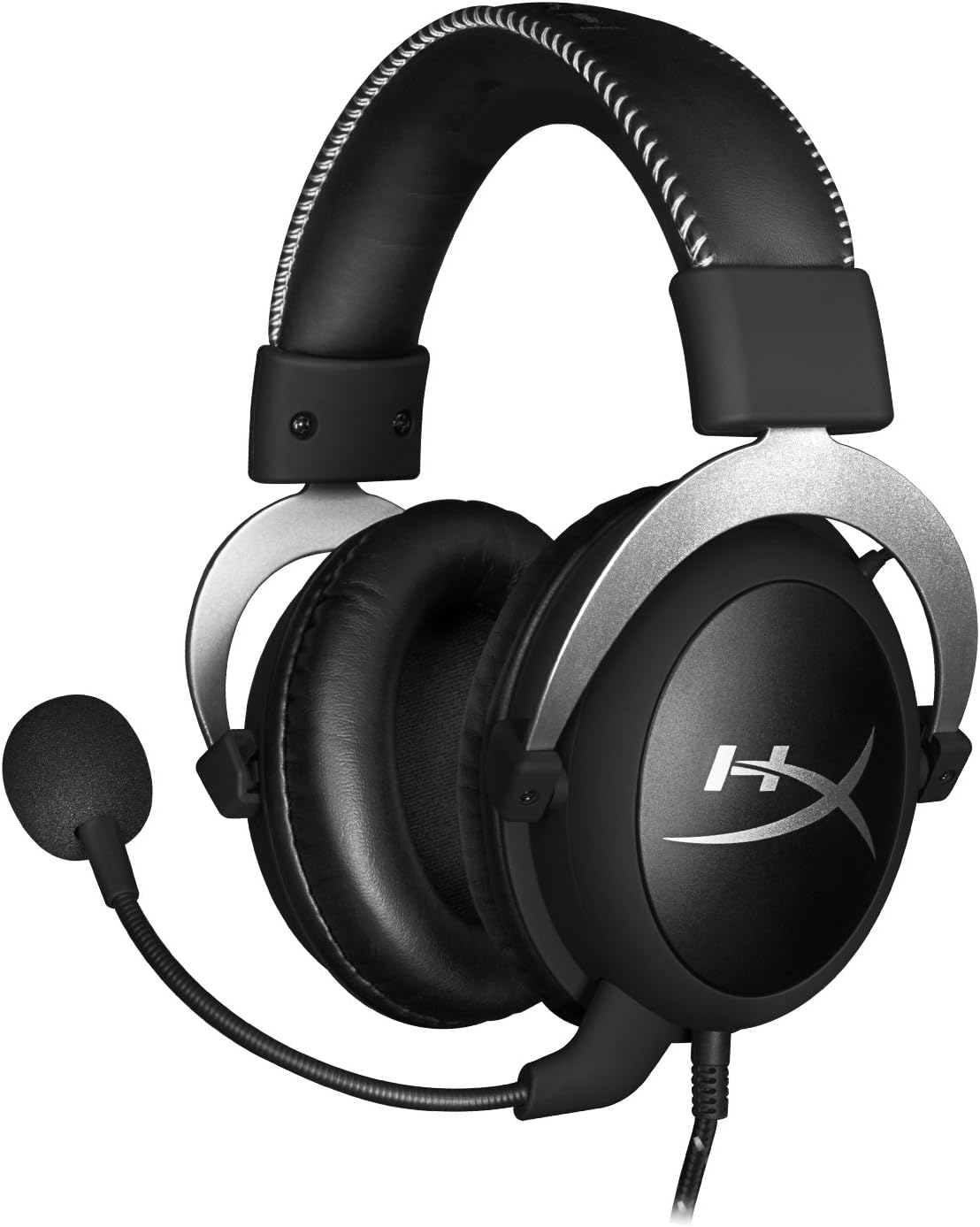
lateral view dels auriculars.

Headset folded flat for storage.

A dalt view of the headband.
Components clau:
- Diadema: Padded with leatherette for comfort during extended use.
- Copes d'orella: Over-ear design with memory foam cushions, providing passive noise isolation.
- Micròfon desmuntable: Flexible, noise-cancelling microphone for clear communication.
- In-line Audio Control: Integrated unit on the cable for volume adjustment and microphone mute.
4. Configuració i connexió
4.1 Connexió de PC
- Connect the headset's 3.5mm plug to the in-line audio control box.
- Attach the PC extension cable to the in-line audio control box.
- Plug the green audio jack of the extension cable into your PC's audio output (headphone) port.
- Plug the pink microphone jack of the extension cable into your PC's microphone input port.
- Ensure the detachable microphone is securely inserted into the headset's microphone port.
4.2 Console Connection (PS4, Xbox One, Wii U)
- Connect the headset's 3.5mm plug directly into your console controller's 3.5mm port.
- Ensure the detachable microphone is securely inserted into the headset's microphone port.
- Adjust audio settings on your console as needed to route chat and game audio through the headset.
4.3 Connexió de dispositius mòbils
- Connect the headset's 3.5mm plug directly into your mobile device's 3.5mm audio jack.
- The microphone can be attached for calls or detached if not needed.

Image: In-line audio control unit.
5. Instruccions de funcionament
5.1 Control de volum
The in-line audio control features a rotary volume wheel. Rotate the wheel upwards to increase volume and downwards to decrease volume. This adjusts the headset's output volume independently of your device's master volume.
5.2 Silenciament del micròfon
A switch on the in-line audio control allows you to quickly mute or unmute the microphone. Slide the switch to the 'Mute' position to disable the microphone, and slide it back to enable it. This is useful for privacy or when you do not wish your voice to be transmitted.
6. Manteniment i cura
- Neteja: Feu servir un drap suau i sec per netejar els auriculars. Per als coixins de les orelles, una mica deamp cloth can be used, but ensure they are completely dry before use. Avoid harsh chemicals or abrasive cleaners.
- Emmagatzematge: When not in use, store the headset in the provided carrying pouch to protect it from dust and scratches. Avoid extreme temperatures and humidity.
- Cura del cable: Do not excessively bend or pull the cables. Store them neatly to prevent tangling and damage.
7. Solució De Problemes
| Problema | Causa possible | Solució |
|---|---|---|
| No hi ha àudio dels auriculars | Incorrect connection; Volume too low; Device audio settings. | Ensure all cables are securely connected. Increase volume using the in-line control and device settings. Verify audio output settings on your PC/console. |
| El micròfon no funciona | Microphone muted; Incorrect connection; Device microphone settings. | Check the microphone mute switch on the in-line control. Ensure the microphone is fully inserted. Verify microphone input settings on your PC/console. |
| Mala qualitat de so / Estàtica | Loose connection; Interference; Damaged cable. | Reconnect all cables. Test on another device to rule out interference. If issues persist, the cable may be damaged. |
| Headset uncomfortable | Ajust inadequat. | Adjust the headband for a comfortable fit. The memory foam ear cushions are designed for extended comfort. |
8. Especificacions tècniques
- Nom del model: HyperX Cloud Pro Gaming Headset - Silver - with In-Line Audio Control
- Número de model: HX-HSCL-SR/NA
- Connectivitat: Cablejat (connector de 3.5 mm)
- Conductors: Controladors dinàmics de 53 mm
- Resposta de freqüència: 15 Hz - 25 kHz
- Material: Foam, Aluminum, Leather
- Pes de l'article: 0.6 quilograms (1.32 lliures)
- Dispositius compatibles: PS5, PS4, Xbox One, Wii U, Mac, Mobile Devices, PC
- Tipus de control: Volume Control, Microphone Mute
- Control de soroll: Cancel·lació activa de soroll (micròfon)
9. Garantia i Suport
The HyperX Cloud Pro Gaming Headset is backed by a 2 any de garantia. For technical support or warranty claims, please contact HyperX customer service. You can also refer to the official Manual d'usuari (PDF) per obtenir informació addicional.


