1. Introducció
The Garmin Drive 51 GPS Navigator is designed to provide a smoother travel experience with dedicated navigation features. This manual provides essential information for setting up, operating, and maintaining your device.
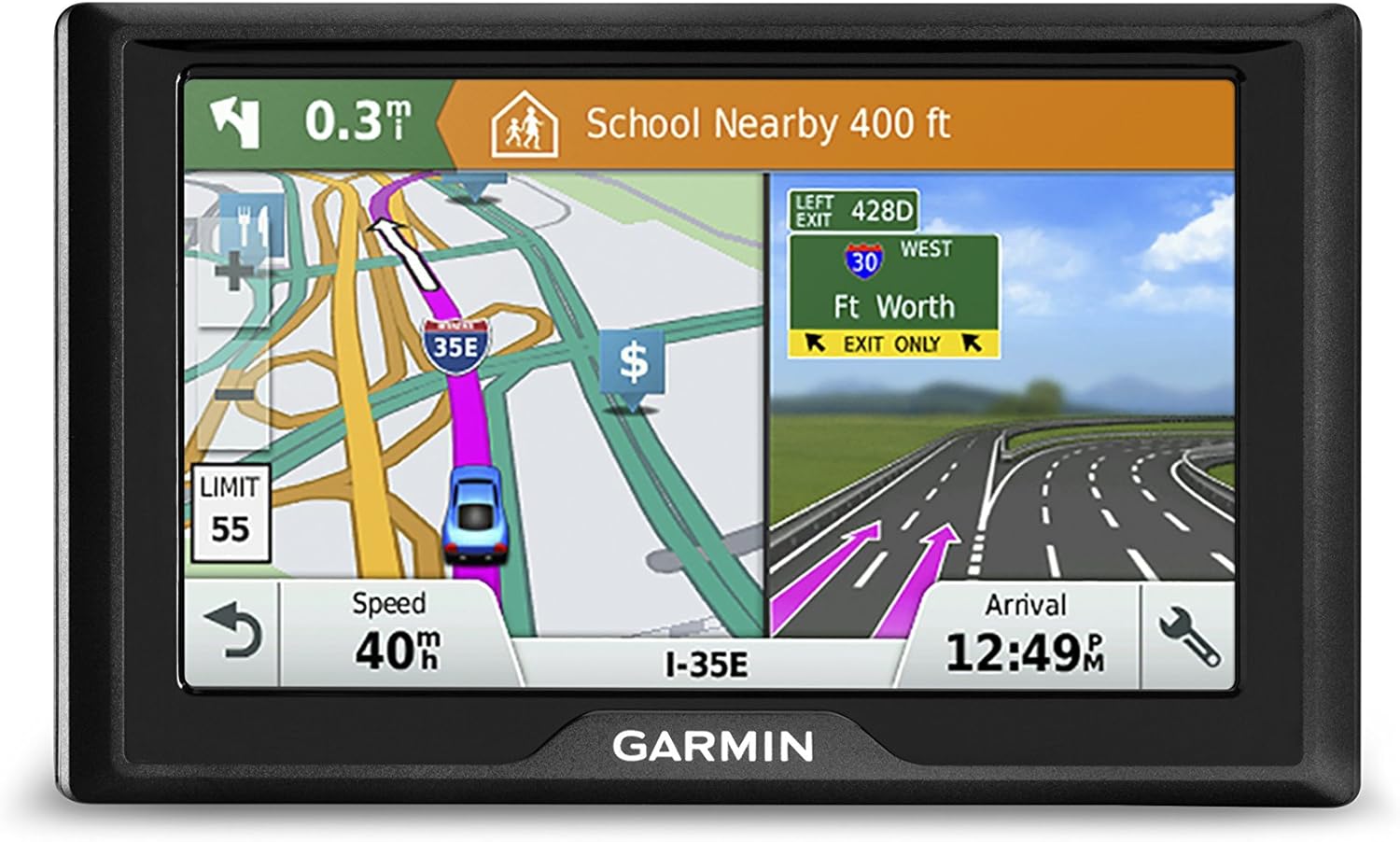
Figure 1: Garmin Drive 51 GPS Navigator.
2. Què hi ha a la caixa
Verifiqueu que tots els elements estiguin presents a l'embalatge del producte:
- Garmin Drive 51 GPS Navigator
- Suport de ventosa per a vehicles
- Cable d'alimentació del vehicle
- cable USB
- Manual d'inici ràpid
3. Configuració inicial
3.1 Càrrega del dispositiu
Before first use, fully charge the device using the provided USB cable connected to a computer or a compatible USB power adapter. A full charge ensures optimal performance.
3.2 Mounting in Your Vehicle
Attach the suction cup mount to your vehicle's windshield or dashboard. Ensure the surface is clean and dry for a secure hold. Connect the vehicle power cable to the device and your vehicle's 12V power outlet.

Figure 2: Garmin Drive 51 mounted in a vehicle, displaying search results for nearby points of interest.
4. Funcionament del dispositiu
4.1 Funcionament de la pantalla tàctil
The Garmin Drive 51 features a responsive touch screen. For optimal interaction, use the tip of your fingernail to select options, rather than the fleshy part of your finger. This provides more precise input.
Video 1: Demonstration of effective touch screen interaction on the Garmin GPS.
4.2 Introducció d'una destinació
Al menú principal, seleccioneu