Introducció
This manual provides detailed instructions for the Plantronics Voyager 3240 Bluetooth Headset with Charging Case. It covers essential information for setting up, operating, maintaining, and troubleshooting your device to ensure optimal performance and longevity.
Què hi ha a la caixa
Verifiqueu que tots els elements siguin presents al vostre paquet:
- Plantronics Voyager 3240 Bluetooth Headset
- Estoig de càrrega
- Coixins per a les orelles (diverses mides)
- Cable de càrrega micro USB
- Optional Clip-on Ear Loop
Producte acabatview
Familiarize yourself with the components of your Plantronics Voyager 3240 headset and its charging case.

Image: The Plantronics Voyager 3240 headset alongside its portable charging case, showcasinel disseny elegant i el factor de forma compacte.
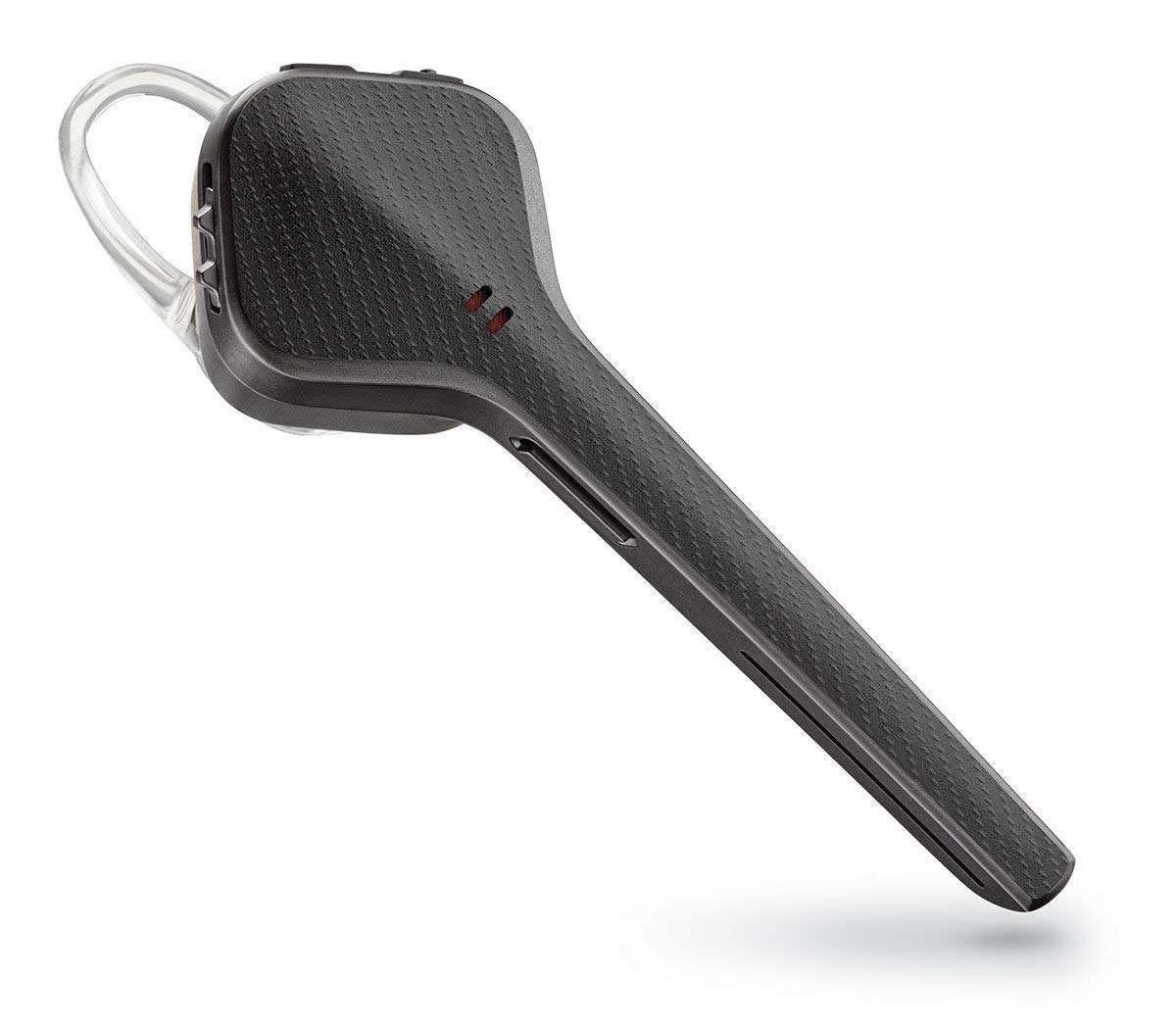
Imatge: Un primer pla view of the Plantronics Voyager 3240 Bluetooth headset, highlighting its ergonomic shape and control buttons.

Image: The Plantronics Voyager 3240 headset securely placed within its charging case, ready for charging or storage.
Característiques dels auriculars:
- Botó d'encesa: Control d'encesa/apagada.
- Botó de trucada: Answer/end calls, voice assistant activation.
- Botons de volum: Ajusta el volum de l'àudio.
- Botó de silenci: Mute/unmute microphone.
- Micròfon: Triple-mic array for noise cancellation.
- Indicador LED: Displays battery and connection status.
Característiques de la caixa de càrrega:
- Charging Slot: Subjecta i carrega els auriculars.
- LEDs indicadors de bateria: Shows charging case battery level.
- Port micro USB: Per carregar la funda.
Configuració
1. Càrrega dels auriculars i la funda
Before first use, fully charge your headset and charging case. The headset provides up to 6 hours of talk time, and the charging case offers an additional 10 hours.
- Càrrega d'auriculars: Place the headset into the charging case. The headset's LED will indicate charging status.
- Cas de càrrega: Connect the micro USB cable to the charging case and plug the other end into a USB wall charger or computer USB port. The case's LEDs will indicate its charging status.
- Allow approximately 90 minutes for a full charge of the headset and case.
2. Emparellament amb un dispositiu mòbil
To use your headset, it must be paired with your Bluetooth-enabled device.
- Activa el mode de vinculació: With the headset powered off, press and hold the Call button until the headset's LED flashes red and blue, indicating pairing mode.
- Activa el Bluetooth: On your mobile device, go to Bluetooth settings and ensure Bluetooth is turned on.
- Seleccioneu el dispositiu: From the list of available devices, select "PLT V3240 Series."
- Confirmeu l'aparellament: If prompted for a passcode, enter "0000" (four zeros). Once paired, the headset LED will stop flashing and you will hear "pairing successful."
Instruccions de funcionament
Portant els auriculars
The Voyager 3240 is designed for comfortable wear. Choose the ear tip that provides the best fit and acoustic seal. The optional ear loop can be used for added stability.

Image: The Plantronics Voyager 3240 headset positioned on a surface next to a smartphone and car keys, illustrating its compact size and portability for daily use.
Gestió de trucades
- Respon a la trucada: Press the Call button or say "Answer" when a call comes in (if voice answering is enabled).
- Finalitzar la trucada: Premeu el botó de trucada.
- Rebutja la trucada: Manteniu premut el botó de trucada durant 2 segons.
- Torna a marcar l'últim número: Premeu dues vegades el botó de trucada.
- Silencia/Activa el silenci: Press the Mute button during a call.
Voice Commands and Alerts
The headset supports voice commands and provides audio alerts for various statuses.
- Assistent de veu: Press and hold the Call button for 2 seconds to activate your smartphone's voice assistant (Siri, Google Assistant, Cortana).
- Alertes de veu: The headset will announce caller names (if in your phone's contacts), connection status, remaining talk time, and mute status.
Transmissió d'àudio
You can stream audio from your paired device, such as music, podcasts, or GPS directions.
- Reproduir/pausa: Use your device's media controls.
- Control de volum: Use the volume buttons on the headset or your device.
Connectivitat multipunt
The headset can connect to two mobile devices simultaneously.
- Pair the headset with the first device as described in the "Pairing" section.
- Once connected, turn off Bluetooth on the first device.
- Put the headset back into pairing mode and pair with the second device.
- After successful pairing with the second device, re-enable Bluetooth on the first device. The headset will now be connected to both.
Manteniment
Neteja
- Wipe the headset and charging case with a soft, dry, lint-free cloth.
- No utilitzeu netejadors abrasius ni dissolvents.
- Clean ear tips regularly with a damp drap i sabó suau i, a continuació, eixugueu-ho bé abans de tornar-ho a enganxar.
Emmagatzematge
- Store the headset in its charging case when not in use to protect it and keep it charged.
- Eviteu emmagatzemar-lo a temperatures extremes o a la llum solar directa.
Resolució de problemes
If you experience issues with your headset, try the following solutions:
| Problema | Solució |
|---|---|
| Els auriculars no s'encén. | Ensure the headset is charged. Place it in the charging case or connect directly to a power source. |
| No es pot emparellar amb el dispositiu. |
|
| No hi ha àudio o hi ha mala qualitat d'àudio. |
|
| La bateria s'esgota ràpidament. |
|
Especificacions
Key technical specifications for the Plantronics Voyager 3240 Bluetooth Headset:
| Característica | Detall |
|---|---|
| Nom del model | Voyager 3240 |
| Tecnologia de connectivitat | Sense fil (Bluetooth) |
| abast sense fils | Fins a 30 metres (98 peus) |
| Temps de conversa | Up to 6 hours (headset), additional 10 hours with charging case |
| Temps d'espera | Fins a 7 dies |
| Cancel·lació de soroll | Triple-mic with enhanced DSP |
| Tipus de control | Voice Control, Buttons |
| Pes de l'article | 190 g (0.19 quilograms) |
| Bateries | 2 bateries de polímer de liti (incloses) |
| Nivell de resistència a l'aigua | Resistent a l'aigua |
| Factor de forma | In-ear / On-ear (with optional ear loop) |
Garantia i Suport
For warranty information, technical support, or further assistance, please refer to the official Plantronics (now Poly) weblloc web o contacteu directament amb el servei d'atenció al client. Conserveu el comprovant de compra per a reclamacions de garantia.
Assistència en línia: Visit the Plantronics/Poly support page for FAQs, software downloads, and contact options.
Registre de productes: Registra el teu producte en línia per rebre actualitzacions i assistència.


