Producte acabatview
The Logitech M170 Wireless Mouse offers a reliable and hassle-free wireless connection for various computing devices. Designed for comfort and portability, this ambidextrous mouse provides smooth and accurate cursor control, making it suitable for everyday use and professional tasks.
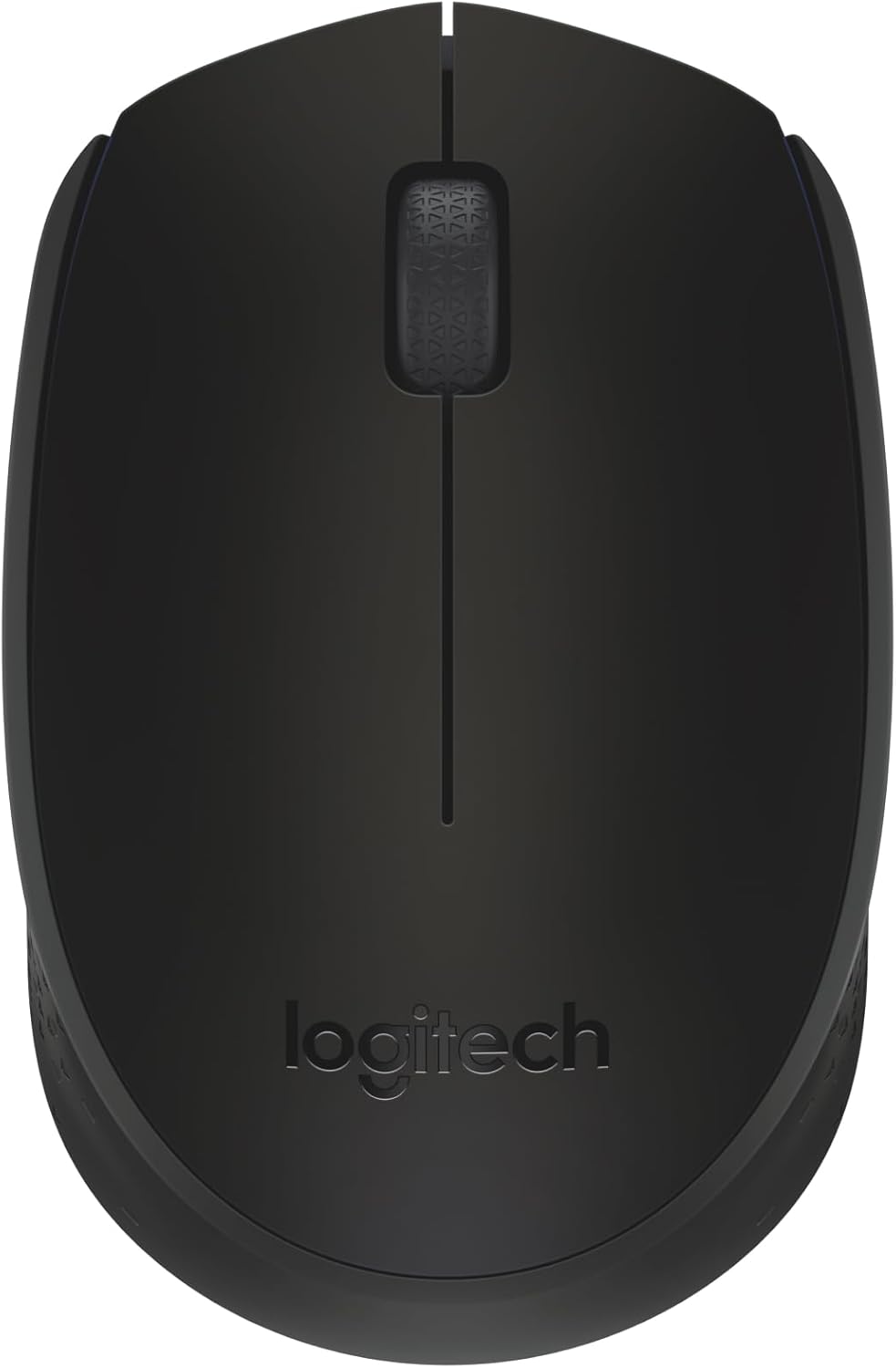
Figura 1: superior view of the Logitech M170 Wireless Mouse.
Característiques principals:
- Plug-and-Play Connection: Connects quickly via a strong, reliable USB receiver.
- Comfortable and Mobile: Ambidextrous design fits comfortably in either hand and is compact for portability.
- Funcions d'estalvi d'energia: Features a 12-month battery life and auto-sleep function to conserve power.
- Reliable Wireless: Operates up to 10 meters (33 ft) away from your computer.
- Navegació fàcil: Provides smooth and accurate cursor control with optical tracking.
- Àmplia compatibilitat: Compatible with Windows, macOS, Linux, Chrome OS, iPadOS, and Android operating systems.
Guia de configuració
Segueix aquests passos per configurar el teu ratolí sense fil Logitech M170:
- Insereix la bateria: The mouse comes with one AA battery included. Open the battery compartment cover on the underside of the mouse and insert the AA battery, ensuring correct polarity. Close the cover securely.
- Localitza el receptor USB: The USB mini receiver is typically stored inside the battery compartment of the mouse for safe keeping during transport. Carefully remove it.
- Connecta el receptor: Plug the USB mini receiver into an available USB port on your computer (PC, Mac, Laptop, etc.).
- Encès: Turn on the mouse using the On/Off switch located on the underside of the mouse.
- Connexió automàtica: The mouse should automatically connect to your computer within a few seconds. No additional software or drivers are typically required for basic functionality.

Figure 2: Plug-and-play wireless connection setup.
For optimal performance, ensure the mouse is within 10 meters (33 feet) of the USB receiver.
Instruccions de funcionament
The Logitech M170 Wireless Mouse is designed for intuitive use. Here are the basic operating functions:
- Clic esquerre: Press the left mouse button to select items, open files, o activar funcions.
- Clic dret: Press the right mouse button to open context menus or access additional options.
- Roda de desplaçament: Roll the scroll wheel up or down to navigate through documents, web pages, or applications. The scroll wheel also functions as a middle button when pressed.
- Seguiment òptic: The mouse uses optical tracking for precise cursor movement on most surfaces. For best results, use on a mouse pad or a non-reflective, uniform surface.
- Disseny ambidextre: The symmetrical shape of the M170 mouse allows for comfortable use by both left-handed and right-handed users.

Figure 3: The ambidextrous design ensures comfortable use for all users.

Figure 4: The compact and portable design of the mouse.
Manteniment
Proper maintenance ensures the longevity and optimal performance of your Logitech M170 Wireless Mouse.
Substitució de la bateria:
The Logitech M170 mouse uses one AA battery. When the mouse performance degrades or the indicator light (if present) signals low battery, it's time to replace it.
- Apagueu el ratolí amb l'interruptor d'encesa/apagada que es troba a la part inferior.
- Obriu la tapa del compartiment de la bateria.
- Traieu la pila AA antiga.
- Insert a new AA battery, observing the correct polarity (+/-).
- Tanqueu bé la tapa del compartiment de la bateria.
- Torneu a engegar el ratolí.
Note: Battery life may vary based on user and computing conditions.
Neteja:
Per netejar el ratolí, utilitzeu un drap suau i sense borrissol, humitegeu-lo lleugerament.ampened with water or a mild cleaning solution. Avoid using harsh chemicals or abrasive materials. Do not immerse the mouse in water.
Resolució de problemes
If you encounter issues with your Logitech M170 Wireless Mouse, try the following solutions:
| Problema | Solució |
|---|---|
| Mouse not responding / No cursor movement |
|
| Erratic or jumpy cursor |
|
| abast sense fil curt |
|
Especificacions
| Característica | Detall |
|---|---|
| Marca | Logitech |
| Model | M170 |
| Tecnologia de connectivitat | Radio Frequency, USB |
| Tipus sense fil | 2.4 GHz (802.11a) |
| Detecció de moviment | Òptic |
| Nombre de botons | 2 (Left, Right) + Scroll Wheel (clickable) |
| Tipus de desplaçador | Roda de desplaçament |
| Ajust ergonòmic | Symmetrical / Ambidextrous |
| abast sense fils | Fins a 10 metres (33 peus) |
| Tipus de bateria | 1 x bateria AA (inclosa) |
| Durada de la bateria | Up to 12 months (may vary) |
| Dimensions (LxWxH) | 97.7 mm (3.8 polzades) x 61.5 mm (2.4 polzades) x 35.2 mm (1.4 polzada) |
| Pes (amb bateria) | 79.5 g (2.49 oz) |
| Sistemes operatius suportats | Windows, macOS, Linux, Chrome OS, iPadOS, Android |
| Material | Plastic parts include certified post-consumer recycled plastic (minimum 59% for Black) |
| Petjada de carboni | 4.05 kg CO2e |

Figure 5: Physical dimensions of the Logitech M170 Wireless Mouse.
Garantia i Suport
For warranty information and further support, please refer to the official Logitech website or the documentation provided with your product. You can also find additional resources and FAQs on the Logitech support page.
Una versió digital del manual d'usuari està disponible per descarregar:


