1. Introducció
This manual provides comprehensive instructions for the XINBAOHONG S-04 Rechargeable Clip-on Selfie Ring Light. It covers product features, setup, operation, charging, maintenance, troubleshooting, and technical specifications. Please read this manual thoroughly before using the device to ensure proper function and longevity.
2. Producte acabatview
2.1 Contingut del paquet
- 1 x XINBAOHONG S-04 LED Fill Light
- 1 x cable de càrrega micro USB
2.2 Característiques clau
- Il·luminació uniforme: High diffusion light mask with dense multi-source LED distribution provides even and soft fill light.
- Brillantor ajustable: Features 3 distinct white light brightness modes (Low, Normal, High).
- Bateria recarregable: Built-in rechargeable lithium-ion battery eliminates the need for disposable batteries.
- Disseny fàcil d'utilitzar: Silicone gel padding protects devices from scratches. Maximum clip thickness of 18mm.
- Aplicació versàtil: Suitable for selfies, video calls, makeup application, reading, camping, and as a general flash light.
2.3 Components del producte

Imatge 1: Acabatview of the XINBAOHONG S-04 Selfie Ring Light components. This image highlights the Micro USB charging port, the function button for power and brightness control, the built-in charging indicator light, and the mini silicone gel pads designed for device protection.
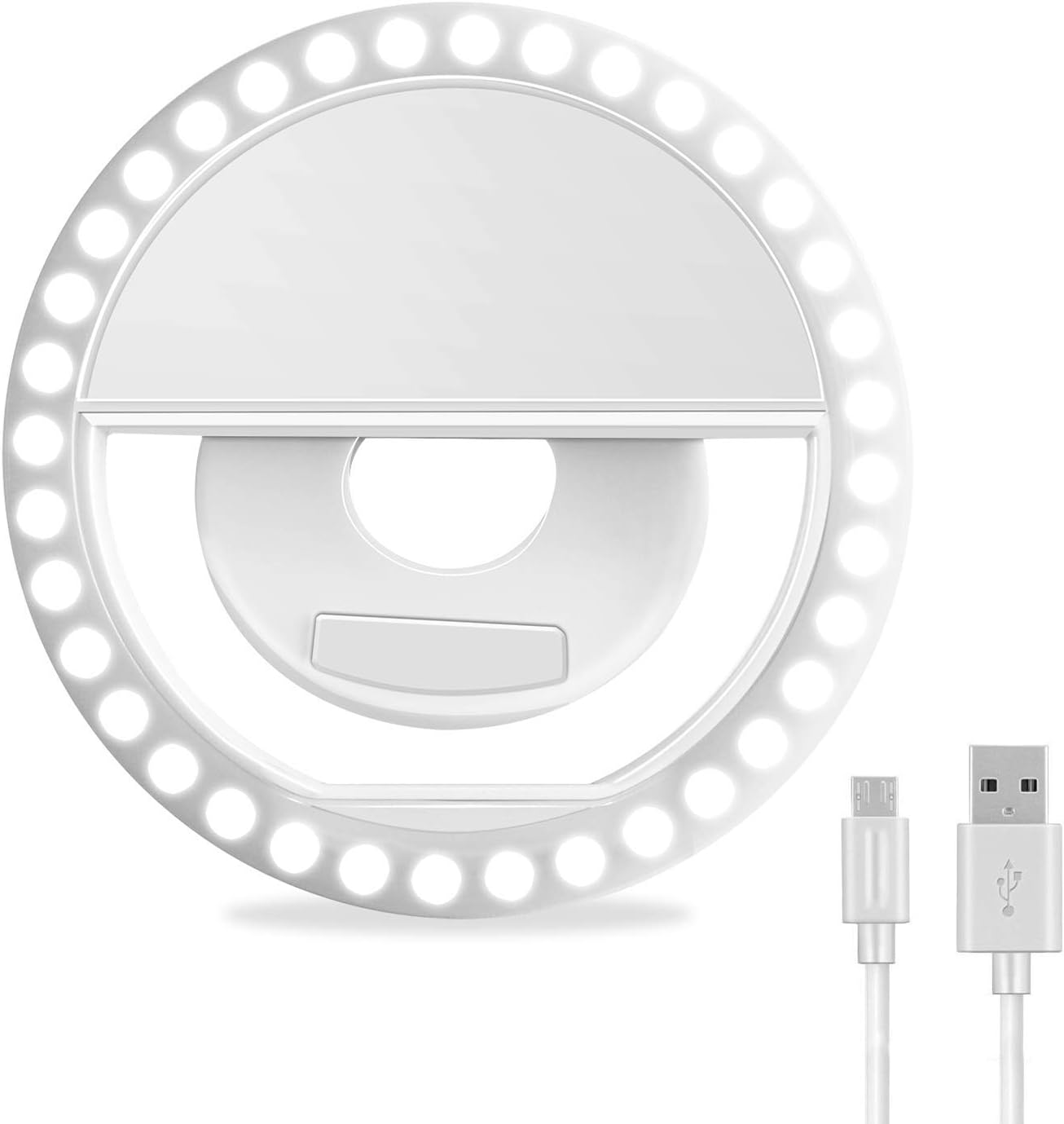
Imatge 2: Davant view of the XINBAOHONG S-04 Selfie Ring Light, showcasing its circular LED arrangement and central clipping mechanism.
3. Configuració
The XINBAOHONG S-04 is designed for easy attachment to various devices.
- Carregueu el dispositiu: Before first use, fully charge the selfie ring light using the provided Micro USB cable. Refer to Section 4.3 for charging instructions.
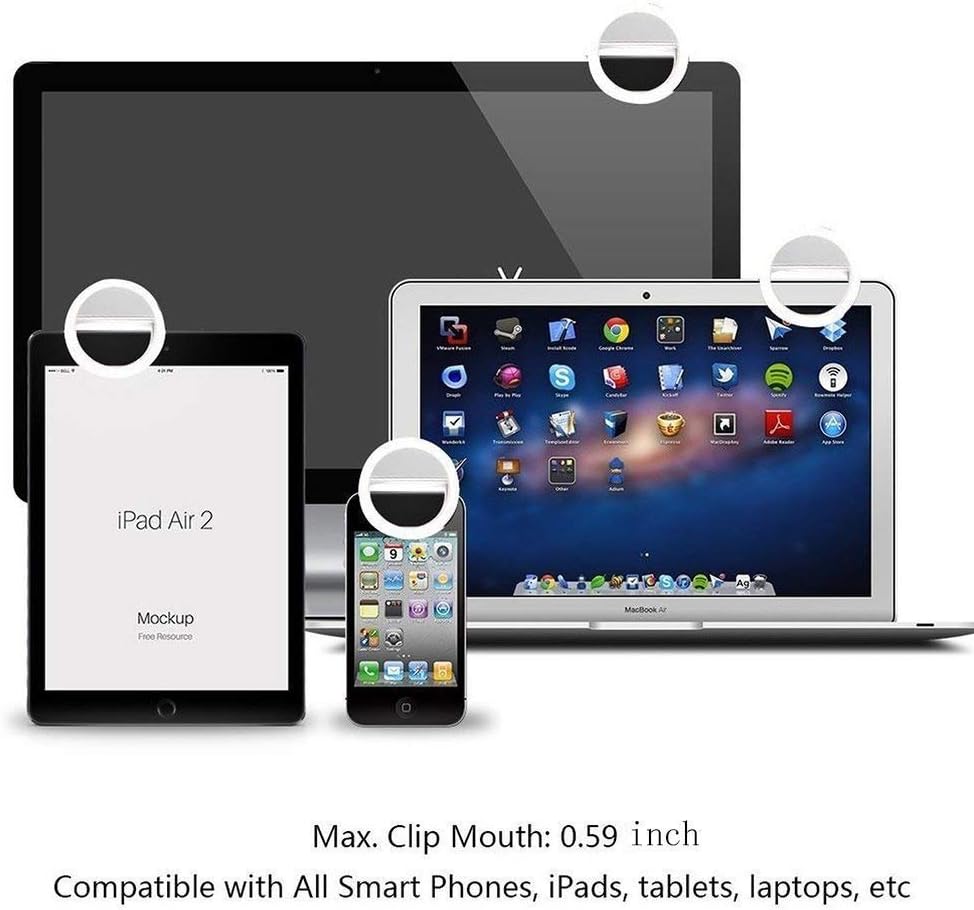
- Adjunta al dispositiu: Gently open the clip and attach the ring light to the top edge of your smartphone, tablet, laptop, or other compatible device. Ensure the silicone pads are in contact with your device to prevent scratches. The maximum compatible thickness for clipping is 18mm (0.7 inches).

Imatge 3: Demonstrates how to clip the XINBAOHONG S-04 onto a smartphone, highlighting the maximum compatible thickness.

Imatge 4: The XINBAOHONG S-04 clipped onto a smartphone, iPad, and MacBook, illustrating its versatility across different devices.
4. Instruccions de funcionament
4.1 Encès/Apagat
Locate the function button on the top of the ring light (refer to Image 1).
- A encès the device, press the function button once. The light will turn on at the lowest brightness setting.
- A apagar the device, cycle through all brightness settings until the light turns off, or press and hold the button for a few seconds.
4.2 Ajust de la brillantor
The XINBAOHONG S-04 offers three levels of white light brightness.
- After powering on, press the function button repeatedly to cycle through the brightness levels:
- Baixa brillantor
- Brillantor normal
- Alta brillantor
- After the highest brightness setting, pressing the button again will turn the light off.

Imatge 5: Visual comparison demonstrating the effect of different brightness levels (Low, Medium, High White Light) provided by the selfie ring light, alongside a "Before" image without the light.
Imatge 6: A visual representation of the three distinct brightness levels (Level 1, Level 2, Level 3) available on the XINBAOHONG S-04, compared to "No Light."
4.3 Càrrega del dispositiu
The selfie ring light is equipped with a built-in rechargeable lithium-ion battery.
- Connect the Micro USB end of the provided charging cable to the Micro USB charging port on the ring light (refer to Image 1).
- Connect the standard USB end of the cable to a compatible USB power source (e.g., computer USB port, USB wall adapter, power bank).
- The built-in charging indicator light will illuminate during charging. It will typically change color or turn off once charging is complete.
- A full charge provides approximately 45 minutes of continuous use at high brightness.
5. Manteniment
- Neteja: Netegeu el dispositiu amb un drap suau i sec. No utilitzeu productes de neteja abrasius ni dissolvents.
- Emmagatzematge: Guardeu el dispositiu en un lloc fresc i sec, allunyat de la llum solar directa i de temperatures extremes.
- Cura de la bateria: Per allargar la durada de la bateria, eviteu descarregar-la completament amb freqüència. Carregueu el dispositiu regularment, fins i tot si no l'esteu fent servir, per mantenir la bateria en bon estat.
- Manipulació: Eviteu deixar caure el dispositiu o sotmetre-lo a forts impactes.
6. Solució De Problemes
| Problema | Causa possible | Solució |
|---|---|---|
| La llum no s’encén. | La bateria està esgotada. | Carregueu el dispositiu amb el cable USB proporcionat. |
| La llum no és prou brillant. | Configuració de brillantor incorrecta. | Press the function button to cycle through the 3 brightness levels until desired illumination is reached. |
| El dispositiu no es carrega. | Cable o font d'alimentació defectuosos. | Assegureu-vos que el cable USB estigui ben connectat. Proveu un altre cable USB o font d'alimentació. |
| La llum parpelleja o s'apaga inesperadament. | Bateria baixa. | Recarrega el dispositiu. |
7. Especificacions
- Model: S-04
- Marca: XINBAOHONG
- Color: Blanc
- Font de llum: 36 LED
- Temperatura de color: 6000K (High White Light)
- Tipus de bateria: Ió de liti (recarregable)
- Interfície de càrrega: Micro USB
- Maximum Clip Thickness: 18 mm (0.7 polzades)
- Dimensions del producte (L x A x A): 8.5 x 8.5 x 3 cm (3.35 x 3.35 x 1.18 polzades)
- Pes del producte: Aproximadament 50 grams
- Dispositius compatibles: iPhone, Android smartphones, tablets, laptops, etc.
8. Garantia i Suport
Information regarding specific warranty terms and customer support for the XINBAOHONG S-04 is not available in the provided product details. For warranty claims or technical assistance, please refer to the retailer or the official XINBAOHONG weblloc si està disponible.


