Introducció
The Kasa Smart Dimmer Switch HS220 provides intelligent brightness control for your lighting. This single-pole smart switch requires a neutral wire for installation and operates on a 2.4GHz Wi-Fi network. It is designed to integrate with smart home ecosystems like Amazon Alexa and Google Home for convenient voice control and remote management.
Notes importants:
- A neutral wire is required for installation. If your electrical box lacks a neutral wire, this switch cannot be installed.
- This switch is designed for single-pole wiring configurations only.
- A secured 2.4 GHz wireless home connection is necessary for smart functionality.
- If you are unfamiliar with basic electrical wiring, it is recommended to consult a professional electrician.
Què hi ha a la caixa
En obrir el paquet, comproveu que hi hagi tots els components:
- 1 HS220 Smart Wi-Fi Light Switch, Dimmer
- 1 Placa de paret
- 2 femelles de filferro
- Wire Label sheet
- Guia d'instal·lació ràpida

Image: Kasa Smart Dimmer Switch HS220 packaging and the dimmer switch itself, showing the wall plate and control buttons.
Configuració i instal·lació
The Kasa Smart Dimmer Switch HS220 installation process is guided by the Kasa or Tapo app. Follow these general steps:
- Preparació:
- Turn off power at the circuit breaker for the switch you are replacing.
- Confirm the power is off by attempting to turn on the light controlled by the switch.
- Ensure your electrical box has a neutral wire (typically white).
- Download the Kasa Smart app from your device's app store.
- Cablejat:
- Remove your existing wall plate and switch.
- Identify the Line, Load, Neutral, and Ground wires. The HS220 requires a ground wire and does not distinguish between Line and Load wires.
- Connect the wires from the HS220 to your home's wiring using the provided wire nuts. Refer to the wiring diagram below.
- Carefully tuck the wires into the electrical box and secure the HS220 switch.
- App-Guided Setup:
- Resta l'alimentació al disjuntor.
- Open the Kasa Smart app and follow the on-screen instructions to add your new HS220 switch. This will involve connecting the switch to your 2.4GHz Wi-Fi network.

Image: A wiring diagram illustrating the connection of the Kasa Smart Dimmer Switch HS220 to a power source, light, neutral, and ground wires. It shows the switch connected to Line, Load, Neutral, and Ground wires within a junction box.
Operating the Dimmer Switch
The Kasa Smart Dimmer Switch HS220 offers multiple ways to control your lighting:
Control manual
- On/Off: Press the main paddle switch to turn lights on or off.
- Dimecres: Use the small up/down buttons above the main paddle to adjust brightness levels.

Image: The Kasa Smart Dimmer Switch HS220 with icons representing its features: Smart Dimming, Fade On/Off, Voice Control, Remote Control, Grouping, Set Schedules, and Away Mode.
App Control (Kasa Smart App)
Control your lights from anywhere using the Kasa Smart app on your smartphone or tablet.
- Remote On/Off and Dimming: Adjust brightness or turn lights on/off from any location with an internet connection.
- Control de brillantor: Set the optimal dimming range from dimmest to brightest for various activities.
- Gentle Off: Configure the switch to gently fade lights off over a set period, ideal for bedrooms.
- Advanced Scheduling and Timer: Create custom schedules for lights to turn on and off automatically. Use countdown timers for specific events.
- Mode fora: Randomly turn lights on and off to simulate occupancy when you are away from home.
- Agrupació: Combine your smart dimmer switch with other Kasa Smart devices for unified control within the app.

Image: A kitchen scene demonstrating different light brightness levels: 10%, 50%, and 100%, illustrating the dimmer's capability.

Image: A woman sitting on a bench with a dog, using her smartphone to control lights remotely via the Kasa Smart app.

Image: A smartphone screen displaying the Kasa app interface for "Living Room Light" with icons for grouping different smart devices like bulbs, switches, and strips.
Control de veu
The HS220 is compatible with Amazon Alexa and Google Home, allowing for hands-free control.
- Amazon Alexa: Link your Kasa account to Alexa through the Alexa app. Use commands like "Alexa, dim the [light name] to 50%."
- Google Home: Link your Kasa account to Google Home through the Google Home app. Use commands like "Hey Google, turn off the [light name]."
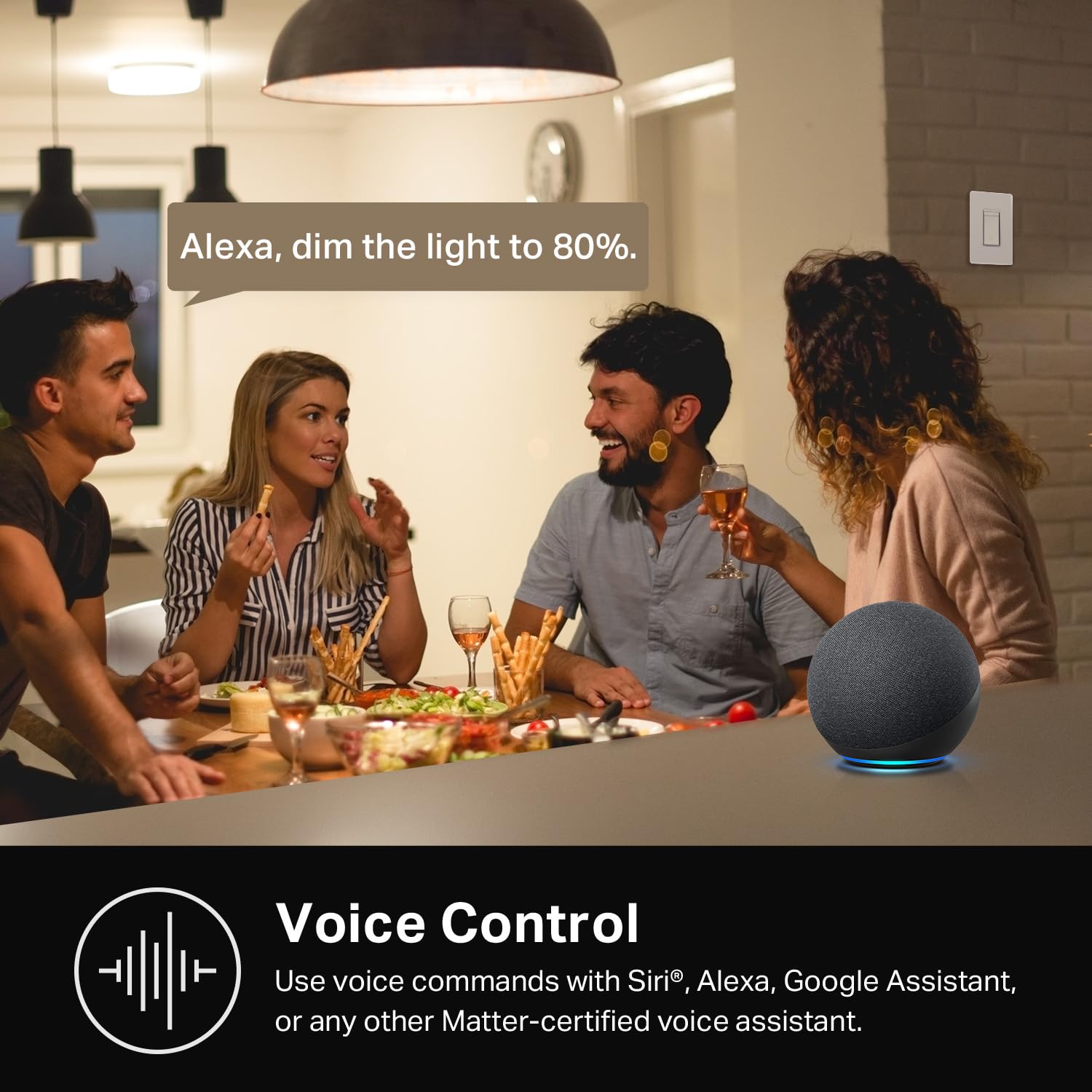
Image: People in a kitchen setting, with an Amazon Echo device on the counter, and a speech bubble indicating "Alexa, dim the light to 80%."
Manteniment
To ensure optimal performance and longevity of your Kasa Smart Dimmer Switch HS220:
- Neteja: Gently wipe the switch and wall plate with a soft, dry cloth. Avoid using harsh chemicals or abrasive cleaners.
- Actualitzacions de firmware: Regularly check the Kasa Smart app for available firmware updates. These updates can improve performance, add features, and enhance security.
- Condicions ambientals: Ensure the switch is installed in an indoor environment within recommended temperature and humidity ranges.
Resolució de problemes
If you encounter issues with your Kasa Smart Dimmer Switch HS220, consider the following:
- L'interruptor no respon:
- Check if the circuit breaker is on.
- Ensure the switch is properly wired and the neutral wire is connected.
- Verify the light bulb is functional and dimmable.
- Problemes de connectivitat de l'aplicació:
- Confirm your smartphone is connected to the same 2.4GHz Wi-Fi network as the switch.
- Reinicieu el vostre encaminador Wi-Fi.
- Ensure the switch is within range of your Wi-Fi router.
- Try restarting the Kasa Smart app.
- El control per veu no funciona:
- Verify your Kasa account is correctly linked to Amazon Alexa or Google Home.
- Comproveu la vostra connexió a Internet.
- Ensure your voice assistant device is online and functioning.
- Llums intermitents:
- Ensure you are using dimmable LED or incandescent bulbs. Non-dimmable bulbs may flicker.
- Adjust the minimum brightness setting in the Kasa app if available for your specific bulb type.
Per obtenir més ajuda, consulteu el official Kasa Smart Dimmer Switch HS220 Instructions for Use (PDF) or contact Kasa Smart support.
Especificacions
| Característica | Detall |
|---|---|
| Número de model | HS220 |
| Dimensions del producte | 1.77 x 3.35 x 5.04 polzades; 3.84 unces |
| Vol. Operatiutage | 120 volts (CA) |
| Valoració actual | 2.5 Amps |
| Tipus de circuit | 1-way (Single Pole) |
| Mode d'operació | Automàticament, apagat, interruptor intel·ligent |
| Connectivitat | Wi-Fi de 2.4 GHz |
| Requereix cable neutre | Sí |
| Compatibilitat | Amazon Alexa, Google Home |
| Fabricant | TP-Link |
Garantia i Suport
Kasa Smart products typically come with a 2-year warranty. For specific warranty details and to register your product, please visit the official Kasa Smart weblloc web o consulteu la documentació inclosa amb la compra.
For technical support, troubleshooting, or further inquiries, please visit the Kasa Smart support page o contactar directament amb el seu servei d'atenció al client.


