1. Introducció
The ANCEL FX4000 is a professional full system OBD2 scanner designed for comprehensive vehicle diagnostics. It supports a wide range of functions including ABS, SRS, Transmission, ABS Bleeding, Oil Reset, and EPB Reset. This tool helps users quickly identify and resolve vehicle issues, making it suitable for both DIY enthusiasts and professional mechanics.

Image: The ANCEL FX4000 diagnostic tool shown with its protective carrying case.
2. Característiques clau
- OE-Level All-System Diagnostic Tool: Supports diagnostics for engine, ABS, transmission, EPB, TPMS, SAS, A/C, chassis, and other systems. Provides ECU version information, live data stream, and allows reading and clearing trouble codes.
- 3 Serveis de restabliment: Includes Electronic Parking Brake (EPB) reset, Oil reset, and ABS bleeding functions to assist with common maintenance tasks.
- OBD-Level Diagnostics: Facilitates engine problem diagnosis, including DTC search, on-board monitor test, live data stream display, freeze frame data display, and diagnostic report generation.
- Wide Vehicle Coverage + Lifetime Free Update: Compatible with most American, European, and Asian models complying with standard OBD2 protocol after 1996. Offers free lifetime updates for expanded vehicle compatibility.
- Friendly Design + Multi-language: Features a large HD TFT screen, easy-to-read user interface, thousands of DTC prompts, and a non-slip handheld design. Supports 13 different languages.
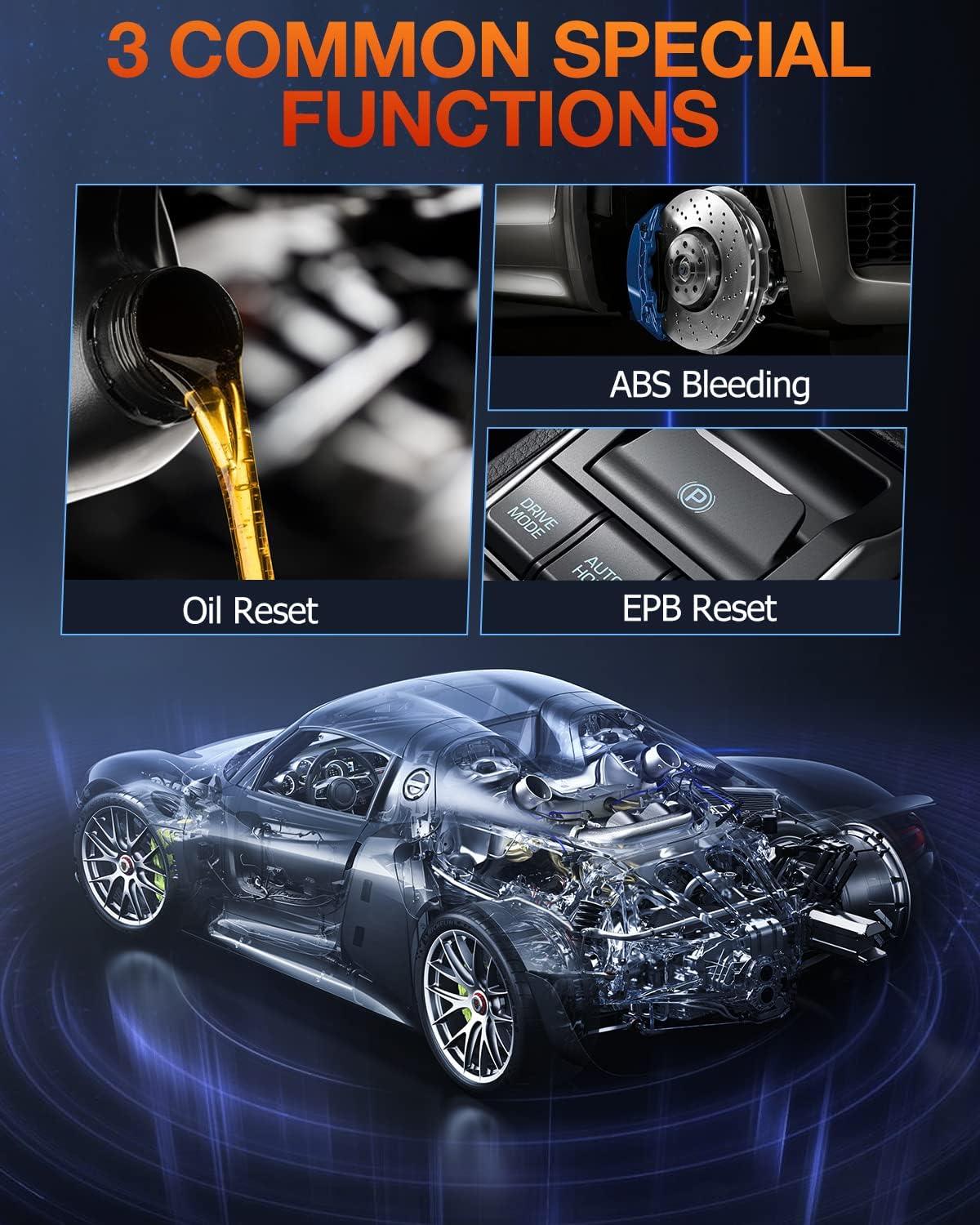
Image: Visual representation of the three common special functions: Oil Reset, ABS Bleeding, and EPB Reset.
3. Configuració i ús inicial
3.1 Connexió del dispositiu
- Locate the vehicle's OBD-II port. This is typically found under the dashboard on the driver's side.
- Assegureu-vos que el contacte del vehicle estigui en la posició "ON" (el motor pot estar apagat o en marxa, segons la tasca de diagnòstic).
- Connect the ANCEL FX4000's diagnostic cable to the vehicle's OBD-II port. The device will power on automatically.
3.2 Initial Navigation
Upon powering on, the device will display the main menu. Use the directional buttons (up, down, left, right) to navigate through the options and the "OK" button to confirm selections. The "Esc" button is used to go back to the previous screen.
Video: This video demonstrates the physical connection of the ANCEL FX4000 to a vehicle's OBD-II port and basic menu navigation, highlighting the function, scroll, Esc, and OK buttons.
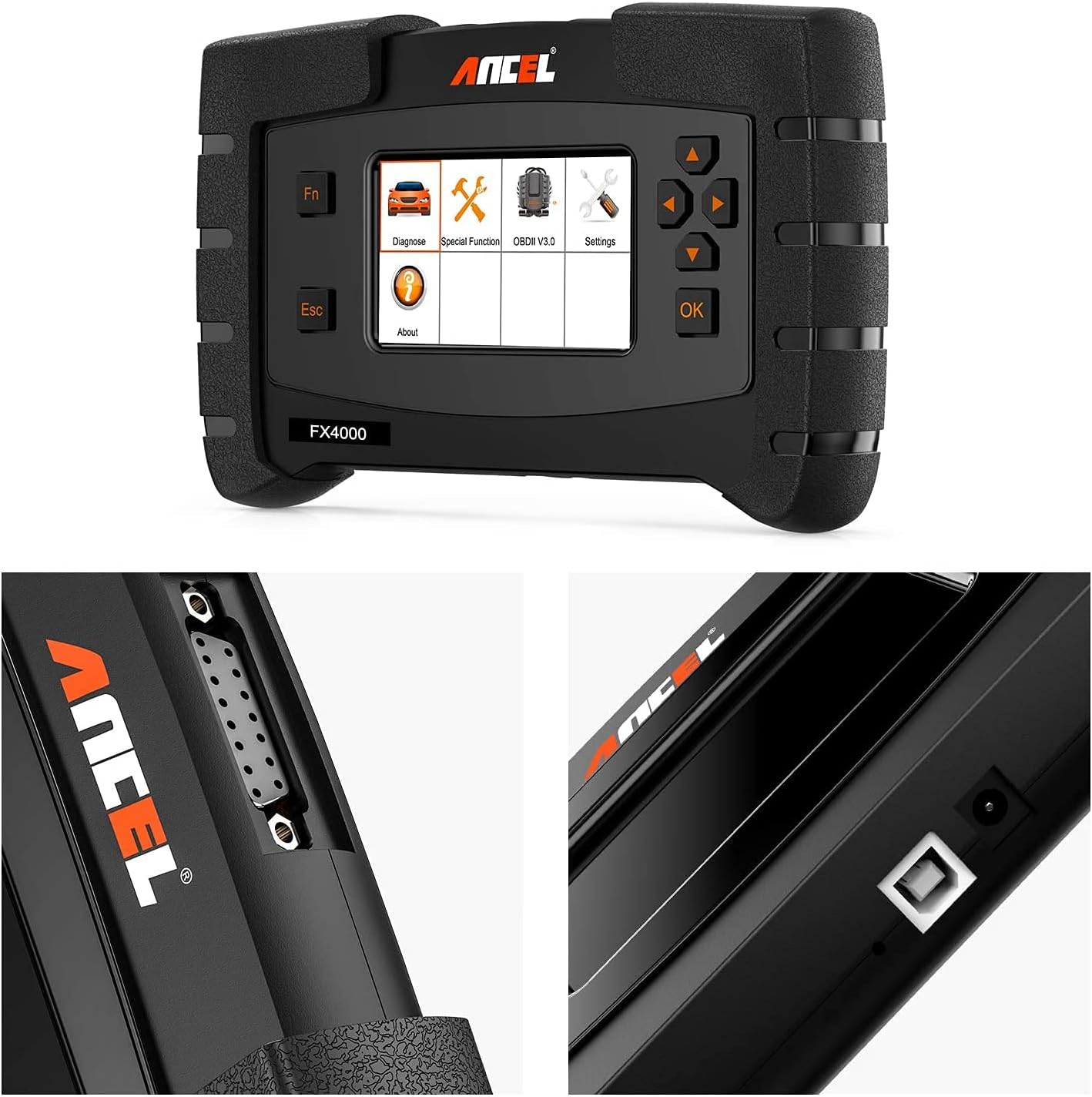
Imatge: Detallada views of the ANCEL FX4000's diagnostic port, USB port, and screen interface.
4. Operating the ANCEL FX4000
4.1 All-System Diagnostics
The FX4000 can scan all available electronic control units (ECUs) in your vehicle. From the main menu, select "Diagnose" and then choose the specific system you wish to scan (e.g., Engine, Transmission, ABS, SRS, etc.). The tool will read the ECU version information, display live data streams, and allow you to read and clear diagnostic trouble codes (DTCs).
4.2 Special Reset Services
Navigate to the "Special Function" menu to access the following reset services:
- Restabliment de l'EPB: Used to reset the electronic parking brake system after brake pad replacement.
- Reinicialització d'oli: Reinicia la llum de servei d'oli després d'un canvi d'oli.
- Sagnat de l'ABS: Performs ABS bleeding procedures to restore brake system performance.
4.3 OBD-Level Diagnostics
For engine-related issues, select the "OBDII V3.0" option. This mode provides standard OBD-II functions:
- Llegir codis: Displays current, pending, and permanent diagnostic trouble codes.
- Esborra codis: Clears diagnostic trouble codes from the vehicle's computer.
- Flux de dades en directe: Shows real-time data from various sensors in text or graph format.
- Congela les dades del fotograma: Captures a snapshot of vehicle conditions at the moment a fault code was set.
- Preparació I/M: Comprova l'estat dels monitors relacionats amb les emissions.
- Prova del sensor d'O2: Recupera els resultats de la prova del monitor del sensor d'O2.
- Prova del monitor integrat: Recupera resultats per a components i sistemes de transmissió relacionats amb les emissions.
- Informació del vehicle: Displays the vehicle identification number (VIN), calibration ID, and calibration verification number (CVN).
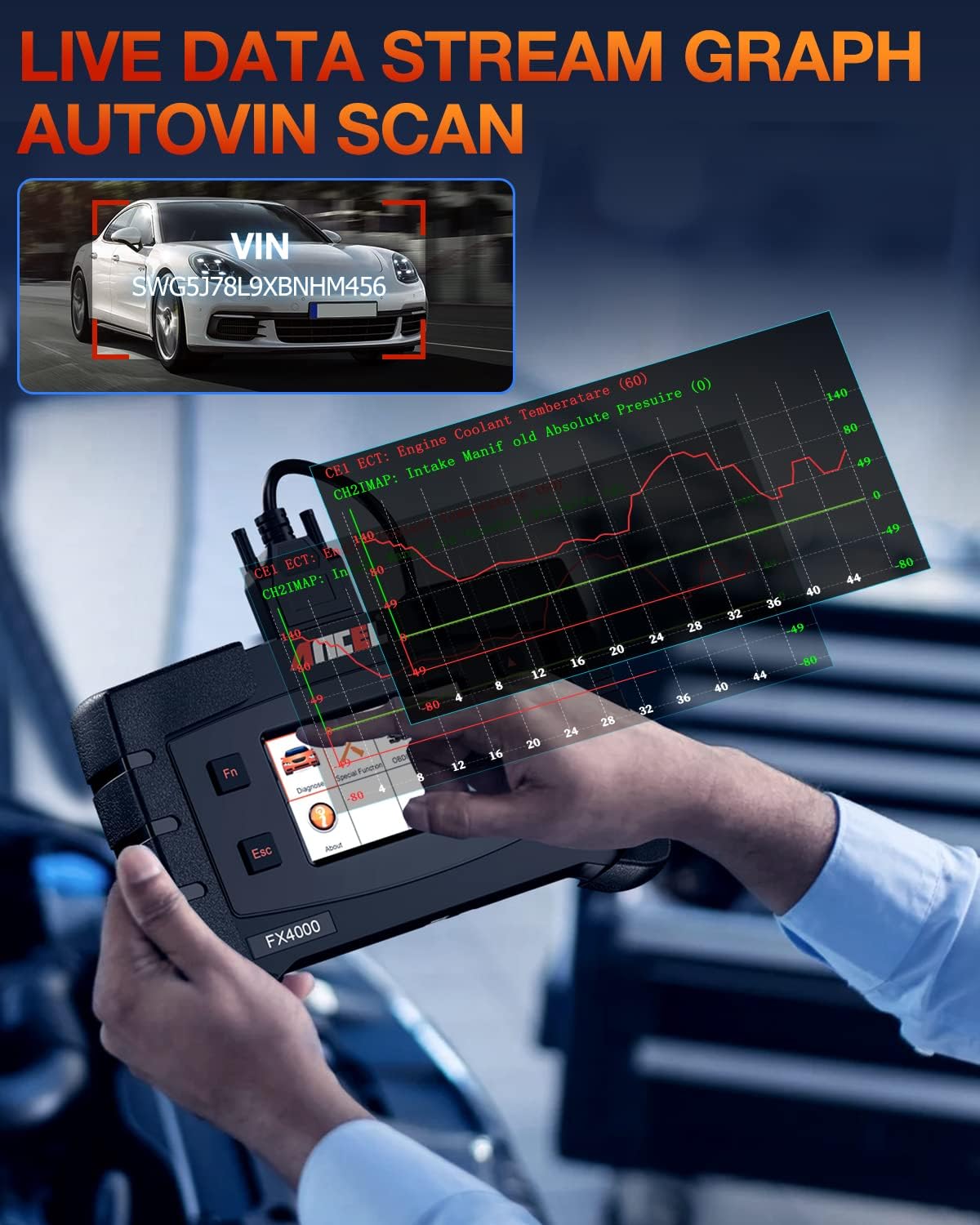
Image: The ANCEL FX4000 showing a live data stream graph and an automatic VIN scan feature.
5. Manteniment
5.1 Actualitzacions de programari
The ANCEL FX4000 offers lifetime free software updates. It is highly recommended to regularly update the device to ensure compatibility with the latest vehicle models and to receive new features or bug fixes. Updates are performed via a PC connection.
- Visita l'ANCEL oficial website to download the update tool and the latest software packages.
- Connect the FX4000 to your PC using the provided USB cable.
- Follow the instructions provided by the update tool to download and install the new software onto your device.

Image: The ANCEL FX4000 connected to a laptop, illustrating the process of performing a lifetime free software update.
5.2 Neteja i emmagatzematge
- Netegeu el dispositiu amb un suau, damp tela. No utilitzeu netejadors abrasius ni dissolvents.
- Store the device in its protective carrying case in a dry, cool environment when not in use.
- Eviteu exposar el dispositiu a temperatures extremes o a la llum solar directa.
6. Solució De Problemes
| Problema | Causa possible | Solució |
|---|---|---|
| El dispositiu no s'encén. | Incorrect connection to OBD-II port; vehicle ignition not on; faulty cable. | Ensure the cable is securely connected. Turn the vehicle ignition to "ON". Check the cable for damage. Try on another vehicle if possible. |
| Error de comunicació amb el vehicle. | Incorrect protocol selected; vehicle not OBD-II compliant; loose connection. | Verify the vehicle is OBD-II compliant (most vehicles after 1996). Reconnect the cable. Ensure the correct vehicle make/model is selected if prompted. |
| Screen freezes or becomes unresponsive. | Software glitch; low power. | Disconnect and reconnect the device. Perform a software update if available. |
| Cannot perform a specific reset function. | Vehicle not supported for that function; specific vehicle conditions not met. | Refer to the vehicle's service manual for specific requirements for the reset function. Confirm vehicle compatibility for the specific function. |
If you encounter persistent issues not covered here, please contact ANCEL customer support for assistance.
7. Especificacions
| Atribut | Detall |
|---|---|
| Fabricant | ANCEL |
| Marca | ANCEL |
| Número de model | FX4000 |
| Pes de l'article | 2.89 lliures |
| Dimensions del producte | 9.45 x 6.69 x 1.97 polzades |
| Voltage | 12 Volts |
| Resolució de visualització | 480 x 272 ppp |
| Característiques especials | All System Diagnostics & Wide Vehicle Coverage, Complete Services for Your High-Efficient Repairs, Freeze Frame, Read And Clear Enhanced Codes (Engine, ABS, Transmission, EPB, TPMS), Read Live Data Stream and Vehicle Information (VIN, ECU), Work on both gasoline and diesel vehicles. |
8. Garantia i Suport
The ANCEL FX4000 comes with a manufacturer's warranty. For detailed warranty information, including terms and conditions, please refer to the official ANCEL website or the documentation included with your product. ANCEL provides lifetime free software updates and technical support.
For technical assistance, product inquiries, or warranty claims, please contact ANCEL customer support directly. You may also find additional resources and FAQs on their official weblloc.
Manual d'usuari oficial (PDF): Descarrega aquí
Guia d'usuari oficial (PDF): Descarrega aquí


