1. Introducció i finalview
The Lenco Xemio-768 is a versatile portable media player designed for music, video, photo, and e-book playback. It features an 8GB internal storage capacity, which can be expanded using a microSD card up to 32GB. The device is equipped with a 1.8-inch TFT LCD screen and Bluetooth 2.1 connectivity for wireless audio streaming. Key functionalities include a voice recorder and support for various media file formats.
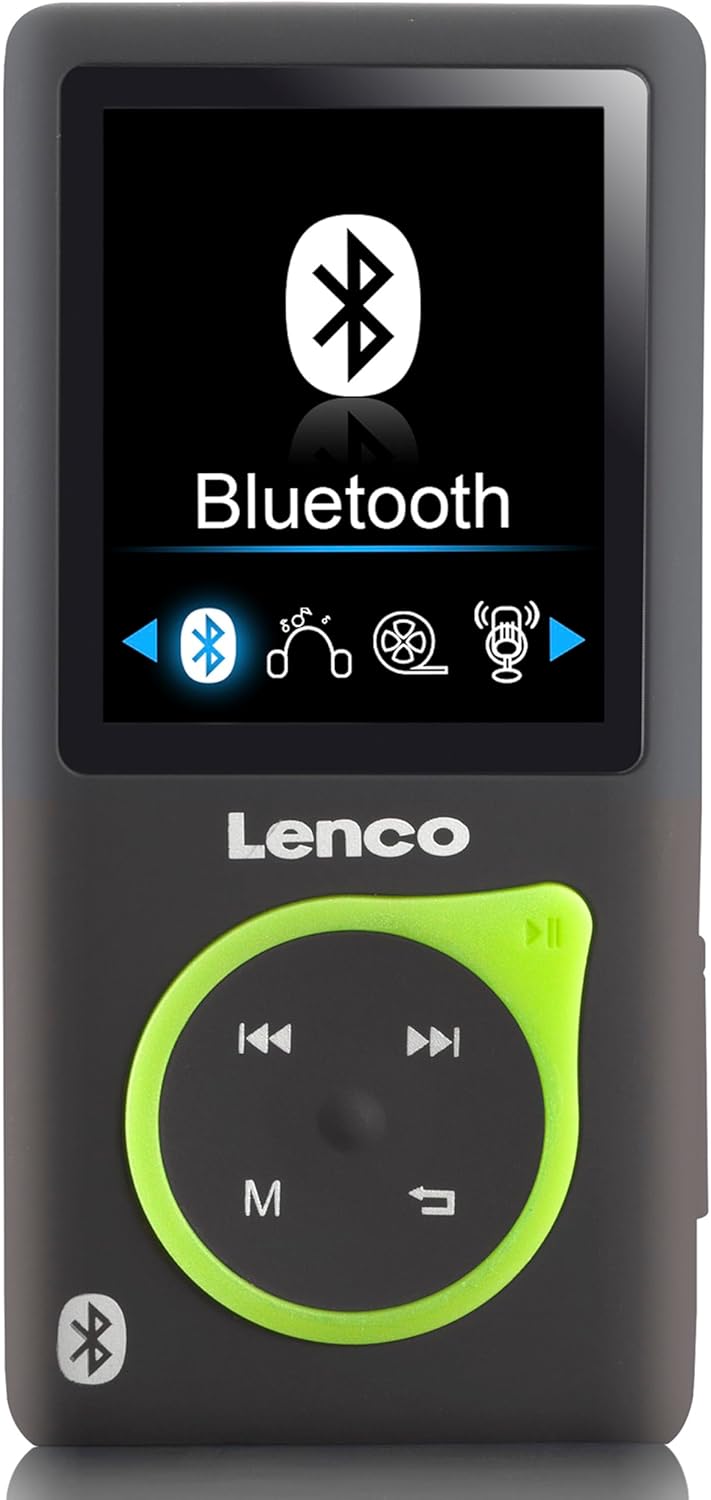
Figura 1.1: Frontal view of the Lenco Xemio-768 MP3/MP4 player, showing its 1.8-inch screen with the Bluetooth menu active, and the control buttons below.
2. Contingut del paquet
Si us plau, verifiqueu que tots els elements que s'enumeren a continuació estiguin inclosos al vostre paquet:
- Lenco Xemio-768 MP3/MP4 Player
- Cable USB
- Auriculars intraorella
- Targeta MicroSD de 8 GB
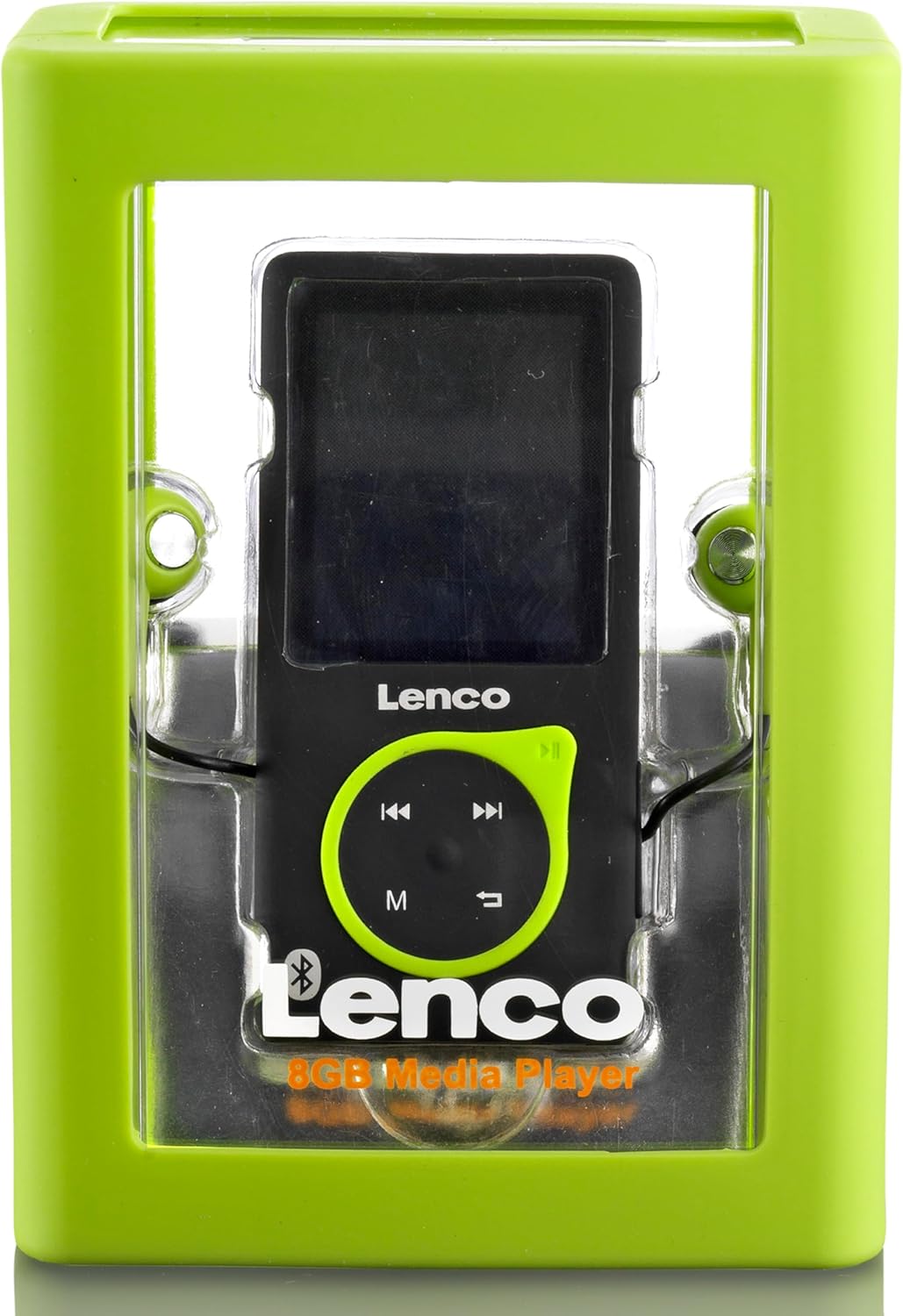
Figure 2.1: The Lenco Xemio-768 MP3/MP4 player shown inside its transparent retail packaging, highlighting the device and its included accessories.
3. Dispositiu acabatview
Familiarize yourself with the physical components of your Xemio-768 player:
- Pantalla LCD TFT de 1.8 polzades: Mostra menús, contingut multimèdia i configuració.
- Coixinet de control: Includes directional buttons (up, down, left, right) for navigation, a central Play/Pause button, an 'M' button for menu access, and a Return/Back button.
- Port micro USB: Used for charging the device and transferring files cap i des d'un ordinador.
- Ranura per a targeta MicroSD: For expanding storage capacity with a microSD card (up to 32GB).
- Presa d'auriculars de 3.5 mm: For connecting wired earphones or headphones.
- Botó d'encesa: Situat al lateral, serveix per encendre/apagar el dispositiu i bloquejar/desbloquejar la pantalla.
4. Configuració
4.1 Càrrega del dispositiu
Before first use, fully charge the Xemio-768. Connect the included USB cable to the Micro USB port on the player and the other end to a USB power adapter (not included) or a computer's USB port. The battery indicator on the screen will show charging status.
4.2 Inserting/Removing a MicroSD Card
To expand storage, gently insert a microSD card into the designated slot until it clicks into place. To remove, push the card inward until it springs out. Ensure the device is powered off before inserting or removing the card to prevent data loss.
4.3 Transferència Files
Connect the Xemio-768 to your computer using the USB cable. The device will appear as a removable disk. You can then drag and drop music, video, photo, and e-book files directly into the player's internal storage or the inserted microSD card.
5. Instruccions de funcionament
5.1 Engegada/Apagada i Bloqueig de Pantalla
- Encès: Manteniu premut el botó d'engegada fins que la pantalla s'encengui.
- Apagar: Mantingueu premut el botó d'engegada fins que aparegui un missatge d'apagada i, a continuació, confirmeu.
- Bloqueig/desbloqueig de pantalla: Briefly press the Power button to lock or unlock the screen during operation.
5.2 Navegació bàsica
Use the directional buttons on the control pad to navigate through menus and select options. The central Play/Pause button often acts as a confirmation button. The 'M' button typically brings up context-sensitive menus or returns to the main menu. The Return/Back button navigates back to the previous screen.
5.3 Reproducció de música
- Al menú principal, seleccioneu "Música".
- Navega per la teva biblioteca musical per artista, àlbum, gènere o totes les cançons.
- Select a song or album and press the Play/Pause button to begin playback.
- Supported audio formats include MP3, WAV, APE, and FLAC.
5.4 Reproducció de vídeo
- Al menú principal, seleccioneu "Vídeo".
- Navega pel teu vídeo files.
- Select a video and press the Play/Pause button to start playback.
5.5 Foto Viewing
- From the main menu, select 'Photos'.
- Navega per la teva imatge files.
- Seleccioneu una imatge per view it. Supported formats include JPG, BMP, and GIF.
5.6 Lectura de llibres electrònics
- Al menú principal, seleccioneu "Llibre electrònic".
- Browse your text files.
- Select a TXT file to open and read it.
5.7 Enregistrament de veu
- From the main menu, select 'Recorder'.
- Follow the on-screen prompts to start, pause, save, or delete recordings.
5.8 Connectivitat Bluetooth
To connect wireless headphones or speakers:
- Assegureu-vos que el dispositiu d'àudio Bluetooth estigui en mode d'emparellament.
- On the Xemio-768, navigate to the Bluetooth menu (usually found in Settings or as a direct option).
- Enable Bluetooth and select 'Cerca devices'.
- Once your device appears in the list, select it to pair.
- Confirma l'emparellament en tots dos dispositius si se't demana.
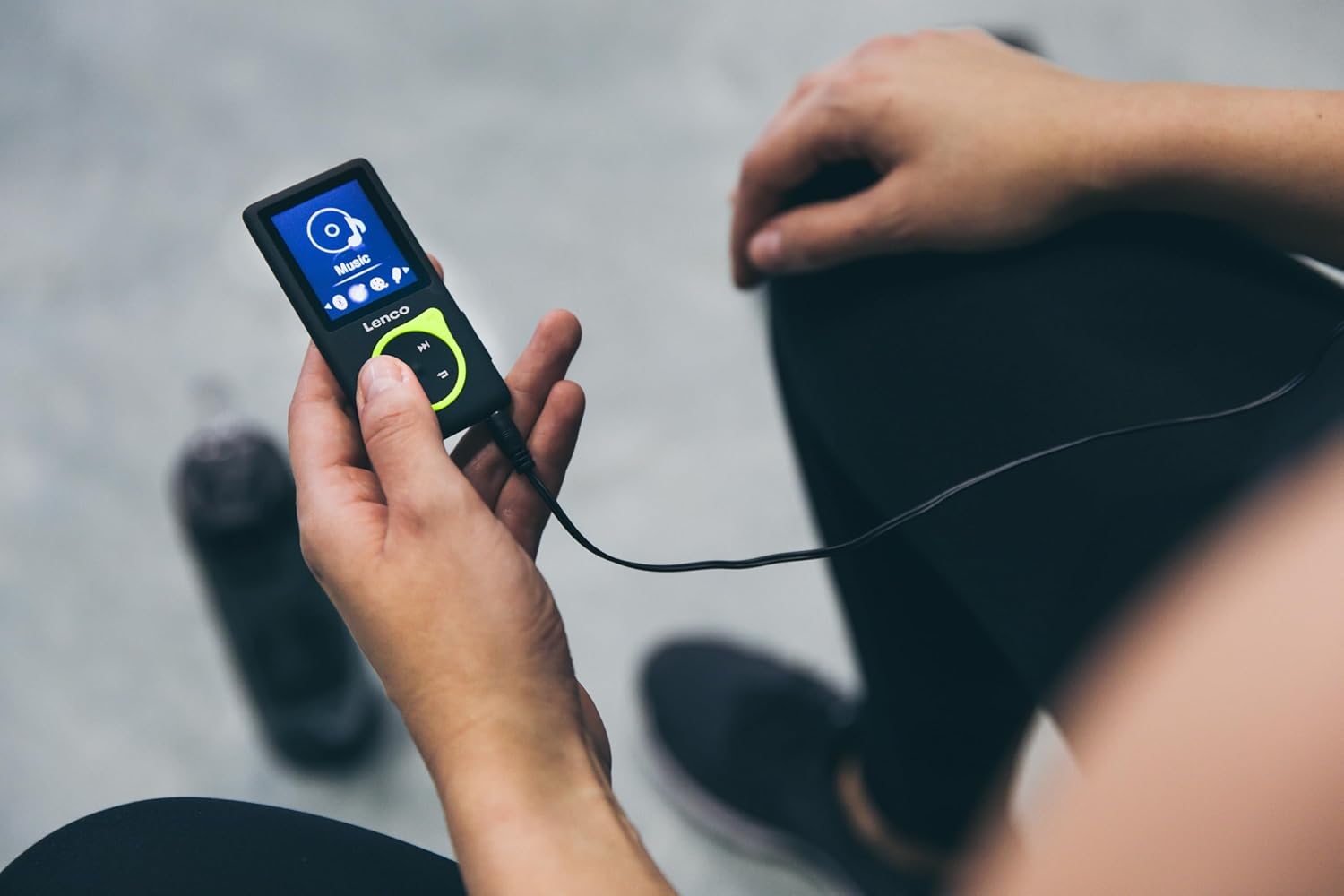
Figure 5.1: A person is shown holding the Lenco Xemio-768 MP3/MP4 player, connected to wired headphones, indicating active use for music playback.
6. Manteniment
6.1 Neteja
Wipe the device with a soft, dry, lint-free cloth. Do not use liquid cleaners, aerosols, or solvents, as these may damage the device's finish or internal components.
6.2 Cura de la bateria
To prolong battery life, avoid fully discharging the battery frequently. Charge the device regularly and avoid exposing it to extreme temperatures (hot or cold), which can degrade battery performance.
6.3 Emmagatzematge
When not in use for extended periods, store the Xemio-768 in a cool, dry place, away from direct sunlight and moisture.
7. Solució De Problemes
If you encounter issues with your Lenco Xemio-768, please refer to the following common solutions:
- El dispositiu no s'encén: Ensure the battery is charged. Connect the device to a power source and try again.
- No es pot transferir files: Verify the USB cable is securely connected to both the player and the computer. Try a different USB port or cable. Ensure the device is recognized by your computer.
- Bluetooth no connectat: Make sure your Bluetooth audio device is in pairing mode and within range. Restart both the player and the Bluetooth device.
- MicroSD card not recognized: Ensure the microSD card is inserted correctly. Check if the card is formatted to a compatible file system (e.g., FAT32). Try a different microSD card to rule out card issues.
- La pantalla no respon: If the device is frozen, try performing a soft reset by pressing and holding the Power button for approximately 10-15 seconds until it restarts.
8. Especificacions
| Marca | Lenco |
| Nom del model | Xemio-768 |
| Mida de la pantalla | LCD TFT de 1.8 polzades |
| Emmagatzematge intern | 8 GB |
| Emmagatzematge ampliable | MicroSD fins a 32 GB |
| Connectivitat | Bluetooth 2.1, Micro USB, 3.5mm Headphone Jack |
| Formats d'àudio compatibles | MP3, WAV, APE, FLAC |
| Formats de fotos compatibles | JPG, BMP, GIF |
| Supported E-book Format | TXT |
| Tipus de bateria | Integrated Lithium Polymer (3.7V, 250mAh) |
| Temps de reproducció de vídeo | Aproximadament 3 hores |
| Característiques especials | Gravadora de veu |
9. Garantia i Suport
For detailed warranty information, technical support, or service inquiries, please refer to the warranty card included with your purchase or visit the official Lenco weblloc web. Conserveu el comprovant de compra per a qualsevol reclamació de garantia.