Introducció
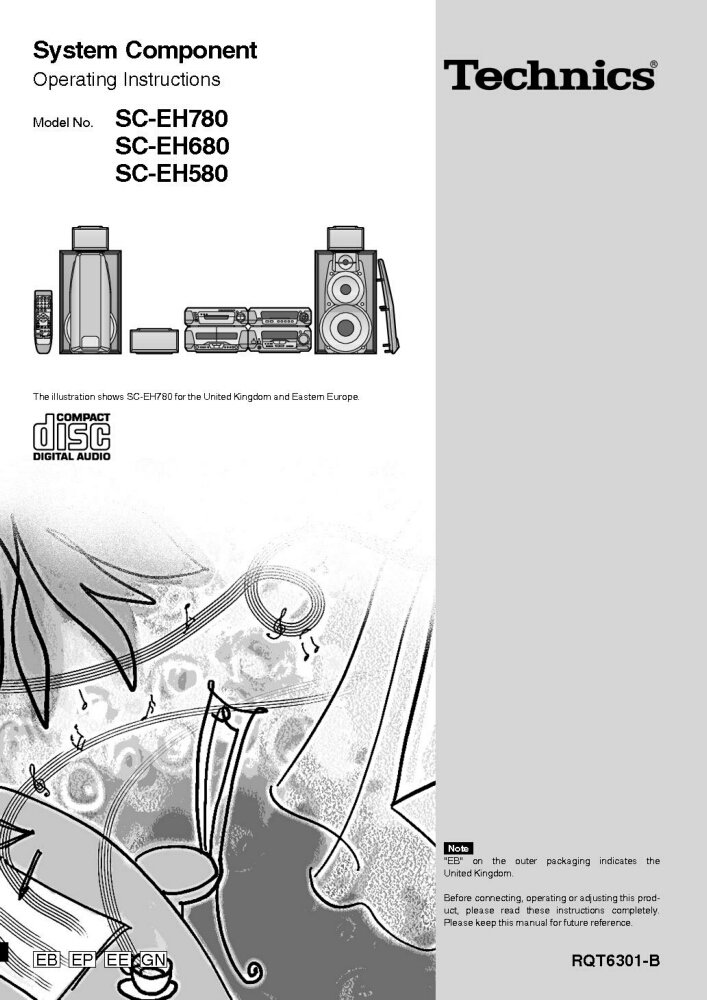
This manual provides comprehensive operating instructions for the Technics System Components, including models SC-EH780, SC-EH680, SC-EH580, SA-EH580, SL-EH680, and RS-DV280. To ensure proper connection, operation, and adjustment of your product, please read these instructions completely before use. Keep this manual for future reference.
Nota: The designation "EB" on the outer packaging indicates that the product is intended for the United Kingdom market.
Configuració i instal·lació
Proper setup is crucial for optimal performance. Follow these steps carefully:
- Desembalatge: Traieu amb cura tots els components de l'embalatge. Verifiqueu que hi hagi totes les peces que figuren a la llista d'embalatge.
- Col·locació: Position the main unit, speakers, and other components on a stable, level surface. Ensure adequate ventilation around all units to prevent overheating. Avoid direct sunlight, heat sources, and areas with high humidity.
- Connexió de l'altaveu: Connecteu els cables dels altaveus als terminals corresponents del amplifier and speakers. Ensure correct polarity (+ to + and - to -) for proper sound reproduction. Refer to the wiring diagram in the original manual for specific connections.
- Component Interconnection: Connect the various system components (CD player, cassette deck, tuner) to the main amplifier unit using the provided audio cables. Match input and output jacks correctly.
- Connexió d'alimentació: Once all audio connections are made, plug the power cord into a suitable AC outlet.
For detailed diagrams and specific connection types, please consult the original Technics manual.
Instruccions de funcionament
This section covers the basic operation of your Technics System Component.
Encès/Apagat
- Premeu el botó PODER botó de la unitat principal o del comandament a distància per encendre o apagar el sistema.
Selecció de la font
- Utilitza el FUNCIÓ or SELECCIONADOR D'ENTRADES buttons on the unit or remote to switch between CD, Tuner, Tape, and other available inputs.
Funcionament del reproductor de CD
- Premeu el botó OBRIR/TANCAR botó per obrir la safata del disc.
- Col·loqueu un CD amb l'etiqueta cap amunt a la safata.
- Premeu OBRIR/TANCAR de nou per tancar la safata.
- Premeu JUGAR per iniciar la reproducció.
- Ús SALTAR botons per navegar per les pistes i STOP per finalitzar la reproducció.
Funcionament del sintonitzador
- Seleccioneu el SINTONITZADOR funció.
- Utilitza el TUNING botons per sintonitzar manualment una emissora o PRESET buttons to select a stored station.
Funcionament de la platina de cassets
- Insert a cassette tape into the deck.
- Ús JUGAR, REBOBINAR, AVANT RÀPID, i STOP buttons for tape control.
- Premeu REGISTRAR to begin recording (ensure appropriate input is selected).
Manteniment i cura
To ensure the longevity and optimal performance of your Technics system, follow these maintenance guidelines:
- Neteja: Use a soft, dry cloth to wipe down the exterior surfaces of the components. For stubborn dirt, slightly dampNetegeu el drap amb aigua i un detergent suau i després eixugueu-lo. Eviteu productes de neteja o dissolvents abrasius.
- Safata de disc: Keep the CD disc tray clean and free of dust. Do not force the tray open or closed.
- Cassette Deck Heads: Periodically clean the cassette deck heads and pinch rollers using a specialized tape head cleaner. This prevents sound degradation.
- Ventilació: Ensure that the ventilation openings on all units are not blocked. Proper airflow prevents overheating.
- Cable d'alimentació: Regularly inspect the power cord for any damage. If damaged, discontinue use and contact a qualified service technician.
Resolució de problemes
If you encounter issues with your Technics system, refer to the following common problems and solutions:
| Problema | Causa possible | Solució |
|---|---|---|
| Sense poder | Power cord unplugged; Power outlet faulty; System in standby mode. | Check power cord connection; Try a different outlet; Press the POWER button. |
| Sense so | Volume too low; Incorrect input selected; Speaker wires disconnected/incorrectly connected. | Increase volume; Select correct input (CD, Tuner, etc.); Check speaker connections and polarity. |
| CD Does Not Play | Disc inserted incorrectly; Disc dirty or scratched; Disc tray not closed. | Insert disc label-side up; Clean disc with a soft cloth; Ensure disc tray is fully closed. |
| Mala recepció de ràdio | Antenna not connected or poorly positioned; Interference from other electronics. | Connect antenna securely and adjust its position; Move system away from other electronic devices. |
Si el problema persisteix després de provar aquestes solucions, poseu-vos en contacte amb l'atenció al client.
Especificacions
While specific detailed specifications vary by model (SC-EH780, SC-EH680, SC-EH580, SA-EH580, SL-EH680, RS-DV280), the Technics System Components typically feature:
- AmpSecció de lifier: Stereo integrated amplifier with various input/output terminals.
- Reproductor de CD: Single or multi-disc CD changer, compatible with standard audio CDs.
- Secció del sintonitzador: AM/FM digital tuner with preset memory.
- Plata de cassets: Auto-reverse cassette deck (single or dual).
- Ponents: Multi-way speaker system designed for balanced audio reproduction.
- Requisits d'alimentació: AC 220-240V, 50/60Hz (specifics may vary by region).
- Dimensions (aprox.): Varies per component and model.
- Pes (aprox.): Varies per component and model.
For precise technical specifications for your specific model, please refer to the original product documentation or the label on the rear of the unit.
Garantia i Suport
This manual is a reprint and does not include specific warranty information. For details regarding warranty coverage, technical support, or service for your Technics System Component, please refer to the original purchase documentation or contact Technics customer service directly.
You may also visit the official Technics website for updated support information, FAQs, and service center locations.
- Assistència en línia: www.technics.com/support (Note: This is a placeholder link, please verify the actual support URL for Technics.)
- Centres de servei: Consult the Technics website or your local dealer for authorized service centers.


