1. Introducció i finalview
The HP Tango Smart Wireless Printer is designed for seamless integration with your mobile devices, offering convenient printing, scanning, and copying capabilities. Its compact design and smart features make it ideal for home use, allowing you to manage your printing tasks from virtually anywhere using the HP Smart app or voice commands.
Les característiques clau inclouen:
- Mobile Remote Print, Scan, and Copy functionality.
- Compatibility with Amazon Alexa and Google Home for voice-activated printing.
- Dual-band Wi-Fi for reliable wireless connectivity.
- HP Instant Ink eligibility for automatic ink delivery.
- Borderless photo printing for true-to-life images.

Image 1.1: HP Tango printer highlighting its smart features and compact design.
2. Què hi ha a la caixa
Verifiqueu que tots els components siguin presents a l'embalatge:
- HP Tango Printer (Model 2RY54A)
- Cartutx de tinta negra HP 64 Instant Ink Ready de configuració (~185 pàgines)
- Cartutx de tinta instantània tricolor HP 64 de configuració (~120 pàgines)
- Cable d'alimentació
- Instant Ink Flyer
- Volant de precaució de tinta
- Cartell d'instal·lació
3. Instruccions de configuració
Segueix aquests passos per a la configuració inicial de la impressora:
- Desembaleu la impressora: Remove all packaging materials, tapes, and cardboard inserts from the printer.
- Connectar l'alimentació: Plug the power cable into the printer and then into a wall outlet.
- Instal·leu cartutxos de tinta: Open the ink cartridge access door. Wait for the carriage to move to the center. Insert the black cartridge into the right slot and the tri-color cartridge into the left slot until they click into place. Close the access door.
- Carrega paper: Lift the paper input tray and load plain white paper. Adjust the paper guides to fit the paper snugly.
- Instal·leu l'aplicació HP Smart: Download the HP Smart app on your smartphone or tablet from your device's app store.
- Connecta't a Wi-Fi: Follow the on-screen instructions in the HP Smart app to connect your printer to your wireless network. This process typically involves selecting your Wi-Fi network and entering the password.

Image 3.1: The HP Smart app simplifies printer setup and connectivity.
Vídeo 3.1: Un overview of the HP Tango Smart Wireless Printer, demonstrating its features and ease of use.
4. Instruccions de funcionament
4.1 Impressió des de dispositius mòbils
Use the HP Smart app to print documents and photos directly from your smartphone or tablet. Select the item you wish to print within the app, adjust settings as needed, and initiate the print job.
4.2 Escaneig de documents
The HP Tango printer supports scanning via your smartphone camera using the HP Smart app. Place the document on a flat surface, open the app, select the scan function, and capture the image. The app will guide you through cropping and saving the scanned document.
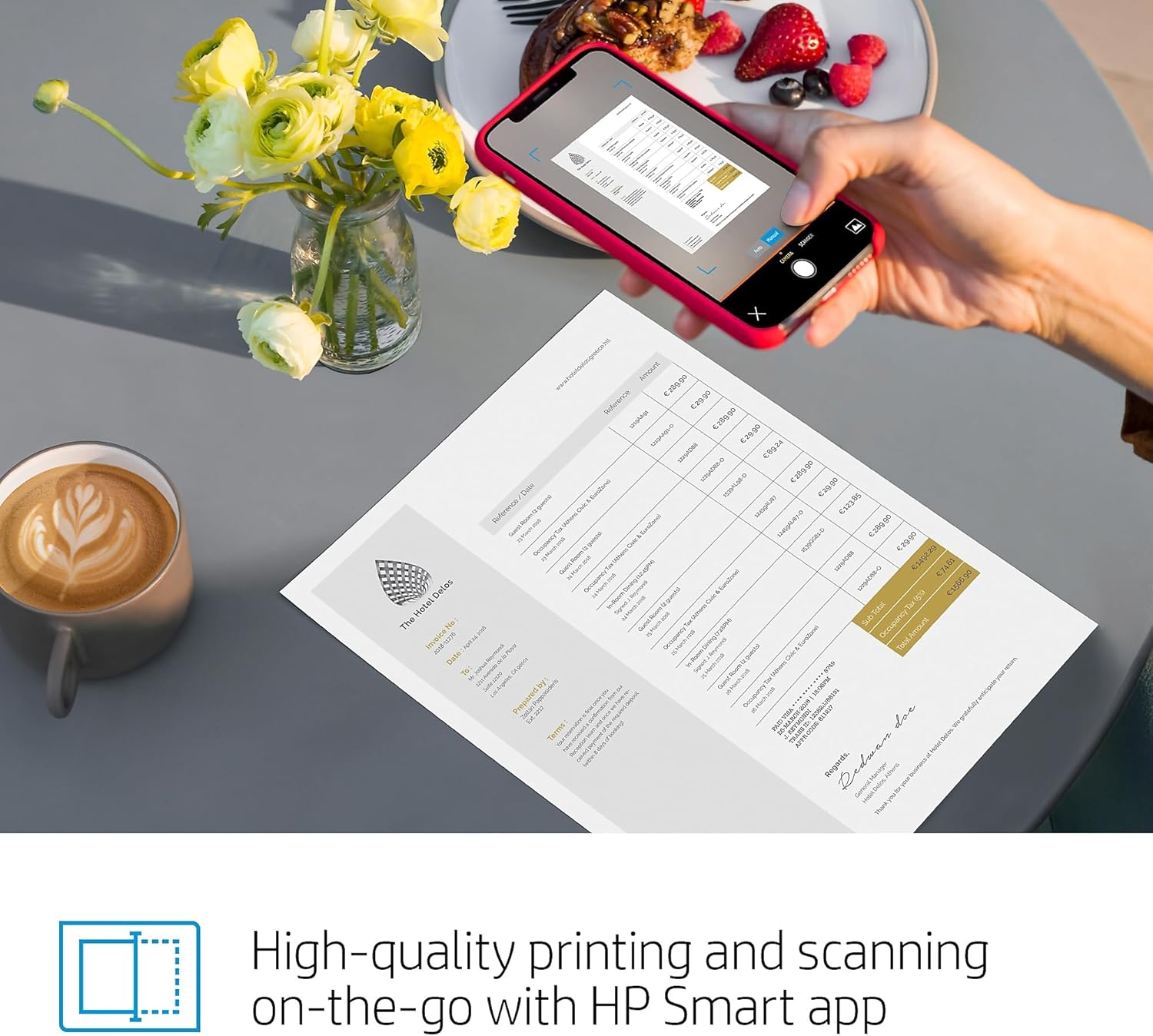
Image 4.1: High-quality scanning on-the-go with the HP Smart app.
4.3 Còpia de documents
To copy a document, use the HP Smart app. Place the document on your smartphone camera's view, select the copy function in the app, and follow the prompts to print a copy using the printer.
4.4 Impressió activada per veu
The HP Tango is compatible with Amazon Alexa and Google Home. Link your printer to your voice assistant through the HP Smart app. Once linked, you can use voice commands to print shopping lists, crossword puzzles, or receive low ink notifications.
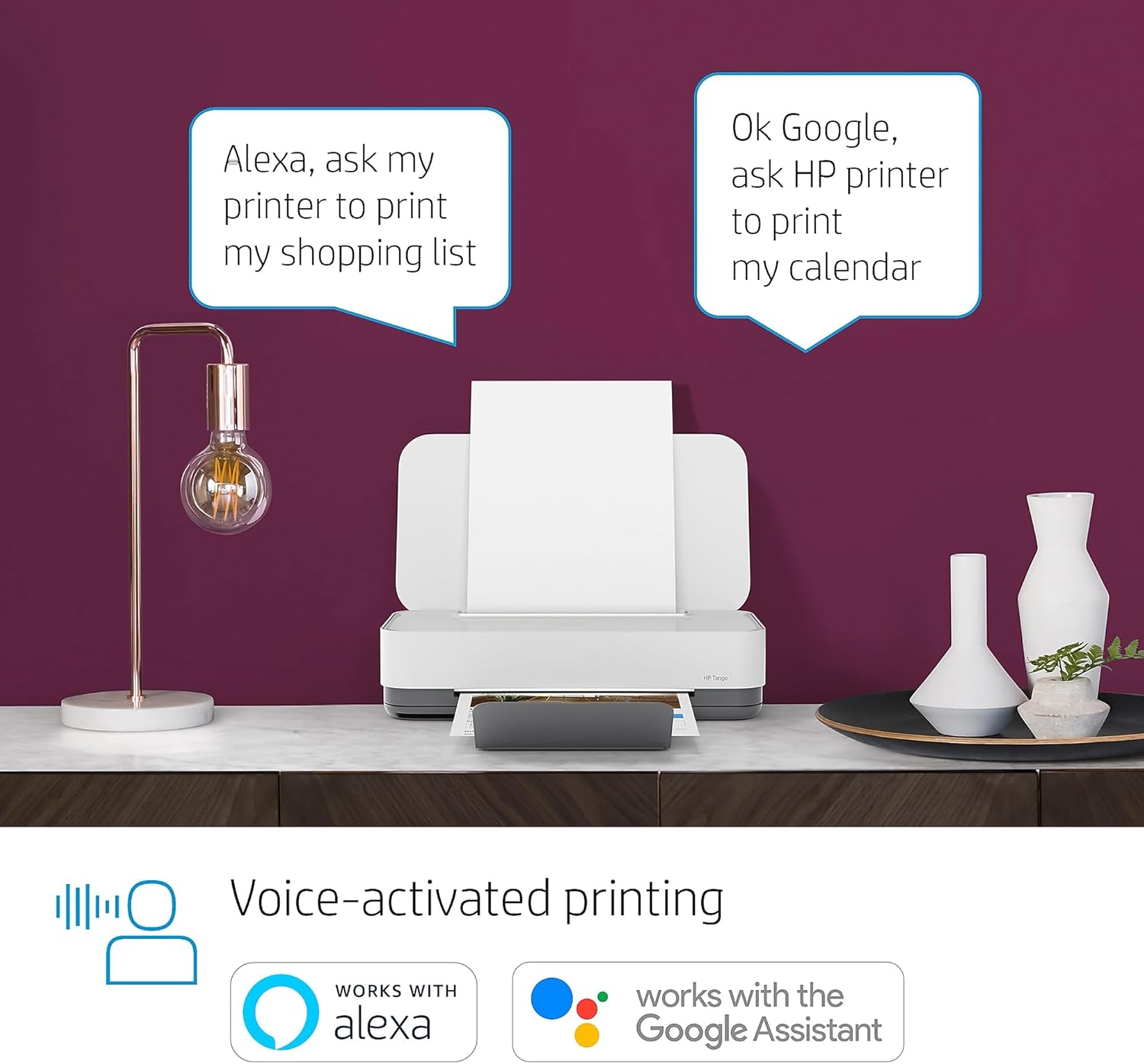
Image 4.2: Voice-activated printing with Amazon Alexa and Google Assistant.
Video 4.1: Demonstration of how the HP Tango Smart Wireless Printer operates, including its features and functionality.
5. Manteniment
5.1 Substitució del cartutx de tinta
When ink levels are low, the printer will notify you. To replace cartridges, open the ink cartridge access door. Wait for the carriage to stop moving. Press down on the old cartridge to release it, then pull it out. Insert the new cartridge into the correct slot (black on the right, tri-color on the left) until it clicks into place. Close the access door.
5.2 Càrrega de paper
Lift the paper input tray cover. Adjust the paper guides to match the width of your paper. Load a stack of paper into the input tray, ensuring it is not overfilled. Lower the paper input tray cover.

Image 5.1: Loading ink and paper into the HP Tango printer.
6. Solució De Problemes
If you encounter issues with your HP Tango printer, consider the following common solutions:
- Problemes de connectivitat: Ensure your printer is connected to the correct Wi-Fi network. Restart your printer, router, and mobile device. Use the HP Smart app's diagnostic tools to check network status.
- Problemes de qualitat d'impressió: If prints are faded or streaky, check ink levels and replace cartridges if necessary. Run a print head cleaning cycle from the HP Smart app or printer settings. Ensure you are using appropriate paper for your print job.
- Embussos de paper: Carefully remove any jammed paper from the input tray, output tray, or inside the printer. Refer to the setup poster for visual guidance on clearing paper paths.
- Impressora fora de línia: If the printer appears offline, check its power connection and Wi-Fi status. Reconnect the printer to your network via the HP Smart app.
For more detailed troubleshooting, consult the HP Smart app or the official HP support weblloc.
7. Especificacions
| Característica | Especificació |
|---|---|
| Dimensions del producte | 8.11 "P x 14.84" W x 3.58" H |
| Pes de l'article | 6 lliures |
| Tecnologia de connectivitat | Wireless (Dual Band Wi-Fi) |
| Tecnologia d'impressió | Injecció de tinta |
| Sortida de la impressora | Color |
| Velocitat màxima d'impressió (color) | 11 ppm |
| Velocitat màxima d'impressió (monocrom) | 11 ppm |
| Resolució màxima d'impressió en color | 4800 x 1200 ppp |
| Resolució màxima d'impressió en blanc i negre | 600 ppp |
| Tipus d'escàner | HP Smart App Mobile Device Scanning, Photo |
| Capacitat màxima del full d'entrada | 50 fulls |
| Impressió a doble cara | Sí (manual) |
| Dispositius compatibles | Telèfons intel·ligents |
| Mètode de control | veu |
| Consum d'energia | 2.73 watts |

Image 7.1: Physical dimensions of the HP Tango printer.
8. Garantia i Suport
The HP Tango Smart Wireless Printer comes with a Garantia limitada de 1 anys. For warranty claims or detailed support, please visit the official HP support weblloc web o poseu-vos en contacte amb el servei d'atenció al client d'HP.
HP also provides support through the HP Smart app, which offers diagnostic tools, troubleshooting guides, and access to online resources.
Important Note on Dynamic Security: This printer uses dynamic security, which may be updated periodically by firmware updates. The printer is intended to be used solely with cartridges using only original HP electronic circuitry. Cartridges with modified or non-HP electronic circuitry may not function or or may cease to function. For more information, visit www.hp.com/learn/ds.