JOYACCESS B-KB3BDE

JOYACCESS Wireless Keyboard and Mouse Set User Manual

Model: B-KB3BDE

Brand: JOYACCESS

Introducció

Welcome to your new JOYACCESS Wireless Keyboard and Mouse Set. This manual provides detailed instructions for setup, operation, maintenance, and troubleshooting to ensure optimal performance and longevity of your device.

This set utilizes 2.4G wireless technology for a stable and reliable connection.

Contingut del paquet

  • 1 x JOYACCESS Wireless Keyboard
  • 1 x JOYACCESS Wireless Mouse
  • 1 x USB Receiver (located in the mouse battery compartment)
  • 2 x AAA Batteries (for keyboard, included)
  • 1 pila AA (per al ratolí, inclosa)
  • Manual d'usuari

Producte acabatview

This section provides a visual guide to the components of your wireless keyboard and mouse set.

JOYACCESS wireless keyboard and mouse set with USB receiver

The JOYACCESS wireless keyboard and mouse set, featuring the keyboard, mouse, and the compact USB receiver.

Close-up of keyboard indicator lights

Primer pla view of the keyboard's indicator lights for Num Lock, Caps Lock, and Power status.

Ergonomic mouse design with silent click

Detallada view of the ergonomic mouse design, highlighting its quiet click feature and anti-slip scroll wheel.

Configuració

Pas 1: Inseriu les bateries

The keyboard requires two AAA batteries. The mouse requires one AA battery.

  1. Localitzeu els compartiments de les piles a la part inferior del teclat i del ratolí.
  2. Open the compartments and insert the batteries, ensuring correct polarity (+/-).
  3. Tanqueu els compartiments de la bateria.

Pas 2: Connecteu el receptor USB

The USB receiver is stored in the battery compartment of the mouse.

  1. Remove the USB receiver from the mouse's battery compartment.
  2. Plug the USB receiver into an available USB port on your computer (PC, laptop, or smart TV).
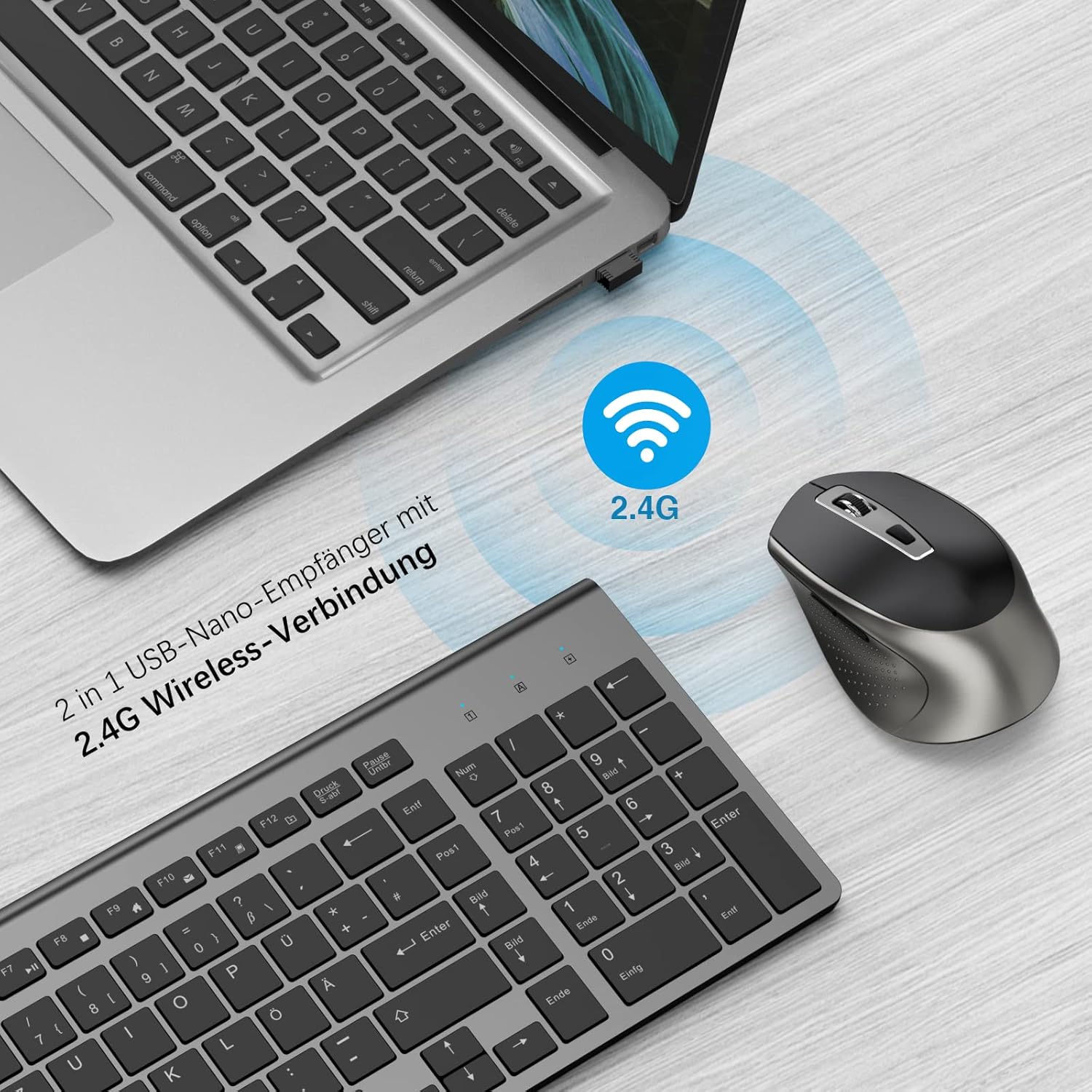
Illustration of 2.4G wireless connection

Illustration showing the 2.4G wireless connection between the keyboard, mouse, and a laptop via the USB receiver.

Pas 3: Enceneu

Locate the ON/OFF switch on the underside of both the keyboard and the mouse. Slide the switch to the "ON" position.

The devices are plug-and-play and should connect automatically within a few seconds. No additional software or drivers are required.

Instruccions de funcionament

Característiques del teclat

The keyboard features a QWERTZ layout (German) and scissor-foot keys for comfortable and quiet typing.

Scissor-foot key mechanism diagram

Diagram illustrating the scissor-foot key mechanism for responsive and quiet typing, along with an icon indicating silent operation.

Function Keys (FN + F1-F12):

  • FN + F1: reproductor multimèdia
  • FN + F2: Volume Down
  • FN + F3: Volume Up
  • FN + F4: silenci
  • FN + F5: Pista anterior
  • FN + F6: Pista següent
  • FN + F7: Reproduir/Pausa
  • FN + F8: Atura
  • FN + F9: Home Page
  • FN + F10: correu electrònic
  • FN + F11: El meu ordinador
  • FN + F12: Favorites

Funcions del ratolí

The wireless mouse offers 5 adjustable DPI levels for precise control.

Ajust de DPI: Press the DPI button (usually located behind the scroll wheel) to cycle through the DPI settings: 800, 1200, 1600, 2000, 2400.

Mute Click: The mouse features silent click buttons, reducing noise by 98% for a quiet working environment.

Botons laterals: The side buttons typically function as 'forward' and 'back' in web navegadors i file exploradors.

Mode d'estalvi d'energia

To conserve battery life, the keyboard and mouse will enter sleep mode after 10 minutes of inactivity.

To reactivate the devices, simply press any key on the keyboard or move/click the mouse. The devices will wake up within 3 seconds.

Compatibilitat

This wireless set is compatible with:

Keyboard and mouse connected to PC, laptop, and TV

Visual representation of the keyboard and mouse set connected to various devices including a PC, laptop, and smart TV, demonstrating broad compatibility.

Manteniment i cura

Resolució de problemes

ProblemaCausa possibleSolució
El teclat/ratolí no responBateries baixesSubstituïu les piles.
El teclat/ratolí no responDevices are offEnsure the ON/OFF switch on both devices is in the "ON" position.
El teclat/ratolí no responReceptor USB no connectat o soltAssegureu-vos que el receptor USB estigui ben connectat a un port USB que funcioni. Proveu-ho amb un altre port USB.
El teclat/ratolí no responFora de rangMove the keyboard and mouse closer to the USB receiver (within 10 meters).
Lagging or erratic movementInterferències d'altres dispositius sense filMove other 2.4GHz wireless devices away from the receiver.
Lagging or erratic movementSurface issues (for mouse)Feu servir el ratolí sobre una superfície neta i no reflectant o sobre una alfombrilla de ratolí.
Multifunction keys not working on Mac OSIncompatibilitat del sistemaThis is a known limitation. Basic typing and mouse functions will work, but specific multimedia keys may not be supported on Mac OS.

Especificacions

Dimensions del teclat i del ratolí

Detailed dimensions of the keyboard and mouse for reference.

Garantia i Suport

JOYACCESS provides a warranty for this product. For specific warranty terms and conditions, please refer to the warranty card included with your purchase or contact JOYACCESS customer support.

If you encounter any issues or have questions regarding your JOYACCESS Wireless Keyboard and Mouse Set, please contact our customer support team via email. We are committed to providing professional solutions.

Informació de seguretat

Documents relacionats - B-KB3BDE

Preview Combinació de teclat i ratolí sense fil JOYACCESS: Instruccions d'emparellament
Guia pas a pas per emparellar dispositius de teclat i ratolí sense fil JOYACCESS mitjançant el receptor USB. Inclou instruccions per a la configuració del teclat i del ratolí.
Preview Manual d'usuari i especificacions del ratolí ergonòmic BlueBuilt Imperium
Manual d'usuari i especificacions tècniques del ratolí ergonòmic BlueBuilt Imperium (model 953128 - BBIMPW24), incloent-hi instruccions de configuració, ajust de DPI, funcions de navegació, directrius de seguretat, informació sobre la garantia i detalls del producte.
Preview BlueBuilt Summus Pro Ergonomic Mouse User Manual - Setup, Features, and Safety
Comprehensive user manual for the BlueBuilt Summus Pro Ergonomic Mouse. Learn how to connect via USB and Bluetooth, charge the device, adjust DPI settings, navigate, and find safety instructions and warranty information. Model 953127.
Preview Ratolí per a jocs SteelSeries Rival 3: guia de productes i mésview
Guia completa del ratolí per a jocs SteelSeries Rival 3, que cobreix tot el producte.view, característiques, requisits de programari, configuració i informació sobre la garantia. Més informació sobre el seu disseny, rendiment i opcions de personalització.
Preview Ratolí compacte sense fil Lenovo ThinkPad USB-C: guia de configuració i compliment de les normes
Comença a utilitzar el teu ratolí compacte sense fil USB-C de Lenovo ThinkPad. Aquesta guia tracta la configuració, l'ajust de DPI, l'emparellament del receptor, les precaucions de seguretat i la informació sobre el compliment normatiu.