Introducció
Thank you for choosing the INPHIC PM-9 Wireless Rechargeable Silent Mouse. This manual provides detailed instructions for setting up, operating, and maintaining your new mouse. Please read this manual carefully before use to ensure optimal performance and longevity of your device.
Contingut del paquet
Si us plau, comproveu el paquet per veure si hi ha els elements següents:
- 1 x INPHIC Wireless Mouse
- 1 x USB Nano-receiver
- 1 x cable de càrrega USB a Micro-USB
- 1 x manual d'usuari
Producte acabatview
Familiarize yourself with the key components of your INPHIC PM-9 mouse:

Image: Underside of the INPHIC PM-9 mouse, highlighting the USB receiver storage, ON/OFF switch, Micro-USB charging port, and DPI adjustment button.
- Port de càrrega micro-USB: Located at the front of the mouse for charging.
- Interruptor ON / OFF: Located on the bottom of the mouse to power the device on or off.
- DPI Setting Button: Located on the bottom of the mouse, allows adjustment of cursor sensitivity.
- USB Receiver Slot: A dedicated compartment on the bottom of the mouse for storing the USB Nano-receiver when not in use.
Instruccions de configuració
Follow these steps to set up your INPHIC PM-9 wireless mouse:
- Locate and Connect the USB Receiver:
Gently slide down the back cover on the bottom of the mouse to reveal the USB Nano-receiver. Remove the receiver from its slot.
Image: Visual guide for locating and removing the USB Nano-receiver from the mouse.
Plug the USB Nano-receiver into an available USB port on your computer (PC, laptop, or MacBook). If your device only has USB-C ports, use the included USB-C adapter (if applicable) to connect the receiver.

Image: The USB Nano-receiver connected to a laptop, illustrating the 2.4G wireless transmission.

Image: Instructions for connecting the USB receiver to devices with traditional USB ports and to MacBooks with USB-C ports using an adapter.
- Engegar el ratolí:
Flip the ON/OFF switch on the bottom of the mouse to the "ON" position. The mouse should now be connected to your computer.
- Carrega el ratolí:
Before first use, or when the mouse battery is low, connect the provided Micro-USB charging cable to the charging port on the front of the mouse and to a USB power source (e.g., computer USB port, USB wall adapter). A full charge can last up to 500 hours of use.

Image: The INPHIC mouse being charged via its Micro-USB port, indicating its rechargeable battery feature.
Guia de vídeo de configuració
Video: This video demonstrates the initial setup of the INPHIC PM-9 wireless mouse, including locating the USB receiver, connecting it to a laptop, and basic operation.
Instruccions de funcionament
- Ajust de DPI:
The mouse features 3 adjustable DPI levels (1000, 1200, 1600) to change cursor sensitivity. Press the DPI setting button on the bottom of the mouse to cycle through the available DPI settings. Choose the sensitivity that best suits your needs.

Image: Illustration of the adjustable DPI settings (1000, 1200, 1600) and the location of the DPI button on the mouse.
- Silent Click Feature:
The INPHIC PM-9 mouse is designed with silent click technology, providing a noiseless experience. This is ideal for environments where quiet operation is preferred, such as libraries, offices, or late-night use. Please note that only the left and right main keys support silent click.
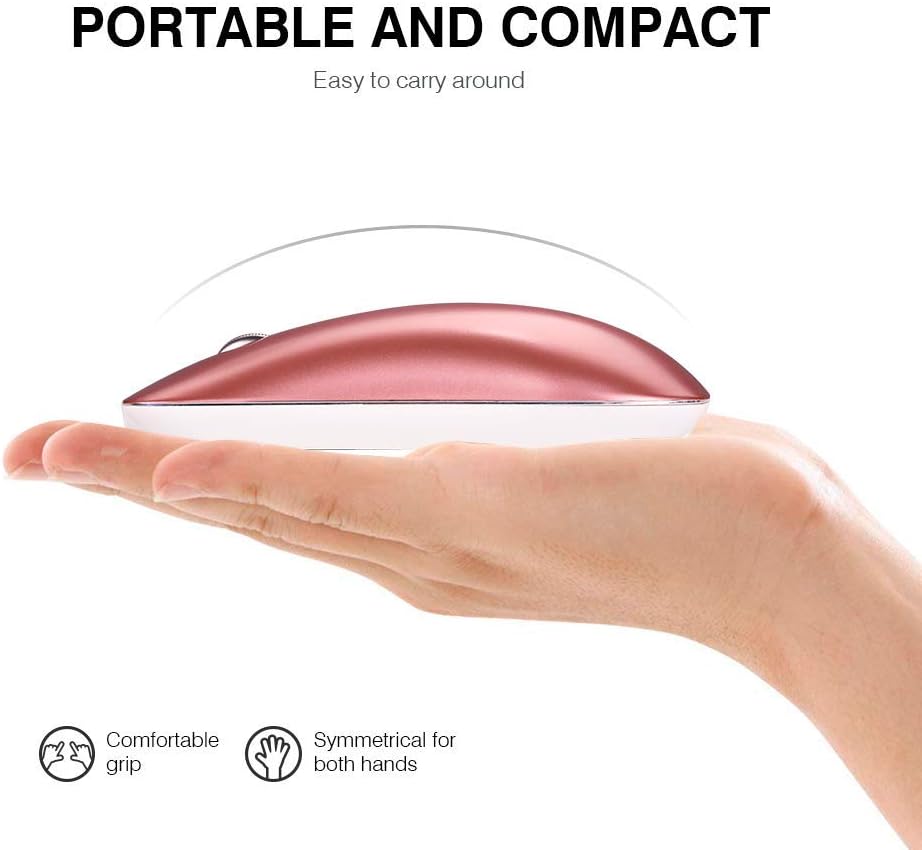
Image: A user operating the mouse quietly, with an icon indicating silent operation, highlighting the silent click feature.
- Mode de repòs automàtic:
To conserve battery life, the mouse will automatically enter sleep mode after 3 minutes of inactivity. To wake the mouse, simply move it gently. For extended periods of non-use, it is recommended to turn off the mouse using the ON/OFF switch on the bottom.
Manteniment
- Neteja: Feu servir un drap suau i sec per netejar el ratolí. Eviteu utilitzar productes químics agressius o materials abrasius.
- Emmagatzematge: When not in use, store the USB Nano-receiver in its dedicated slot on the bottom of the mouse to prevent loss. Store the mouse in a cool, dry place.
- Cura de la bateria: Recharge the mouse regularly to maintain battery health. Avoid fully depleting the battery frequently.
Resolució de problemes
- El ratolí no respon:
- Assegureu-vos que el ratolí estigui encès.
- Check if the USB Nano-receiver is securely plugged into your computer's USB port.
- Prova de connectar el receptor a un port USB diferent.
- Torneu a carregar el ratolí si la bateria està baixa.
- Connexió intermitent:
- Ensure the mouse is within the 10-meter operating range of the receiver.
- Avoid using the mouse on metallic surfaces, which can interfere with the wireless signal.
- Remove any large metal objects between the mouse and the receiver.
- Cursor movement is erratic:
- Netegeu el sensor òptic de la part inferior del ratolí.
- Prova d'utilitzar el ratolí en una superfície diferent o en una alfombrilla de ratolí.
- Ajusteu la configuració de DPI a un valor més baix si el cursor és massa sensible.
Especificacions
| Característica | Detall |
|---|---|
| Número de model | PM-9 |
| Tecnologia de connectivitat | Sense fil 2.4G (receptor USB) |
| Detecció de moviment | Òptic |
| Nivells de DPI | 1000 / 1200 / 1600 (Ajustable) |
| Botons | 3 (esquerra, dreta, roda de desplaçament) |
| Tipus de bateria | Ió de liti recarregable |
| Temps de càrrega | 2-3 hores |
| Durada de la bateria | Fins a 500 hores (després de la càrrega completa) |
| abast sense fils | Fins a 10 metres (33 peus) |
| Dimensions del producte | 4.33 x 2.48 x 0.91 polzades (110 x 63 x 23 mm) |
| Pes de l'article | 2.57 unces (72.86 g) |
| Compatibilitat | Windows 10/8/7/XP, Vista, Linux, Mac OS |
Garantia i Suport
The INPHIC PM-9 Wireless Mouse comes with a standard warranty. For specific warranty details, returns, or technical support, please refer to the product packaging or contact your retailer. You may also visit the official INPHIC weblloc per obtenir més ajuda.


