1. Introducció
Microsoft 365 Business Standard provides a comprehensive solution designed for businesses to enhance productivity and collaboration. This 12-month subscription is tailored for one user, with scalability options for organizations up to 300 individuals through additional paid licenses. It includes premium versions of essential Office applications and robust cloud services.
This manual outlines the key features, setup process, operational guidelines, and support information to help you maximize your Microsoft 365 Business Standard experience.

Image 1: Core Microsoft 365 applications for professional productivity.
2. Configuració i instal·lació
Follow these steps to install and activate your Microsoft 365 Business Standard subscription on your PC. Ensure you have your product key readily available from your packaging, subscription card, or email receipt.
- Obre a web navegador i navegueu a office.com/setupkey.
- Enter your product key when prompted. This key is typically a 25-character alphanumeric code.
- Provide your personal and business information as requested, including your name, email, business phone number, company name, and country/region.
- Verify your identity through the provided method (e.g., phone verification).
- Fill out your home or business address details.
- Set up your domain. You can use an existing domain or register a new one with Microsoft, often free for the first year.
- Sign in with your Microsoft account. If you don't have one, you will be prompted to create one.
- Review the Microsoft Services Agreement and click "Next" to continue.
- On the "Thank you!" page, click "Install Office now."
- When prompted by your browser, click "Run" (Microsoft Edge) or "Setup" (Chrome) to begin the download and installation process.
- Follow the on-screen prompts until the installation is complete. This may involve allowing the app to make changes to your device.
- Once installed, launch any Office application (e.g., Word) from your app list or by typing its name in the search bar.
- Sign in to your Microsoft account within the application to activate Office.
- Accept the license agreement to start using all your Office applications.
Video 1: Step-by-step guide on how to install and activate Office 365 Business Premium on your PC.
3. Operating Your Microsoft 365 Business Standard
Microsoft 365 Business Standard provides a suite of applications and services designed to streamline your business operations. Here's an overview of how to utilize its core components:
3.1 Core Office Applications
- Word, Excel, PowerPoint, OneNote: Create professional documents, manage data with spreadsheets, design engaging presentations, and organize notes across devices. These premium versions offer advanced features and regular updates.
- Outlook: Manage your email, calendar, contacts, and tasks efficiently with a 50 GB mailbox and custom email domain address.
- Access (PC only): Create and manage databases for your business needs.
- Publisher (PC only): Design professional marketing materials and publications.
3.2 Cloud Services and Collaboration
- OneDrive for Business: Securely store, share, and access your files from anywhere with 1 TB of cloud storage per user. Features include ransomware detection and file recuperació.
- Equips de Microsoft: Facilitate team communication and collaboration through chat, video conferencing, and shared workspaces.
- Exchange Online: Provides enterprise-grade email hosting with advanced security features.
- SharePoint Online: Create sites to share documents and information with colleagues and customers.
- Bookings: Simplify scheduling and managing appointments with customers.

Image 2: Microsoft Teams for connecting and collaborating with your team.
Vídeo 2: Un overview of Microsoft Teams features for Office 365 Business Premium users.
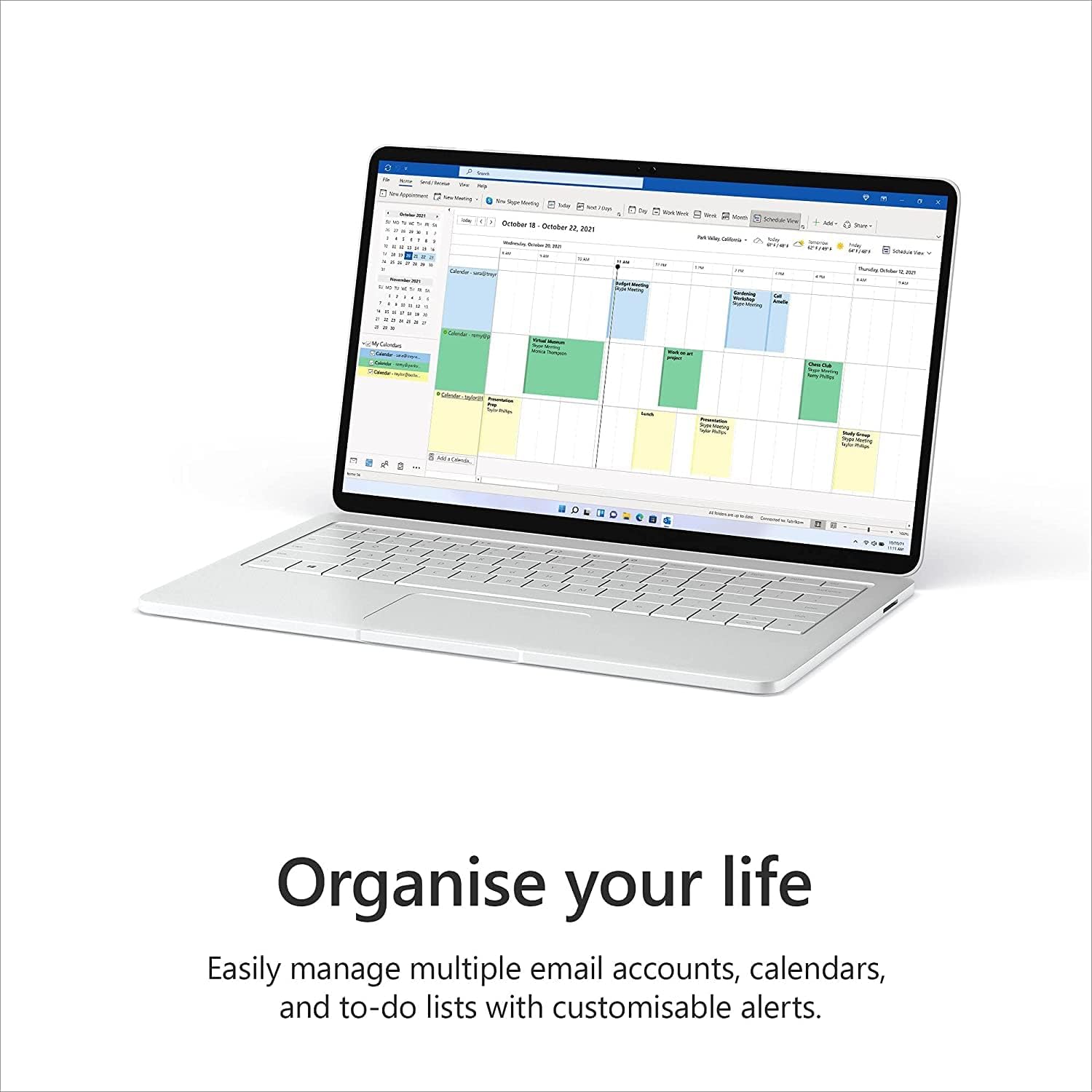
Image 3: Outlook for organizing your schedule and communications.
Video 3: Introduction to Bookings for Office 365 Business Premium.
Vídeo 4: Acabatview of Outlook Customer Manager for Office 365 Business Premium.

Image 4: OneDrive for secure cloud storage and file compartint.
Video 5: Instructions on how to set up OneDrive with your Office 365 subscription.
4. Característiques clau
- 12-month subscription for one person – available for organizations with up to 300 people with additional paid licenses.
- 1 TB OneDrive for Business cloud storage with ransomware detection and file recuperació.
- One license covers fully-installed Office apps on 5 phones, 5 tablets, and 5 PCs or Macs per user (including Windows, iOS, and Android).
- Premium versions of Word, Excel, PowerPoint, OneNote (features vary), Outlook, Access, Publisher, (Publisher and Access are for PC only).
- Business apps: Bookings.
- Business services: Exchange Online with 50 GB mailbox and custom email domain address, Skype for Business, Microsoft Teams, SharePoint Online.
5. Manteniment
Microsoft 365 Business Standard applications are designed to update automatically, ensuring you always have the latest features and security patches. To maintain optimal performance:
- Ensure your operating system (Windows or macOS) is up to date.
- Regularly check for updates within individual Office applications if automatic updates are not enabled.
- Neteja periòdicament temporal files and browser cache on your devices.
- Back up important documents, although OneDrive provides cloud backup, local backups offer an additional layer of security.
6. Solució De Problemes
If you encounter issues with your Microsoft 365 Business Standard subscription or applications, consider the following general troubleshooting steps:
- Comproveu la connexió a Internet: Many features require an active internet connection.
- Restart Application/Device: Often, a simple restart can resolve minor glitches.
- Verify Account Status: Ensure your subscription is active and you are signed in with the correct Microsoft account.
- Comproveu les actualitzacions: Make sure all Office applications and your operating system are fully updated.
- Repair Office Installation: For persistent issues with Office apps, you can try repairing the installation through your device's control panel or system settings.
- Consult Microsoft Support: For more complex issues, refer to the official Microsoft support resources.
7. Especificacions
- Subscription Duration: 12 mesos
- User Count: 1 person (scalable up to 300 users with additional licenses)
- Included Applications: Word, Excel, PowerPoint, OneNote, Outlook, Access (PC only), Publisher (PC only)
- Emmagatzematge al núvol: 1 TB OneDrive for Business
- Email Hosting: Exchange Online with 50 GB mailbox and custom email domain address
- Collaboration Tools: Microsoft Teams, SharePoint Online, Skype for Business
- Business Apps: Reserves
- Compatibilitat del dispositiu: 5 phones, 5 tablets, and 5 PCs or Macs per user (Windows, iOS, Android)
- Requisits del sistema operatiu: Windows 7 or later, macOS (see system requirements for specific versions)
- Tablet Device Note: Tablets with screens larger than 10.1” require a Microsoft 365 plan licensed for desktop use to edit files.
8. Garantia i Suport
Your Microsoft 365 Business Standard subscription includes premium support to assist with any technical issues or questions you may have.
8.1 Support Channels
- 24/7 Phone and Web Suport: Access assistance from Microsoft experts around the clock.
- Recursos en línia: Visita Office.com/support for extensive documentation, FAQs, and community forums.
For specific warranty details regarding the software and services, please refer to the Microsoft Services Agreement and the Microsoft Online Subscription Agreement, which you accepted during the setup process.


