Introducció
Thank you for choosing the BOBLOV PD50 Body Camera. This manual provides detailed instructions for the setup, operation, and maintenance of your device. Please read this manual thoroughly before using the camera to ensure proper functionality and to maximize its performance.
The BOBLOV PD50 is a high-definition body-worn camera designed for various applications, featuring 1296P WDR recording, night vision capabilities, a wide-angle lens, and a durable design. It is equipped with a 2400mAh battery for extended recording times and supports a dashcam mode for vehicle use.
Contingut del paquet
Si us plau, comproveu el contingut del paquet en desembalar-lo per assegurar-vos que hi hagi tots els elements:
- BOBLOV PD50 Body Camera (32GB internal memory)
- Clip d'espatlla
- Clip de cinturó
- Carregador (adaptador de corrent)
- Cable de dades USB
- Manual d'usuari

Image: BOBLOV PD50 Body Camera and its included accessories.
Producte acabatview
Familiarize yourself with the various components and controls of your BOBLOV PD50 Body Camera:

Image: Detailed diagram of the BOBLOV PD50 Body Camera's components and controls.
- Micròfon: Captura l'àudio durant la gravació.
- Llum LED: Proporciona il·luminació.
- Indicador de càrrega: Mostra l'estat de càrrega.
- Indicador de treball: Indicates device operation status.
- Location Pointing Light: Laser pointer for aiming.
- Llum IR: LEDs infrarojos per a visió nocturna.
- Ponent: Per a la reproducció d'àudio.
- Botó de restabliment: Per restablir el dispositiu.
- Pantalla LCD: Displays menu, live view, and playback.
- Botó de menú: Accedeix a la configuració del dispositiu.
- Playback/Confirm Button: Initiates playback or confirms selections.
- Botó de retorn: Navega enrere pels menús.
- Botó de gravació de vídeo: Inicia/atura la gravació de vídeo.
- Audio Recording Button: Starts/stops audio recording.
- Botons amunt / avall: Navega per les opcions del menú.
- Photo Shooting Button: Captura imatges fixes.
- Port HDMI: Per connectar a pantalles externes.
- Port USB: Per a càrrega i transferència de dades.
- Interruptor d'alimentació: Encén/apaga el dispositiu.
Configuració
1. Carregant la bateria
Before first use, fully charge the camera's battery. The 2400mAh battery supports approximately 6 hours of continuous 1080p recording. Using the original cable and 3.8V DC adapter, a full charge takes about 1 hour with Qualcomm Quick Charge 3.0 technology.
- Connect the USB data cable to the camera's USB port.
- Connecteu l'altre extrem del cable USB al carregador proporcionat.
- Connecteu el carregador a una presa de corrent.
- The charging indicator will illuminate. It will turn off or change color once charging is complete.

Image: Charging the BOBLOV PD50 Body Camera.
2. Encès / apagat
To power on the camera, press and hold the Power Switch until the screen illuminates. To power off, press and hold the Power Switch again until the device shuts down.
3. Connexió a un ordinador
The camera supports plug-and-play functionality with Windows 7/8/10 and Mac operating systems for easy data transfer.
- Assegureu-vos que la càmera estigui engegada.
- Connect the camera to your computer using the provided USB data cable.
- The camera will be recognized as a removable disk. You can then access and transfer recorded files.

Image: Connecting the BOBLOV PD50 Body Camera to a computer.
Instruccions de funcionament
1. Gravació de vídeo
The camera supports 1296P, 1080P, and 720P HD resolutions with a 150-degree wide-angle lens and WDR for clear video capture.
- To start video recording, press the dedicated Video Recording button.
- The working indicator will change to indicate recording is in progress.
- Per aturar l'enregistrament, premeu de nou el botó Enregistrament de vídeo.
- You can select video resolution (1296P, 1080P, 720P) through the camera's menu settings.
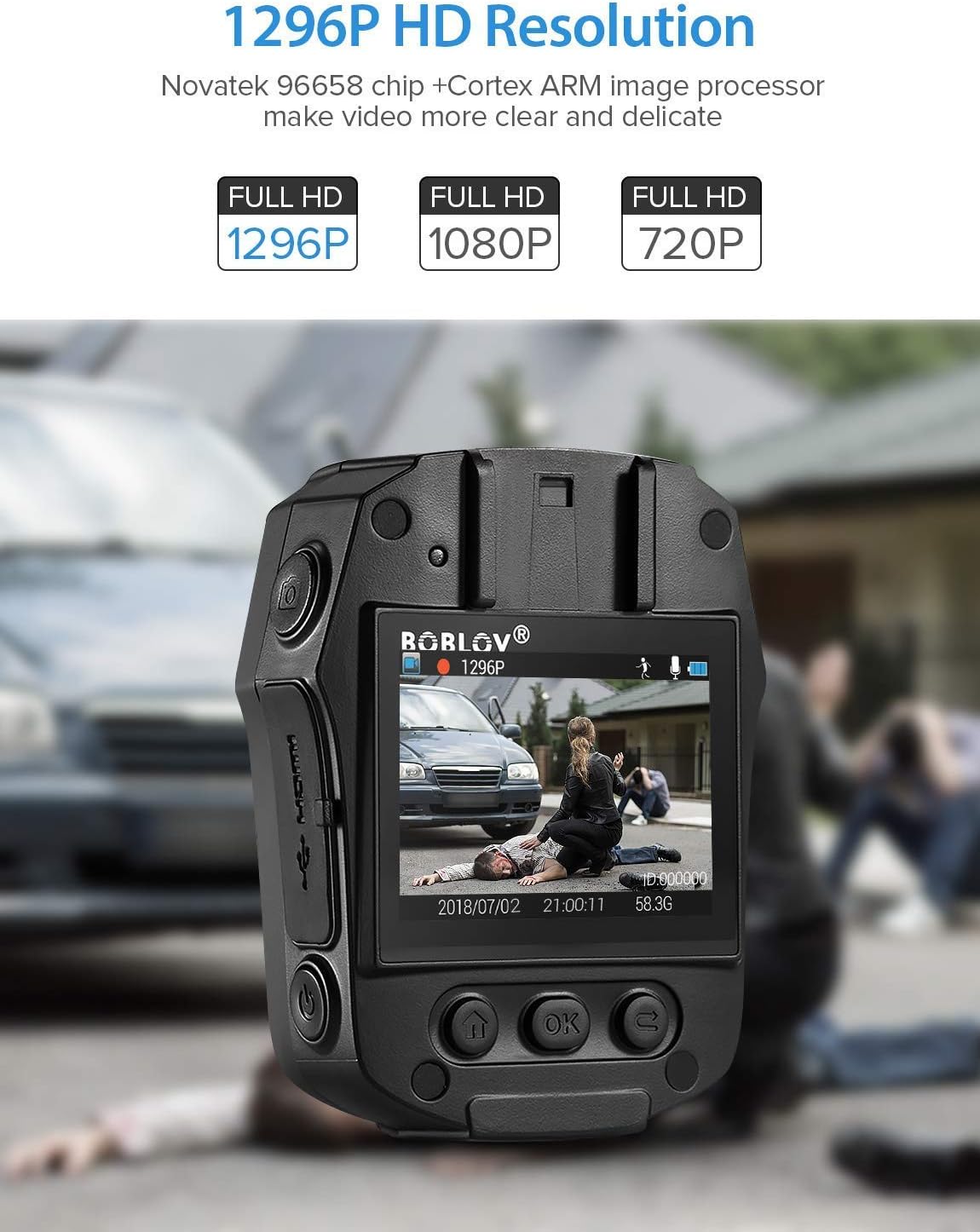
Image: High-definition video recording at 1296P resolution.

Image: The camera's 150-degree wide-angle lens capturing a broad field of view.
2. Gravació d'àudio
To record audio only:
- Press the dedicated Audio Recording button to start.
- Premeu-lo de nou per aturar-lo.
3. Sessió de fotos
To capture still images:
- Press the dedicated Photo Shooting button.
- The camera will capture a still image.
4. Night Vision (IR LED)
The camera features 850nm high-intensity dual infrared LEDs for night vision, allowing recording up to 30-40 feet in total darkness.
- To activate or deactivate IR night vision, press the IR Light button.
- The IR LEDs will illuminate when active.
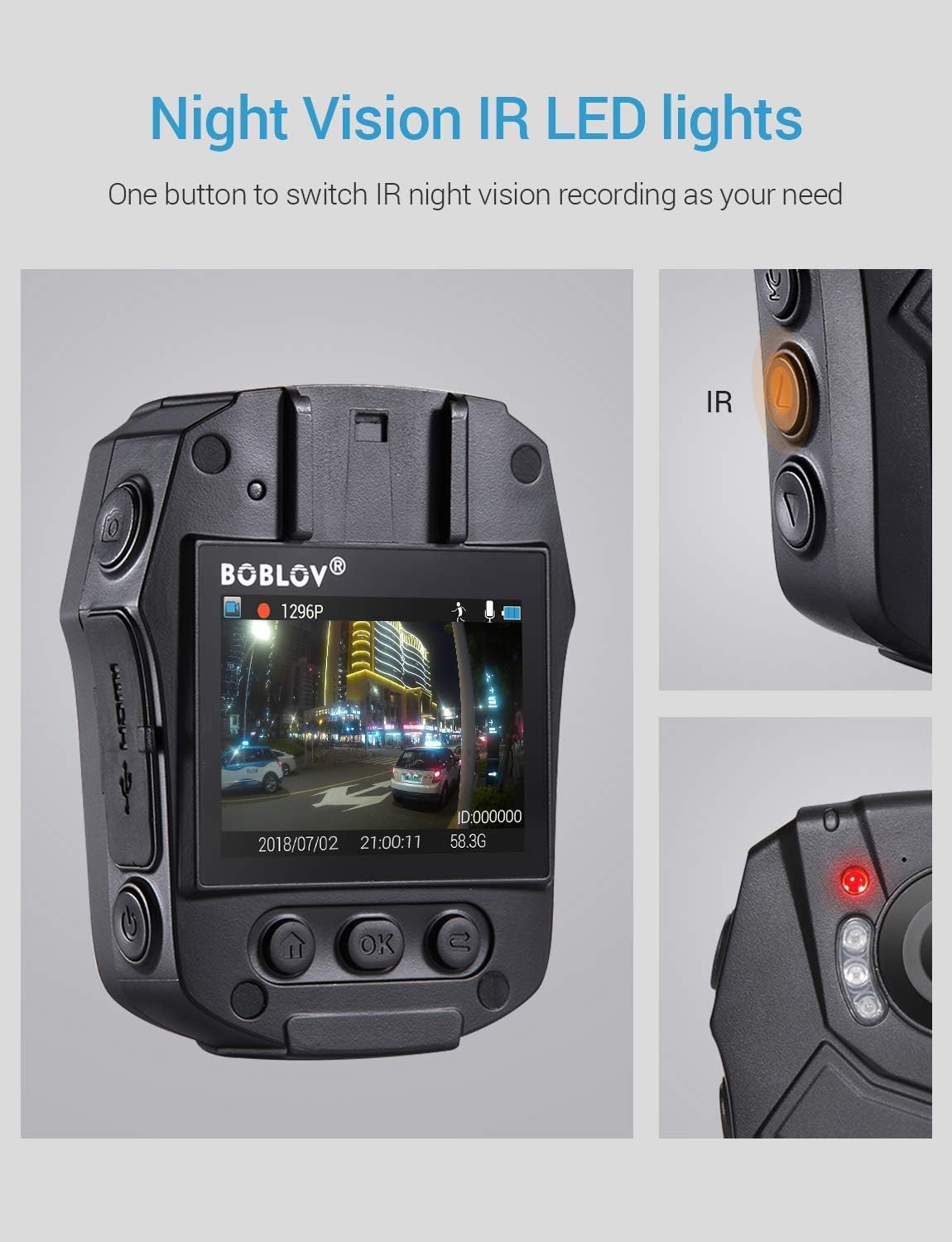
Image: Activating night vision with IR LED lights.
5. Dashcam Mode
In Dashcam mode, the camera automatically starts recording when powered on and saves videos when the engine is turned off (when connected to a vehicle's power supply).
- Enable Dashcam mode in the camera's menu settings.
- Mount the camera securely in your vehicle.
- Connect the camera to your vehicle's power supply.
6. Reproducció
Per tornarview foo gravattage and photos:
- Press the Playback/Confirm button to enter playback mode.
- Use the Up/Down buttons to navigate through files.
- Press Playback/Confirm again to view un seleccionat file.
- Press the Return button to exit playback mode.
7. Navegació del menú
To access and adjust camera settings:
- Premeu el botó Menú per entrar al menú de configuració.
- Use the Up/Down buttons to scroll through options.
- Press the Playback/Confirm button to select an option or enter a sub-menu.
- Press the Return button to go back to the previous menu or exit the menu.
Manteniment
1. Neteja
Regularly clean the camera lens and body to ensure optimal performance. Use a soft, dry cloth for the body and a lens cleaning cloth for the lens. Avoid abrasive materials or harsh chemicals.
2. Emmagatzematge
Store the camera in a cool, dry place away from direct sunlight and extreme temperatures. Ensure the battery is partially charged (around 50%) if storing for extended periods to prolong battery life.
3. Antivirus Protection
The camera features an antivirus design to detect and destroy viruses within the internal memory. Regularly check for firmware updates from the manufacturer to ensure the latest protection.
Resolució de problemes
| Problema | Possible causa/solució |
|---|---|
| La càmera no s'encén. |
|
| L'enregistrament s'atura inesperadament. |
|
| Poca qualitat de vídeo. |
|
| Computer does not recognize the camera. |
|
| La visió nocturna no funciona. |
|
Especificacions
| Característica | Detall |
|---|---|
| Xip de control | Novatek 96658 |
| Sensor CMOS | Sony IMX291 |
| Píxel | 32 MP |
| Video Recording Frame Rate | 30 FPS / 60 FPS |
| Format de gravació de vídeo | MOV / H.264 |
| Format d'àudio compatible | AAC |
| Synchronous Sound Recording | Admet |
| Pantalla | 2.0-inch High Definition LCD |
| Enregistrament de vídeo en bucle | Admet |
| Capacitat de memòria interna | 32 GB |
| Capacitat de la bateria | 2400 mAh |
| Temps de càrrega | Approx. 1 hour (Quick Charge 3.0) |
| Video Recording Duration | Approx. 6 hours (continuous 1080p) |
| Dashcam Mode | Admet |
| Característiques especials | Infrared Night Vision, LED Light Compensation, Laser Positioning, Portable |
| Dimensions del producte (L x A x A) | 80 mm x 60 mm x 32 mm (Body only) |
| Pes corporal principal | 112 g |
| Tecnologia de connectivitat | Amb cable (USB) |

Image: Compact size and lightweight design of the BOBLOV PD50 Body Camera.
Garantia i Suport
For warranty information and technical support, please refer to the official BOBLOV weblloc web o contacteu directament amb el seu servei d'atenció al client. Conserveu el rebut de compra com a comprovant de compra per a qualsevol reclamació de garantia.
Nota: Actualment no hi ha informació sobre la disponibilitat de peces de recanvi.


