Introducció
Gràcies per la compraasing the Trust Vigor 22867 Wireless Bluetooth Soundbar. This portable speaker is designed to deliver powerful and rich stereo sound, suitable for various audio sources and environments. Please read this manual carefully to ensure proper setup, operation, and maintenance of your device.
Informació de seguretat
- No exposeu el dispositiu a l'aigua, la humitat ni a temperatures extremes.
- Eviteu deixar caure o sotmetre el dispositiu a forts impactes.
- No intenteu desmuntar ni reparar el dispositiu vosaltres mateixos. Encarregueu tot el manteniment a personal qualificat.
- Mantingueu el dispositiu allunyat de fonts de calor com ara radiadors, estufes o altres aparells que produeixin calor.
- Feu servir només el cable de càrrega proporcionat o un equivalent certificat.
- Escoltar durant molt de temps a nivells de volum alts pot causar danys auditius. Ajusteu el volum a un nivell segur.
Contingut del paquet
Verifiqueu que tots els elements siguin presents al paquet:
- Trust Vigor 22867 Wireless Bluetooth Soundbar
- 1-meter Micro-USB Charging Cable
- Cable auxiliar de 3.5 mm
- Manual d'usuari (aquest document)
Producte acabatview
Familiarize yourself with the main components and controls of your soundbar.
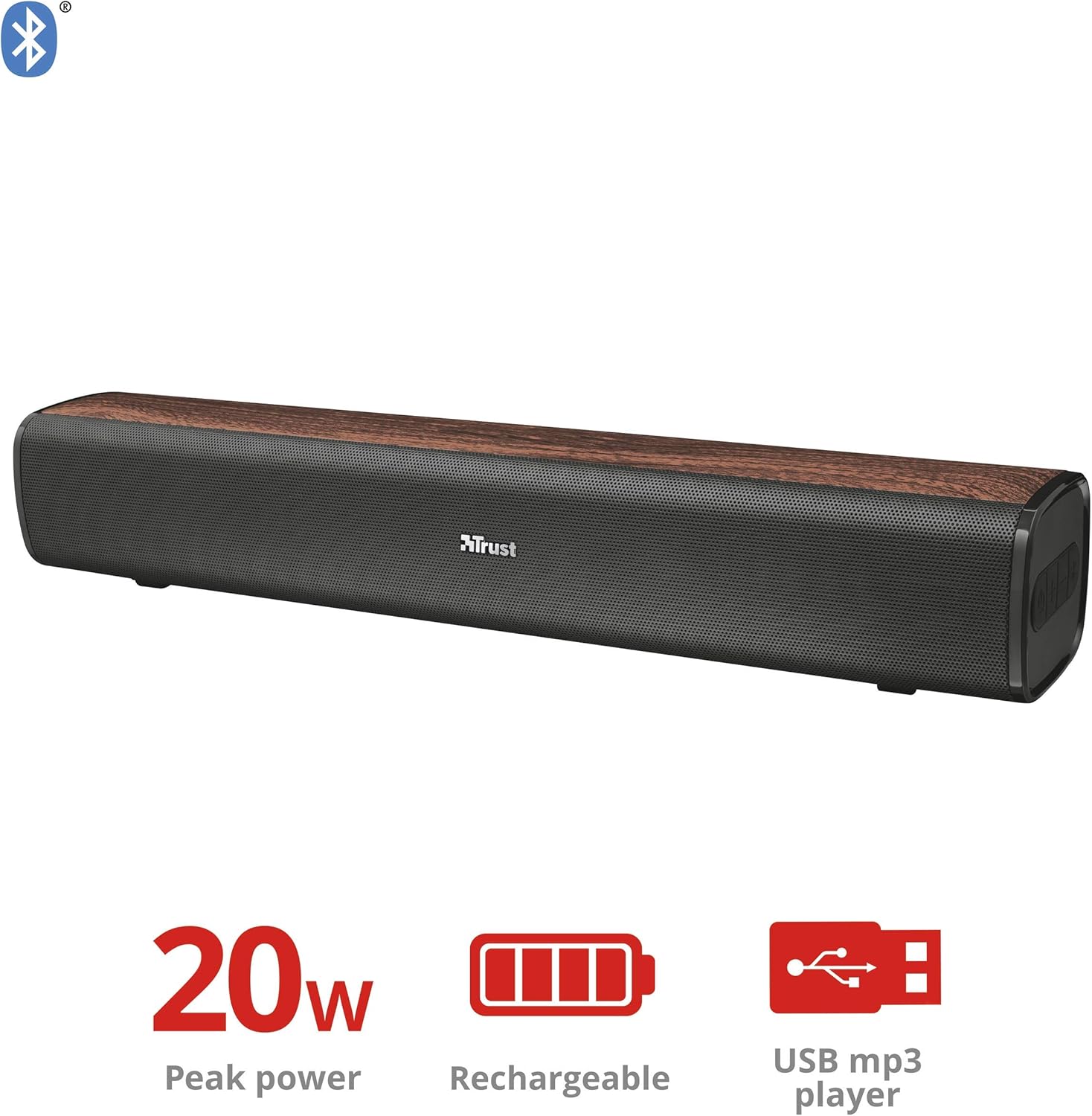
Figura 1: Frontal view of the Trust Vigor 22867 Soundbar, highlighting its 20W peak power, rechargeable battery, and USB MP3 player functionality.
Tauler de control

Figura 2: superior view of the soundbar's control panel, showing the power button, volume controls, and Bluetooth pairing button.
- Botó d'encesa: Press and hold to turn on/off. Short press to change modes.
- Puja el volum (+): Augmenta el volum.
- Baixar el volum (-): Disminuir el volum.
- Botó Bluetooth: Premeu per entrar al mode de vinculació Bluetooth.
Ports posteriors

Figura 3: posterior view of the soundbar, displaying the USB port, AUX input, and DC IN charging port.
- Port USB: Per reproduir MP3 files d'una unitat USB.
- Entrada AUX (3.5 mm): Per a la connexió per cable a dispositius d'àudio.
- DC IN (Micro-USB): For charging the soundbar.
Configuració
1. Càrrega de la barra de so
- Connect the Micro-USB end of the charging cable to the DC IN port on the soundbar.
- Connecteu l'extrem USB estàndard del cable a un adaptador de corrent USB (no inclòs) o al port USB d'un ordinador.
- The charging indicator light will illuminate. Once fully charged (approximately 3-4 hours), the light will change or turn off.
- Una càrrega completa proporciona fins a 20 hores de reproducció.
2. Encès / apagat
- To power on, press and hold the Power button on the control panel until the indicator light illuminates.
- Per apagar-lo, premeu i manteniu premut el botó d'engegada de nou fins que l'indicador lluminós s'apagui.
En funcionament
1. Connexió Bluetooth
- Turn on the soundbar. It will automatically enter Bluetooth pairing mode, indicated by a flashing blue light.
- Al telèfon intel·ligent, la tauleta o un altre dispositiu amb Bluetooth, activeu el Bluetooth i cerqueu els dispositius disponibles.
- Select "Trust Vigor" (or similar name) from the list of devices.
- Once connected, the indicator light will turn solid blue, and you will hear a confirmation tone.
- Si se us demana una contrasenya, introduïu "0000".
- The soundbar will automatically reconnect to the last paired device when powered on, if available.
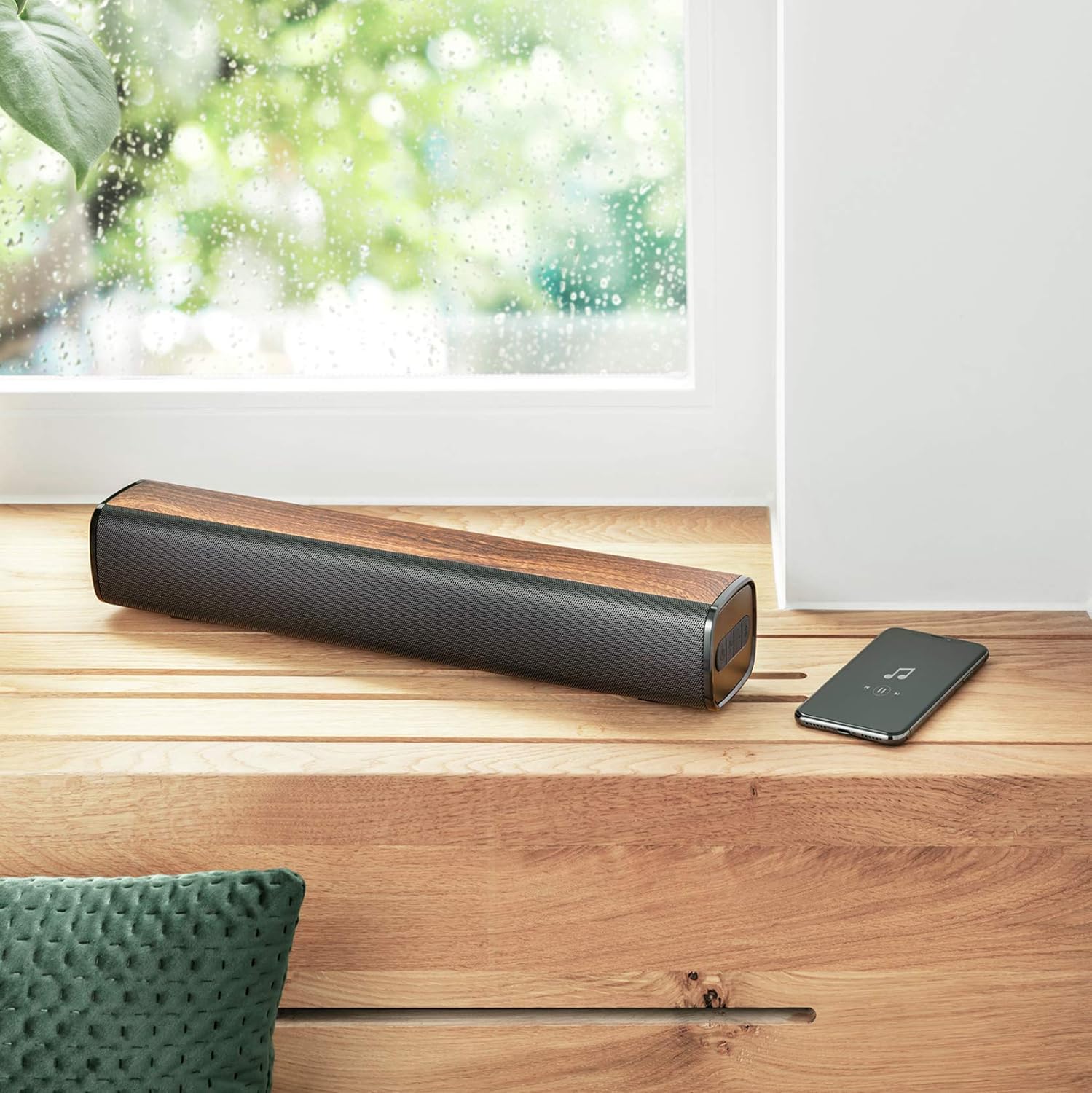
Figure 4: The soundbar wirelessly connected to a smartphone, demonstrating its portable use.
2. Connexió AUX
- Connect one end of the 3.5mm AUX cable to the AUX input port on the soundbar.
- Connect the other end of the AUX cable to the headphone jack or audio output of your PC, TV, or other audio device.
- Press the Power button briefly to cycle through modes until the AUX mode is selected (indicator light may change color or flash differently).
3. USB MP3 Player
- Inseriu una unitat USB que contingui àudio MP3 files al port USB de la barra de so.
- The soundbar will automatically switch to USB mode and begin playing music. If not, briefly press the Power button to cycle modes.
- Use the volume buttons to control playback (short press for track skip, long press for volume).
4. Control de volum
- Premeu el botó + botó per augmentar el volum.
- Premeu el botó - botó per baixar el volum.
Manteniment
- Netegeu la barra de so amb un drap suau i sec. No utilitzeu productes de neteja abrasius ni dissolvents.
- Guardeu el dispositiu en un lloc fresc i sec quan no el feu servir durant períodes prolongats.
- Avoid blocking the speaker grilles to ensure optimal sound quality and prevent overheating.
Resolució de problemes
| Problema | Causa possible | Solució |
|---|---|---|
| Sense poder | La bateria està esgotada. | Charge the soundbar using the provided Micro-USB cable. |
| Sense so | El volum és massa baix o silenciat. S'ha seleccionat un mode d'entrada incorrecte. El dispositiu no està connectat correctament. | Increase volume. Press the Power button to cycle through input modes (Bluetooth, AUX, USB). Ensure cables are securely connected or Bluetooth is paired. |
| L'aparellament de Bluetooth falla | Soundbar is not in pairing mode. Device is too far from the soundbar. Bluetooth is not enabled on the source device. | Press the Bluetooth button on the soundbar to enter pairing mode. Move the source device closer (within 10 meters). Enable Bluetooth on your source device. |
| USB MP3 player not working | USB drive not inserted correctly. Files are not in MP3 format. Soundbar not in USB mode. | Ensure USB drive is fully inserted. Verify files are MP3. Press the Power button to cycle to USB mode. |
Especificacions
| Característica | Detall |
|---|---|
| Nom del model | Vigor |
| Número de model | 22867 |
| Tipus d'altaveu | estèreo |
| Connectivitat | Bluetooth, USB, AUX de 3.5 mm |
| Potència de sortida | 10 W RMS (20 W màxim) |
| Impedància | 4 ohms |
| Tipus de bateria | 1x Ió de liti (inclosa) |
| Contingut d'energia de la bateria | 8.14 watts-hora |
| Hora de joc | Fins a 20 hores |
| Entrada de càrrega | Micro-USB, 3.7 Volt |
| Dimensions (L x A x A) | 41 x 7 x 7.5 cm |
| Pes | 0.94 kg |
| Color | marró |
| Tecnologia DSP | Sí |
| Integrated MP3 Player | Yes (via USB drive) |
Informació de la garantia
Trust products are manufactured to high quality standards. This product is covered by the manufacturer's warranty, which typically covers defects in materials and workmanship for a specified period from the date of purchase. Please retain your proof of purchase for warranty claims. For specific warranty terms and conditions, refer to the warranty card included with your product or visit the official Trust weblloc.
Suport
If you encounter any issues or have questions regarding your Trust Vigor 22867 Wireless Bluetooth Soundbar that are not addressed in this manual, please contact Trust customer support. You can usually find contact information on the official Trust website or on the product packaging. Please have your product model number (22867) and proof of purchase ready when contacting support.