1. Introducció
Welcome to the user manual for your new OnePlus 6T Mirror Black smartphone. This guide provides essential information on setting up, operating, maintaining, and troubleshooting your device. Please read this manual thoroughly to ensure optimal performance and longevity of your smartphone.

Figura 1.1: Frontal view of the OnePlus 6T Mirror Black smartphone.
The OnePlus 6T features a 6.41-inch Optic AMOLED display, powered by an octa-core processor and running Android 9.0. It comes with 128GB of internal storage and 6GB of RAM, offering a smooth and responsive user experience.
2. Què hi ha a la caixa
En obrir el paquet, comproveu que hi hagi tots els elements següents:
- OnePlus 6T Mirror Black Smartphone (Model A6013)
- Cable USB-Type C
- Power Adapter (Dash Charge compatible)
- Eina expulsora de SIM
- Guia d'inici ràpid
- Informació de seguretat i Targeta de garantia
3. Configuració
3.1. Inserció de la targeta SIM
The OnePlus 6T supports dual SIM cards. Use the provided SIM ejector tool to open the SIM tray.
- Localitza la safata de la targeta SIM al lateral del dispositiu.
- Introduïu l'eina d'expulsió de la SIM al forat petit que hi ha al costat de la safata i premeu suaument fins que la safata surti.
- Col·loqueu les targetes Nano-SIM a les ranures designades de la safata, assegurant-vos que els contactes daurats estiguin mirant cap avall.
- Empenyeu amb cura la safata de la SIM cap al telèfon fins que encaixi al seu lloc.

Figura 3.1: posterior view of the OnePlus 6T, indicating the dual camera and the general area for the SIM tray (located on the side edge).
3.2. Carregant la bateria
Abans del primer ús, es recomana carregar completament el dispositiu.
- Connecteu el cable USB tipus C al port de càrrega de la part inferior del telèfon.
- Connecteu l'altre extrem del cable a l'adaptador d'alimentació.
- Connecteu l'adaptador de corrent a una presa de corrent.
- L'indicador de càrrega apareixerà a la pantalla.
3.3. Engegada i configuració inicial
To power on your OnePlus 6T:
- Press and hold the Power button (located on the right side of the phone) until the OnePlus logo appears.
- Follow the on-screen instructions to complete the initial setup, including language selection, Wi-Fi connection, Google account setup, and fingerprint/face unlock configuration.
4. Funcionament del vostre dispositiu
4.1. Navegació bàsica
- Gestos tàctils: Tap, swipe, pinch-to-zoom are standard gestures for interacting with the screen.
- Pantalla d'inici: Swipe left or right to navigate between home screens. Swipe up from the bottom to access the app drawer.
- Notificacions i configuració ràpida: Feu lliscar el dit cap avall des de la part superior de la pantalla fins a view notificacions i accedir a la configuració ràpida.
4.2. Realització de trucades
Per fer una trucada telefònica:
- Toqueu la icona del telèfon a la pantalla d'inici.
- Introduïu el número de telèfon amb el teclat numèric o seleccioneu un contacte de la llibreta d'adreces.
- Toqueu el botó de trucada per iniciar la trucada.

Figure 4.1: Using the OnePlus 6T for a phone call.
4.3. Ús de la càmera
The OnePlus 6T features a dual-camera system for high-quality photos and videos.
- Obre l'aplicació Càmera des de la pantalla d'inici o des del calaix d'aplicacions.
- Seleccioneu el mode desitjat (Foto, Vídeo, Retrat, Paisatge nocturn, etc.).
- Toqueu el botó de l'obturador per capturar una foto o iniciar/aturar la gravació de vídeo.
5. Manteniment
5.1. Neteja del dispositiu
- Feu servir un drap suau i sense borrissol per netejar la pantalla i la carcassa del telèfon.
- Eviteu utilitzar productes químics agressius, netejadors abrasius o aerosols.
- No exposeu el dispositiu a una humitat excessiva.
5.2. Cura de la bateria
- Eviteu les temperatures extremes, ja que poden afectar la durada de la bateria.
- Feu servir només carregadors i cables originals o certificats.
- Per a un estat òptim de la bateria, eviteu esgotar-la completament amb freqüència o mantenir-la al 100% durant períodes prolongats.
6. Solució De Problemes
If you encounter issues with your OnePlus 6T, refer to the following common solutions:
| Problema | Possible solució |
|---|---|
| El dispositiu no s'encén. | Assegureu-vos que la bateria estigui carregada. Connecteu el carregador i espereu uns minuts abans d'intentar tornar-lo a engegar. |
| La pantalla no respon. | Feu un reinici forçat mantenint premut el botó d'engegada durant aproximadament 10-15 segons. |
| No es pot connectar a la Wi-Fi. | Restart your Wi-Fi router. On your phone, go to Settings > Wi-Fi, turn Wi-Fi off and then on again. Forget the network and reconnect. |
| Les aplicacions es bloquegen o es congelen. | Clear the cache of the problematic app (Settings > Apps & notifications > App info > [App Name] > Storage & cache > Clear cache). If the issue persists, consider reinstalling the app or performing a factory reset (backup data first). |
| Fingerprint reader slow/unresponsive. | Ensure your finger and the screen are clean and dry. Re-register your fingerprints in Settings > Security & lock screen > Fingerprint. |
7. Especificacions
Detailed technical specifications for the OnePlus 6T (Model A6013):
| Característica | Detall |
|---|---|
| Marca | OnePlus |
| Número de model | 6T (A6013) |
| Color | Mirall Negre |
| Sistema operatiu | Android 9.0 (Pie) |
| Tipus de visualització | Optic AMOLED Capacitive Touchscreen |
| Mida de la pantalla | 6.41 polzades (100.9 cm2) |
| Resolució | 1080 x 2340 píxels, relació 19.5:9 (~402 ppi de densitat) |
| Processador | Octa-core (4x2.8 GHz Kryo 385 Gold & 4x1.7 GHz Kryo 385 Silver) |
| Emmagatzematge intern | 128 GB |
| RAM | 6 GB |
| Ranura per a targetes | No |
| Resolució de fixes efectius | 16 MP (Main Camera) |
| Connectivitat | USB, Mobile Network (GSM, UMTS, CDMA, LTE) |
| Ranures per a targetes SIM | Doble SIM |
| Bateria | Lithium-ion (requires 1 battery) |
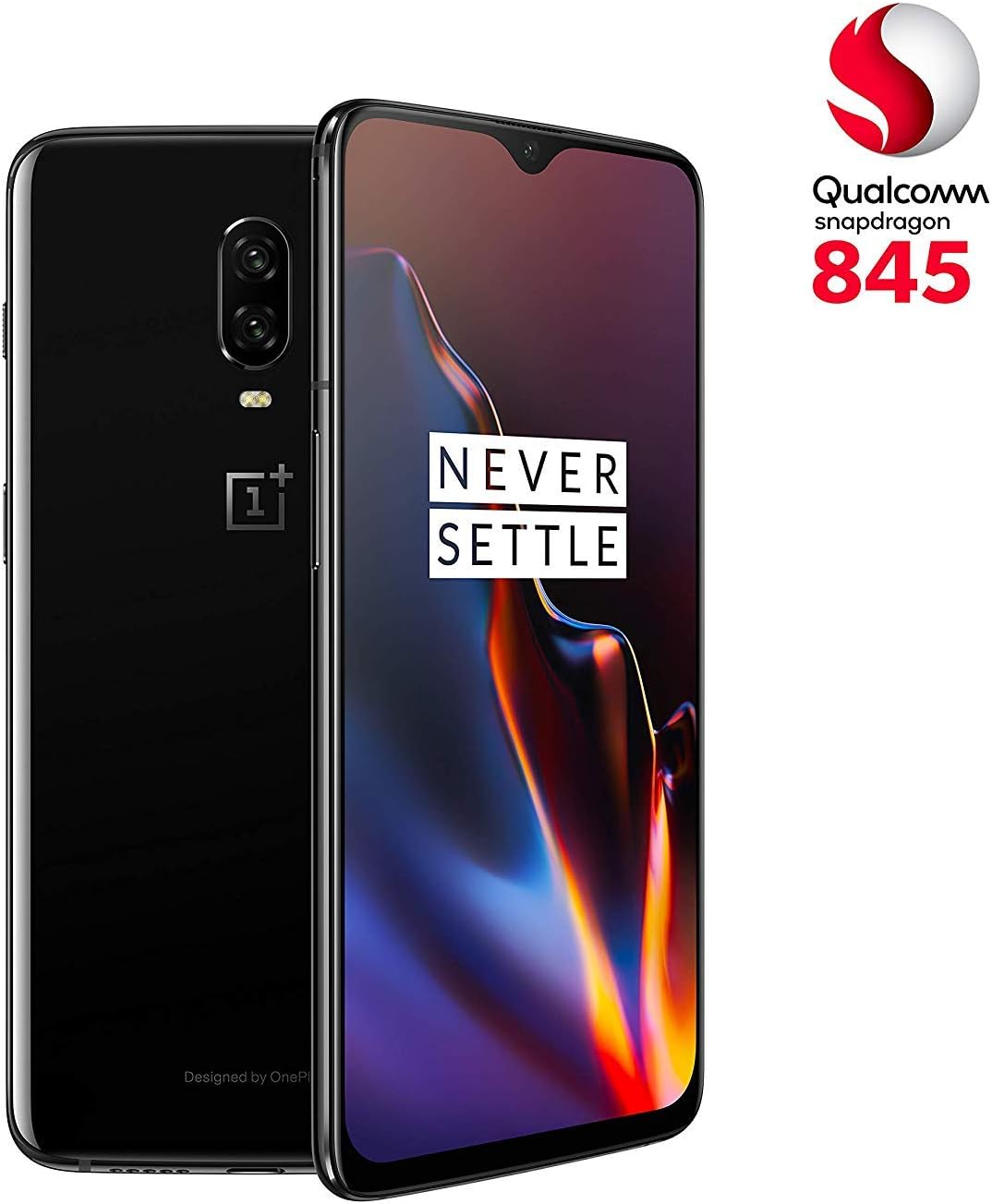
Figura 7.1: Presentació del OnePlus 6Tasing its design and Snapdragon 845 processor.
8. Garantia i Suport
8.1. Informació de la garantia
Your OnePlus 6T is covered by a limited warranty. Please refer to the warranty card included in your product packaging for specific terms and conditions, including warranty period and coverage details. Keep your proof of purchase for warranty claims.
8.2. Atenció al client
Per a més ajuda, assistència tècnica o consultes de servei, visiteu el servei d'assistència oficial de OnePlus. website or contact their customer service. You can often find FAQs, software updates, and additional resources online.
Note: Specific contact details and support channels may vary by region. Please check the official OnePlus weblloc per obtenir la informació més precisa i actualitzada.


