Introducció
This manual provides detailed instructions for the setup, operation, and maintenance of your TCL 55S425 55 inch 4K Smart LED Roku TV. This television combines 4K Ultra HD picture clarity with High Dynamic Range (HDR) for a lifelike viewing experience. It features built-in Roku streaming, offering access to over 500,000 movies and TV episodes across various streaming channels. The TV is compatible with Alexa and Google Assistant and includes dual-band Wi-Fi and an Ethernet port for connectivity.
Instruccions importants de seguretat
- Llegiu totes les instruccions abans d’utilitzar l’aparell.
- Conserveu aquestes instruccions per a referència futura.
- No utilitzeu aquest aparell prop de l'aigua.
- Netegeu només amb un drap sec.
- No bloquegeu cap obertura de ventilació. Instal·leu-ho d'acord amb les instruccions del fabricant.
- No instal·leu a prop de cap font de calor com ara radiadors, registres de calor, estufes o altres aparells (inclosos amplificadors) que produeixen calor.
- Eviteu que el cable d'alimentació sigui trepitjat o pessigat, especialment als endolls, els endolls i el punt on surten de l'aparell.
- Utilitzeu només accessoris/accessoris especificats pel fabricant.
- Desendolleu aquest aparell durant les tempestes amb llamps o quan no l'utilitzeu durant llargs períodes de temps.
Contingut del paquet
- TCL 55S425 55 inch 4K Smart LED Roku TV
- Control remot (requereix 2 piles AAA, incloses)
- Suports de televisió (2)
- Cable d'alimentació
Configuració inicial
Attaching the TV Stands
Carefully place the TV face down on a soft, clean surface. Attach the two included tripod legs to the designated slots on the bottom of the TV. Secure them with the provided screws. Ensure the stands are firmly attached before placing the TV upright.
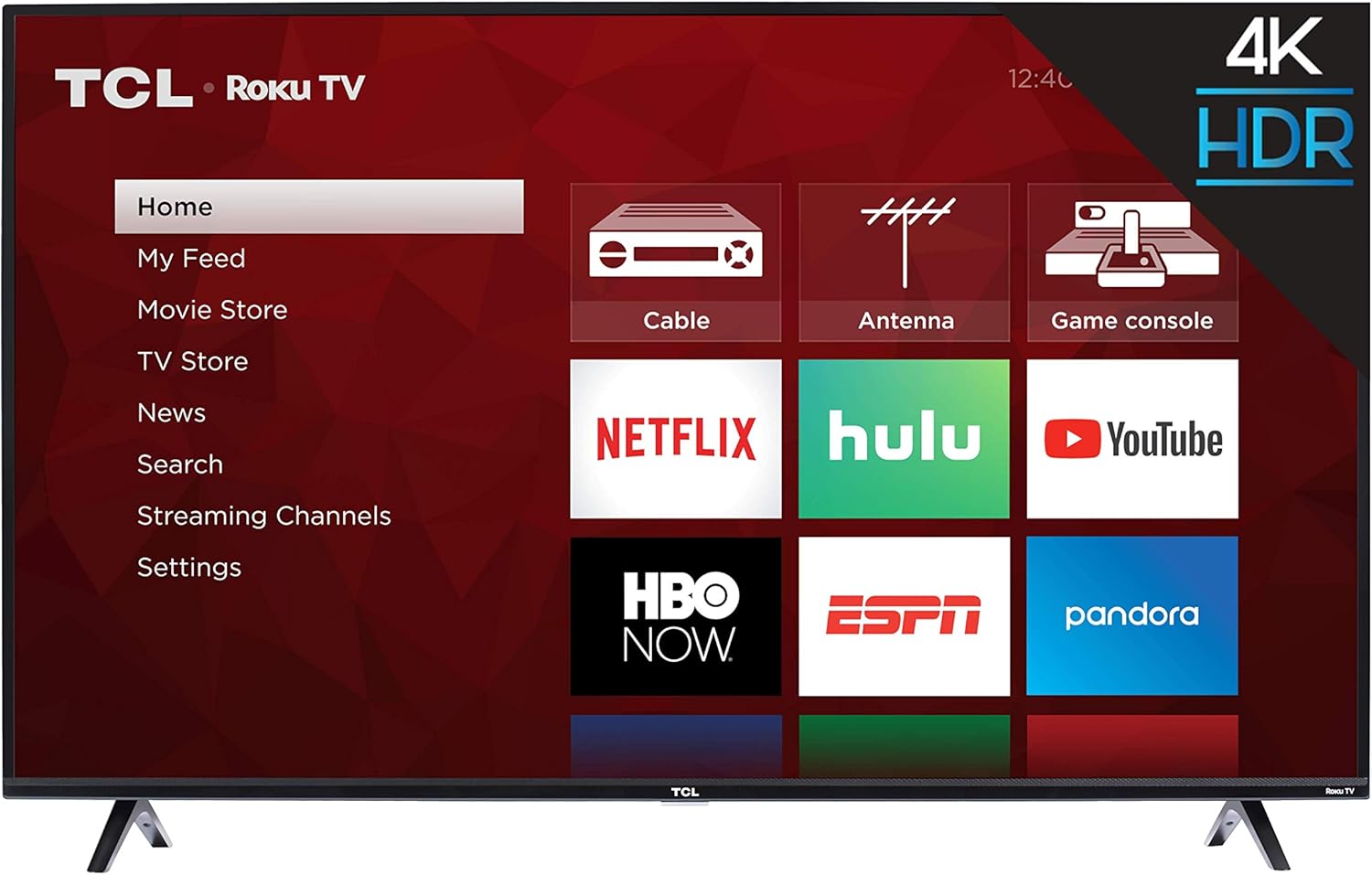
Imatge: Frontal view of the TCL 55S425 55 inch 4K Smart LED Roku TV, showing the TV with its stands attached and the Roku home screen.
Muntatge a la paret (opcional)
The TCL 55S425 TV is VESA compatible with a 200mm x 200mm mounting pattern. For wall mounting, ensure you use a compatible wall mount kit (sold separately) and follow the instructions provided with the mount. The TV dimensions without the stand are approximately 49 inches (W) x 28.4 inches (H) x 3.1 inches (D).
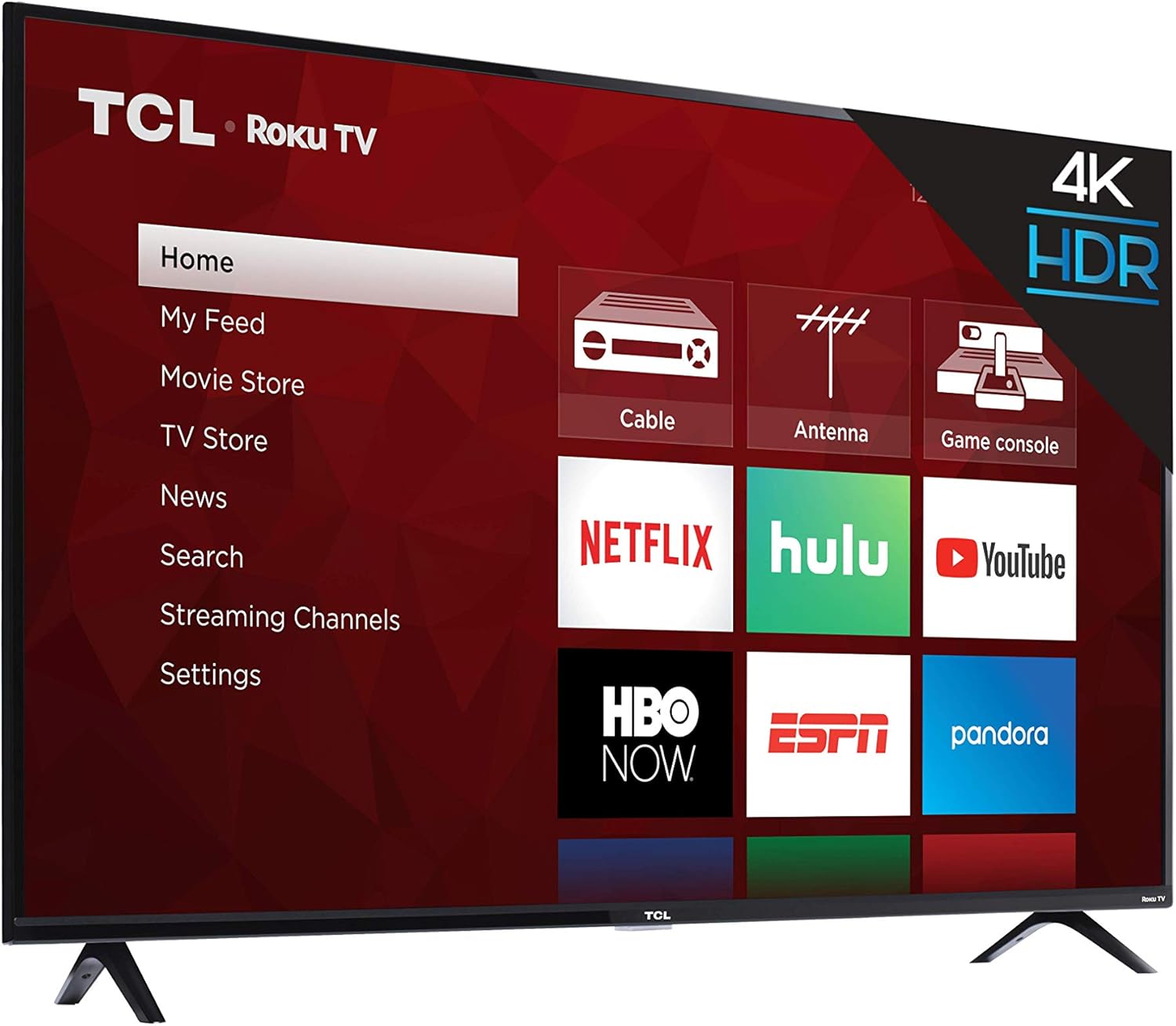
Imatge: Side profile of the TCL 55S425 4K Smart LED Roku TV, illustrating its slim design for potential wall mounting.
Dispositius de connexió
El televisor ofereix diversos ports per connectar dispositius externs:
- HDMI Inputs (3): Connect Blu-ray players, game consoles, cable boxes, etc. One HDMI port supports ARC (Audio Return Channel).
- USB Input (1): Per a la reproducció de contingut multimèdia des d'unitats USB.
- Port Ethernet (1): Per a una connexió a Internet per cable.
- RF Input (1): Connecteu una antena per a emissions per aire.
- SPDIF Digital Audio Optical (1): For high-quality audio output to a sound system.
- Audio Output Headphone (1): Per connectar auriculars.
- AV Input (1): Composite Video plus Left and Right Audio In for older devices.

Imatge: Primer pla view of the side-mounted input/output ports on the TCL 55S425 TV, detailing connections for USB, Ethernet, HDMI, RF, and audio.
Encès i connexió a la xarxa
Connect the power cord to the TV and a wall outlet. Press the power button on the remote control to turn on the TV. Follow the on-screen instructions for the Roku TV guided setup, which will assist you in connecting to your home Wi-Fi network or a wired Ethernet connection.
Operating Your TCL Roku TV
The Roku TV Interface
The Roku TV home screen provides easy access to all your entertainment. Navigate through streaming channels, live TV options, and connected inputs using the remote control's directional pad.

Image: The TCL 55S425 Roku TV home screen, showing a selection of streaming applications including Prime Video and Hulu.
Ús del comandament a distància
The included remote control is designed for simplicity and efficiency. It features dedicated buttons for popular streaming services such as Netflix, Sling, and Hulu, allowing for quick access. Use the directional pad and OK button to navigate menus and make selections. Volume controls are located on the side of the remote.

Image: The TCL Roku TV remote control, highlighting its intuitive layout and quick-access buttons for streaming services.
Configuració d'imatge i àudio
Accediu al menú de configuració del televisor per personalitzar el vostre viewing and listening experience. Adjust picture modes (e.g., Standard, Movie, Sports) to suit different content types. The 4K Ultra HD resolution and High Dynamic Range (HDR) technology provide vibrant colors and sharp detail. For audio, select from various sound modes (e.g., Normal, Speech, Big Bass) to enhance clarity or impact.
Funcions intel·ligents
The TCL 55S425 is a smart TV with built-in Roku functionality. It supports dual-band Wi-Fi for reliable streaming and is compatible with voice assistants like Amazon Alexa and Google Assistant, allowing for hands-free control of your television.
Manteniment
Neteja de la pantalla
Netegeu suaument la pantalla amb un drap suau i sense borrissol. Per a marques difícils, netegeu suaument.ampNetegeu el drap amb aigua o una solució de neteja específica per a pantalles. Eviteu productes químics agressius o materials abrasius.
Neteja de l'armari
Wipe the TV cabinet with a soft, dry cloth. Do not use liquid cleaners directly on the cabinet.
Actualitzacions de programari
Ensure your TV is connected to the internet to receive automatic software updates, which provide new features and performance improvements.
Resolució de problemes
Sense poder
- Check that the power cord is securely plugged into both the TV and a working electrical outlet.
- Assegureu-vos que la presa de corrent estigui activa provant-la amb un altre dispositiu.
Sense imatge ni so
- Verify that the correct input source is selected on the TV.
- Check all HDMI or AV cable connections to ensure they are secure.
- Confirm that the volume is not muted or set too low.
Problemes de connectivitat de xarxa
- Assegureu-vos que el vostre encaminador Wi-Fi estigui encès i funcioni correctament.
- Reinicieu el router i el mòdem.
- Check the TV's network settings to confirm it is connected to the correct network and the signal strength is adequate.
- If experiencing occasional lagging, consider moving the TV closer to the router or using a wired Ethernet connection.
El comandament a distància no respon
- Canvieu les piles del comandament a distància (requereix 2 piles AAA).
- Assegureu-vos que no hi hagi cap obstacle entre el comandament a distància i el sensor del televisor.
Especificacions tècniques
| Característica | Detall |
|---|---|
| Nom de marca | TCL |
| Número de model | 55S425 |
| Mida de la pantalla | 55 polzades |
| Tecnologia de visualització | LED |
| Resolució | 4K (3840 x 2160) |
| Freqüència d'actualització | 120 Hz CMI |
| Dimensions del producte (sense suport) | 49 inch W x 28.4 inch H x 3.1 inch D |
| Dimensions del producte (amb suport) | 49 inch W x 30.6 inch H x 8 inch D |
| Pes de l'article | 27.1 lliures |
| Color | Negre |
| Relació d'aspecte | 16:9 |
| Tecnologia de connectivitat | HDMI, USB, Wi-Fi |
| Entrades HDMI | 3 (one with ARC) |
| Ports USB | 1 |
| Port Ethernet | 1 |
| Entrada de RF | 1 |
| Òptic d'àudio digital SPDIF | 1 |
| Audio Output Headphone | 1 |
| Entrada AV | Composite Video plus L and R Audio In |
| Muntatge de paret VESA | 200 mm x 200 mm |
Informació sobre la garantia i assistència al client
For detailed warranty information, product registration, and technical assistance, please visit the official TCL weblloc web o contacteu directament amb el seu servei d'atenció al client. Conserveu el rebut de compra per a reclamacions de garantia.
Visuals del producte
Imatges del producte


Vídeos oficials de productes
No hi ha vídeos oficials de productes del venedor disponibles per incrustar en aquest manual.