1. Introducció i finalview
The EMEET C960 1080P Webcam is designed for high-quality video communication, streaming, and conferencing. It features Full HD 1080P resolution, dual noise-reduction microphones, and automatic low-light correction to ensure clear audio and video in various environments. Its plug-and-play design and wide compatibility make it suitable for a broad range of devices and platforms.
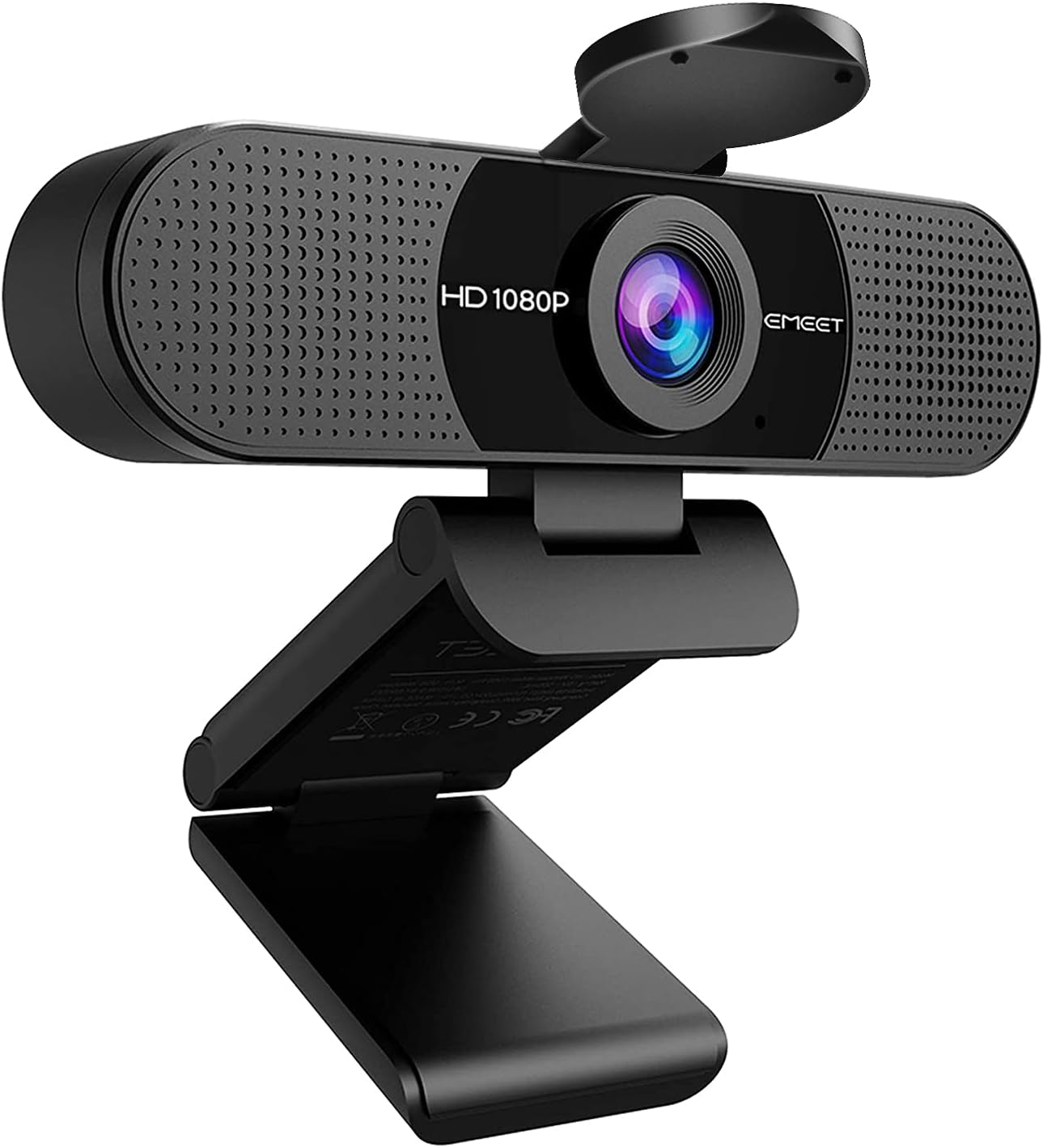
Figure 1: The EMEET C960 1080P Webcam, featuring its sleek design and integrated stand.
2. Què hi ha a la caixa
Upon unboxing your EMEET C960 Webcam, please ensure all the following items are present:
- EMEET C960 Weblleva
- Protecció de privadesa
- Manual d'usuari (aquest document)
- Cable USB integrat
Figure 2: The EMEET C960 Webcam shown with its integrated USB cable and the detachable privacy cover.
3. Configuració
3.1 Connexió del Weblleva
The EMEET C960 Webcam is designed for simple plug-and-play operation. No additional drivers are required for most operating systems.
- Unfold the universal clip/stand at the base of the weblleva.
- Col·loca el webcam securely on top of your computer monitor, laptop screen, or a compatible tripod. The clip is designed to fit various screen thicknesses.
- Connecteu el cable USB integrat des del webcàmera a un port USB disponible de l'ordinador.
- Your operating system should automatically detect and install the necessary device.

Figure 3: The EMEET C960 Webcam easily connects to a laptop via its integrated USB cable, demonstrating its plug-and-play functionality.
3.2 Microphone Selection
For optimal audio performance, ensure the EMEET C960 webcam is selected as the default microphone device in your computer's sound settings and within your video conferencing application (e.g., Zoom, Teams, Facetime).
3.3 Ajust Webcam Settings (EMEETLINK PC Software)
For advanced adjustments such as brightness, contrast, sharpness, saturation, and white balance, you can download and use the EMEETLINK PC Software. This software allows you to customize your video output to your preferences.

Figure 4: The EMEETLINK PC Software interface, providing controls for fine-tuning video settings like brightness and contrast.
4. Instruccions de funcionament
4.1 Video Calls and Streaming
Once connected, the EMEET C960 webcam is ready for use with your preferred video communication applications. Its Full HD 1080P resolution ensures clear and sharp video quality.
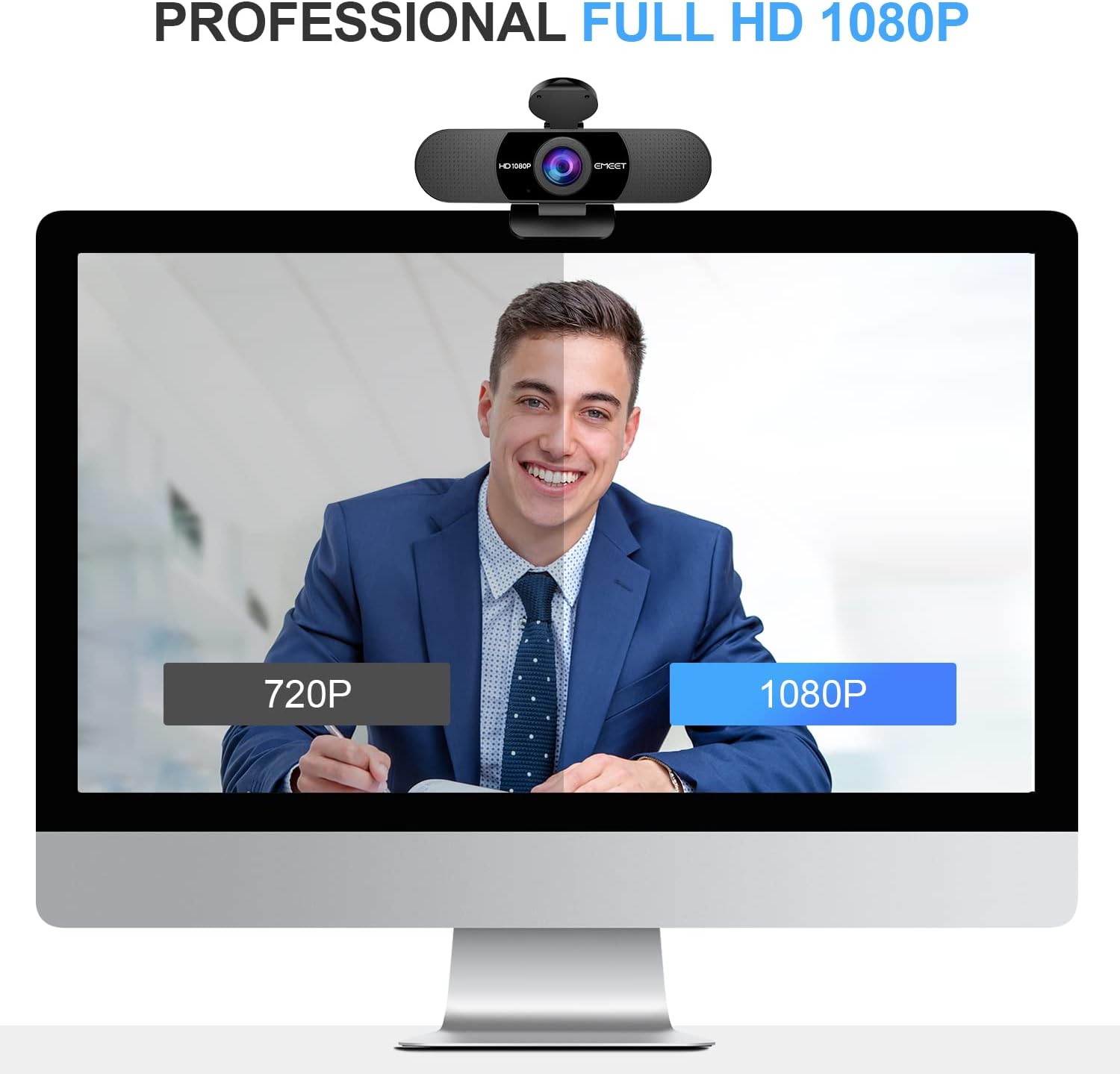
Figure 5: A visual comparison highlighting the superior clarity of 1080P video output from the EMEET C960 webcam compared to 720P.
4.2 Automatic Low-Light Correction
El webcam features automatic low-light correction technology. This allows the camera to capture clear images even in dim or harsh lighting conditions by boosting low-light performance, enhancing color, and adjusting exposure automatically.
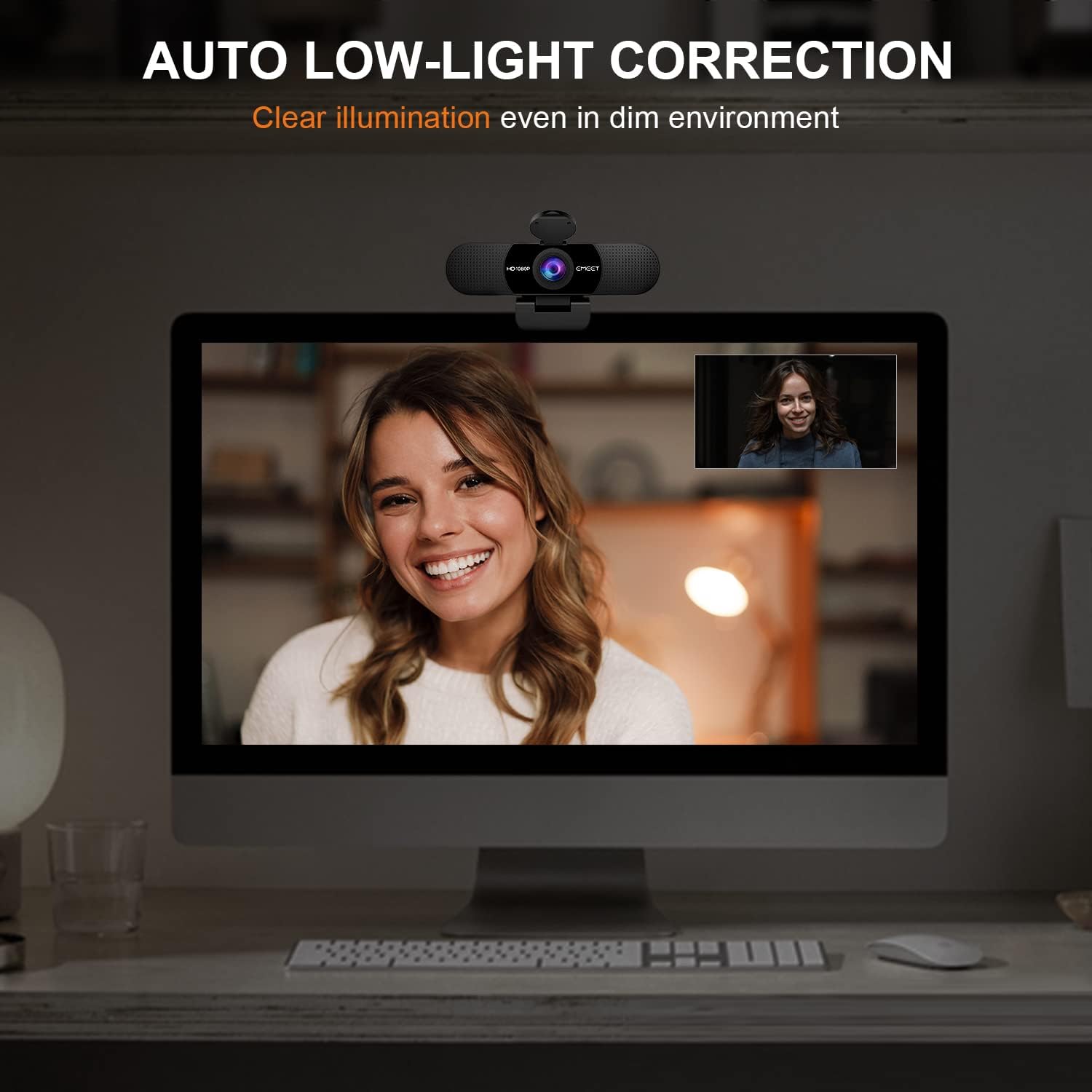
Figura 6: El/La/Els/Les webcam's automatic low-light correction feature ensures clear illumination even in dim environments.
4.3 90-Degree Wide Field of View
The 90-degree wide-angle lens of the EMEET C960 allows for a broader view, accommodating more participants in a video call without needing to frequently adjust the camera's position. This is ideal for group meetings or presentations.
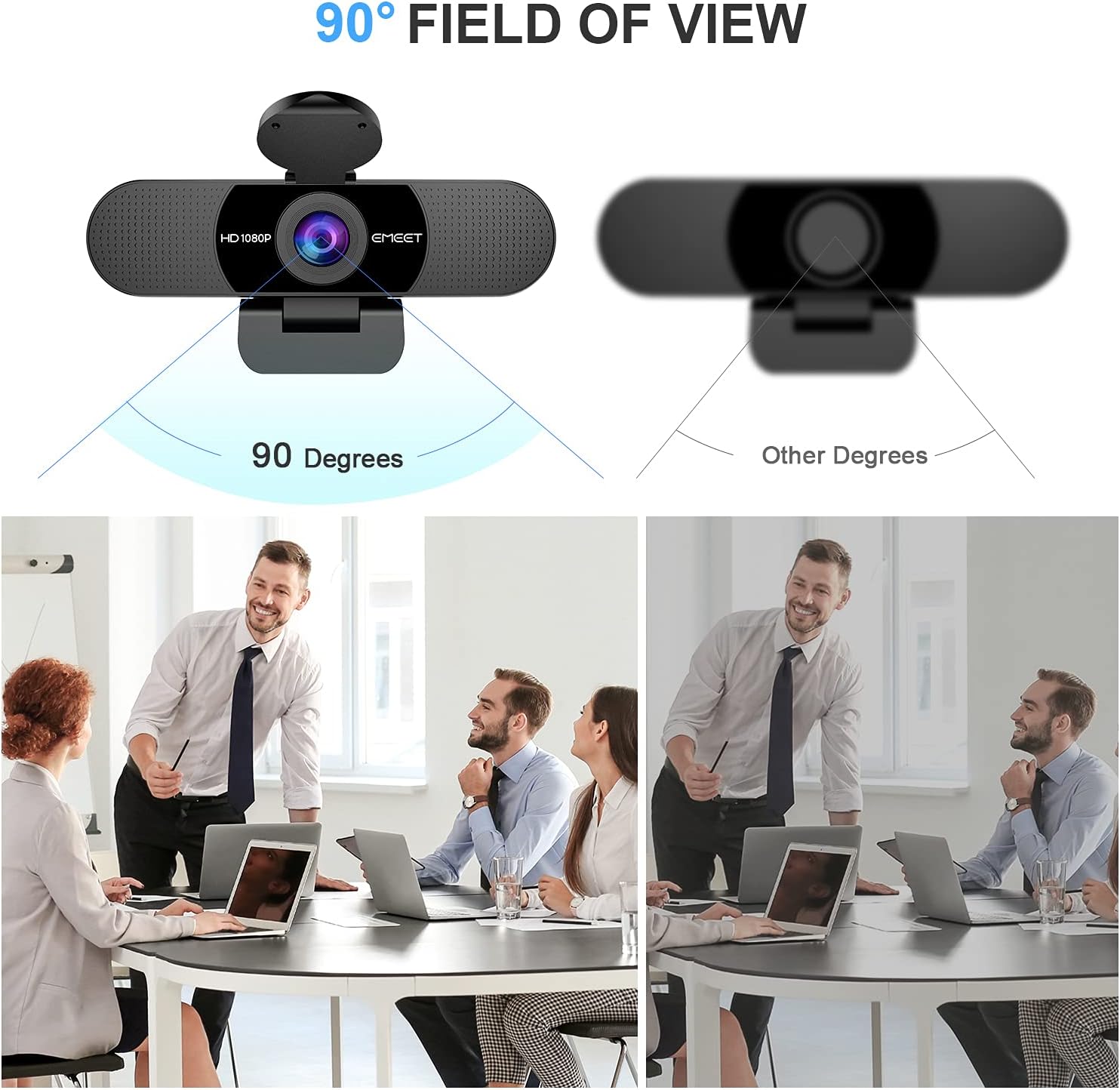
Figure 7: A visual representation of the 90-degree wide field of view, capturing more of the surrounding area compared to narrower angles.
4.4 Cobertura de privadesa
For enhanced privacy, the EMEET C960 includes a detachable privacy cover. This cover can be easily attached over the lens when the webcam is not in use, providing physical security against unauthorized access.
Figure 8: The EMEET C960 Webcam with its privacy cover, demonstrating how it can be opened for use or closed for privacy.
5. Manteniment
Proper maintenance ensures the longevity and optimal performance of your EMEET C960 Weblleva.
- Neteja: Use a soft, dry cloth to gently wipe the lens and body of the webcam. Avoid using abrasive cleaners or solvents.
- Emmagatzematge: When not in use, especially for extended periods, store the webcam in a cool, dry place. Utilize the included privacy cover to protect the lens from dust and scratches.
- Cura del cable: Eviteu doblegar o doblegar bruscament el cable USB per evitar danys interns.
6. Solució De Problemes
If you encounter issues with your EMEET C960 Webcàmera, consulteu les solucions habituals següents:
| Problema | Causa possible | Solució |
|---|---|---|
| No image/video | Loose USB connection; Incorrect camera selection in software; Privacy cover closed. | Ensure USB cable is securely plugged in. Select 'EMEET C960' as the camera in your application settings. Open the privacy cover. |
| No sound/Poor audio quality | Incorrect microphone selection; Background noise. | Select 'EMEET C960' as the microphone in your computer's sound settings and application settings. The built-in noise reduction mics should filter out most background noise. |
| La imatge és massa fosca/brillant | Suboptimal lighting conditions. | El webcam has automatic low-light correction. For best results, ensure adequate front lighting. Use EMEETLINK PC Software for manual adjustments. |
| Webcam not recognized by Windows Hello | Incompatibility. | The EMEET C960 is incompatibles with Windows Hello functions. This is expected behavior. |
7. Especificacions
Detailed technical specifications for the EMEET C960 1080P Weblleva:
| Característica | Detall |
|---|---|
| Número de model | C960 |
| Resolució de captura de vídeo | 1080p (Full HD) |
| Tecnologia del sensor fotogràfic | CMOS |
| Camp de View (FOV) | 90 graus |
| Micròfons | 2 Built-in Omnidirectional Noise Reduction Mics |
| Tecnologia de connectivitat | USB |
| Dimensions del producte | 5 x 0.85 x 3.5 polzades |
| Pes de l'article | 5.6 unces |
| Distància focal màxima | 3600 mil·límetres |
| Apertura màxima | 2.8 f |
| Format de captura de vídeo | AVI |
| Screen Size (Visible Diagonal) | 1.97 polzades / 6 cm |
| Compatibilitat | Windows 10/11, MacOS 10.14 or later, Linux, Android TV 7.0 or later. Major software like Zoom, Teams, Facetime, Google Meet, YouTube. |
8. Garantia i Suport
EMEET is committed to providing excellent customer service and product reliability.
- Garantia: The EMEET C960 Webcam comes with a 2-year exclusive warranty.
- Suport tècnic: EMEET offers lifetime professional technical team support for this product.
- Manual d'usuari (PDF): For a downloadable PDF version of the user manual, please visit the official EMEET support page or click aquí.


