Introducció
This manual provides comprehensive instructions for the installation, operation, and maintenance of your Aerocool LUX RGB 650M semi-modular power supply. The LUX RGB 650M is designed to deliver stable power to your PC components while offering customizable RGB lighting effects. Please read this manual thoroughly before installation and use to ensure proper functionality and safety.

Imatge: Anglesa view of the Aerocool LUX RGB 650M Power Supply, showcasing its black finish and RGB lighting panel.
Informació de seguretat
- Assegureu-vos que el subministrament d'alimentació estigui desconnectat de la presa de corrent de CA abans de la instal·lació o el manteniment.
- No obriu la font d'alimentació. Alt voltatgetagHi ha elements a l'interior que poden provocar una descàrrega elèctrica.
- Install the power supply in a well-ventilated area. Do not block the ventilation openings.
- This product is designed for use in personal computers. Do not use it for any other purpose.
- Mantingueu la font d'alimentació allunyada de l'aigua, la humitat i les temperatures extremes.
- Use only the cables provided with the power supply. Using third-party cables may cause damage.
Contingut del paquet
Verifiqueu que tots els elements siguin presents al paquet:
- Aerocool LUX RGB 650M Power Supply Unit
- Modular Cable Set (PCIe, SATA, Peripheral)
- Main ATX 20+4 Pin Cable (fixed)
- CPU 4+4 Pin Cable (fixed)
- Cable d'alimentació CA
- Cargols de muntatge
- Manual d'usuari
Configuració i instal·lació
Follow these steps to install your Aerocool LUX RGB 650M power supply:
- Prepare your PC Case: Assegureu-vos que l'ordinador estigui apagat i desendollat de la presa de corrent. Obriu la carcassa de l'ordinador per accedir a la zona de muntatge de la font d'alimentació.
- Muntar la font d'alimentació: Carefully slide the LUX RGB 650M into the designated power supply bay in your PC case. Secure it with the provided mounting screws.
- Connect Fixed Cables:
- Connecteu el 20+4 Pin ATX cable to your motherboard's main power connector.
- Connecteu el 4+4 Pin CPU cable to your motherboard's CPU power connector.
- Connecteu els cables modulars: Identify the necessary modular cables for your components (graphics card, SSDs/HDDs, optical drives).
- Connecteu el necessari Cables PCIe to your graphics card(s).
- Connecta't Cables d'alimentació SATA to your storage drives (SSDs, HDDs).
- Connecta't Peripheral (Molex) cables for any other components requiring them.

Imatge: Anglesa view of the Aerocool LUX RGB 650M Power Supply, illustrating the semi-modular design with fixed and detachable cables.
- Gestió de cables: Utilize the semi-modular design to manage cables efficiently, improving airflow and aesthetics within your PC case.
- Connecta RGB:
- For motherboard synchronization, connect the power supply's Addressable RGB cable to a +5V Addressable RGB header on your compatible motherboard.
- If your motherboard does not have an Addressable RGB header, you can control the lighting effects directly via the LED control button on the power supply.
- Connexió d'alimentació: Connect the AC power cord to the power supply's input socket and then to a wall outlet. Ensure the power switch on the PSU is in the OFF (0) position before plugging it in.
- System Configuration Note: For optimal performance and stability, ensure your system's power requirements do not exceed the PSU's capacity. A recommended maximum configuration for this 650W model is an Intel i5 processor, an RTX 3060 graphics card, and 16GB DDR4 RAM. For precise power calculations, consult online PSU calculators.
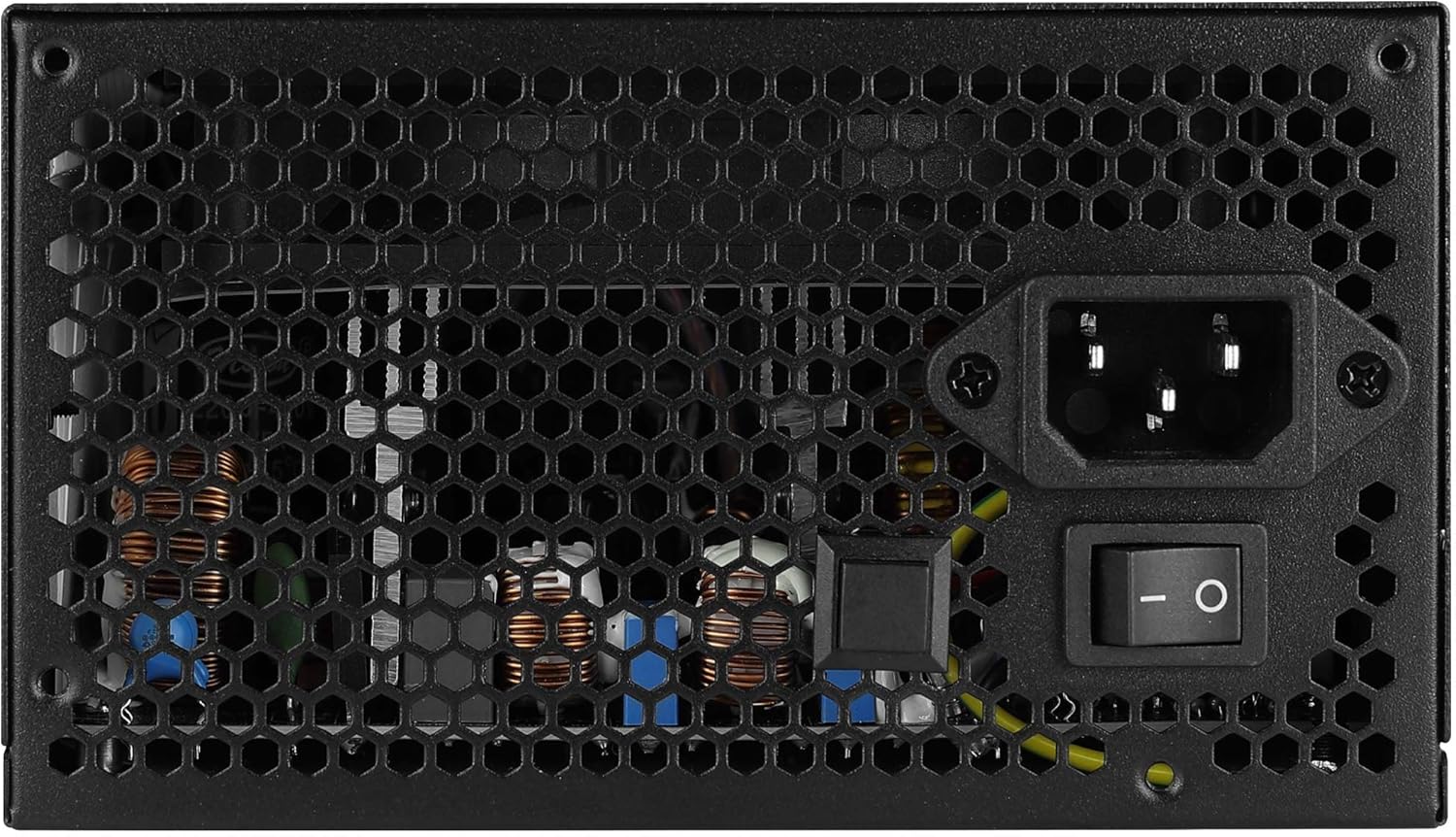
Imatge: Part posterior view of the Aerocool LUX RGB 650M Power Supply, showing the AC power input, power switch, and ventilation grille.
Instruccions de funcionament
After successful installation, follow these steps to operate your power supply:
- Encès: Flip the power switch on the rear of the power supply to the ON (I) position. Then, power on your computer using the case's power button.
- Control d'il·luminació RGB:
- Via LED Control Button: If not connected to a motherboard ARGB header, press the dedicated LED control button on the power supply to cycle through 13 predefined lighting effects.
- Mitjançant el programari de la placa base: If connected to a +5V Addressable RGB header on your motherboard, you can control and synchronize the power supply's lighting effects using your motherboard's RGB software (e.g., ASUS Aura Sync, MSI Mystic Light Sync, Gigabyte RGB Fusion, ASRock Polychrome Sync).
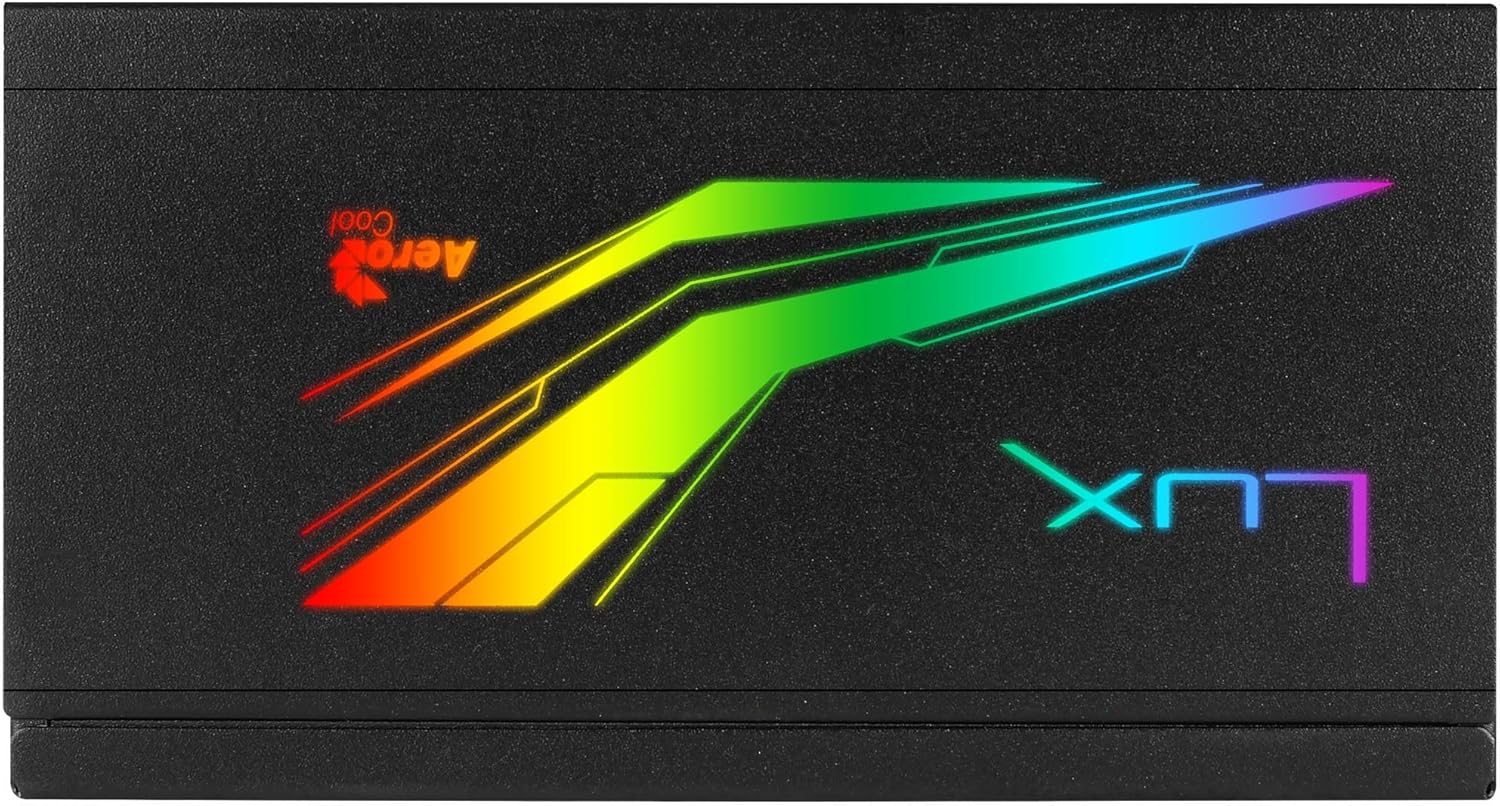
Imatge: Superior view of the Aerocool LUX RGB 650M Power Supply, highlighting the integrated RGB lighting panel with the "LUX" and "AeroCool" logos.
Manteniment
Un manteniment adequat garanteix la longevitat i el rendiment òptim de la vostra font d'alimentació:
- Neteja de pols: Periodically clean the power supply's fan and ventilation grilles to prevent dust buildup, which can impede airflow and cooling. Use compressed air for best results. Ensure the power supply is off and unplugged before cleaning.
- Flux d'aire: The LUX RGB 650M features a 30% increased ventilation area for enhanced airflow. Ensure your PC case has adequate ventilation to support efficient heat dissipation from the power supply.
- Funcionament del ventilador: The 12cm silent black fan operates with optimized thermal fan speed control, adjusting its speed based on temperature to maintain quiet operation and effective cooling.

Imatge: Lateral view of the Aerocool LUX RGB 650M Power Supply, highlighting the extensive honeycomb ventilation pattern for improved airflow.
Resolució de problemes
Si teniu problemes amb la font d'alimentació, consulteu els problemes i solucions més comuns següents:
- Sense alimentació al sistema:
- Comproveu si el cable d'alimentació de CA està connectat correctament tant a la font d'alimentació com a la presa de corrent.
- Ensure the power switch on the rear of the PSU is in the ON (I) position.
- Verify that all power cables (20+4 Pin ATX, 4+4 Pin CPU, PCIe, SATA) are correctly and firmly connected to their respective components.
- Proveu la presa de corrent amb un altre dispositiu per confirmar que tingui corrent.
- Inestabilitat/Avaries del sistema:
- Ensure your system's power draw does not exceed the 650W capacity of the PSU. Overloading can cause instability.
- Comproveu si hi ha connexions de cable soltes.
- Assegureu-vos que hi hagi una ventilació adequada dins de la carcassa de l'ordinador per evitar el sobreescalfament.
- La il·luminació RGB no funciona:
- If using the LED control button, ensure it is being pressed correctly to cycle effects.
- If connected to a motherboard ARGB header, verify the connection is secure and that your motherboard's RGB software is installed and configured correctly. Ensure it's a +5V ARGB header, not a +12V RGB header.
Especificacions

Image: Electrical specifications label for the Aerocool LUX RGB 650M Power Supply, detailing voltage i sortides de corrent.
| Característica | Detall |
|---|---|
| Número de model | LUXRGB650M |
| Marca | AeroCool |
| Potència de sortida | 650 watts |
| Certificació d'eficiència | 80Plus 230V EU Bronze (up to 88%+ efficiency) |
| Factor de forma | ATX |
| Cabling Design | Semimodular |
| Mètode de refrigeració | Air (12cm silent black fan with optimized thermal speed control) |
| Il·luminació RGB | Prism RGB (13 predefined effects via button, compatible with +5V Addressable RGB motherboards) |
| Entrada Voltage | 115-230 volts |
| Dimensions (L x A x A) | 16 x 15 x 8.6 cm |
| Pes | 1.5 quilos |
| Dispositius compatibles | Ordinador personal |
Garantia
The Aerocool LUX RGB 650M Power Supply comes with a 2 any de garantia on spare parts. Please retain your proof of purchase for warranty claims. The warranty covers defects in materials and workmanship under normal use. It does not cover damage caused by misuse, accident, modification, or unauthorized repair.
Suport
For technical assistance, troubleshooting beyond this manual, or warranty inquiries, please contact AeroCool customer support. Visit the official AeroCool weblloc web per obtenir informació de contacte i recursos addicionals.
Recursos en línia: www.aerocool.io


