1. Introducció
Gràcies per la compraasing the FINLUX 32-FHD-5620 32-inch Smart HD Ready LED TV. This television combines high-definition viewing with smart features, including Freeview Play, Amazon Prime Video, and Alexa compatibility. This manual provides essential information for setting up, operating, and maintaining your new television. Please read it thoroughly before use and retain it for future reference.
2. Informació de seguretat
Always observe the following safety precautions to avoid electric shock, fire, or damage to the television.
- Font d'alimentació: Connecteu el televisor només a una font d'alimentació de CA tal com s'indica a l'etiqueta.
- Ventilació: Assegureu-vos que hi hagi una ventilació adequada. No bloquegeu les obertures de ventilació.
- Aigua i humitat: No exposeu el televisor a la pluja ni a la humitat. No col·loqueu objectes plens de líquids a sobre del televisor.
- Neteja: Desendolleu el televisor abans de netejar-lo. Feu servir un drap suau i sec. No utilitzeu netejadors líquids ni en aerosol.
- Col·locació: Col·loqueu el televisor sobre una superfície estable i plana. Eviteu exposar-lo a la llum solar directa o a prop de fonts de calor.
- Manteniment: No intenteu fer la reparació del televisor vosaltres mateixos. Envieu totes les tasques de manteniment a personal de servei qualificat.
3. Què hi ha a la caixa
Desembaleu amb cura el televisor i comproveu que hi inclogui tots els elements següents:
- FINLUX 32-FHD-5620 32-inch Smart HD Ready LED TV
- Comandament a distància (amb 2 piles AAA incloses)
- Suport de TV
- Instruction Booklets
- Cable d'alimentació

Imatge 1: Frontal view of the FINLUX 32-FHD-5620 TV with a colorful landscape displayed on screen, showcasing its design and central stand.
4. Configuració
4.1 Col·locació del suport
- Col·loqueu el televisor cara avall sobre una superfície suau i neta per evitar que es facin malbé la pantalla.
- Alineeu el suport amb els forats de muntatge de la part inferior del televisor.
- Fixeu el suport amb els cargols proporcionats. Assegureu-vos que estigui ben fixat.
- Aixequeu amb cura el televisor fins a la seva posició vertical sobre una superfície estable.
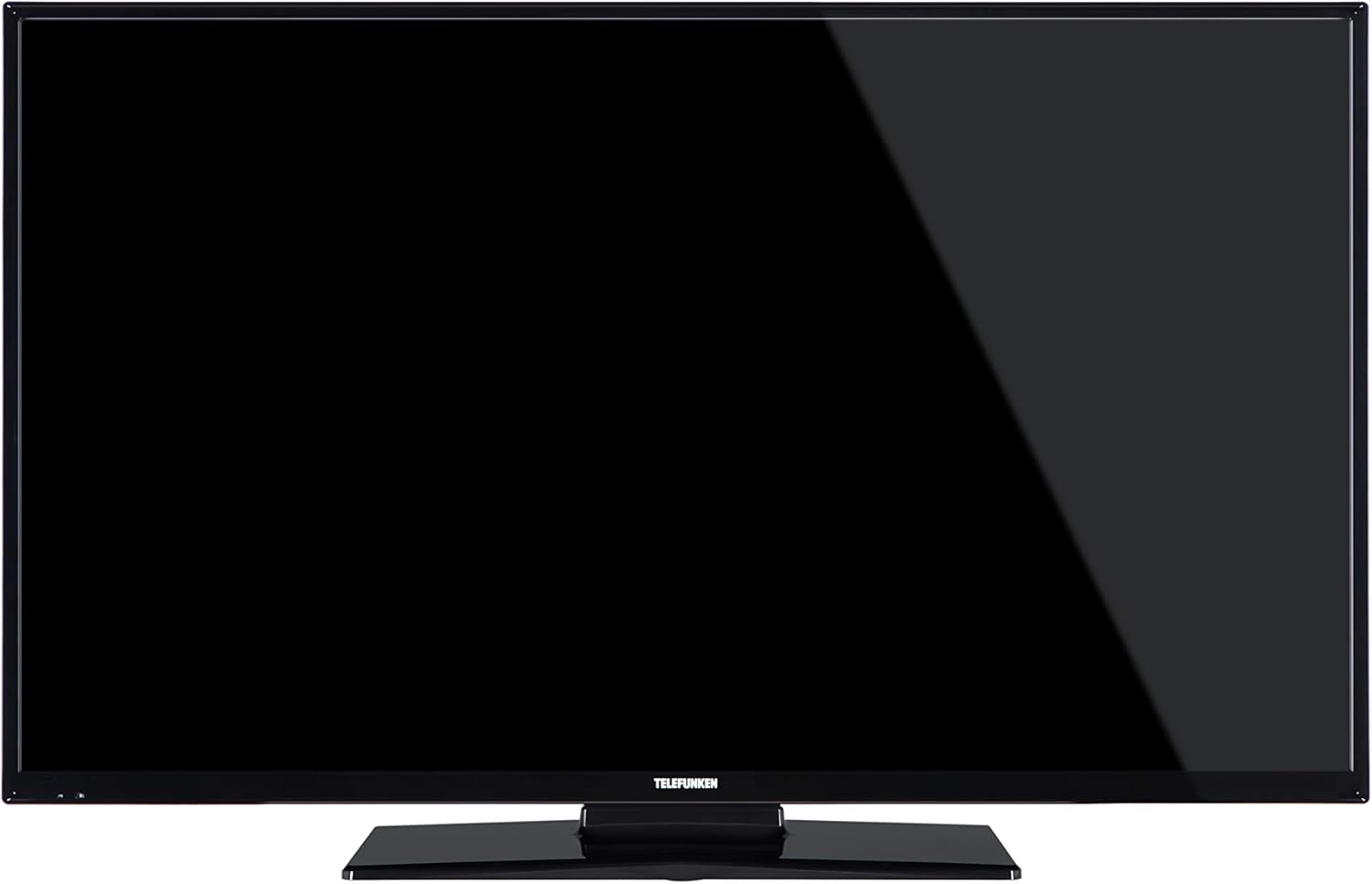
Imatge 2: Frontal view of the FINLUX 32-FHD-5620 TV with a black screen, demonstrating the TV's appearance with the stand installed.
4.2 Muntatge a la paret (opcional)
If you choose to wall mount your TV, ensure you use a VESA-compatible wall mount kit (not included) and follow the instructions provided with the wall mount. Always consult a professional for wall mounting to ensure safety and proper installation.
4.3 Connexió de dispositius externs
Your FINLUX TV offers various connectivity options. Refer to the image below for port locations.

Imatge 3: Lateral view of the FINLUX 32-FHD-5620 TV, highlighting the accessible input ports for external devices.
- HDMI: Connecteu reproductors de Blu-ray, consoles de jocs o descodificadors.
- USB: Connecteu dispositius d'emmagatzematge USB per a la reproducció de contingut multimèdia.
- Antena/cable: Connect your aerial for Freeview Play channels.
- Ethernet: Per a una connexió a Internet per cable.
- VGA: Connecteu un ordinador.
4.4 Connexió d'alimentació
Plug the power cable into the TV's power input, then into a wall socket.
4.5 Assistent de configuració inicial
En engegar-lo per primera vegada, el televisor us guiarà a través d'un procés de configuració inicial. Això inclou:
- Selecció de la llengua.
- Selecció de país/regió.
- Escaneig de canals (gratuït)view Jugar).
- Connexió de xarxa (Wi-Fi o Ethernet).
- Configuració de la zona horària.
5. Funcionament del televisor
5.1 Control remot
Insert the two AAA batteries into the remote control, ensuring correct polarity. The remote allows you to control all TV functions, including power, volume, channel selection, smart TV navigation, and menu access.
5.2 Funcions bàsiques del televisor
- Encès/apagat: Premeu el botó d'engegada del comandament a distància o del televisor.
- Control de volum: Feu servir els botons VOL +/-.
- Selecció de canals: Feu servir els botons CH +/- o el teclat numèric.
- Font d'entrada: Press the SOURCE button to switch between HDMI, USB, TV, etc.
5.3 Característiques del televisor intel·ligent
Your FINLUX Smart TV provides access to a range of online content and services.
- Gratuïtview Jugar: Access over 60 TV channels and up to 15 HD channels. Scroll back in the TV Guide (EPG) to watch programs from the last 7 days from BBC iPlayer, ITV Hub, All 4, and Demand 5. Ensure your TV is connected to the internet.
- Vídeo d'Amazon Prime: Enjoy a wide selection of movies and TV shows.
- Integració d'Alexa: Control your TV using voice commands through an Amazon Echo or Echo Dot device. Pair your Alexa device with your TV to enable this feature.
- Reposició d'Amazon Dash: This feature allows the TV to automatically reorder batteries when they run low. Register for this service via the Dash Replenishment application on your TV.
5.4 Connexió de xarxa
To access Smart TV features, your TV must be connected to the internet.
- Wi-Fi: Navigate to the TV's network settings, select your Wi-Fi network, and enter the password.
- Ethernet: Connecteu un cable Ethernet des del vostre encaminador al port LAN del televisor.
6. Manteniment
6.1 Neteja del televisor
- Desendolla sempre el televisor abans de netejar-lo.
- Feu servir un drap suau, sec i sense borrissol per netejar la pantalla i la carcassa.
- Do not use liquid or spray cleaners, as they may damage the screen or cabinet.
6.2 Actualitzacions de programari
El televisor pot rebre actualitzacions de programari per millorar el rendiment i afegir noves funcions. Assegureu-vos que el televisor estigui connectat a Internet per rebre aquestes actualitzacions automàticament o comproveu-les manualment al menú de configuració.
7. Solució De Problemes
Si teniu problemes amb el televisor, consulteu els problemes i solucions més comuns següents.
| Problema | Possible solució |
|---|---|
| Sense poder | Check if the power cable is securely plugged into the TV and the wall outlet. Ensure the wall outlet has power. |
| No hi ha imatge, però hi ha so | Comproveu la font d'entrada. Assegureu-vos que els dispositius externs estiguin encesos i connectats correctament. Proveu un altre cable HDMI. |
| No hi ha so, però hi ha imatge | Comproveu el nivell de volum. Assegureu-vos que el silenci no estigui activat. Comproveu la configuració d'àudio i les connexions d'àudio externes. |
| El comandament a distància no funciona | Canvieu les piles. Assegureu-vos que no hi hagi cap obstacle entre el comandament a distància i el sensor d'infrarojos del televisor. |
| No es pot connectar a la Wi-Fi | Ensure your router is on and working. Re-enter the Wi-Fi password. Try restarting your router and TV. |
| Smart features not loading | Check your internet connection. Restart the TV. Ensure the TV's software is up to date. |
Si el problema persisteix després de provar aquestes solucions, poseu-vos en contacte amb l'atenció al client.
8. Especificacions
| Número de model | 32-FHD-5620 |
| Marca | FINLUX |
| Mida de la pantalla | 32 polzades |
| Tecnologia de visualització | LED |
| Resolució | HD Ready (e.g., 1366x768 pixels). Note: Specifications mention 4K resolution, which may refer to supported input signals. The panel's native resolution is HD Ready. |
| Freqüència d'actualització | 50 Hz |
| Característiques especials | Amazon Dash Replenishment, Works with Alexa, Freeview Play, Smart TV |
| Tecnologia de connectivitat | Ethernet, HDMI, USB, VGA |
| Serveis d'Internet compatibles | Alexa, Amazon Prime Video |
| Tipus de muntatge | Suport de paret, suport de taula |
| Bateries | 2 piles AAA (incloses per al comandament a distància) |
| Dimensions del paquet (aprox.) | 91 x 58 x 15.5 cm |
| Pes del paquet (aprox.) | 7.1 kg |
9. Garantia i Suport
9.1 Informació de la garantia
Your FINLUX TV is covered by a manufacturer's warranty. Please refer to the warranty card included in your product packaging or visit the official FINLUX weblloc web per obtenir informació detallada sobre els termes i condicions de la garantia. Conserveu el comprovant de compra per a reclamacions de garantia.
9.2 Atenció al client
For technical assistance, troubleshooting beyond this manual, or service inquiries, please contact FINLUX customer support. Contact details can typically be found on the official FINLUX weblloc web o a la documentació que s'inclou amb el televisor.
Assistència en línia: Visit the official FINLUX website for FAQs, software downloads, and support contact information.


