Introducció
This manual provides instructions for the setup, operation, and maintenance of your Targus U660 USB Optical Mouse. The Targus U660 is designed for smooth and precise cursor control, featuring a 1000 DPI optical sensor and a comfortable ambidextrous design.
Contingut del paquet
- Targus U660 USB Optical Mouse
- Manual d'usuari (aquest document)
Producte acabatview
The Targus U660 USB Optical Mouse features a standard three-button layout with a scroll wheel, designed for ease of use and compatibility with various operating systems.

Figura 1: De dalt a baix view of the Targus U660 USB Optical Mouse, showing the left and right click buttons, and the scroll wheel in the center. The Targus logo is visible on the palm rest.

Figura 2: Davant view of the Targus U660 USB Optical Mouse, highlighting the USB cable connection point and the scroll wheel.
Configuració
- Connecteu el ratolí: Locate an available USB port on your computer (desktop, laptop, or compatible device). Insert the USB connector of the Targus U660 mouse into the USB port.
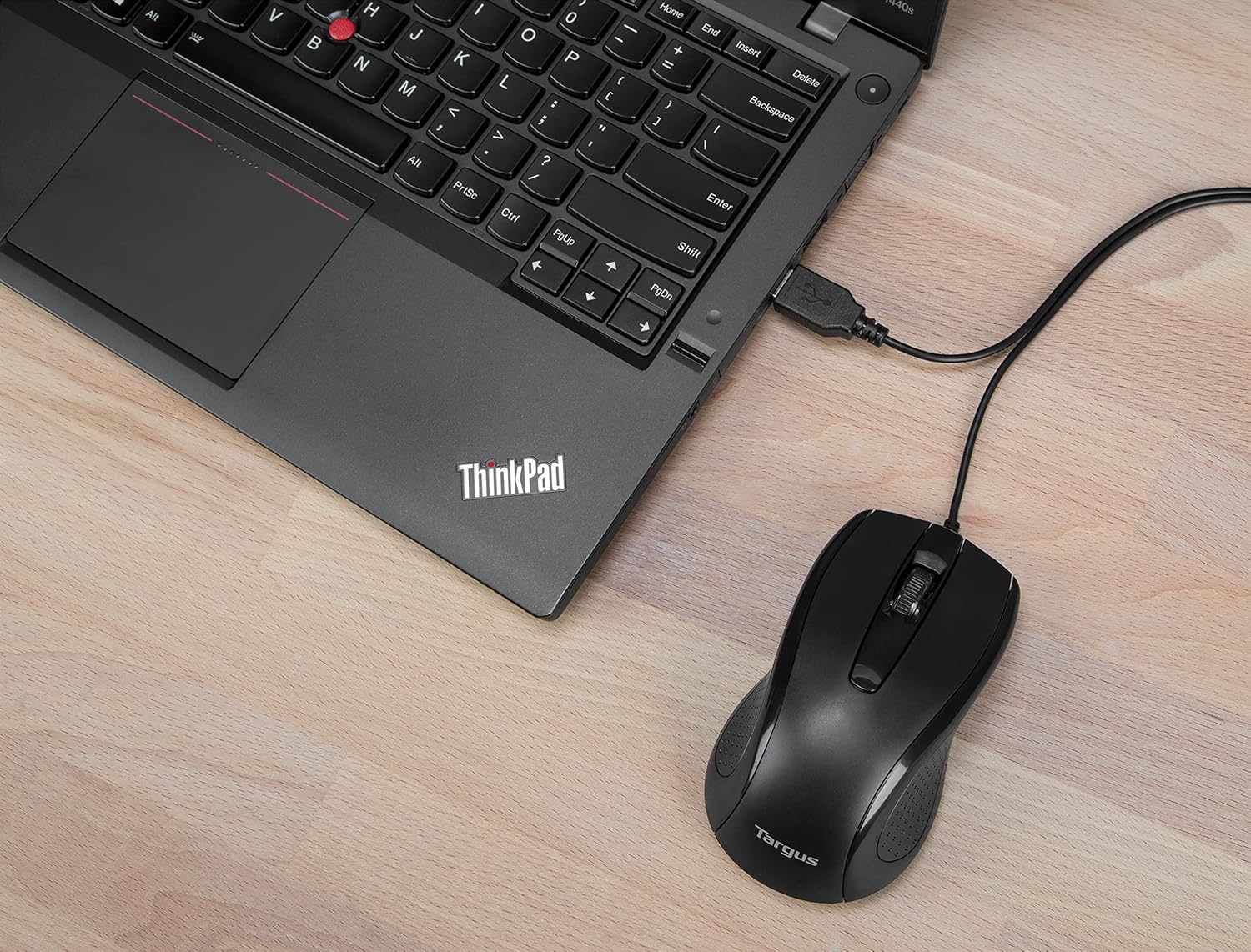
Figura 3: The Targus U660 USB Optical Mouse connected to a laptop via its USB cable.
- Instal·lació del controlador: The Targus U660 is a plug-and-play device. Your operating system (Windows or macOS) will automatically detect and install the necessary drivers. No manual driver installation is typically required.
- A punt per al seu ús: Once the drivers are installed, the mouse is ready for immediate use.
Instruccions de funcionament
The Targus U660 USB Optical Mouse operates like a standard computer mouse.
- Clic esquerre: Press the left button to select items, open applications, or activate functions.
- Clic dret: Premeu el botó dret per obrir menús contextuals o accedir a opcions addicionals.
- Roda de desplaçament: Gireu la roda de desplaçament amunt o avall per navegar pels documents i web pages. The scroll wheel can also be pressed as a middle button for specific functions depending on the application.
- Moviment: Move the mouse across a flat surface to control the cursor on your screen. The 1000 DPI optical sensor provides precise tracking.
Manteniment
Un manteniment adequat garanteix la longevitat i el rendiment òptim del ratolí.
- Neteja: Feu servir un drap suau i sec per netejar l'exterior del ratolí. Per a la brutícia resistent, netegeu lleugeramentamp cloth can be used, ensuring no moisture enters the device. Avoid harsh chemicals or abrasive cleaners.
- Sensor òptic: Mantingueu el sensor òptic de la part inferior del ratolí net i lliure de pols o restes per garantir un seguiment precís.

Figura 4: The underside of the Targus U660 USB Optical Mouse, displaying the optical sensor window and product information.
- Emmagatzematge: Quan no l'utilitzeu, guardeu el ratolí en un entorn net i sec, allunyat de temperatures extremes.
Resolució de problemes
| Problema | Causa possible | Solució |
|---|---|---|
| El ratolí no respon |
|
|
| Moviment erràtic del cursor |
|
|
| Els botons o la roda de desplaçament no funcionen |
|
|
Especificacions
- Nom del model: U660
- Número de peça: AMU660AP
- Connectivitat: USB (per cable)
- Tecnologia del sensor: Òptic
- DPI: 1000 DPI
- Nombre de botons: 3 (Esquerra, Dreta, Clic amb la Roda de Desplaçament)
- Orientació de la mà: Ambidextre
- Longitud del cable: 4.9 peus (1.5 m)
- Pes: Aproximadament 84 g
- Sistemes operatius compatibles: Windows, macOS
- Dispositius compatibles: Ordinador portàtil, ordinador personal
Garantia i Suport
For warranty information and technical support, please refer to the official Targus website or contact Targus customer service. Keep your purchase receipt for warranty claims.
Targus Official Weblloc: www.targus.com


