1. Introducció
Thank you for choosing SIMOLIO Kids Bluetooth Headphones. These headphones are designed with children's hearing safety in mind, featuring multiple volume limiting levels and a comfortable, durable design. This manual provides detailed instructions for setup, operation, and maintenance to ensure optimal performance and longevity of your headphones.
2. Característiques clau
- Protecció auditiva: Exclusive 3-level volume limiter (75dB/85dB/94dB) suitable for toddlers, kids, and adults.
- Connectivitat de mode dual: Supports both wireless Bluetooth and wired 3.5mm audio connections.
- Micròfon integrat: Enables hands-free calling in Bluetooth mode.
- Port de compartició: Allows daisy-chaining another headphone for shared listening.
- Llarga vida útil de la bateria: Up to 15 hours of music/talk time in wireless mode.
- Confort i durabilitat: Adjustable headband with memory stainless steel strips and soft noise-isolating memory foam earmuffs.
- Disseny portàtil: Foldable design with an included hard EVA carrying case for easy storage and travel.

Image: SIMOLIO Kids Bluetooth Headphones in grey, shown with charging cable, AUX cable, and hard EVA carrying case.
3. Què hi ha a la caixa
En obrir el paquet, comproveu que hi hagi tots els elements següents:
- SIMOLIO Kids Bluetooth Headphones (Model: JH-712)
- Cable de càrrega USB
- Cable d'àudio AUX de 3.5 mm
- Hard EVA Carrying Case
- Manual d'usuari (aquest document)
4. Guia de configuració
4.1 Càrrega dels auriculars
Before first use, fully charge the headphones. A full charge takes approximately 2-3 hours.
- Connect the small end of the USB charging cable to the charging port on the headphone.
- Connecteu l'extrem més gran del cable de càrrega USB a un adaptador de corrent USB (no inclòs) o al port USB d'un ordinador.
- The LED indicator light will turn red during charging and turn off when fully charged.
4.2 Adjusting Volume Limit
The headphones feature a 3-level volume limiter to protect hearing. The switch is located on the left earcup.
- 75 dB: Toddler Mode (lowest volume, recommended for very young children).
- 85 dB: Kids Mode (standard safe listening level for most children).
- 94 dB: Travel Mode (higher volume for noisy environments, suitable for older children/adults).

Image: Close-up of the headphone earcup highlighting the 3-level volume limit switch (75dB, 85dB, 94dB).
5. Instruccions de funcionament
5.1 Wireless (Bluetooth) Mode
- Encès: Press and hold the Multi-function Button (MFB) for 3 seconds until the LED indicator flashes blue.
- Maridatge: The headphones will automatically enter pairing mode (LED flashes red and blue alternately).
- Connectar: On your device (smartphone, tablet, laptop), enable Bluetooth and select "SIMOLIO JH-712" from the list of available devices. The LED will turn solid blue when connected.
- Controls:
- Press MFB once to Play/Pause music or Answer/End calls.
- Press MFB twice to Redial last number.
- Press MFB three times to activate voice assistant (Siri, Google Assistant).
- Press Volume + to increase volume.
- Press Volume - to decrease volume.
- Press Next Track button to skip to the next song.
- Press Previous Track button to go to the previous song.
- Apagar: Press and hold the MFB for 3 seconds until the LED indicator turns red and then off.

Image: A child wearing SIMOLIO headphones while using a laptop, illustrating the "Safe Volume Limited" feature in a study environment.

Image: Two children demonstrating wireless and wired modes. One child uses headphones wirelessly with a laptop, the other uses them wired with a smartphone. Note: Microphone only works in Bluetooth mode.
5.2 Mode amb cable
The headphones can be used as wired headphones even if the battery is depleted.
- Insert one end of the 3.5mm AUX audio cable into the audio input port on the headphone.
- Insert the other end of the 3.5mm AUX audio cable into the audio output jack of your device (e.g., tablet, phone, computer).
- In wired mode, the headphone's battery is not used, and the volume limiting feature remains active. Note that the built-in microphone will not function in wired mode.
5.3 Share Port Function
The share port allows multiple headphones to listen to the same audio source.
- Connect the first SIMOLIO headphone to your device via Bluetooth (wireless) or AUX cable (wired).
- Connect one end of a 3.5mm AUX audio cable to the share port on the first headphone.
- Connect the other end of the 3.5mm AUX audio cable to the audio input port of a second headphone.
- Both headphones will now play audio from the same source.
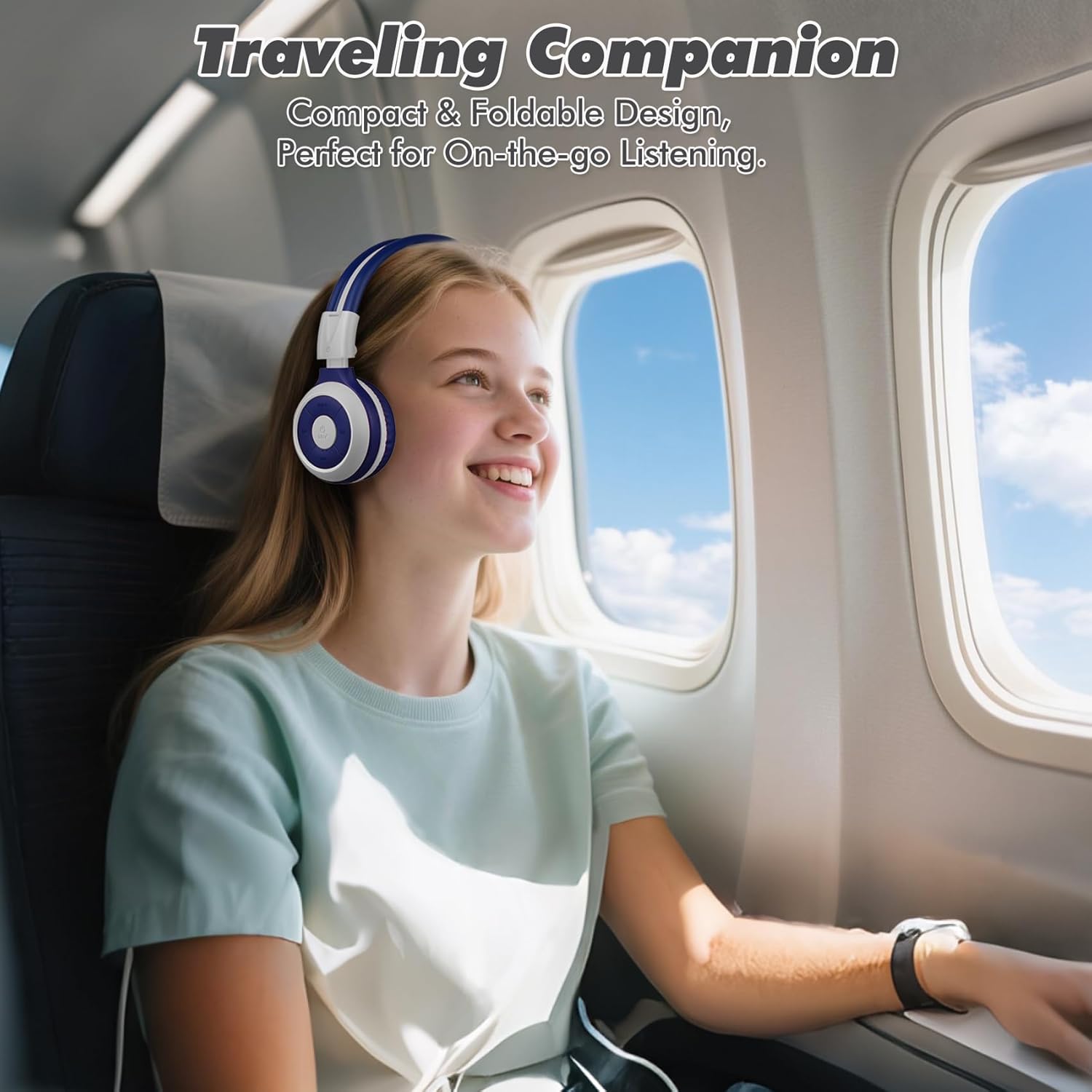
Image: A child comfortably wearing SIMOLIO headphones on an airplane, highlighting the compact and foldable design for travel.
6. Manteniment i cura
- Neteja: Feu servir un drap suau i sec per netejar els auriculars. No utilitzeu productes de neteja abrasius ni dissolvents.
- Emmagatzematge: When not in use, fold the headphones and store them in the provided hard EVA carrying case to protect them from dust and damage.
- Temperatura: Eviteu exposar els auriculars a temperatures extremes (calor o fred) o a una humitat elevada.
- Exposició a l'aigua: These headphones are not waterproof. Avoid contact with water or other liquids.
- Manipulació: Do not bend the headband hinge excessively. While durable, improper force can cause damage.

Image: Diagram illustrating the flexibility of the headband with memory elastic metal strips, showing how it can be remoulded to fit the user's head. Important note: Do not bend the hinge.
7. Solució De Problemes
| Problema | Causa possible | Solució |
|---|---|---|
| Els auriculars no s'engeguen. | La bateria està baixa o esgotada. | Carregueu completament els auriculars amb el cable USB proporcionat. |
| No es pot emparellar per Bluetooth. | Auriculars no en mode d'emparellament; Bluetooth del dispositiu desactivat; massa lluny del dispositiu. | Ensure headphones are in pairing mode (flashing red/blue). Turn device Bluetooth off/on. Move headphones closer to device (within 10 meters). |
| No hi ha so en mode sense fil. | Volum massa baix; no connectat; sortida d'àudio incorrecta seleccionada al dispositiu. | Increase headphone and device volume. Ensure headphones are successfully paired. Check device's audio output settings. |
| No hi ha so en mode amb cable. | AUX cable not fully inserted; cable damaged; device audio jack issue. | Ensure AUX cable is fully inserted into both headphone and device. Try a different AUX cable. Test with another device. |
| El micròfon no funciona. | Headphones in wired mode; device microphone settings. | The microphone only functions in Bluetooth mode. Ensure headphones are connected wirelessly. Check device's microphone privacy settings. |
8. Especificacions
| Característica | Detall |
|---|---|
| Nom del model | Kids Wireless Bluetooth Headphones JH-712G |
| Tecnologia de connectivitat | Sense fil (Bluetooth), amb cable (AUX de 3.5 mm) |
| Interval Bluetooth | 10 metres (33 peus) |
| Durada de la bateria | Up to 15 Hours (wireless mode) |
| Mida del controlador d'àudio | 40 mil·límetres |
| Volume Limiting Levels | 75 dB, 85 dB, 94 dB |
| Material | Acrilonitril butadiè estirè (ABS) |
| Dimensions del producte | 5.51 x 3.15 x 5.31 polzades |
| Pes de l'article | 13.4 unces |
| Components inclosos | Charging Cable, AUX Cable, User Manual, Carrying EVA Case |
9. Garantia i Suport
SIMOLIO provides a 12-month hassle-free warranty for these headphones. For any product-related inquiries, technical support, or warranty claims, please contact SIMOLIO customer service through the following channels:
- Correu electrònic: Refer to the contact information provided on the product packaging or SIMOLIO official weblloc.
- Assistència en línia: Visit the SIMOLIO Store on Amazon: SIMOLIO Store
Please have your model number (JH-712) and purchase date ready when contacting support.


