1. Introducció
Thank you for choosing the SIMOLIO JH-712 Kids Bluetooth Headphones. These headphones are designed with children's safety and comfort in mind, featuring a 3-level volume limiter to protect sensitive ears. They offer both wireless Bluetooth connectivity and a wired option, along with a built-in microphone for calls and a share port for shared listening. The foldable design and durable construction make them ideal for various activities, including school, travel, and everyday use.
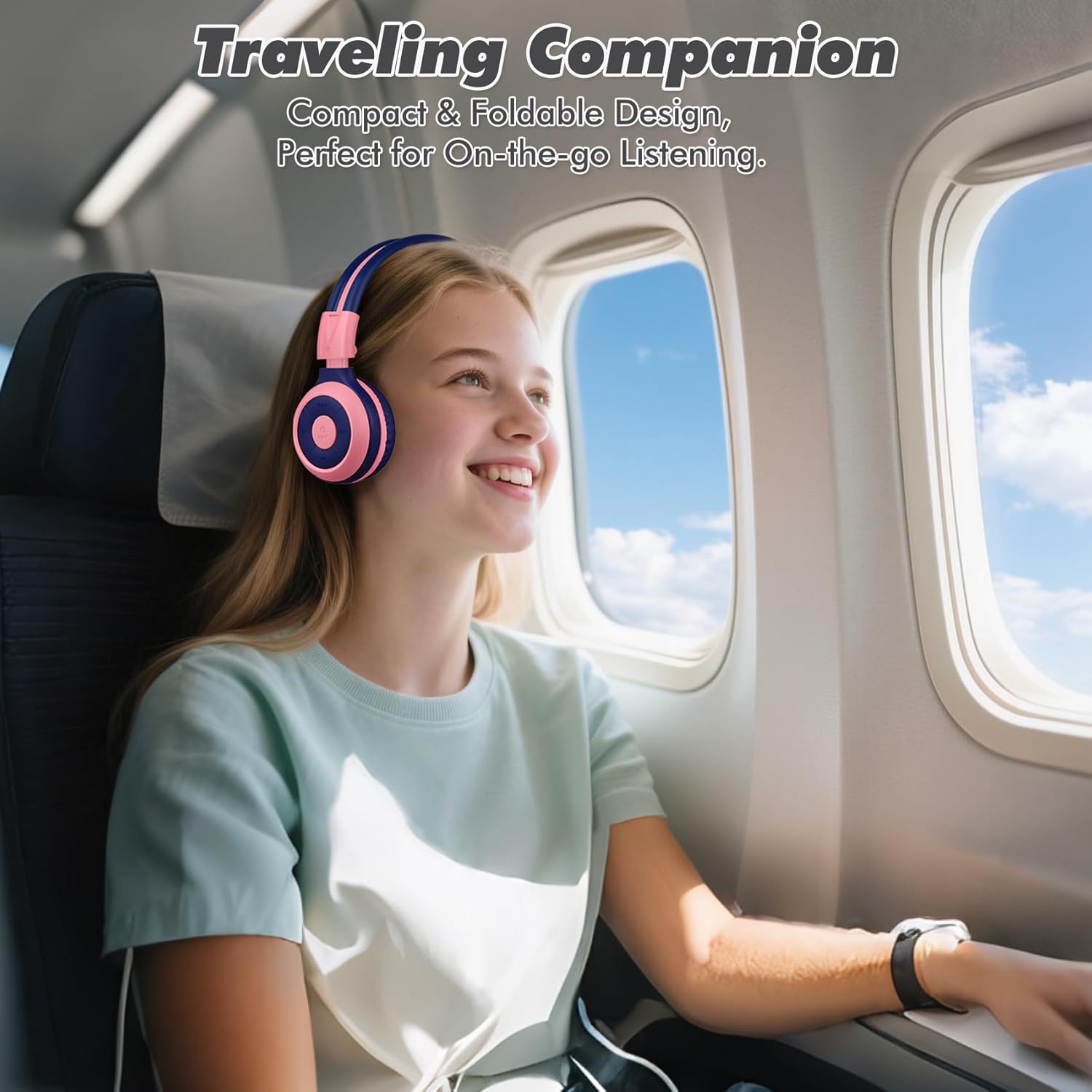
Image: The SIMOLIO JH-712 headphones are a perfect travel companion due to their compact and foldable design.
2. Què hi ha a la caixa
Si us plau, comproveu el contingut del paquet per assegurar-vos que hi hagi tots els elements:
- SIMOLIO JH-712 Kids Bluetooth Headphones
- Maleta de transport EVA
- Cable de càrrega USB
- Cable d'àudio de 3.5 mm
- Manual d'usuari (aquest document)
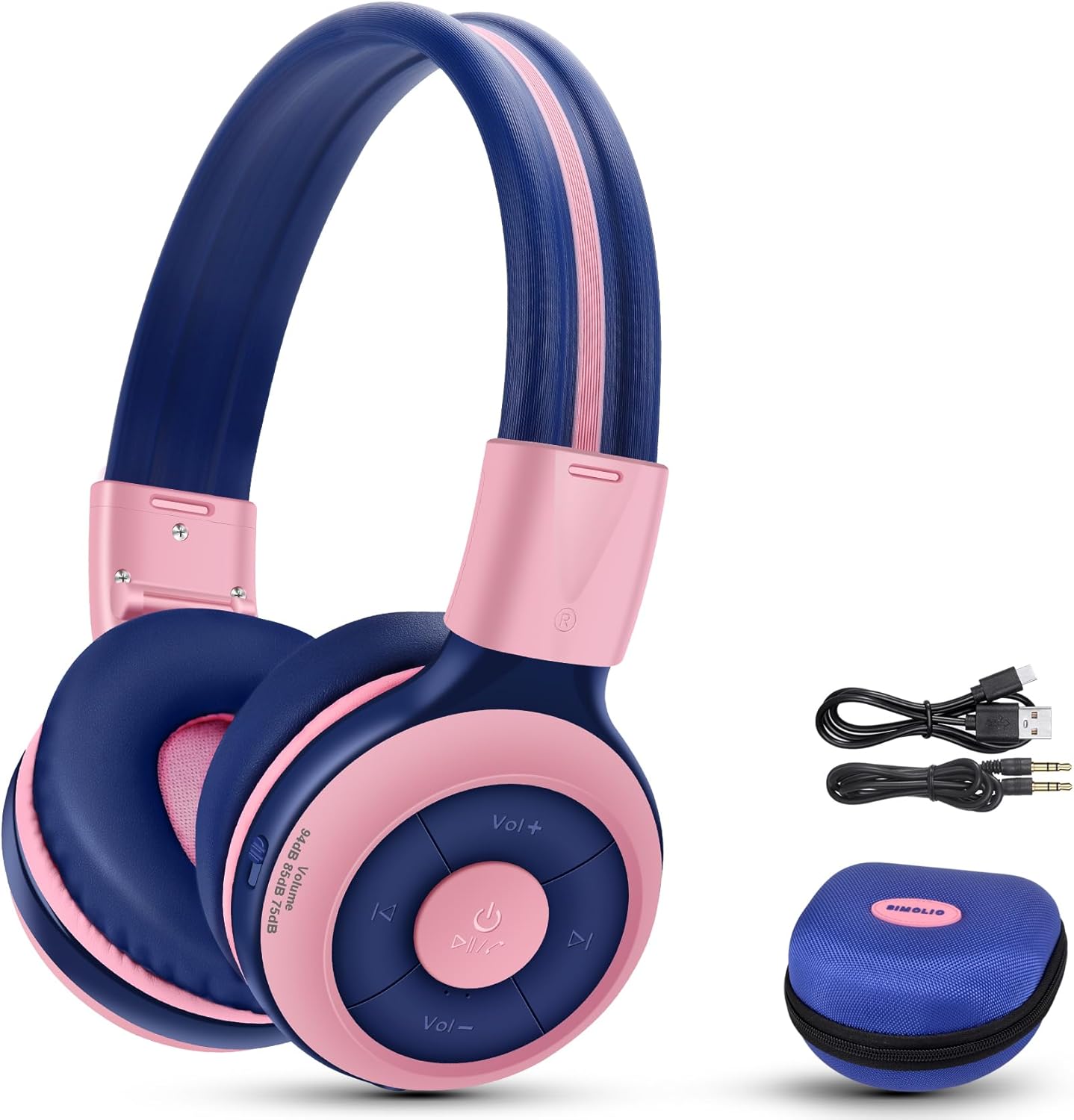
Image: Contents of the SIMOLIO JH-712 headphone package, including the headphones, cables, and EVA case.
3. Producte acabatview
The SIMOLIO JH-712 headphones feature a robust and comfortable design. Key components include:
- Diadema ajustable: Made with memory stainless steel strips for durability and flexibility, allowing for a custom fit.
- Coixins tous per a les orelles: Over-ear design with memory foam earmuffs provides comfort and helps isolate external noise.
- Botons de control: Located on the earcup for power, volume, playback, and call management.
- Micròfon integrat: For hands-free calling and online learning.
- Port d'àudio de 3.5 mm: Per a connexió amb cable.
- Port de càrrega: Per recarregar la bateria interna.
- Port de compartició: Allows another headphone to daisy-chain for shared audio.
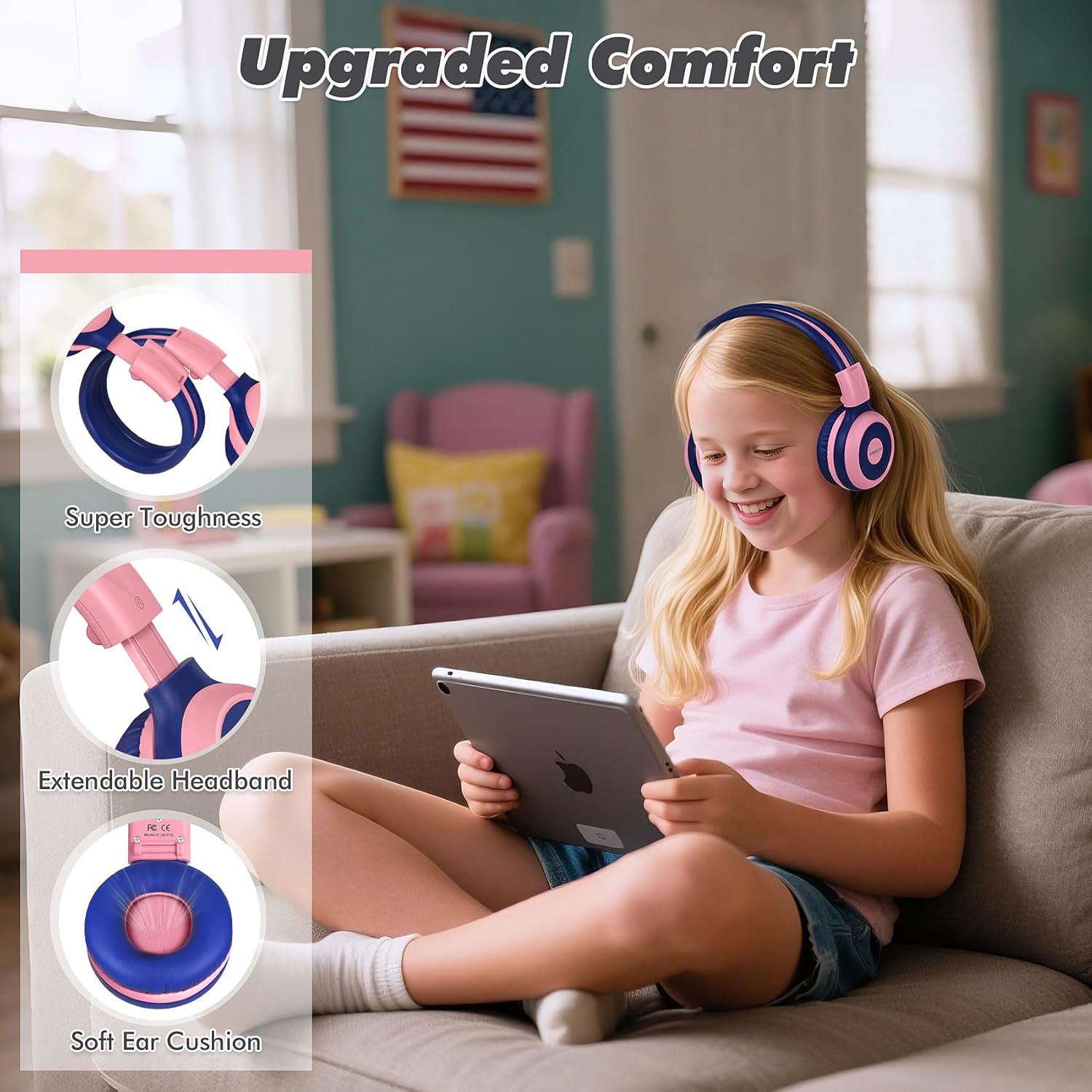
Image: Features highlighting the upgraded comfort, including super toughness, extendable headband, and soft ear cushions.

Image: Ergonomic design details showing soft earcups, adjustable and sturdy headband, and foldable functionality.
4. Configuració
4.1 Càrrega dels auriculars
Abans del primer ús, carregueu completament els auriculars. Una càrrega completa triga aproximadament 3 hores.
- Connecteu el cable de càrrega USB al port de càrrega dels auriculars.
- Connecteu l'altre extrem del cable USB a una font d'alimentació USB compatible (per exemple, un port USB de l'ordinador, un adaptador de paret).
- The LED indicator will show charging status (refer to the LED indicator section in the full manual for details).
- Un cop estigui completament carregat, desconnecteu el cable de càrrega.
4.2 Vinculació Bluetooth
To connect your headphones wirelessly via Bluetooth:
- Assegureu-vos que els auriculars estiguin apagats.
- Premeu i manteniu premut el botó d'engegada fins que l'indicador LED parpellegi en blau i vermell, cosa que indica el mode d'emparellament.
- Al dispositiu (telèfon intel·ligent, tauleta, ordinador), activeu el Bluetooth i cerqueu els dispositius disponibles.
- Select "SIMOLIO JH-712" from the list of devices.
- Un cop connectat, l'indicador LED normalment mostrarà una llum blava fixa o parpellejarà lentament.
4.3 Mode amb cable
You can use the headphones in wired mode when the battery is low or with devices that do not support Bluetooth.
- Connecteu un extrem del cable d'àudio de 3.5 mm al port d'àudio dels auriculars.
- Connecteu l'altre extrem al connector d'àudio de 3.5 mm del dispositiu.
- Els auriculars canviaran automàticament al mode amb cable.
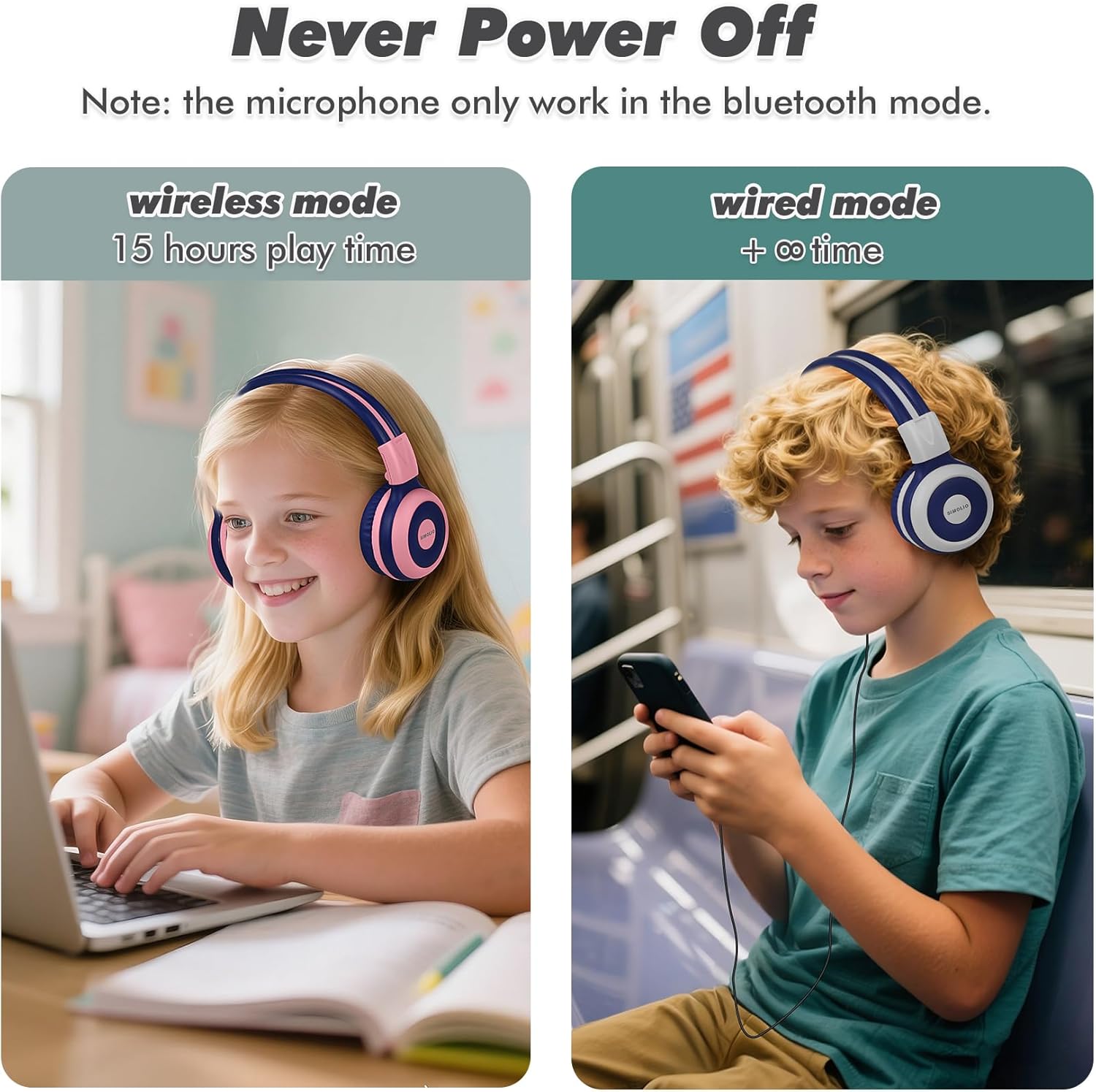
Image: Illustration of wireless mode with 15 hours play time and wired mode for continuous use.
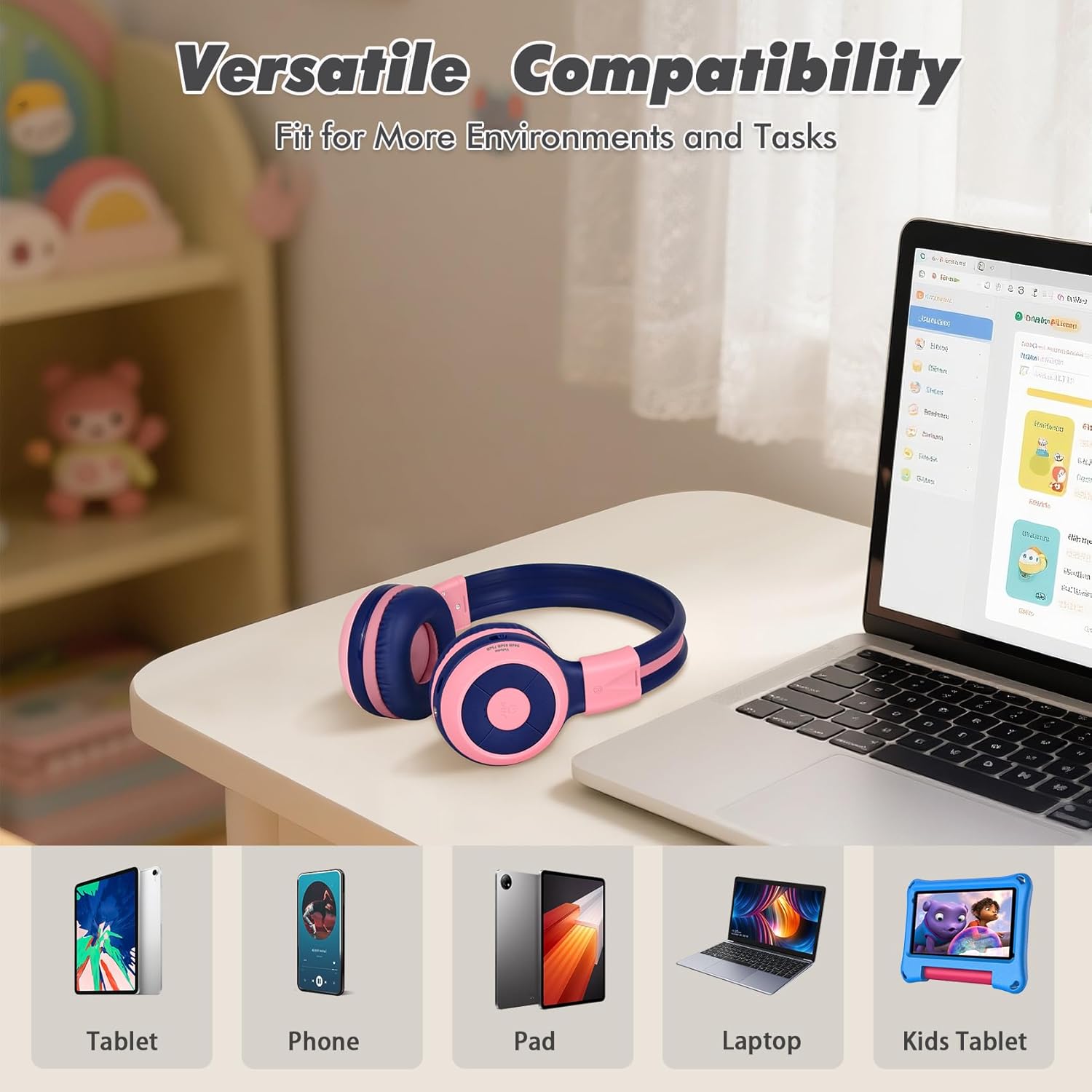
Image: Versatile compatibility with various devices including tablets, phones, iPads, laptops, and kids' tablets.
5. Instruccions de funcionament
5.1 Encès/Apagat
- Encès: Premeu i manteniu premut el botó d'engegada durant aproximadament 3 segons fins que l'indicador LED s'encengui.
- Apagar: Premeu i manteniu premut el botó d'engegada durant aproximadament 3 segons fins que l'indicador LED s'apagui.
5.2 Volume Control and Limiter
The headphones feature a unique 3-level volume limiter to protect hearing:
- 75dB (Toddler Mode): For very young children.
- 85dB (Mode d'estudi): Suitable for general listening and study.
- 94dB (mode de viatge): For noisier environments, providing a slightly higher but still safe volume.
Use the dedicated switch on the earcup to select the desired volume limit. Adjust the listening volume using the Vol+ and Vol- buttons.
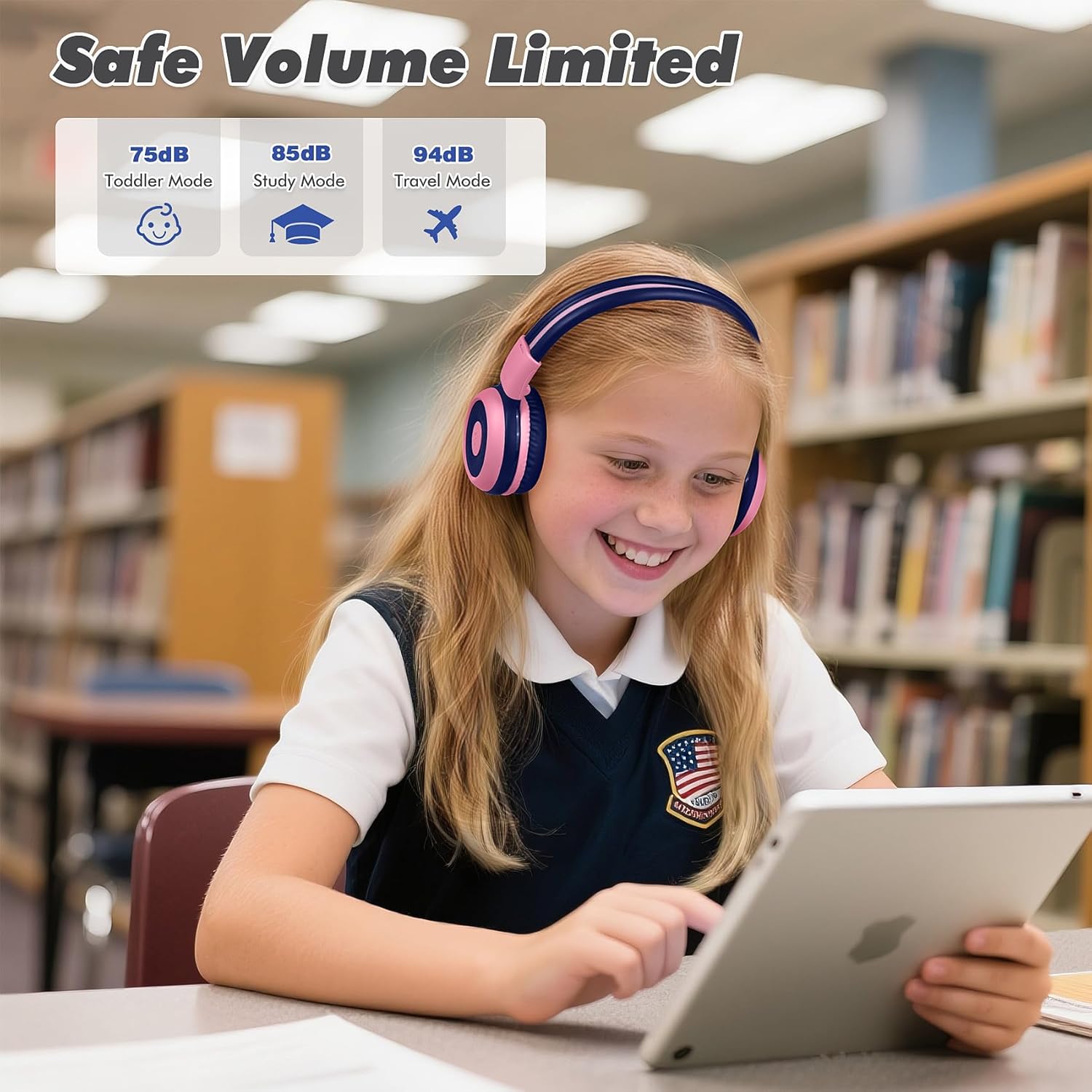
Image: Safe Volume Limited feature with three distinct modes for different age groups and environments.

Imatge: Detallada view of the 3-level volume limiter switch for kids' hearing protection.
5.3 Reproducció de música
- Reproduir/pausa: Premeu el botó Reproduir/Pausa una vegada.
- Pista següent: Premeu el botó Pista següent una vegada.
- Pista anterior: Premeu el botó Pista anterior una vegada.
5.4 Gestió de trucades
El micròfon integrat permet fer trucades amb mans lliures quan es connecta via Bluetooth.
- Respondre/Finalitzar la trucada: Premeu el botó Reproduir/Pausa una vegada.
- Rebutja la trucada: Premeu i manteniu premut el botó Reproduir/Pausa durant aproximadament 2 segons.

Image: Crystal-clear calls and online learning anytime with the built-in HD microphone.
5.5 Share Port Function
The unique share port allows two headphones to listen to the same audio source simultaneously.
- Connect the first headphone wirelessly to your device.
- Connect one end of the 3.5mm audio cable to the share port of the first headphone.
- Connect the other end of the 3.5mm audio cable to the audio input of a second headphone.
- Ara tots dos auriculars rebran àudio de la mateixa font.

Image: Double the fun with one device and two listeners using the unique sharing port.
6. Manteniment
Una cura adequada allargarà la vida útil dels vostres auriculars.
- Neteja: Feu servir un drap suau i sec per netejar els auriculars. No utilitzeu netejadors líquids ni aerosols.
- Emmagatzematge: When not in use, store the headphones in the provided EVA carrying case to protect them from dust and damage. The foldable design makes storage compact.
- Eviteu condicions extremes: No exposeu els auriculars a temperatures extremes, humitat ni llum solar directa.
- Resistència a l'aigua: These headphones are not water resistant. Avoid contact with liquids.

Image: Folding the headphones and storing them in the hard EVA case for space-saving and easy carrying.
7. Solució De Problemes
If you encounter issues with your SIMOLIO JH-712 headphones, please refer to the following common solutions:
| Problema | Possible solució |
|---|---|
| Els auriculars no s'encenen | Assegureu-vos que els auriculars estiguin completament carregats. Connecteu-los a una font d'alimentació i torneu-ho a provar. |
| No es pot emparellar per Bluetooth | Make sure headphones are in pairing mode (flashing blue/red LED). Turn off and on your device's Bluetooth. Ensure headphones are not connected to another device. |
| No hi ha so en mode sense fil | Check if the headphones are successfully paired and connected. Adjust the volume on both the headphones and your device. Ensure the volume limiter switch is not set too low. |
| No hi ha so en mode amb cable | Ensure the 3.5mm audio cable is securely connected to both the headphones and your device. Test with a different audio cable if available. |
| El micròfon no funciona | The microphone only works in Bluetooth mode. Ensure headphones are connected via Bluetooth and selected as the input device on your system settings. |
| El so és massa baix | Check the 3-level volume limiter switch on the headphones and adjust it to a higher setting (e.g., 85dB or 94dB). Increase volume on both the headphones and the connected device. |
8. Especificacions
Detailed technical specifications for the SIMOLIO JH-712 Kids Bluetooth Headphones:
- Nom del model: Kids Wireless Bluetooth Headphones JH-712P
- Tecnologia de connectivitat: Sense fil (Bluetooth), amb cable (connector de 3.5 mm)
- Versió Bluetooth: 5.0
- Rang Bluetooth: 10 metres (33 peus)
- Tipus de controlador d'àudio: Conductor dinàmic
- Mida del controlador d'àudio: 40 mil·límetres
- Impedància: 32 ohms
- Control de soroll: Aïllament acústic
- Durada de la bateria: Up to 15 Hours (wireless mode)
- Temps de càrrega: Aproximadament 3 hores
- Tipus de control: Control multimèdia, botó
- Característiques especials: Adjustable Headband, Foldable, Built-in Microphone, Noise Isolation, 3-level Volume Limiter (75dB/85dB/94dB), Share Port
- Material: Stainless Steel (headband), Memory Foam (earmuffs), EVA (case)
- Pes de l'article: 9.2 unces (260 grams)
- Dimensions del producte: 5.51 x 3.15 x 5.31 polzades
- Nivell de resistència a l'aigua: No resistent a l'aigua
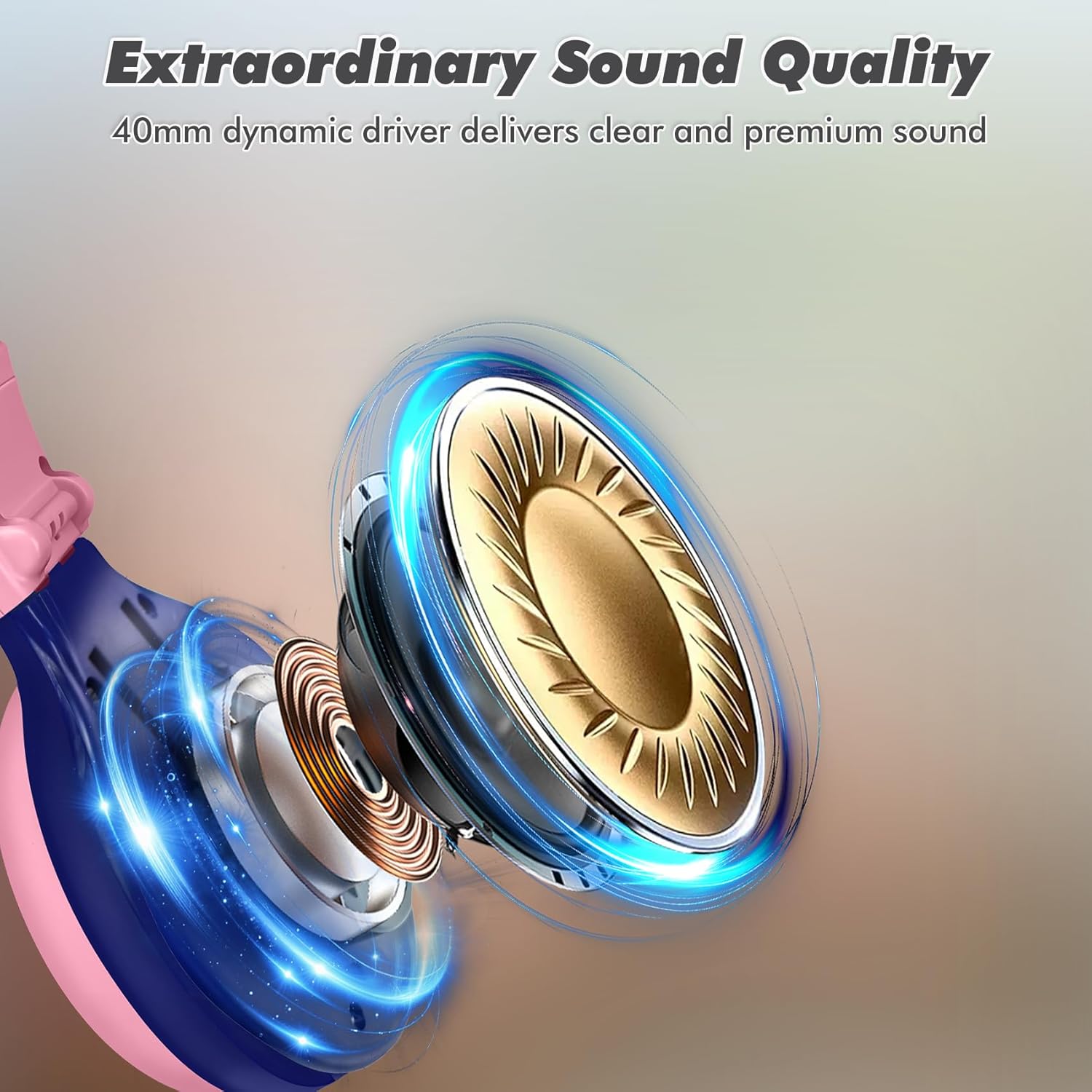
Image: Illustration of the 40mm dynamic driver, delivering clear and premium sound quality.
9. Garantia i assistència
SIMOLIO provides a Garantia de 12 mesos sense problemes for the JH-712 Kids Bluetooth Headphones.
If you have any questions, concerns, or require technical assistance, please contact SIMOLIO customer service. Contact information can typically be found on the official SIMOLIO weblloc web o a través de la vostra plataforma de compra.
Per obtenir més assistència i informació sobre el producte, podeu visitar la SIMOLIO Store on Amazon.
10. Vídeo del producte
Watch this official product video for a visual guide to the SIMOLIO Kids Bluetooth Headphones JH-712.
Video: SIMOLIO Kids Bluetooth Headphones with Mic JH-712. This video demonstrates the features and usage of the headphones.


