1. Introducció
Welcome to the user manual for your new TCL 55S525 55-inch Class 5-Series 4K UHD Dolby Vision HDR Roku Smart TV. This guide provides essential information for setting up, operating, maintaining, and troubleshooting your television to ensure optimal performance and enjoyment.
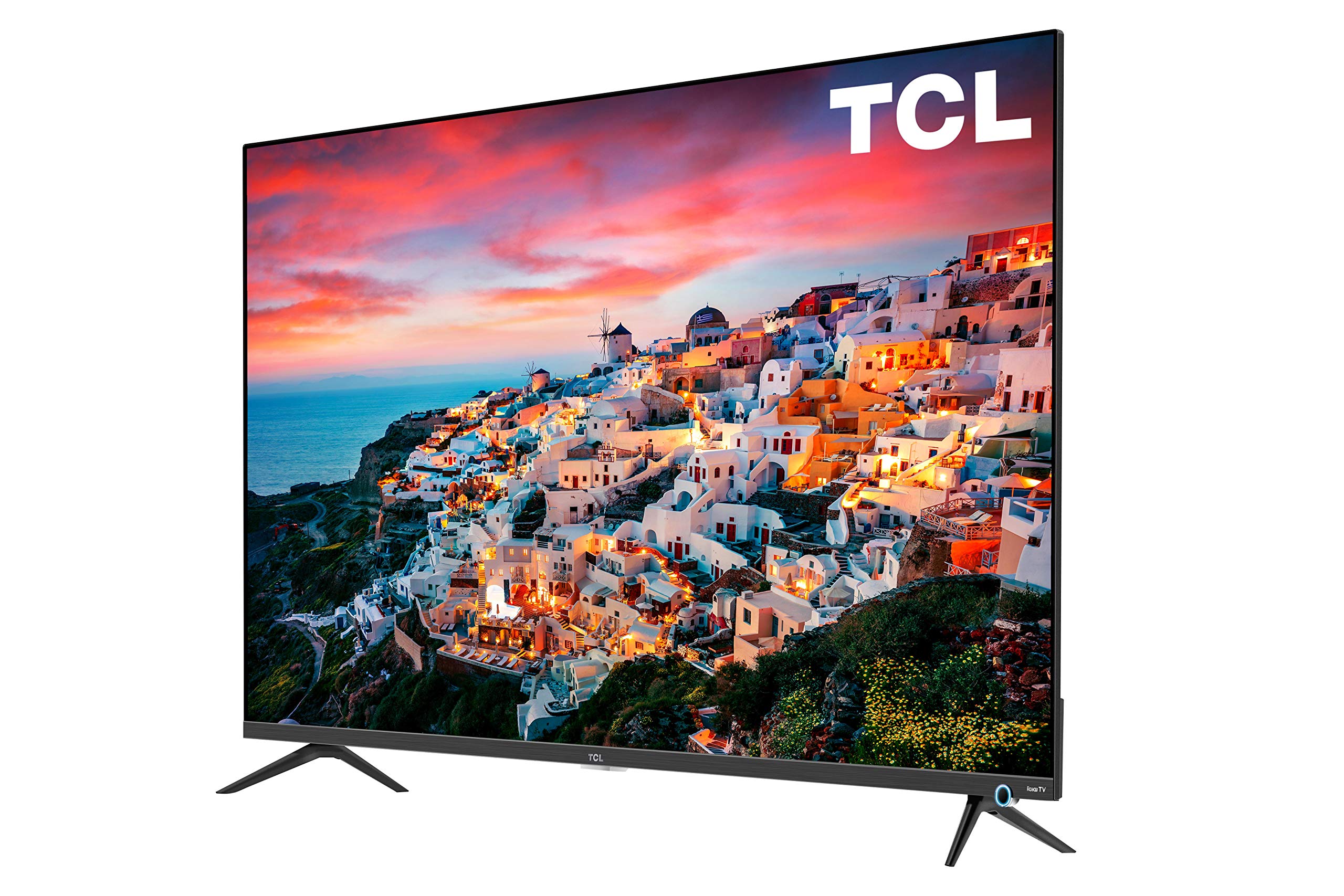
Image: The TCL 55S525 55-inch 4K UHD Roku Smart TV displayed on a media console in a modern living room.
2. Configuració
2.1 Desembalatge i col·locació inicial
Traieu amb cura el televisor del seu embalatge. Col·loqueu el televisor sobre una superfície estable i plana o prepareu-lo per muntar-lo a la paret. Assegureu-vos que hi hagi una ventilació adequada al voltant del televisor.
2.2 Attaching the Stand (Optional)
If you choose not to wall mount, attach the included stands to the bottom of the TV using the provided screws. Refer to the quick start guide for detailed instructions on stand attachment.
2.3 Connexió de dispositius
Your TCL Roku TV offers multiple connectivity options:
- Entrades HDMI: 4 HDMI 2.0 ports with HDCP 2.2 (one with HDMI ARC) for connecting devices like gaming consoles, Blu-ray players, or cable boxes.
- Entrada USB: 1 USB port for media playback.
- Altres entrades: RF (Antenna/Cable), Composite, Headphone Jack, Optical Audio Out, Ethernet.
Connect your desired devices to the appropriate ports on the back or side of the TV.

Imatge: Una imatge detallada view of the side-mounted input ports on the TCL 55S525 TV, including HDMI, USB, and other audio/video connections.
2.4 Power On and Network Connection
Plug the power cord into an electrical outlet. Press the power button on the remote control. Follow the on-screen instructions to connect your TV to your home Wi-Fi network. A stable internet connection is essential for Roku Smart TV features.
Video: An official TCL video demonstrating the unboxing, setup, and initial impressions of a TCL 5-Series 4K UHD TV, including stand attachment and basic connectivity.
3. Funcionament del televisor
3.1 Roku Smart Platform
Your TCL TV features the award-winning Roku TV smart platform, providing access to thousands of streaming channels and over 500,000 movies and TV episodes. The intuitive interface makes navigation simple.
- Pantalla d'inici: Access all your streaming channels, connected devices, and settings from a single, customizable home screen.
- Canals de transmissió en temps real: Popular apps like Netflix, Prime Video, Hulu, Disney+, YouTube, Spotify, and many more are available.
- TV en directe: Access live television through compatible apps or an antenna connected to the RF input.
Video: An official TCL video showcasing the features and user interface of the TCL Class 5-Series 4K UHD Dolby Vision HDR Roku Smart TV, highlighting its smart capabilities and app selection.
3.2 Control remot
The included remote control provides easy access to all TV functions. It features dedicated buttons for popular streaming services for quick access.
- Navegació: Use the directional pad to navigate menus and select options.
- Control de veu: Some Roku remotes include voice control for searching content or controlling playback.
- Botons d'accés ràpid: Dedicated buttons for Netflix, Disney+, Hulu, and Sling provide instant access to these services.
3.3 Configuració d'imatge i so
Personalitza el teu viewexperiència de visualització a través del menú de configuració del televisor:
- Modes d'imatge: Select from various preset picture modes (e.g., Movie, Sports, Vivid) or customize settings like brightness, contrast, and color.
- Dolby Vision HDR: Experience superior 4K UHD picture clarity with enhanced contrast, color, and detail.
- Configuració d'àudio: Adjust volume, sound mode, and other audio preferences.
- Auto Game Mode: Automatically enhances performance for gaming by offering smoother action, lower latency, and optimized picture settings.
Video: An official TCL video discussing the features of the TCL 5-Series, including its 4K HDR capabilities and suitability for gaming, providing insights into picture quality and performance.
4. Manteniment
4.1 Neteja de la pantalla
To clean the TV screen, gently wipe it with a soft, dry, lint-free cloth. For stubborn marks, lightly dampen the cloth with water or a screen-cleaning solution specifically designed for TVs. Avoid using harsh chemicals or abrasive materials.
4.2 Neteja exterior
Wipe the TV's exterior surfaces with a soft, dry cloth. Do not use liquid cleaners directly on the TV to prevent damage to internal components.
4.3 Actualitzacions de programari
Your Roku TV will automatically check for and install software updates when connected to the internet. Ensure your TV remains connected to Wi-Fi to receive the latest features and performance improvements.
5. Solució De Problemes
5.1 No Picture/No Signal
- Ensure the TV is powered on and the correct input source is selected.
- Check all cable connections (HDMI, RF, etc.) to ensure they are secure.
- Verify that connected devices are powered on and functioning correctly.
5.2 Remote Control Issues
- Substituïu les piles del comandament a distància.
- Assegureu-vos que no hi hagi obstacles entre el comandament a distància i el sensor d'infrarojos del televisor.
- If the remote is a Wi-Fi direct remote, try re-pairing it according to the Roku TV instructions.
5.3 Problemes de connectivitat de xarxa
- Reinicieu el vostre encaminador i mòdem Wi-Fi.
- Check the TV's network settings to ensure it's connected to the correct network and the signal strength is adequate.
- If issues persist, try connecting the TV via an Ethernet cable.
6. Especificacions
| Característica | Descripció |
|---|---|
| Marca | TCL |
| Número de model | 55S525 |
| Mida de la pantalla | 55 polzades |
| Tecnologia de visualització | LED |
| Resolució | 4K Ultra HD (3840 x 2160) |
| Suport HDR | Dolby Vision HDR |
| Freqüència d'actualització | 120 Hz |
| Plataforma Smart TV | Roku TV |
| Entrades | 4 HDMI 2.0 (HDCP 2.2, 1 ARC), 1 USB, RF, Composite, Headphone Jack, Optical Audio Out, Ethernet |
| Tecnologia de connectivitat | HDMI, Wi-Fi |
| Dimensions del producte (amb suport) | 48.4" d'amplada x 30.6" d'alçada x 10.0" de profunditat |
| Dimensions del producte (sense suport) | 48.4" d'amplada x 28.1" d'alçada x 3.0" de profunditat |
| Pes de l'article | 39.8 lliures |
| Característiques especials | Flat, Auto Game Mode |
| Components inclosos | Remote, Stand |
7. Garantia i Suport
For warranty information and customer support, please refer to the warranty card included with your product or visit the official TCL support weblloc web. També podeu trobar recursos addicionals i preguntes freqüents en línia.


