1. Introducció
Welcome to the FIYAPOO VR1 Virtual Reality Headset. This device is designed to provide an immersive virtual reality experience using your compatible smartphone. Please read this manual carefully to ensure proper setup and optimal use of your VR headset.

Image 1.1: The FIYAPOO VR1 Virtual Reality Headset.
2. Contingut del paquet
Si us plau, verifiqueu que tots els elements següents estiguin inclosos al vostre paquet:
- FIYAPOO VR Headset x 1
- Manual d'usuari x 1
- Wipe Cloth x 1
- Adjustable Headstrap (pre-attached or separate)

Image 2.1: Contents of the FIYAPOO VR1 package, including the headset, manual, and cleaning cloth.
3. Característiques del producte
The FIYAPOO VR1 Headset offers several features designed to enhance your virtual reality experience:
- Immersive 3D VR View: Ofereix un ampli camp de view for an engaging virtual reality experience.
- Anti-Blue Light HD Lenses: Equipped with eye-protected lenses designed for clarity and to reduce eye strain.
- Disseny ergonòmic: Features T-shaped adjustable straps to distribute weight and reduce pressure around your eyes, face, and head for comfortable use.
- Wide Smartphone Compatibility: Supports smartphones with screen sizes ranging from 4.7 to 6.53 inches, including various iPhone and Android models.
- Lents ajustables: Allows for independent adjustment of object distance (focus) and interpupillary distance (distance between lenses) to optimize visual clarity for individual users.
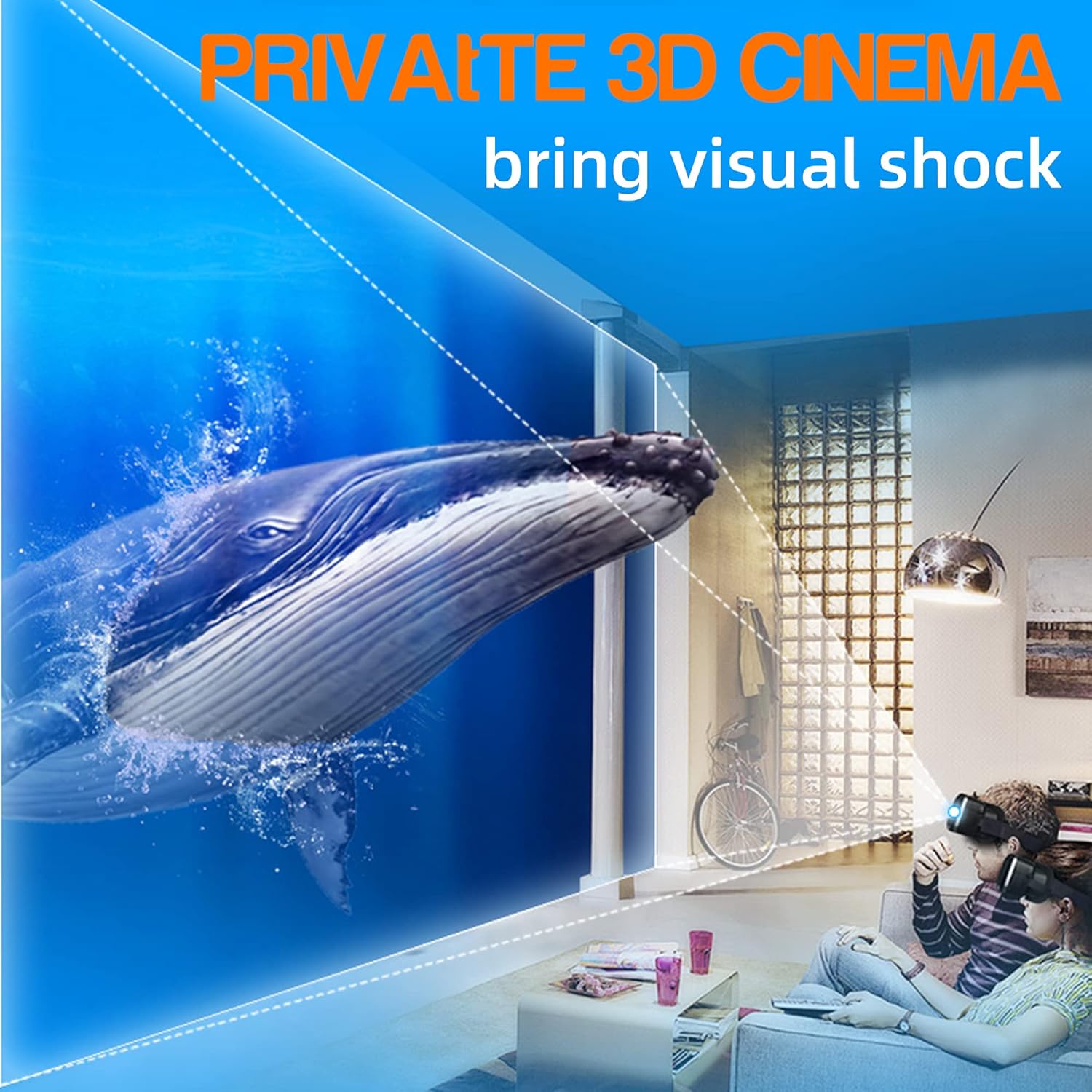
Image 3.1: Illustration of an immersive 3D cinema experience provided by the VR headset.

Image 3.2: Depiction of a large screen cinema effect achievable with the VR headset at home.

Image 3.3: Diagram illustrating the anti-blue light lens technology used in the headset.
4. Instruccions de configuració
- Desembalatge: Carefully remove the FIYAPOO VR1 Headset and all accessories from its packaging.
- Smartphone Insertion:
Open the front cover of the VR headset. Securely place your smartphone into the designated holder. Ensure the phone is centered for optimal viewing. The headset supports smartphones with screen sizes between 4.7 and 6.53 inches.

Image 4.1: Illustration of compatible smartphone sizes and how to insert a smartphone into the headset.
- Headstrap Adjustment:
Place the headset on your head. Adjust the T-shaped headstraps to achieve a comfortable and secure fit. It is recommended to adjust the headband to provide upward strength to reduce pressure on the nose during use.

Image 4.2: The VR headset worn on a head, demonstrating the ergonomic design and adjustable straps.
- Lens Protective Film: Before first use, carefully check for and remove any protective film present on the lenses. This film can significantly impair visual clarity.
- Neteja de lents: Use the provided soft wipe cloth to gently clean the lenses before each use to ensure a clear and optimal viewexperiència.
5. Instruccions de funcionament
- Selecció de contingut: On your smartphone, open a VR-compatible application or select a high-definition VR video. For the best experience, choose content with 4K resolution if available. The clarity of your VR experience is directly influenced by your phone's screen resolution and the quality of the video content.
- Adjusting Focus (Object Distance): Locate the top knob on the headset. Adjust this knob to fine-tune the focus for each eye independently until the image appears clear and sharp.
- Ajust de la distància interpupil·lar: Locate the other top knob. Adjust this knob to change the distance between the lenses to match your eye spacing. This ensures a single, comfortable, and clear image.
- Òptima Viewing: Experiment with all three adjustment knobs on the top of the headset to achieve your personal best viewefecte de consum.

Image 5.1: Diagram showing the independent lens adjustment controls for object distance and interpupillary distance.
Notes importants:
- This FIYAPOO VR headset does not feature integrated touch screen buttons.
- The headset does not require a QR code for operation.
- Compatibility with all VR applications is not guaranteed.
6. Manteniment
- Neteja de lents: Regularly clean the lenses using only the provided soft wipe cloth. Avoid using abrasive materials, paper towels, or chemical cleaners, as these can scratch or damage the lens coatings.
- Headset Exterior: Wipe the exterior surfaces of the headset with a soft, dry cloth to remove dust and smudges.
- Emmagatzematge: When not in use, store the VR headset in a cool, dry place, away from direct sunlight and extreme temperatures, to prevent damage.
7. Solució De Problemes
- Imatge borrosa:
- Assegureu-vos que ho sou viewing high-definition VR content, preferably 4K.
- Verify that your smartphone screen has a high resolution.
- Adjust all three knobs on the top of the headset (object distance and interpupillary distance) until the image is clear for both eyes.
- Confirm that any protective film has been removed from the lenses.
- Clean the lenses thoroughly with the provided wipe cloth.
- Discomfort or Headaches:
- Adjust the headstraps to ensure a comfortable and balanced fit, reducing pressure on your nose and face.
- Consider using the VR headset while lying flat or semi-reclined to further alleviate pressure.
- Take regular breaks during extended use to prevent eye strain and discomfort.
- Smartphone Not Fitting or Securing Properly:
- Ensure your smartphone's screen size is within the supported range of 4.7 to 6.53 inches.
- Verify that the phone is correctly positioned and securely held within the headset's smartphone tray.
8. Especificacions
| Característica | Detall |
|---|---|
| Marca | FIYAPOO |
| Model | VR1 |
| Dimensions del producte | 17.78 x 12.7 x 10.16 cm |
| Pes de l'article | 358 g |
| Dispositius compatibles | Smartphones (4.7-6.53 inch screens) |
| Compatibilitat de sistemes operatius | Android, iOS |
| Camp de View | 90 graus |
| Maquinari de muntatge | Corretja per al cap |
| Tipus sense fil | Bluetooth (for compatible accessories) |
| Tipus de connector | Bluetooth (for compatible accessories) |
9. Garantia i Suport
Garantia: This FIYAPOO VR1 Virtual Reality Headset comes with a 30-day quality guarantee. If you encounter any quality-related issues with your product within this period, please contact FIYAPOO customer support for assistance.
Suport: For further assistance, technical inquiries, or to report any issues, please refer to the contact information provided with your original purchase documentation or visit the official FIYAPOO weblloc de recursos de suport.


