1. Introducció
This manual provides detailed instructions for the ABLEWE USB to HDMI Adapter, designed to connect your computer or laptop to an HDTV, monitor, or projector via a USB interface. It supports high-definition audio and video transmission, enhancing your display capabilities.
Nota important de compatibilitat: This adapter is compatible with Windows XP, 7, 8, 8.1, and 10. Mac OS and Chrome OS are not supported.

Figure 1: Adapter compatibility with Windows operating systems.

Figure 2: Connection diagram for the USB to HDMI adapter.
2. Què hi ha a la caixa
Si us plau, verifiqueu que tots els elements siguin presents al vostre paquet:
- ABLEWE USB to HDMI Adapter
- Driver Mini-CD
- Guia d'usuari
Video 1: Official guide on how to use the USB to HDMI adapter, including unboxing and setup.
3. Instruccions de configuració
3.1 Instal·lació del controlador
The ABLEWE USB to HDMI Adapter features internal drivers for convenient installation. When you plug the adapter into your computer for the first time, it will typically appear as a virtual CD-ROM drive. Follow these steps to install the necessary drivers:
- Connect the USB end of the adapter to an available USB 3.0 or USB 2.0 port on your computer.
- Your computer should detect the adapter and display it as a new drive (e.g., CD DRIVE (H:)).
- Open 'My Computer' or 'This PC' and navigate to the newly detected drive.
- Inside the drive, you will find two software installers: one for Windows XP and another for Windows 7/8/8.1/10. Select and run the appropriate installer for your operating system.
- Seguiu les indicacions a la pantalla per completar la instal·lació del controlador.
- After installation, a system restart may be required for the changes to take effect.

Figure 3: Adapter with built-in driver accessible as a virtual CD drive.
3.2 Connexió física
Once drivers are installed, connect the HDMI end of the adapter to your external display (HDTV, monitor, or projector) using a standard HDMI cable (not included).
4. Instruccions de funcionament
4.1 Modes de visualització
The adapter supports two primary display modes:
- Mode mirall: Duplicates your computer's screen onto the external display. Both screens will show the same content.
- Mode d'ampliació: Expands your computer's desktop across both screens, allowing you to open applications and windows independently on each display. This mode is ideal for multitasking and increasinproductivitat g.
You can switch between these modes through your computer's display settings (usually accessible by right-clicking on the desktop and selecting 'Display settings' or by pressing Tecla Windows + P).

Figure 4: Illustration of Mirror Mode and Extend Mode.
4.2 Resolution and Audio
The adapter supports video resolutions up to 1080P (1920x1080) at 60Hz, even when connected to a USB 2.0 port. It also supports 3D display. Audio is transmitted separately through the HDMI connection.
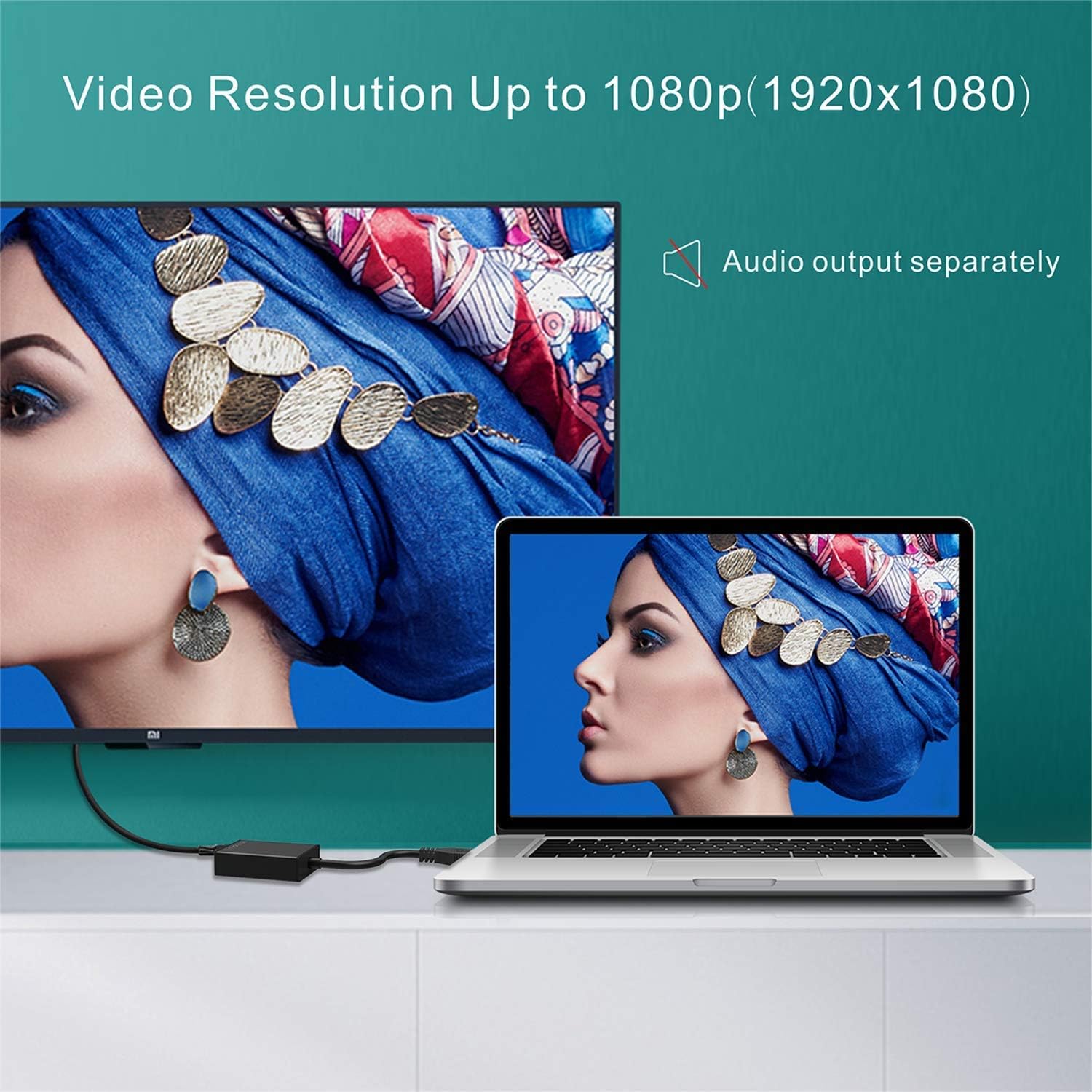
Figure 5: High-definition video output and separate audio.

Figure 6: 1920x1080 resolution supported even with USB 2.0.
5. Solució De Problemes
If you encounter issues with your ABLEWE USB to HDMI Adapter, please refer to the following common solutions:
- Pantalla no detectada: Ensure the adapter is securely connected to both your computer's USB port and the display's HDMI port. Verify that the correct input source is selected on your display.
- Problemes del controlador: If the display is not working or is unstable, the driver may not be installed correctly or may be corrupted. Re-run the driver installation from the virtual CD-ROM drive or consult the official ABLEWE support weblloc per als darrers controladors.
- Lagging or Choppy Video: While the adapter supports 1080P@60Hz, performance can be affected by your computer's processing power and the USB port used. Ensure you are using a USB 3.0 port if available for optimal performance. Close unnecessary applications to free up system resources.
- Sense àudio: Check your computer's sound settings to ensure audio is routed to the HDMI output. Also, verify that your HDMI cable supports audio transmission.
- Compatibilitat: Remember that this adapter is designed for Windows operating systems only. It will not function with Mac OS or Chrome OS.
6. Especificacions
| Característica | Detall |
|---|---|
| Marca | ABLEWE |
| Número de model | AB-HDMI-USB-069-US |
| Pes de l'article | 1.06 unces |
| Dimensions del producte | 5.51 x 3.15 x 0.79 polzades |
| Color | Negre |
| Tipus de connector | HDMI |
| Dispositius compatibles | PC |
| Usos específics | Monitor, Projector |
| Resolució màxima | 1080P (1920x1080) @ 60Hz |
| Estàndard USB | USB 3.0/USB 2.0 |
7. Garantia i Suport
The ABLEWE USB to HDMI Adapter comes with a 12 mesos de garantia i suport tècnic de per vida. If you encounter any problems or have questions during the use of this product, please contact us. We are committed to providing worry-free service.
For support, please refer to the contact information provided in your product packaging or visit the official ABLEWE weblloc.


