Introducció
Thank you for choosing the RCA BT710 Bluetooth Wireless Headphones. This manual provides essential information for the proper setup, operation, and maintenance of your device. Please read it thoroughly before use to ensure optimal performance and longevity.
The RCA BT710 headphones are designed for active lifestyles, featuring a comfortable, lightweight design, IPX5 water resistance, and magnetic earbuds for secure wear. Enjoy up to 10 hours of playtime with clear, crisp sound.
Contingut del paquet
Verifiqueu que tots els elements siguin presents al vostre paquet:
- RCA BT710 Bluetooth Headphones x 1
- Carry Pouch x 1
- Ear tips x 3 pairs (Large, Medium, Small)
- Ear fins x 3 pairs (Large, Medium, Small)
- Clip per cable x 1
- Cable de càrrega micro USB x 1
- Manual d'usuari x 1

Image: The complete package contents for the RCA BT710 headphones, including the headphones, various ear tips and fins, a Micro USB charging cable, and the user manual.
Producte acabatview

Image: A pair of blue RCA BT710 Bluetooth wireless headphones with a neckband design.
Característiques principals:
- Connectivitat Bluetooth: Quick pairing and stable connection with lower power consumption.
- So dinàmic: Powerful 6mm moving coil driver for clear audio and dynamic bass (20Hz–20kHz frequency range).
- Temps de joc ampliat: Up to 10 hours of music playback on a single 2-hour charge.
- Auriculars magnètics: Securely wear around your neck when not in use.
- Disseny ergonòmic: Includes 3 sizes of ear tips and ear fins for a comfortable and secure fit.
- Resistència a l'aigua IPX5: Internal nano coating protects against light rain and sweat.
- Control de tres botons: Easy management of music playback and calls.
Configuració
1. Càrrega dels auriculars
Before first use, fully charge your headphones. Use the provided Micro USB cable to connect the charging port on the inline control to a USB power source (e.g., computer USB port, wall adapter). The LED indicator will show charging status.
- Temps de càrrega: Aproximadament 2 hores per a una càrrega completa.
- Vol. De càrregatage: DC 5 V.
- Capacitat de la bateria: 110mAh/3.7V Li-polymer.
- Indicador LED: (Refer to the control diagram for LED location)
- Llum vermella: carregant
- Llum blava: completament carregada
2. Selecting Ear Tips and Ear Fins
For optimal sound quality and comfort, choose the ear tips and ear fins that best fit your ears. Experiment with the three provided sizes (Small, Medium, Large) to find the most secure and comfortable seal.

Image: An illustration demonstrating the secure fit of the RCA BT710 headphones, with interchangeable ear tips and ear fins in various sizes (S, M, L).
3. Emparellament Bluetooth
Follow these steps to pair your headphones with a Bluetooth-enabled device:
- Ensure the headphones are fully charged and turned off.
- Press and hold the Multifunction Button (center button on the inline control) for approximately 5-7 seconds until the LED indicator flashes red and blue alternately. This indicates pairing mode.
- Al dispositiu (telèfon intel·ligent, tauleta, etc.), activeu el Bluetooth i cerqueu els dispositius disponibles.
- Select "RCA BT710" from the list of found devices.
- Once paired, the LED indicator on the headphones will flash blue slowly, and you will hear an audible confirmation.
- If pairing is unsuccessful, turn off the headphones and repeat the steps.

Image: Illustration of the RCA BT710 headphones with a Bluetooth logo, signifying stable wireless connectivity.
Instruccions de funcionament
Controls acabatsview
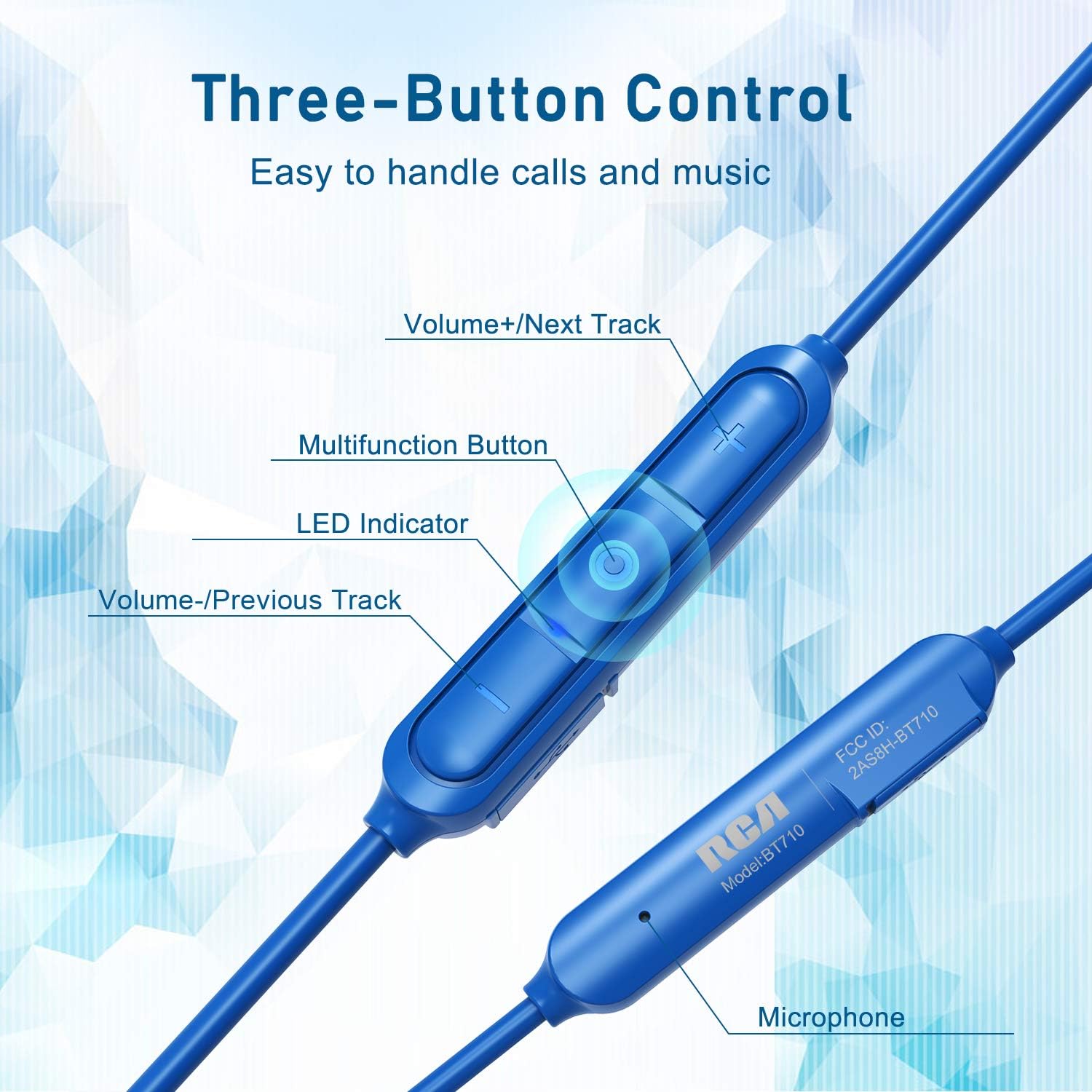
Imatge: Detallada view of the RCA BT710's inline three-button control panel, showing buttons for volume up/next track, multifunction, volume down/previous track, LED indicator, and microphone.
- Multifunction Button (Center):
- Press and hold (5-7s): Power On/Off, Enter Pairing Mode
- Short press: Play/Pause music, Answer/End call
- Doble pulsació: Tornar a marcar l'últim número
- Press and hold (2s during call): Reject call
- Volume + / Next Track Button:
- Premsa curta: augmenta el volum
- Manteniu premuda: següent pista
- Volume - / Previous Track Button:
- Premsa curta: disminueix el volum
- Premsa llarga: Pista anterior
- Indicador LED: Mostra l'estat de l'energia, la càrrega i l'emparellament.
- Micròfon: Per trucades mans lliures.
Portant els auriculars
Insert the earbuds into your ears, ensuring a snug fit with the chosen ear tips and fins. The cable should rest comfortably behind your neck. When not in use, the earbuds feature magnetic attraction, allowing them to clip together around your neck like a necklace, preventing loss.
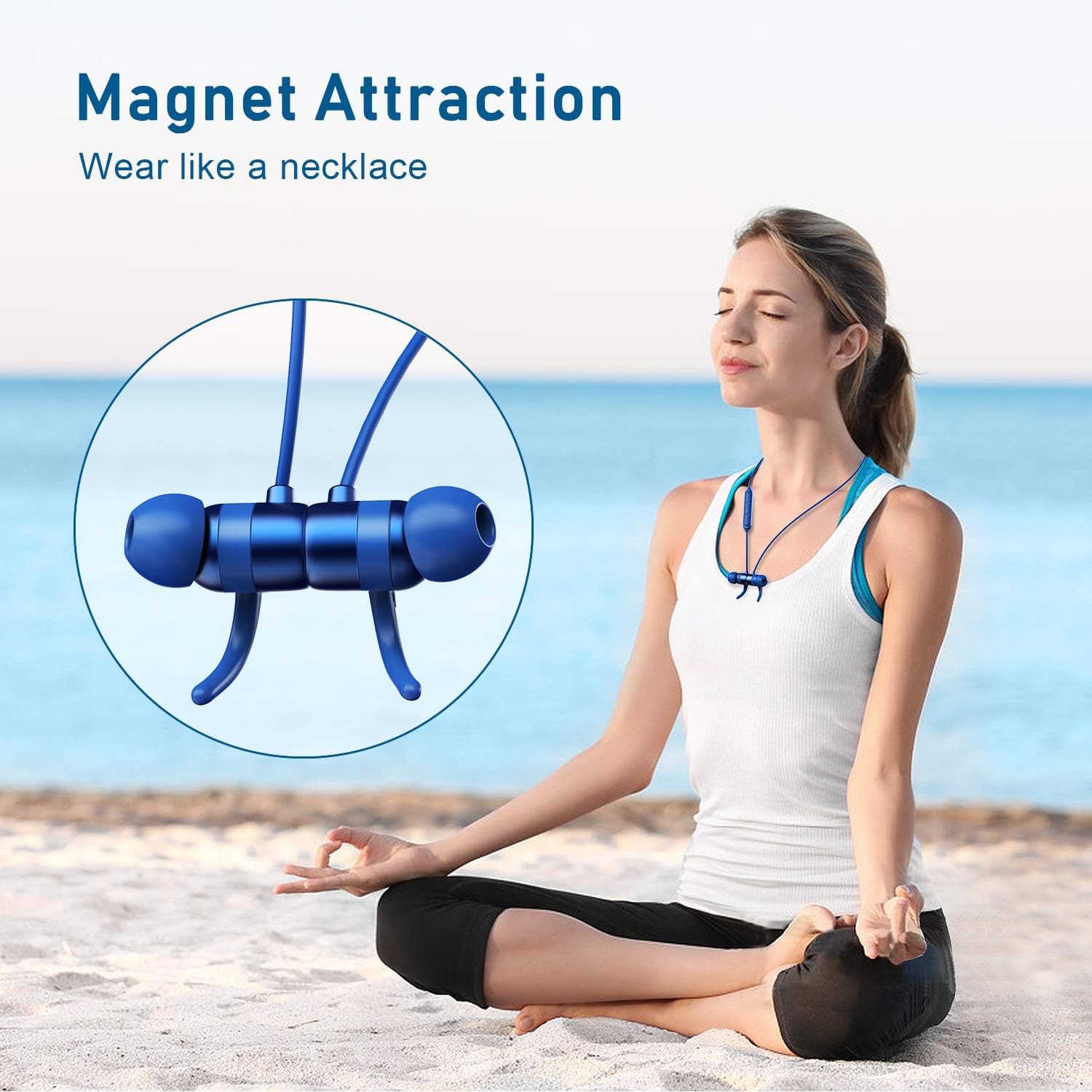
Image: A woman meditating outdoors, with the RCA BT710 headphones magnetically secured around her neck when not in use.
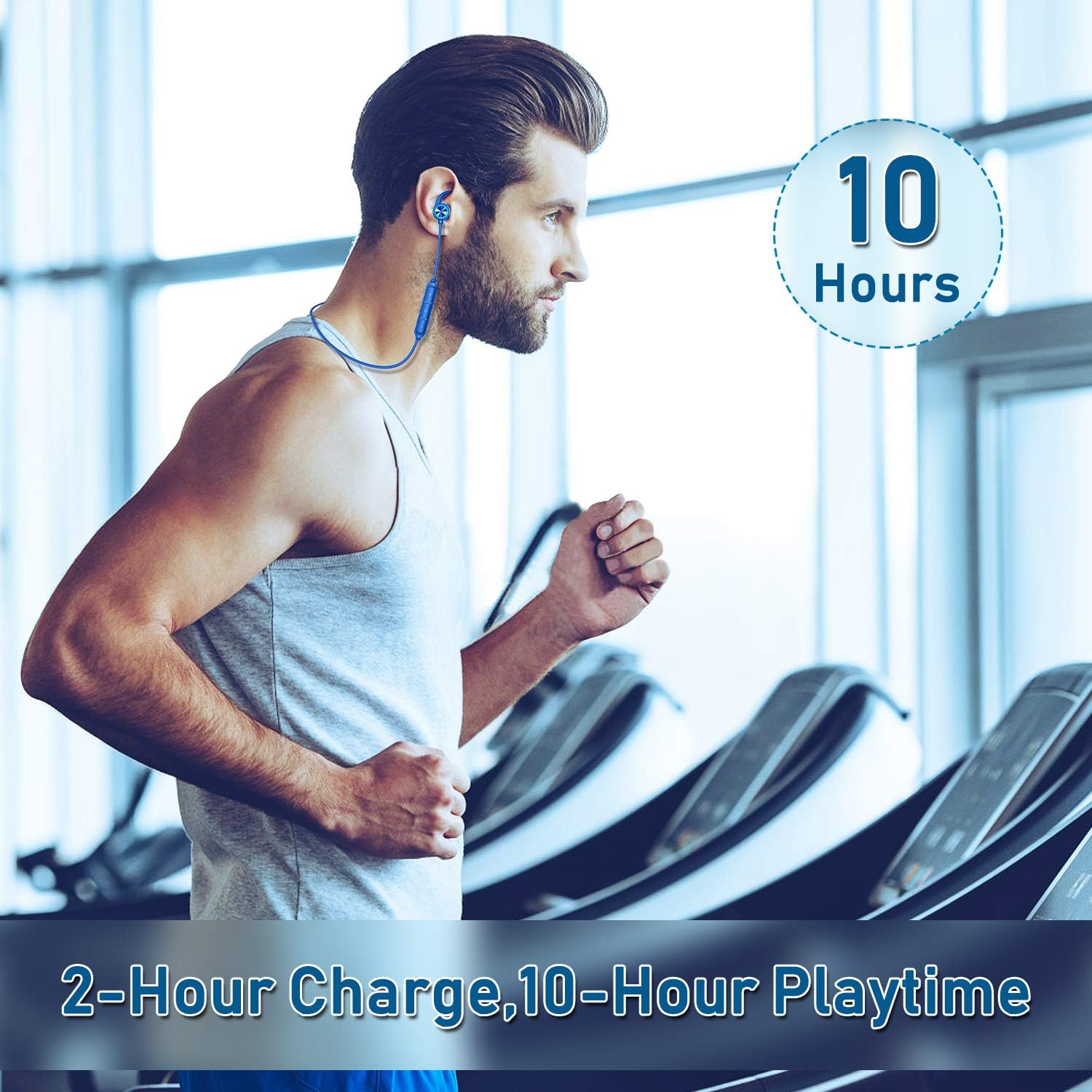
Image: A man exercising on a treadmill, wearing the RCA BT710 headphones, highlighting the 10-hour battery life and secure fit during activity.
Manteniment
- Neteja: Regularly clean the ear tips and the headphone body with a soft, dry cloth. For ear tips, you may use a slightly damp cloth with mild soap, then rinse and dry thoroughly before reattaching.
- Emmagatzematge: When not in use, store the headphones in the provided carry pouch to protect them from dust and damage. Avoid extreme temperatures.
- Resistència a l'aigua: The headphones are IPX5 rated, meaning they are resistant to light rain and sweat. Do not submerge them in water or expose them to heavy downpours. Ensure the charging port cover is securely closed.
- Càrrega: Use only the provided Micro USB cable or a certified equivalent. Avoid overcharging the battery.
Resolució de problemes
| Problema | Causa possible | Solució |
|---|---|---|
| Els auriculars no s'encenen. | Bateria baixa. | Carregueu els auriculars durant almenys 2 hores. |
| No es pot emparellar amb el dispositiu. | Auriculars no en mode d'emparellament; Bluetooth desactivat al dispositiu; dispositiu massa lluny. | Ensure headphones are in pairing mode (red/blue flashing LED). Turn on Bluetooth on your device. Move device closer to headphones (within 10 meters/33 feet). |
| No hi ha so o hi ha mala qualitat de so. | Volume too low; improper ear tip fit; device not connected; interference. | Increase volume on headphones and device. Adjust ear tips for a secure seal. Re-pair the headphones. Move away from sources of interference. |
| Els auriculars es desconnecten sovint. | Fora de l'abast; bateria baixa; interferències. | Keep device within 10 meters (33 feet). Charge headphones. Avoid strong electromagnetic interference. |
Especificacions
| Característica | Detall |
|---|---|
| Número de model | BT710 |
| Wireless Profile | HSP, HFP, A2DP, AVRCP |
| Interval d'operació | Up to 10 meters (33 feet) without obstacles |
| Tarifa impermeable | IPX5 |
| Temps de càrrega | Aproximadament 2 hores |
| Hora de parlar / jugar | Fins a 10 hores (varia segons el volum i el contingut) |
| Temps d'espera | Fins a 240 hores |
| Vol. De càrregatage | DC 5V |
| Tipus de bateria | Li-polímer |
| Capacitat de la bateria | 110 mAh/3.7 V |
| Resposta de freqüència | 20Hz–20kHz |
| Pes de l'article | 13.61 g (0.48 unces) |
| Dimensions del producte | 3.54 x 4.73 x 1.97 polzades |
Garantia i Suport
RCA products are designed for reliability and performance. For warranty information or technical support, please refer to the warranty card included in your package or visit the official RCA weblloc.
També podeu visitar el RCA Store on Amazon per obtenir més informació sobre el producte i recursos d'assistència.


