1. Introducció
The BarTender Software 2021 Enterprise Edition is a comprehensive solution designed for optimizing labeling, marking, and printing processes. It is utilized by organizations globally to enhance safety, security, efficiency, and compliance. This software facilitates the design and printing of labels, barcodes, cards, and RFID tags, operating either as a standalone application or integrated with existing systems. The Enterprise Edition is particularly suited for businesses in regulated industries or those with multiple locations requiring centralized control over design and printing workflows.
2. Configuració i instal·lació
2.1. Requisits del sistema
To ensure optimal performance, the BarTender Software 2021 Enterprise Edition requires a compatible Windows operating system. Specific hardware requirements may vary based on the complexity of labeling tasks and the volume of printing. It is recommended to consult the official BarTender documentation for detailed system specifications.
2.2. License Key Delivery
Upon purchase, a license key will be generated and delivered electronically via email. This process typically takes 2-3 business days. Ensure your email address is correct and check your spam folder if the key is not received within the expected timeframe. This product is electronically delivered only to locations within the United States or Canada.
2.3. Procés d'instal·lació
- Download the Software: Access the official BarTender download portal using the instructions provided with your license key.
- Executeu l'instal·lador: Execute the downloaded installer file i seguiu les indicacions de la pantalla.
- Enter License Key: During installation, you will be prompted to enter your electronically delivered license key. This key activates the 1 Base Application License and 5 Printer Licenses included with your purchase.
- Instal·lació completa: Follow the remaining steps to finalize the software installation.
3. Instruccions de funcionament
3.1. Designing Labels and Tags
BarTender provides a robust design interface for creating various types of labels, barcodes, cards, and RFID tags. The software supports a wide range of industry standards and customization options. Users can create new designs from scratch or utilize existing templates.
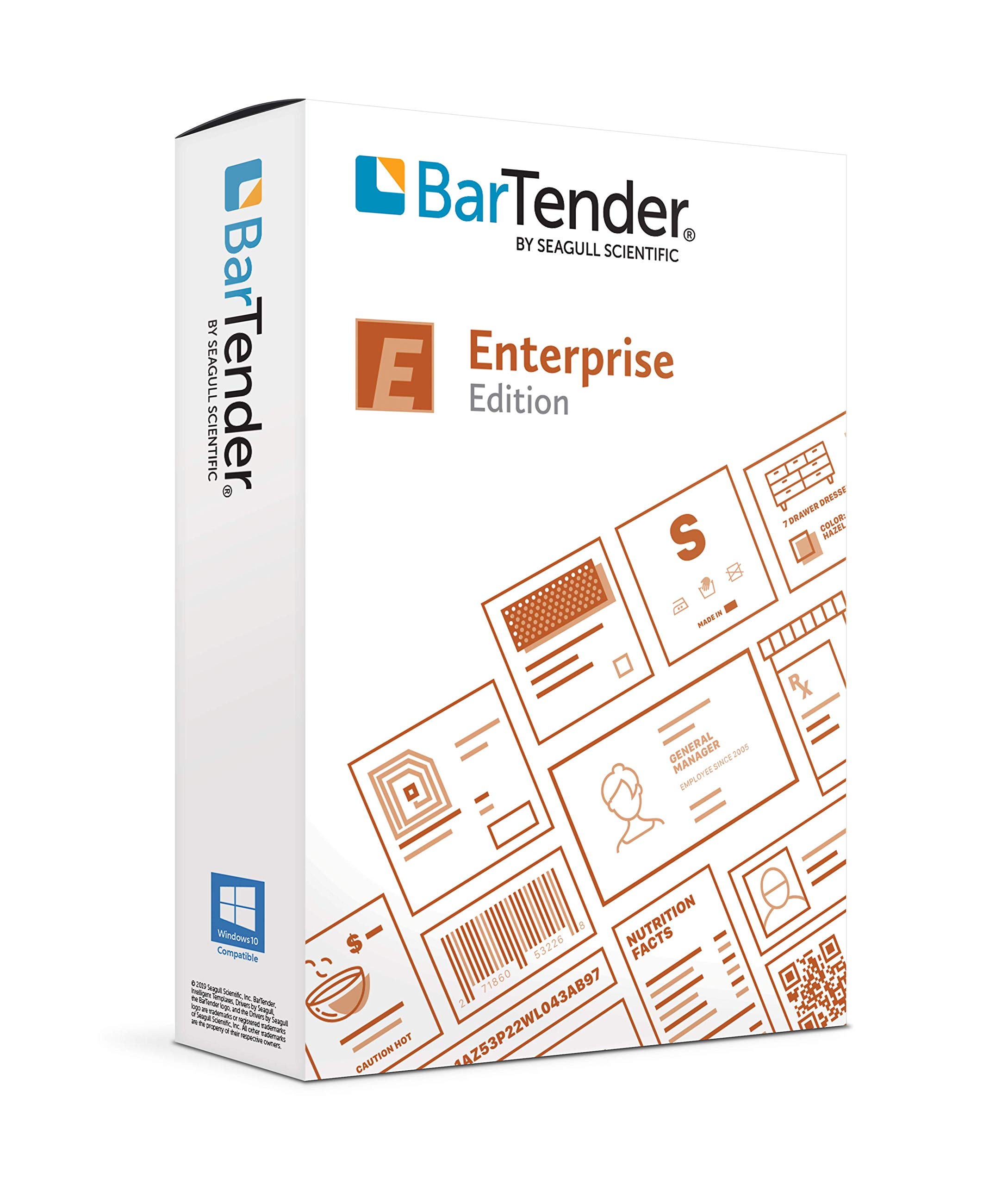
Figure 1: BarTender Software interface showing various label templates, including EU Energy Labels, for selection and management.
3.2. Printing and Marking Applications
The software supports diverse printing and marking applications, including:
- Impressió d'etiquetes: Standard label output to various printers.
- Print and Apply: Integration with automated systems for applying labels.
- Direct Marking: Marking directly on parts and packaging.
- Smart Card Encoding: Encoding data onto smart cards.
- Sign Production: Creating and printing signs.
3.3. Integration with Business Systems
BarTender Enterprise Edition can be integrated with various business systems to automate and streamline labeling processes. This includes connecting to databases for dynamic data population on labels and integrating with ERP or WMS systems.
3.4. Advanced Document Management
The Enterprise Edition features advanced label document management capabilities, including graphically based approved workflows and fast, secure, web-based printing. These features help manage the entire labeling lifecycle, ensuring consistency and compliance across the organization.
4. Manteniment
Your purchase includes 1 Year of Standard Maintenance and Support. This ensures you receive updates, patches, and technical assistance to keep your BarTender software running efficiently. Regular software updates are crucial for security, performance, and compatibility with new operating systems or hardware.
- Actualitzacions de programari: Periodically check for and install available software updates to benefit from new features and bug fixes.
- Gestió de llicències: Monitor your printer license usage to ensure compliance and efficient operation.
- Configuracions de còpia de seguretat: Regularly back up your label designs and software configurations to prevent data loss.
5. Solució De Problemes
If you encounter issues with your BarTender Software, consider the following troubleshooting steps:
- Problemes d'instal·lació: Verify that the installation process was completed successfully and that the license key was entered correctly. Ensure your system meets the minimum requirements.
- Problemes d'impressió: Check printer connectivity, driver installation, and printer settings within BarTender. Ensure the correct printer license is available and assigned.
- Software Performance: Close unnecessary applications to free up system resources. Ensure your operating system and BarTender software are up to date.
- Activació de la llicència: If the software is not activating, re-enter the license key or contact support for assistance.
- Missatges d'error: Note down any error messages precisely. These messages often provide clues for diagnosing the problem. Refer to the BarTender knowledge base or contact support with the error details.
6. Especificacions
| Característica | Detall |
|---|---|
| Nom del producte | BarTender Software 2021 Enterprise Edition |
| Marca | GAVITA CIENTÍFICA |
| ASIN | B07VGVYBP9 |
| Fabricant | GAVITA CIENTÍFICA |
| Included Licenses | 1 Base Application License, 5 Printer Licenses |
| Manteniment i assistència | 1 Year Standard Maintenance and Support |
| Mètode de lliurament | Electronic (Email) |
| Geographic Delivery | United States or Canada only |
| Item Weight (Software) | 1 lliures (Refers to package weight for digital delivery) |
| Primer disponible | 18 de juliol de 2019 |
7. Assistència i garantia
7.1. Suport tècnic
Your purchase includes 1 year of Standard Maintenance and Support from SEAGULL SCIENTIFIC. For technical assistance, software updates, or any inquiries regarding the operation of BarTender Software, please refer to the contact information provided with your license key or visit the official SEAGULL SCIENTIFIC support weblloc.
7.2. License Key Inquiries
If you have not received your license key within 2-3 business days of purchase, or if you require assistance with license activation, please contact the vendor (UNIQUEPOS LLC) or SEAGULL SCIENTIFIC support directly.


