1. Introducció
The Amazon Echo Dot (4th Gen) is a smart speaker designed to integrate Alexa into your home. Its spherical design delivers clear vocals and balanced bass for a full sound experience. This manual provides essential information for setting up, operating, maintaining, and troubleshooting your device.
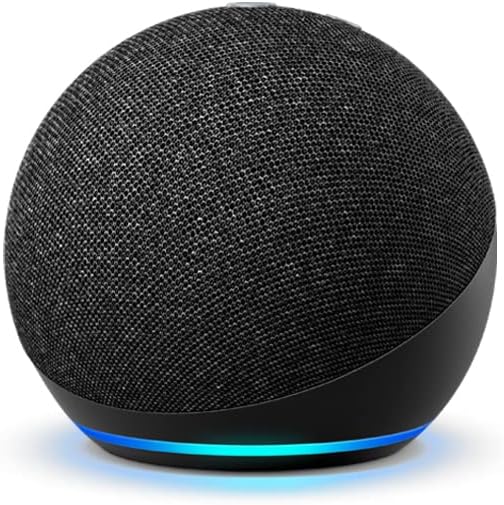
Image 1: The Amazon Echo Dot (4th Gen) in Charcoal, showcasing its spherical design and light ring.
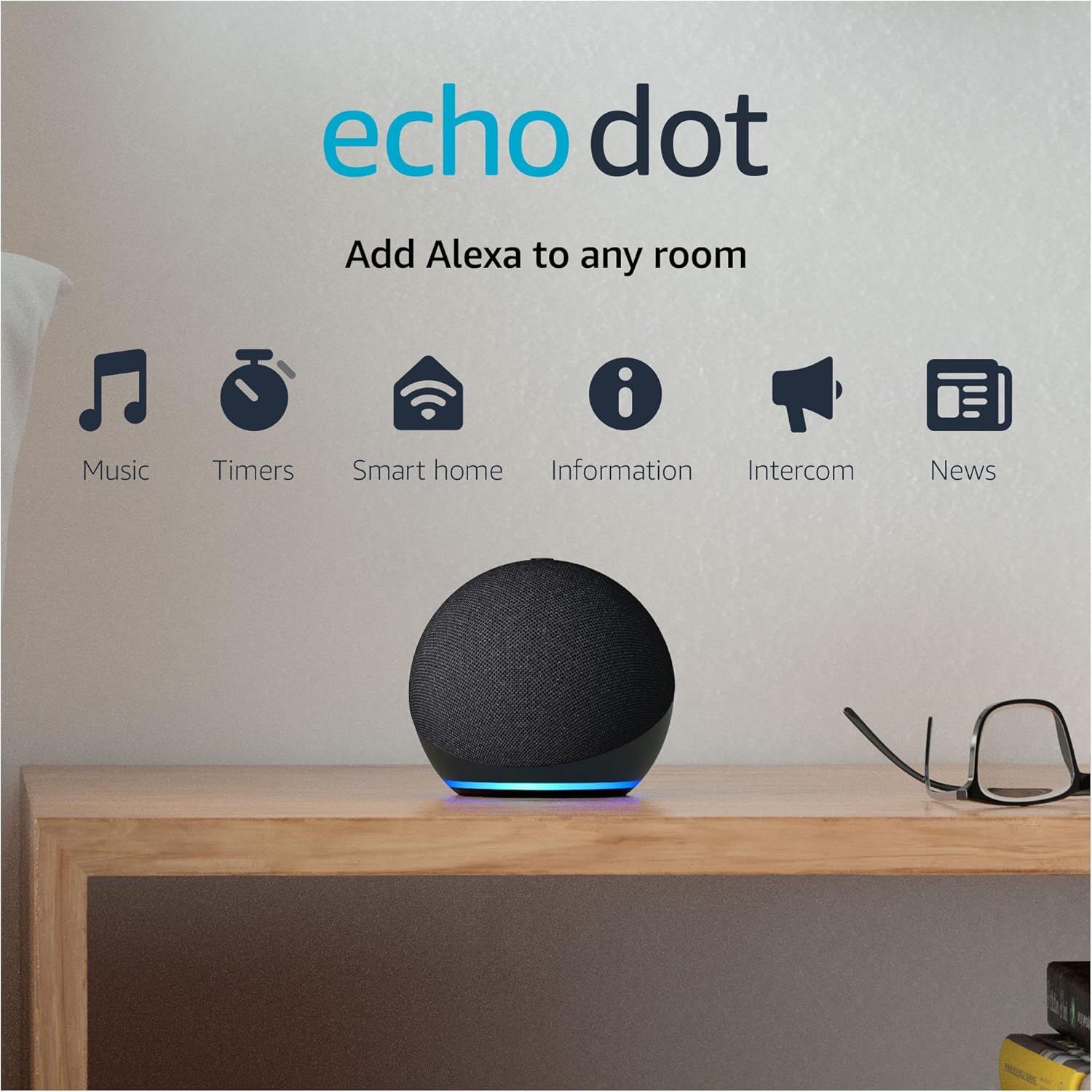
Image 2: An Echo Dot on a wooden surface, surrounded by icons representing its core functionalities: music playback, timers, smart home control, information retrieval, intercom features, and news updates.
2. Configuració
Follow these steps to set up your Echo Dot (4th Gen):
- Desempaquetar el dispositiu: Remove the Echo Dot and its power adapter from the packaging.
- Encès: Plug the included power adapter into the Echo Dot and then into a wall outlet. The light ring on the bottom of the device will turn blue, then orange, indicating it is ready for setup.
- Download the Alexa App: Al teu telèfon intel·ligent o tauleta, descarrega l'aplicació Amazon Alexa des de la botiga d'aplicacions del teu dispositiu.
- Connecta't a Wi-Fi: Open the Alexa app and follow the on-screen instructions to connect your Echo Dot to your Wi-Fi network. The Echo Dot supports dual-band Wi-Fi (2.4 GHz and 5 GHz).
- Configuració completa: Once connected, the light ring will turn off, and Alexa will greet you. Your Echo Dot is now ready for use.
For more detailed instructions or troubleshooting during setup, refer to the Alexa app.
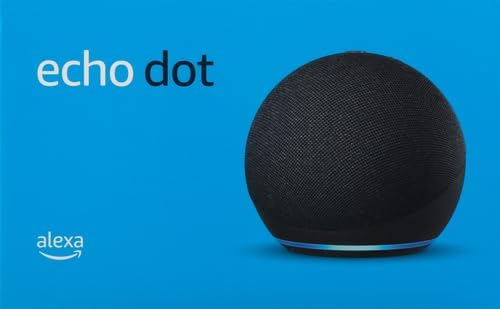
Imatge 3: Un front view of the Echo Dot (4th Gen), showing its fabric-covered speaker and the light ring at the base.
3. Operating Your Echo Dot
The Echo Dot is primarily voice-controlled using the wake word "Alexa."
Comandaments de veu
- Música i àudio: Say, "Alexa, play music" or "Alexa, play my workout playlist on Spotify." You can also ask for specific songs, artists, or genres.
- Informació: Ask, "Alexa, what's the weather?" or "Alexa, tell me the news."
- Temporitzadors i alarmes: Set a timer with, "Alexa, set a timer for 10 minutes." Set an alarm with, "Alexa, set an alarm for 7 AM."
- Control de la llar intel·ligent: If you have compatible smart home devices, say, "Alexa, turn on the lights" or "Alexa, set the thermostat to 72 degrees."
- Rutines: Create custom routines in the Alexa app. For example, "Alexa, good morning" could turn on lights, play news, and start the coffee maker.
- Comunicació: Use "Alexa, call Mom" or "Alexa, drop in on the kitchen Echo." You can also make announcements to all Echo devices in your home by saying, "Alexa, announce 'dinner is ready!'"
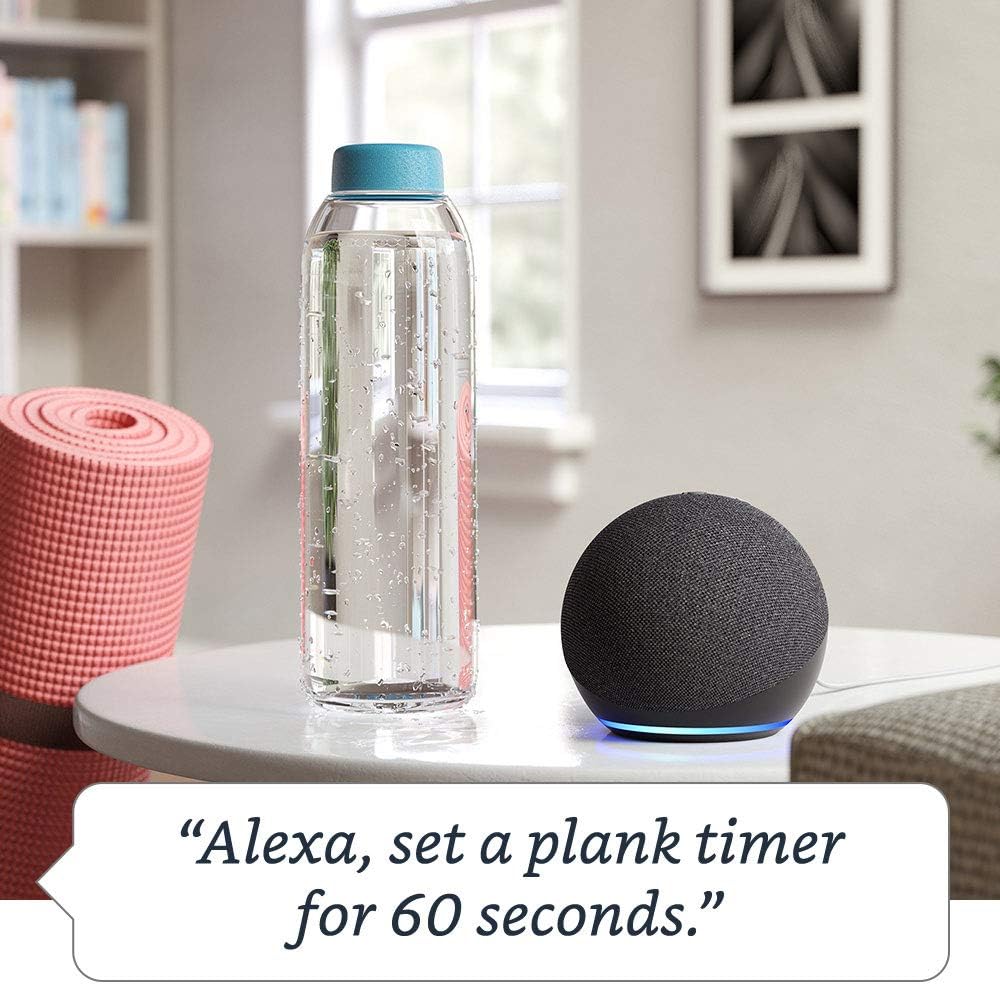
Image 4: An Echo Dot on a table, illustrating its ability to respond to voice commands such as setting alarms or playing news.

Image 5: A diagram of a multi-story house with Echo Dot devices placed in various rooms, demonstrating the multi-room music feature where Alexa can play music everywhere simultaneously.
Controls físics
The Echo Dot has physical buttons on its top surface:
- Pujar/baixar el volum: Ajusteu el volum de l'altaveu.
- Botó d'acció: Activates Alexa without using the wake word, or dismisses alarms/timers.
- Microphone Off Button: Press this button to electronically disconnect the microphones. The light ring will turn red when the microphones are off, indicating that Alexa cannot hear you. Press it again to re-enable the microphones.

Imatge 6: Una imatge de dalt a baix view of the Echo Dot (4th Gen), highlighting the physical buttons for volume control, action, and microphone mute.
4. Manteniment
To ensure optimal performance and longevity of your Echo Dot:
- Neteja: Use a soft, dry, lint-free cloth to clean the device. Do not use abrasive cleaners or sprays.
- Col·locació: Place the Echo Dot on a stable surface, away from sources of heat, direct sunlight, and liquids. Ensure proper ventilation.
- Actualitzacions de programari: Your Echo Dot automatically receives software security updates. Ensure your device is connected to Wi-Fi to receive these updates.
5. Solució De Problemes
If you encounter issues with your Echo Dot, try the following:
- Sense energia: Ensure the power adapter is securely plugged into both the Echo Dot and a working wall outlet.
- Sense connexió Wi-Fi: Check your Wi-Fi router and ensure it is working. Restart your router and the Echo Dot. Verify your Wi-Fi password in the Alexa app. The Echo Dot supports 802.11a/b/g/n/ac (2.4 and 5 GHz) networks.
- Alexa no respon: Ensure the microphone is not muted (the light ring should not be red). Speak clearly and ensure you are within hearing range of the device.
- Problemes de so: Adjust the volume using voice commands or the physical buttons. Check if the device is connected to an external Bluetooth speaker if sound is not coming from the Echo Dot itself.
- Amazon Sidewalk: If you experience network connectivity issues, especially after changing your Wi-Fi password, Amazon Sidewalk might be enabled. You can disable Sidewalk at any time from Account Settings in the Alexa App.
- Reinicieu el dispositiu: Unplug the power adapter from the Echo Dot for a few seconds, then plug it back in.
For further assistance, consult the help section within the Alexa app or visit the Amazon device support weblloc.
6. Especificacions
| Característica | Detall |
|---|---|
| Mida | 3.9" x 3.9" x 3.5" (100 x 100 x 89 mm) |
| Pes | 12 oz (341.3 g) |
| Connectivitat Wi-Fi | Dual-band Wi-Fi supports 802.11a/b/g/n/ac (2.4 and 5 GHz) networks. Does not support ad-hoc networks. |
| Connectivitat Bluetooth | A2DP support for audio streaming; AVRCP for voice control of connected mobile devices. PIN-coded Bluetooth speakers are not supported. |
| Àudio | 1.6” speaker. 3.5 mm line out for external speakers (cable not included). |
| Requisits del sistema | Wi-Fi connection. Alexa app compatible with Fire OS, Android, iOS, and web navegadors. |
| Generació | Echo Dot (4th Gen) - 2020 release |
| Llengua | Alexa speaks English and Spanish |
| Inclòs a la Caixa | Echo Dot, power adapter (15W), Quick Start Guide. |
7. Garantia i Suport
Informació de la garantia
Your Echo Dot (4th Gen) comes with a 90-day limited warranty and service. Optional 1-year, 2-year, and 3-year extended warranties are available for U.S. customers and are sold separately. Use of the Echo Dot is subject to the terms and conditions provided by Amazon.
Característiques d'accessibilitat
The Alexa app and Alexa-enabled products include various features to assist customers with accessibility needs related to vision, hearing, mobility, and speech. For more details, please refer to the Alexa accessibility section within the Alexa app or on the Amazon weblloc.
Característiques de privadesa
Amazon Echo devices are designed with multiple layers of privacy controls. These include wake word technology, streaming indicators, a microphone off button, and the ability to view and delete your voice recordings. For comprehensive information on how Alexa and Echo devices protect your privacy, visit the Centre de privadesa d'Alexa.


