1. Introducció
The TELLUR Basic Wireless Mini Mouse (Model TLL491001) is a compact and lightweight peripheral designed for convenience and portability. Featuring a reliable 2.4GHz wireless connection with a 10-meter range and adjustable DPI settings, this mouse offers a comfortable and efficient user experience for various computing tasks. Its plug-and-play functionality ensures easy setup and immediate use.
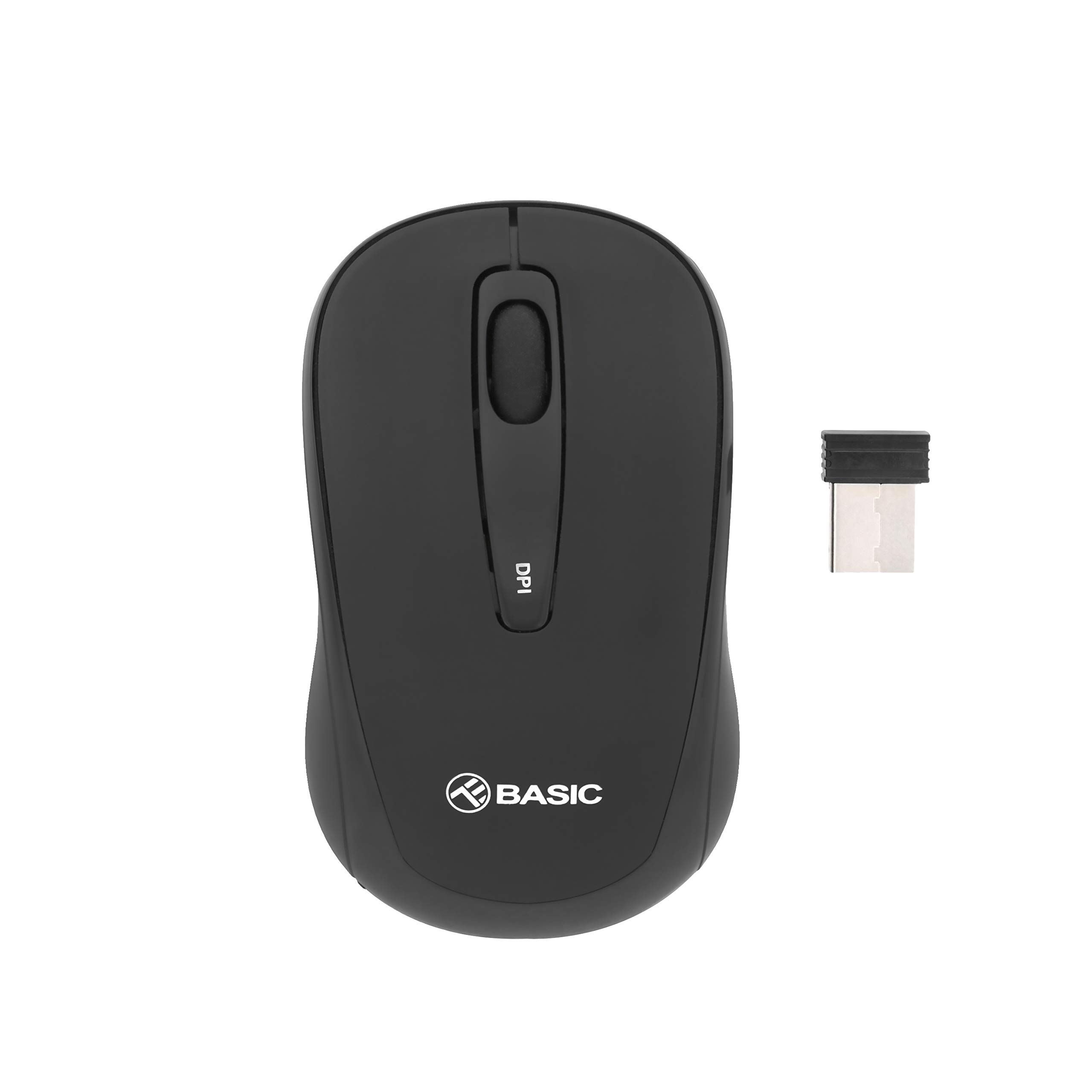
Imatge 1.1: Part superior view of the TELLUR Basic Wireless Mini Mouse.
2. Contingut del paquet
Si us plau, verifiqueu que tots els elements siguin presents al vostre paquet:
- TELLUR Basic Wireless Mini Mouse
- USB Receiver (typically stored inside the mouse's battery compartment)
3. Instruccions de configuració
Follow these steps to set up your TELLUR Basic Wireless Mini Mouse:
- Insereix les piles: Open the battery compartment cover, usually located on the underside of the mouse. Insert two (2) AAA batteries, ensuring correct polarity (+/-). Close the battery compartment cover.
- Localitza el receptor USB: The small USB receiver is typically stored within the battery compartment or a dedicated slot on the mouse for safekeeping during transport. Remove it carefully.
- Connecteu el receptor USB: Connecteu el receptor USB a un port USB disponible de l'ordinador. El sistema operatiu hauria de detectar i instal·lar automàticament els controladors necessaris.
- Power On Mouse: Locate the power switch on the underside of the mouse and slide it to the 'ON' position. The mouse should now be ready for use.

Imatge 3.1: Anglesa view of the mouse, showing its compact design.
4. Instruccions de funcionament
The TELLUR Basic Wireless Mini Mouse offers standard mouse functionalities and an adjustable DPI setting:
- Botó esquerre: Funció de clic principal.
- Botó dret: Secondary click function, typically for context menus.
- Roda de desplaçament: Desplaça't amunt o avall pels documents i web pages. Can also be pressed for a middle-click function.
- Botó d'ajust de DPI: Located on the top of the mouse, this button allows you to cycle through different sensitivity levels (800, 1200, and 1600 DPI). Press the button to change the cursor speed to suit your preference or task.

Imatge 4.1: Part superior view highlighting the DPI adjustment button.
5. Manteniment
Per garantir la longevitat i el rendiment òptim del ratolí, seguiu aquestes pautes de manteniment:
- Neteja: Use a soft, dry cloth to clean the mouse's surface. For stubborn dirt, slightly dampNetegeu el drap amb aigua o una solució de neteja suau. Eviteu utilitzar productes químics agressius o materials abrasius.
- Neteja del sensor: Occasionally, gently wipe the optical sensor on the underside of the mouse with a cotton swab to remove dust or debris that may affect tracking performance.
- Substitució de la bateria: When the mouse's performance becomes erratic or stops responding, it is likely time to replace the AAA batteries. Always replace both batteries at the same time.
- Emmagatzematge: When not in use for extended periods, turn off the mouse to conserve battery life. Store the USB receiver inside the mouse to prevent loss.
6. Solució De Problemes
If you encounter issues with your TELLUR Basic Wireless Mini Mouse, refer to the following table for common problems and solutions:
| Problema | Solució |
|---|---|
| El ratolí no respon. |
|
| El moviment del cursor és erràtic o irregular. |
|
| Wireless connection is unstable or has limited range. |
|
7. Especificacions
| Característica | Detall |
|---|---|
| Marca | TELLUR |
| Nom del model | Tellur Basic Wireless Mini Mouse |
| Número de model de l'article | TLL491001 |
| Color | Negre |
| Tecnologia de connectivitat | Sense fil (receptor USB) |
| Tecnologia de detecció de moviment | Òptic |
| Resolució DPI | 800 / 1200 / 1600 (Ajustable) |
| Nombre de botons | 3 |
| Orientació de la mà | Ambidextre |
| abast sense fils | Fins a 10 metres |
| Piles necessàries | 2 x piles AAA |
| Pes de l'article | 30 grams |
| Característica especial | USB receiver included (inside or with mouse) |
8. Garantia i Suport
For warranty information or technical support, please refer to the documentation provided with your purchase or visit the official TELLUR weblloc web. Conserveu el comprovant de compra per a reclamacions de garantia.


