1. Introducció
Gràcies per la compraasing the FEELWORLD F6 On-Camera Monitor. This manual provides detailed instructions for the proper use, setup, and maintenance of your monitor. Please read this manual thoroughly before operating the device to ensure optimal performance and to prevent damage.
The FEELWORLD F6 is a compact and lightweight 5.7-inch Full HD 1920x1080 IPS monitor designed for DSLR and mirrorless cameras. It features a 170° wide viewing angle, professional Rec.709 color calibration, and a range of advanced monitoring tools to assist in professional video production.
Informació de seguretat
- No exposeu el monitor a la pluja ni a la humitat per evitar descàrregues elèctriques o incendis.
- Eviteu col·locar el monitor a la llum solar directa o a prop de fonts de calor.
- Use only the specified power adapter or compatible batteries.
- No desmunteu ni modifiqueu el monitor. Encarregueu tot el manteniment a personal qualificat.
- Mantingueu el monitor allunyat de camps magnètics forts.
2. Contingut del paquet
Si us plau, comproveu que tots els articles estiguin presents al vostre paquet:
- FEELWORLD F6 On-Camera Monitor
- Braç inclinat
- Cable HDMI
- Para-sol
- Manual d'usuari
3. Producte acabatview
The FEELWORLD F6 monitor is designed for ease of use and portability, featuring a slim profile and lightweight construction.
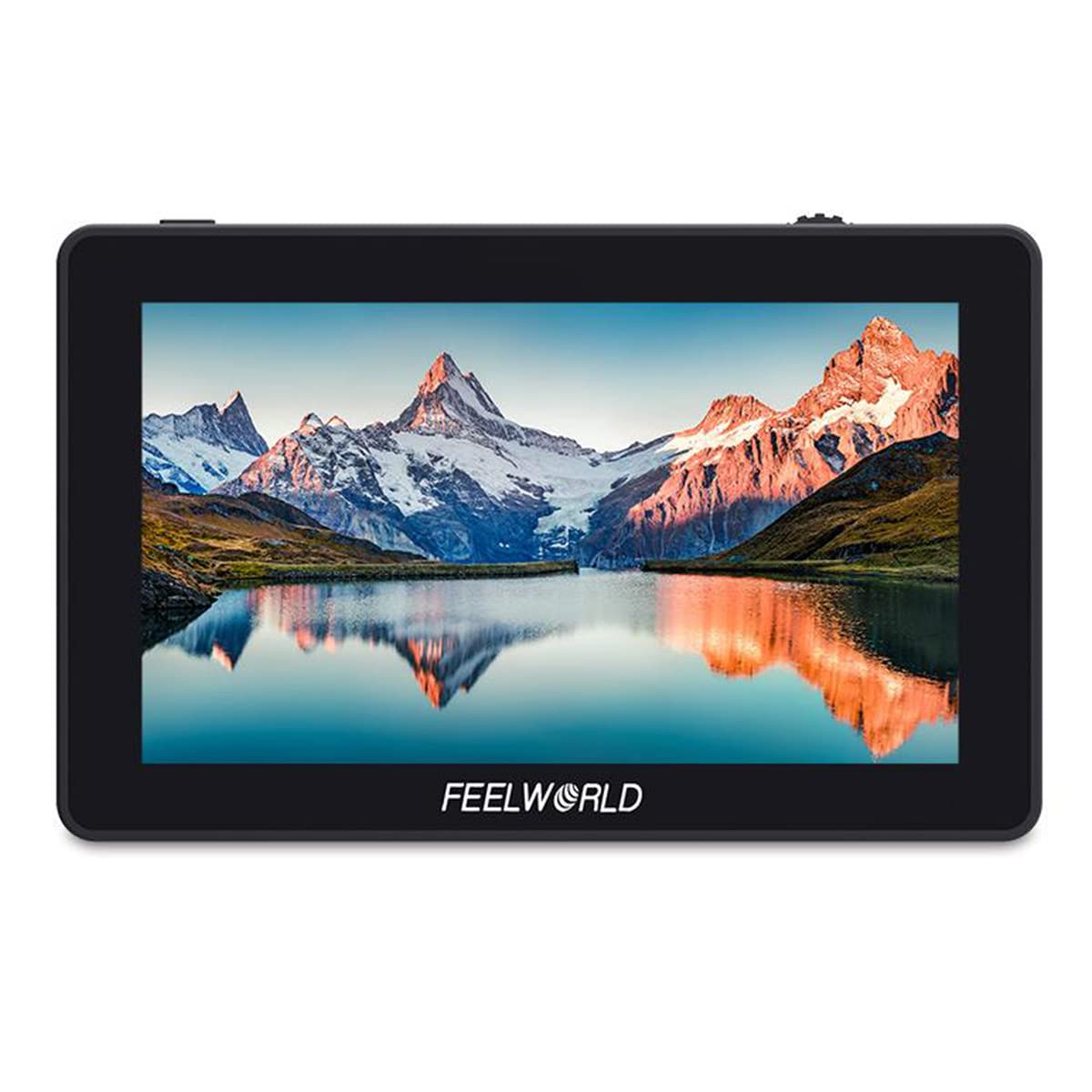
Figure 3.1: FEELWORLD F6 monitor mounted on a camera with a microphone.
Ports i botons

Figura 3.2: lateral view of the FEELWORLD F6 monitor illustrating its various input and output ports.
- DC IN 12V: Power input for the monitor.
- SORTIDA DC 8V: Power output to power compatible cameras or accessories.
- Entrada HDMI: HDMI input for video signal from your camera.
- ACTUALITZACIÓ USB: Port USB per a actualitzacions de firmware.
- 3.5mm Ear Phone Slot: Audio output for monitoring sound.
- Botons de funció: Customizable buttons for quick access to monitor features.
- Botó de menú: Accesses the monitor's main menu.
- Roda de desplaçament: Navega per les opcions del menú i ajusta la configuració.
4. Configuració
4.1 Muntatge del monitor
The FEELWORLD F6 includes a tilt arm for flexible mounting options on your camera's hot shoe or cold shoe mount.

Figure 4.1: The monitor attached to a camera via the included tilt arm, allowing for angle adjustments.
- Attach the tilt arm to your camera's hot shoe or cold shoe mount.
- Securely fasten the tilt arm.
- Mount the FEELWORLD F6 monitor onto the tilt arm using the ¼-20 screw.
- Adjust the monitor to your desired viewing angle and tighten the tilt arm.
4.2 Alimentació del monitor
The F6 monitor supports both DC power input and battery power.

Figura 4.2: posterior view of the monitor, highlighting the battery plate for compatible rechargeable batteries.
- Potència CC: Connect a 7-24V DC power adapter to the 'DC IN 12V' port.
- Potència de la bateria: Attach a compatible NP-F series battery (e.g., NP-F970) to the battery plate on the back of the monitor.
4.3 Connexió a una càmera
Use an HDMI cable to connect your camera to the monitor.
- Ensure both the monitor and camera are powered off.
- Connect one end of the HDMI cable to your camera's HDMI output port.
- Connect the other end of the HDMI cable to the 'HDMI IN' port on the FEELWORLD F6 monitor.
- Power on the monitor, then power on your camera. The video signal should appear on the monitor.
5. Instruccions de funcionament
5.1 Funcionament bàsic
- Encès/apagat: Press and hold the power button (usually located on the side or top) for a few seconds to turn the monitor on or off.
- Navegació del menú: Press the 'MENU' button to access the main menu. Use the scroll wheel to navigate through options and press the wheel to confirm selections.
- Botons de funció: The F1/F2/F3 buttons are customizable. You can assign frequently used functions (e.g., Peaking, False Color) to these buttons via the menu.
5.2 Advanced Monitoring Features
The F6 monitor includes several professional tools to assist with exposure, focus, and framing:
- Filtre de pic: Highlights sharp edges in red, green, or blue to assist with focus.
- Histograma: Displays the tonal distribution of the image, helping to prevent over or under-exposure.
- Falsos colors: Assigns specific color overlays to different exposure levels, making it easy to identify overexposed or underexposed areas.
- Exposició (zebres): Displays zebra patterns over areas exceeding a set exposure threshold.
- Àudio incrustat: Visualizes audio levels on the screen.
- Mode anamòrfic: Desprem el foo anamòrfictage per correcte viewing.
- Nine Grids: Overlays a 3x3 grid for composition assistance.
- Ampliar: Amplia una part de la imatge per a un enfocament crític.
- Pixel-to-Pixel: Displays the image at its native resolution without scaling.
- Camp de verificació: Displays only red, green, blue, or mono channels for color analysis.
- Flip de la imatge: Flips the image horizontally or vertically, useful for various mounting orientations.
- Imatge congelada: Pauses the current frame on the screen.
5.3 Color Calibration (Rec.709 Standard)
The FEELWORLD F6 monitor is factory-calibrated to the professional Rec.709 HD color standard, ensuring accurate color reproduction.

Figure 5.1: Illustration of the Rec.709 color standard, indicating the monitor's professional color accuracy.

Figure 5.2: Visual comparison demonstrating the improved color accuracy after professional calibration.
This calibration ensures that the colors displayed on the monitor are consistent and true to the source, which is crucial for critical monitoring during production.
6. Manteniment
6.1 Neteja
- Use a soft, dry cloth to clean the monitor's exterior.
- For the screen, use a microfiber cloth specifically designed for electronics. If necessary, lightly dampNetegeu el drap amb una solució netejadora de pantalles. No ruixeu líquid directament sobre la pantalla.
- Eviteu utilitzar productes químics agressius, dissolvents o netejadors abrasius.
6.2 Emmagatzematge
- Quan no l'utilitzeu, guardeu el monitor en un lloc fresc i sec, allunyat de la llum solar directa i de temperatures extremes.
- If storing for an extended period, remove any attached batteries.
- Use a protective case or pouch to prevent scratches and impacts.
7. Solució De Problemes
| Problema | Causa possible | Solució |
|---|---|---|
| El monitor no s'encén. | Sense alimentació, bateria baixa o connexió d'alimentació defectuosa. | Check DC power connection or replace/recharge battery. Ensure power button is pressed correctly. |
| Sense senyal de vídeo. | Incorrect HDMI connection, camera not outputting signal, or incorrect input selected. | Verify HDMI cable connection. Check camera's HDMI output settings. Ensure 'HDMI IN' is selected on the monitor. |
| La imatge està distorsionada o parpelleja. | Faulty HDMI cable, incompatible resolution, or interference. | Try a different HDMI cable. Adjust camera's output resolution. Move away from sources of electromagnetic interference. |
| Monitor gets hot during operation. | Funcionament normal o mala ventilació. | Some warmth is normal. Ensure adequate airflow around the monitor. If excessively hot, power off and allow to cool. |
Si el problema persisteix després d'intentar aquestes solucions, poseu-vos en contacte amb l'atenció al client.
8. Especificacions
| Característica | Especificació |
|---|---|
| Model | F6 |
| Mida de la pantalla | 5.7" IPS |
| Resolució | 1920 x 1080 píxels |
| Pixel Pitch | 0.0657 x 0.0219 mm |
| Relació d'aspecte | 16:9 |
| Brillantor | 460 cd/m² |
| Relació de contrast | 1400:1 |
| Llum de fons | LED |
| Viewangle ing | 85°/85° (L/R) 85°/85° (U/D) |
| Entrada Voltage | 7 ~ 24 V CC |
| Consum d'energia | ≤ 8 W |
| Connector d'alimentació | DC |
| Temperatura de funcionament | -20 °C ~ 55 °C |
| Temperatura d'emmagatzematge | -30 °C ~ 65 °C |
| Instal·lació | 3 x ¼-20 Thread points (top, bottom, right side) |
| Dimensions | 154 x 90 x 23 mm |
| Pes de la unitat | 200 g |
| HDMI Input/Output Support | 480i/576i/480p/576p, 1080i (60/59.94/50), 720p (60/59.94/50/30/29/25/24/23.98), 1080p (60/59.94/50/30/29.97/25/24/24sF/23.98/ 23.98sF), 4K UHD 3840 × 2160p (30/29.97/25/24/23.98 Hz), 4096 × 2160p (24 Hz) |
| Sortida d'àudio | Conector d'auriculars estèreo de 3.5 mm |
| Número de referència | 712350122799 |
| ASIN | B07ZR8SHZ8 |
9. Garantia i Suport
9.1 Informació de la garantia
FEELWORLD products typically come with a limited warranty against defects in materials and workmanship. Please refer to the warranty card included with your product or visit the official FEELWORLD weblloc web per conèixer els termes i condicions de garantia específics aplicables a la vostra regió.
9.2 Atenció al client
For technical assistance, troubleshooting, or service inquiries, please contact FEELWORLD customer support. You can usually find contact information, including email and phone numbers, on the official FEELWORLD weblloc (www.feelworld.cn) o a través del vostre distribuïdor local.
When contacting support, please have your product model (F6) and purchase information ready.


